Additional note on vertical mount interference
Some graphics cards are equipped with an oversized cooler that exceeds greatly the dimensions defined by the PCIe specification. When such card is assembled in the vertical mount bracket, it will come into the CPU cooler area and in some cases may present mechanical interferences. When faced with such interferences with the southward facing water tubes on the Liquid Freezer III, below solution is advised.
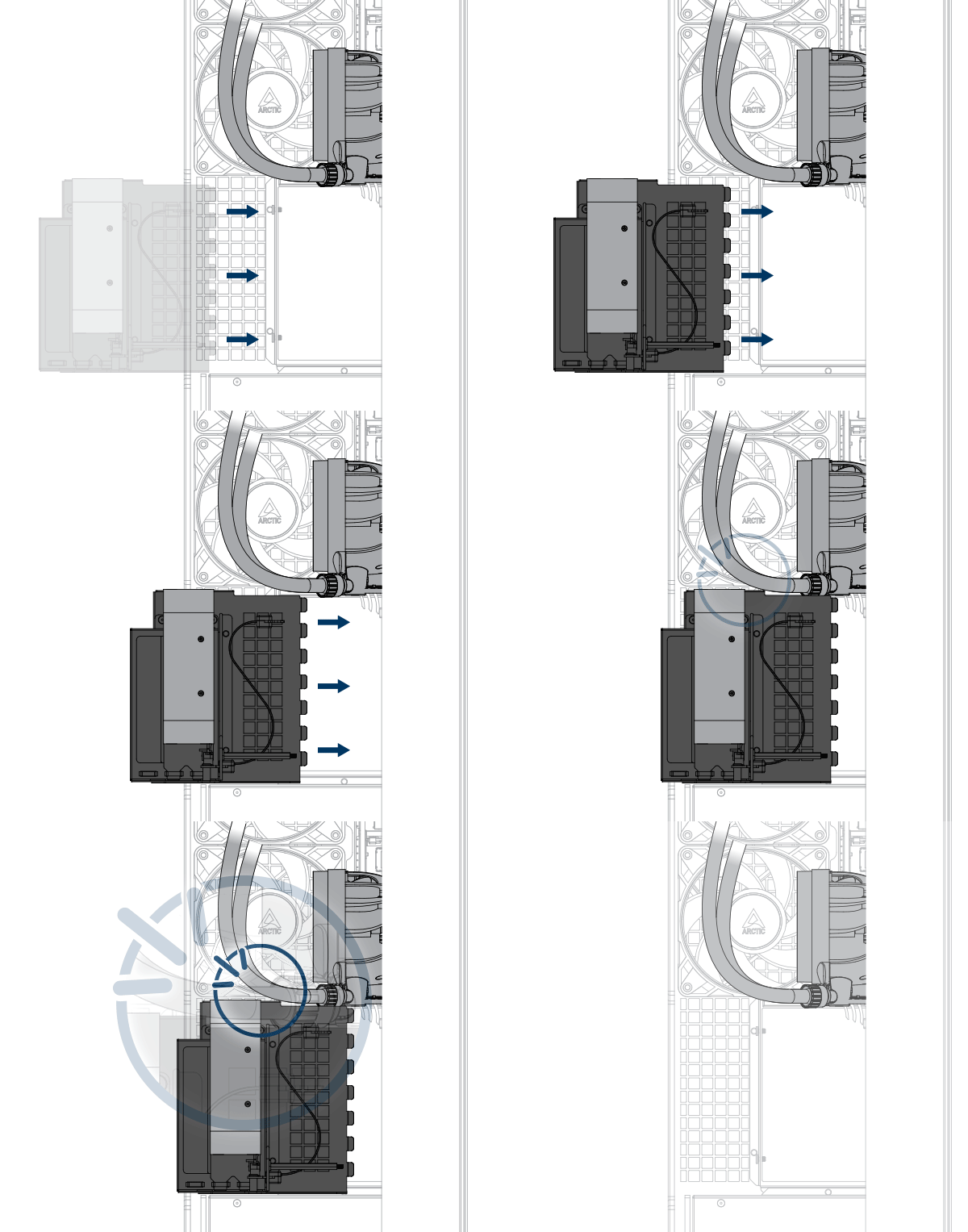
You can either install the graphic card into the PCIe Slot directly or install the Liquid Freezer III with the tubes facing upward.
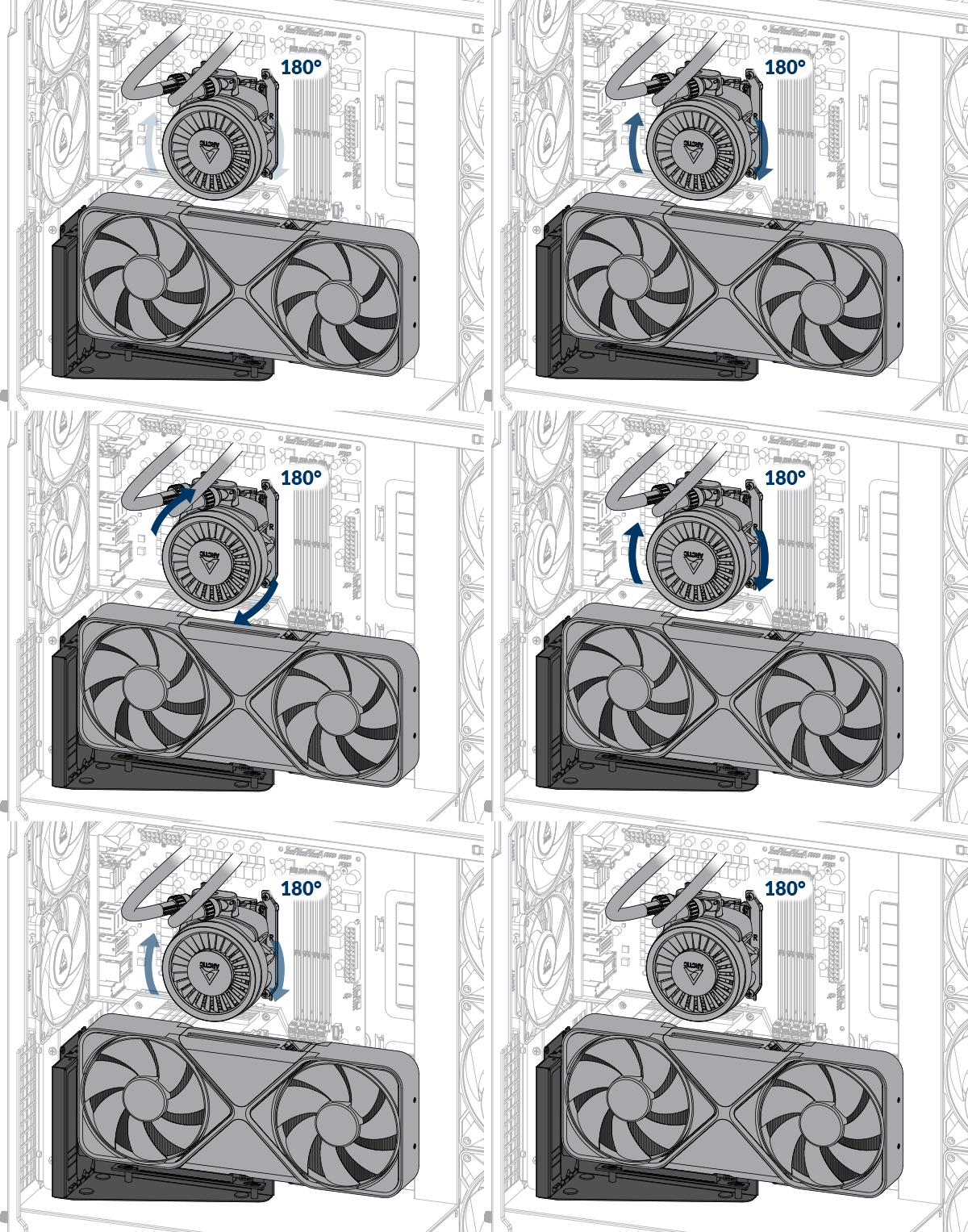
This step is optional—if you're okay with the logo appearing upside down, there's no need to make any changes.
We will be happy to provide you with a replacement logo plate with correct orientation. Please, contact ARCTIC Support to ask for free of charge replacement. Please enclose the invoice of your graphic card with your request as justification.
Follow the below video to change your Logo Plate


