申し訳ございませんが、このドキュメントは日本語版では提供されておりません。下記に英語版を掲載いたします。
Packaging Content
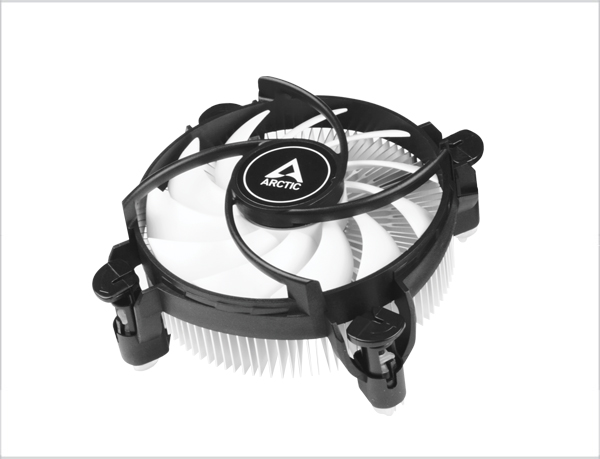
Preparation
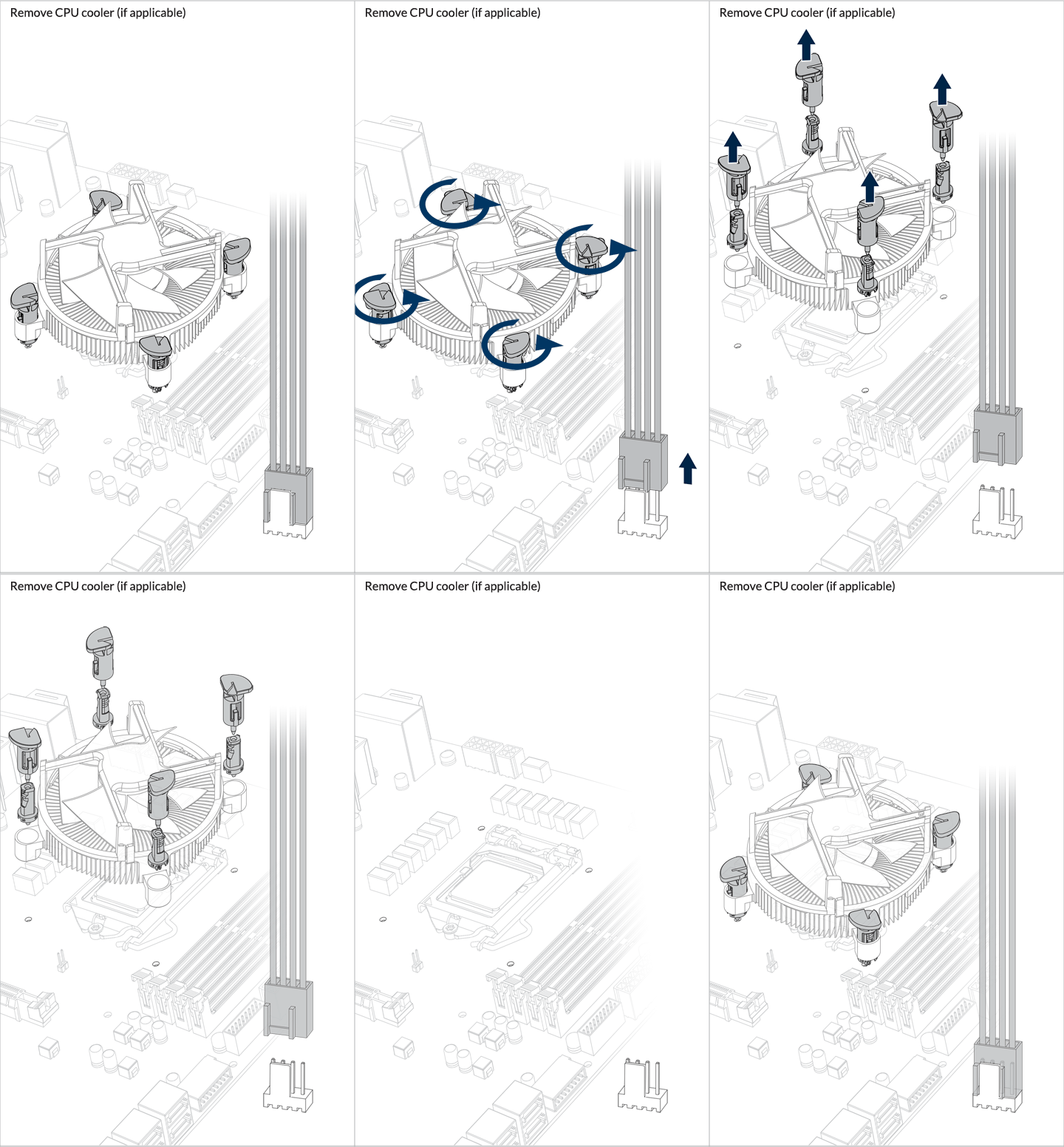
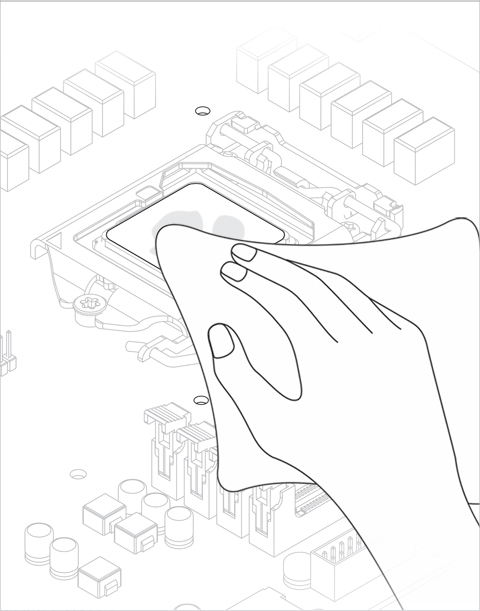
Installation
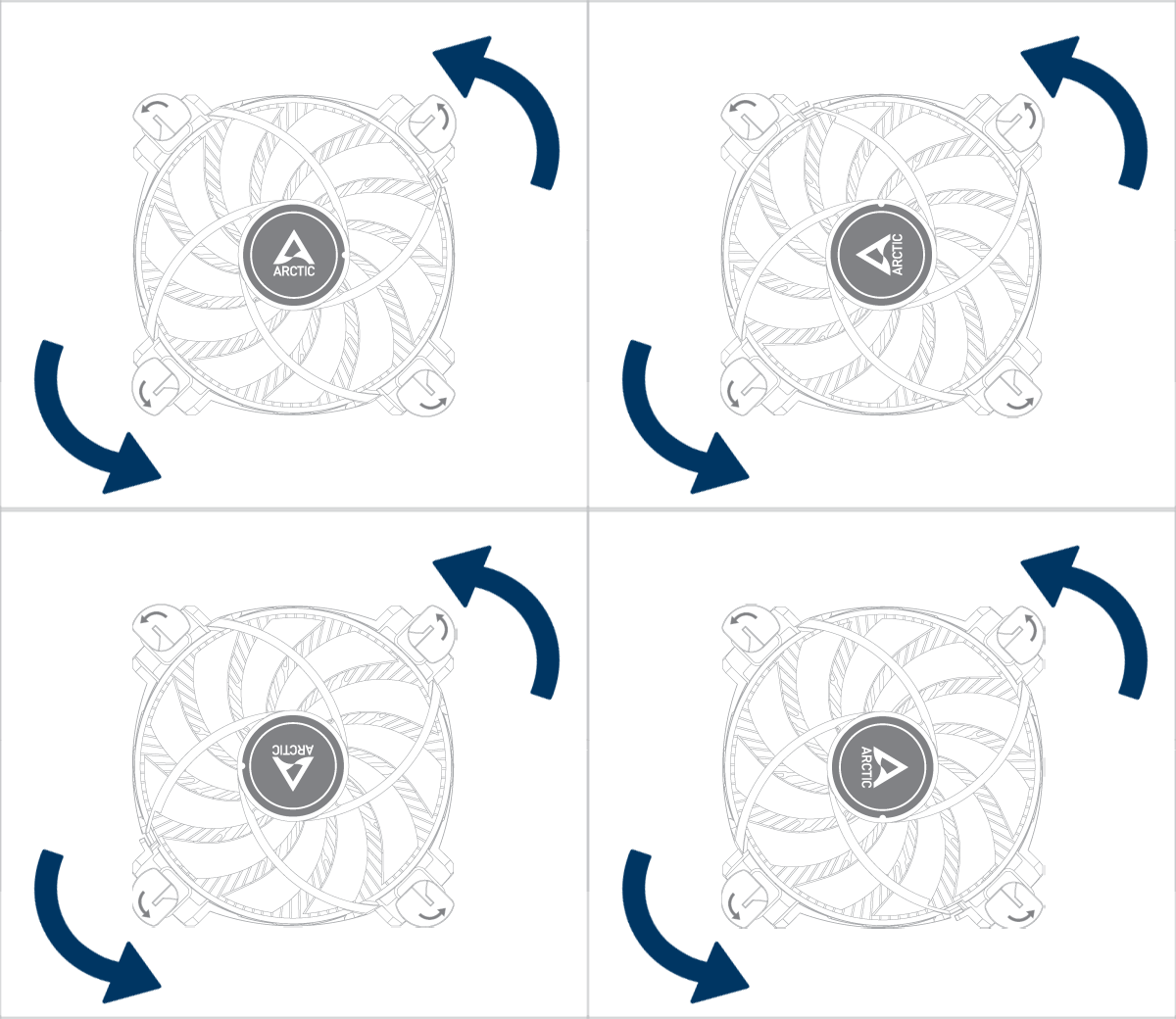
As the cooler mounting holes are square in shape, the cooler can be mounted in any of the four orientations.
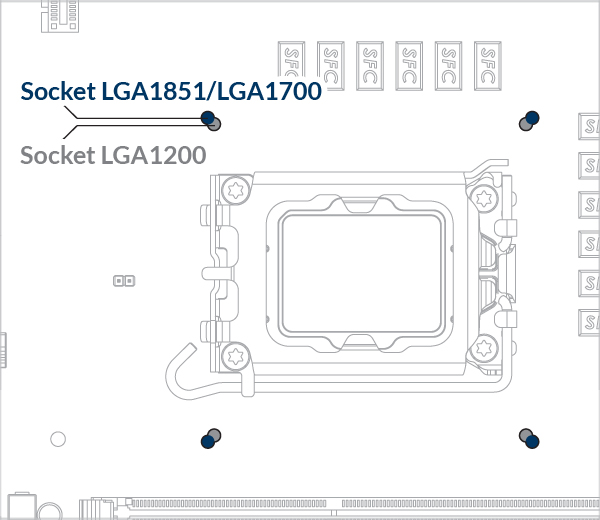
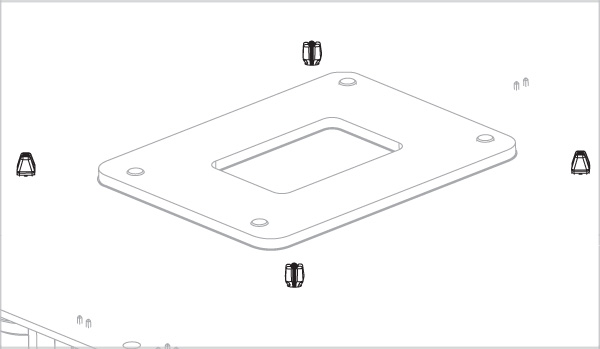
* For Motherboard(s) with 2 set of mounting holes as shown in the above picture, please mount the cooler on the outter holes.
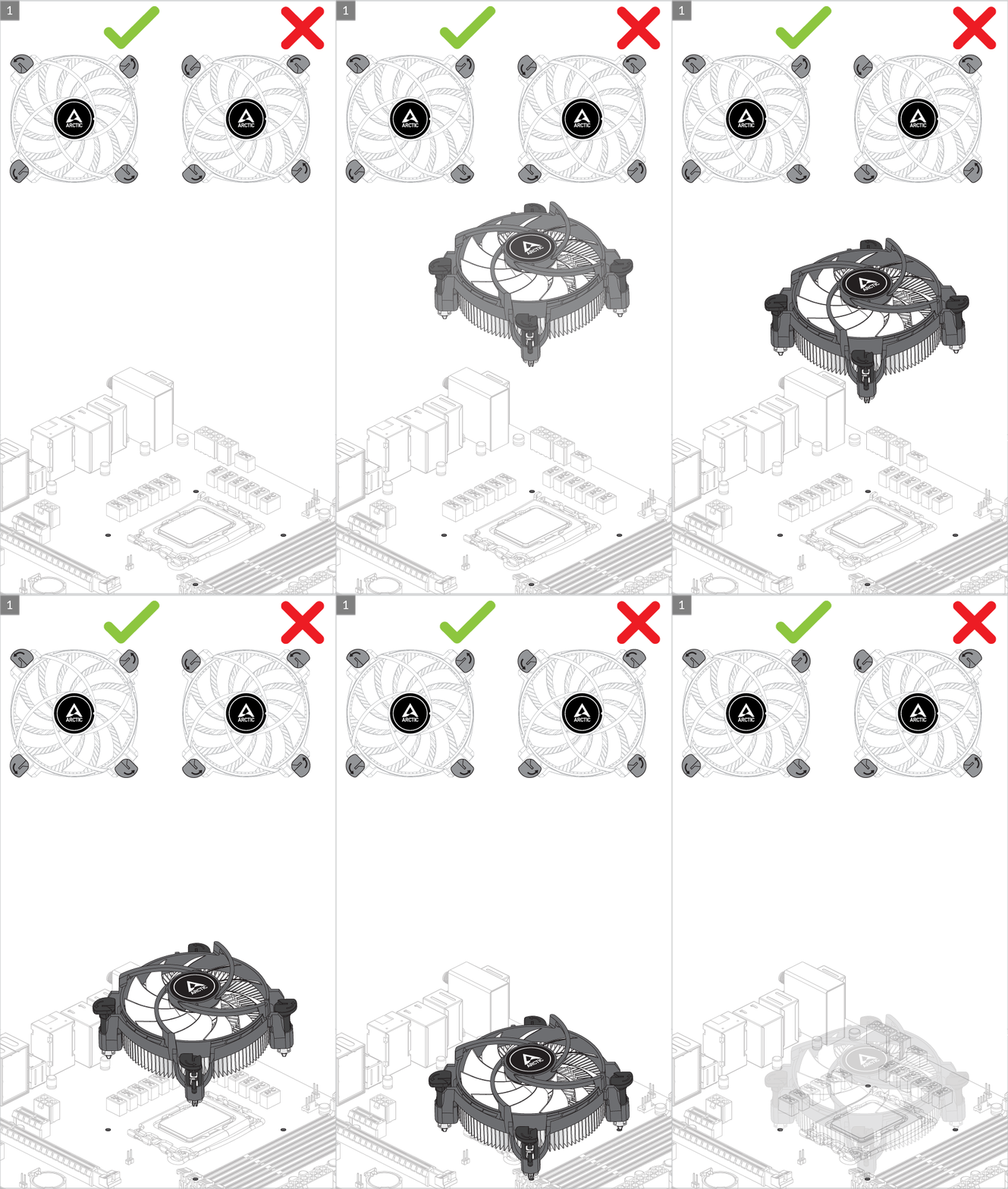
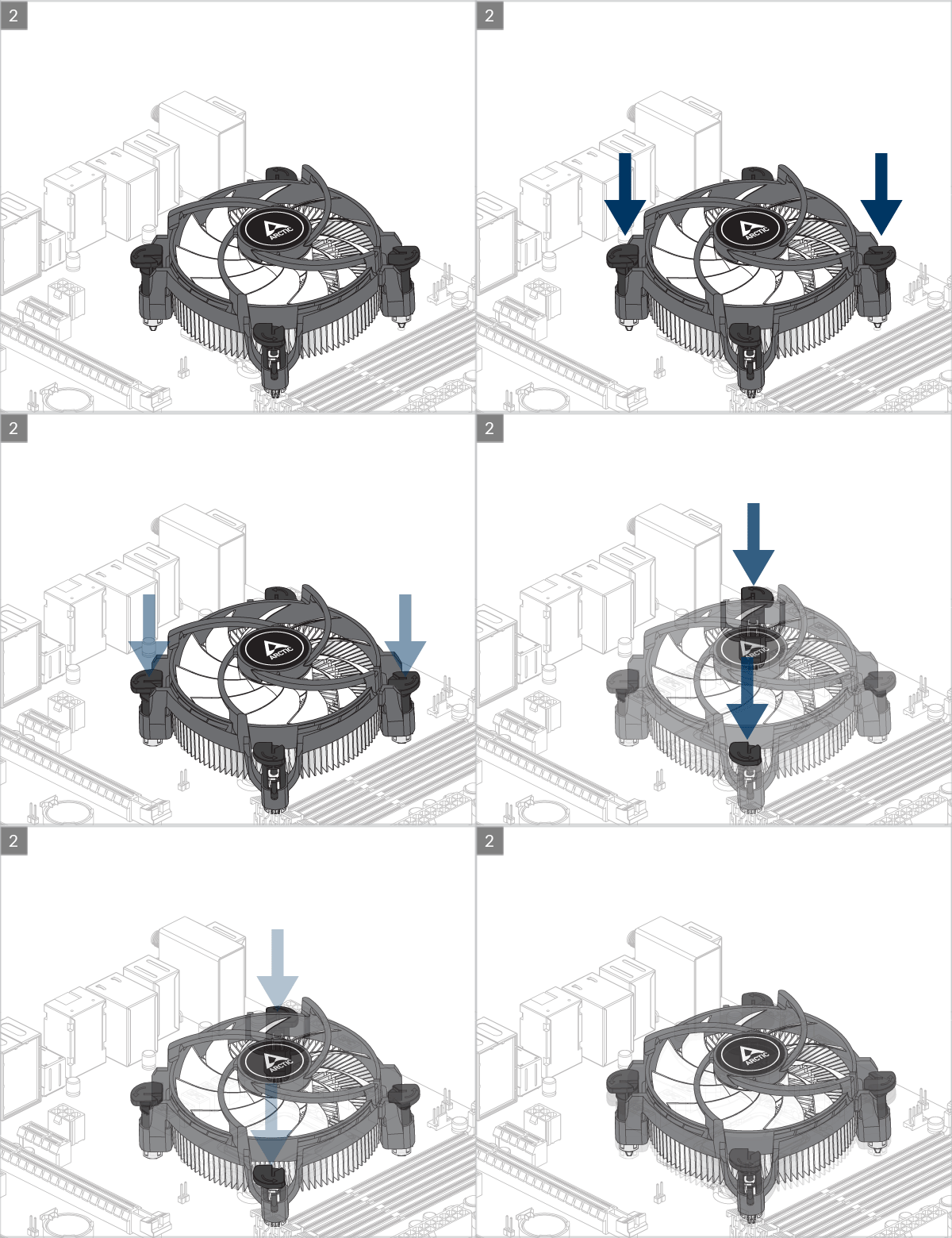
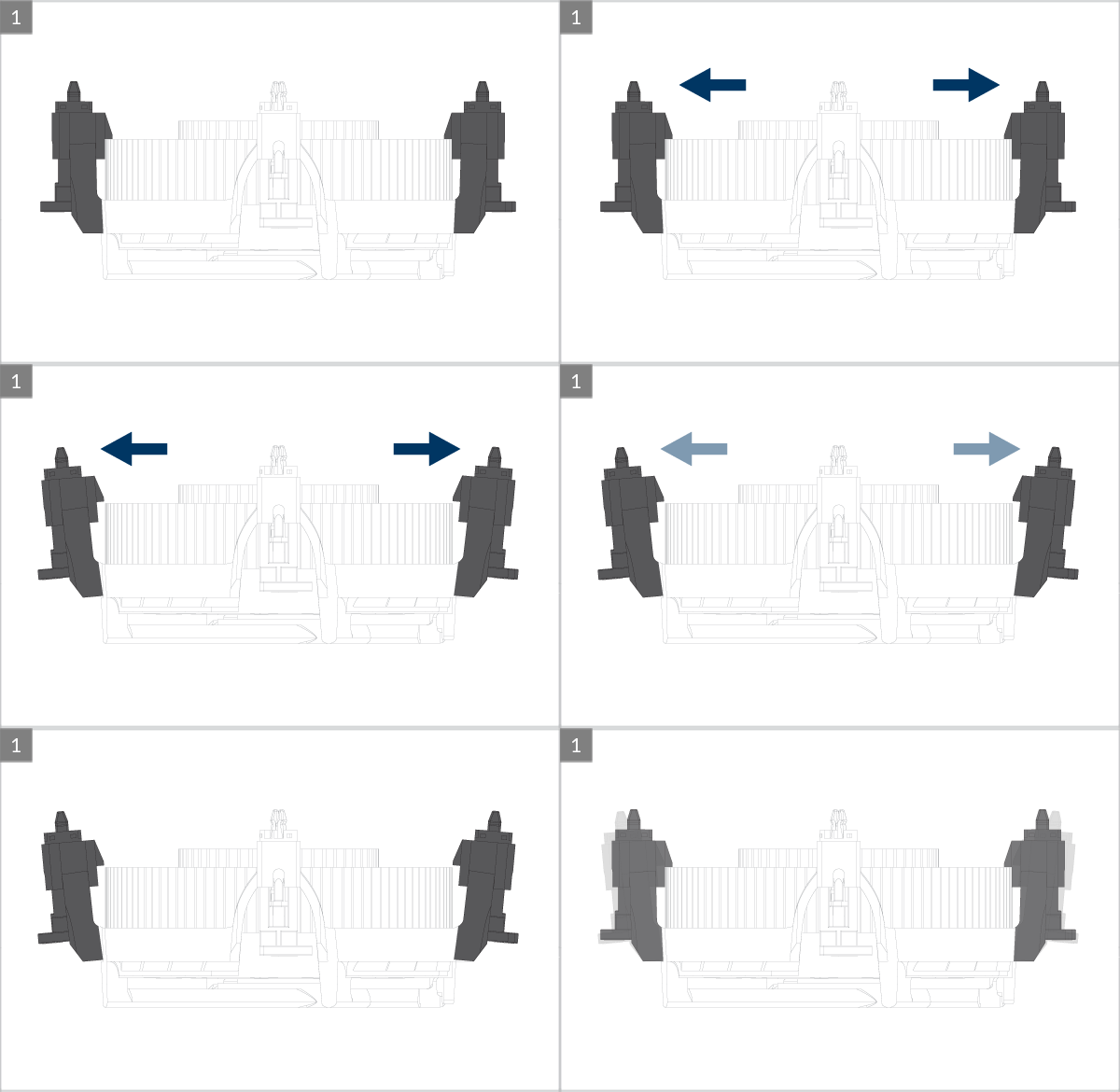
 Please ensure that the pushpins are in the locked position as shown in the above picture.
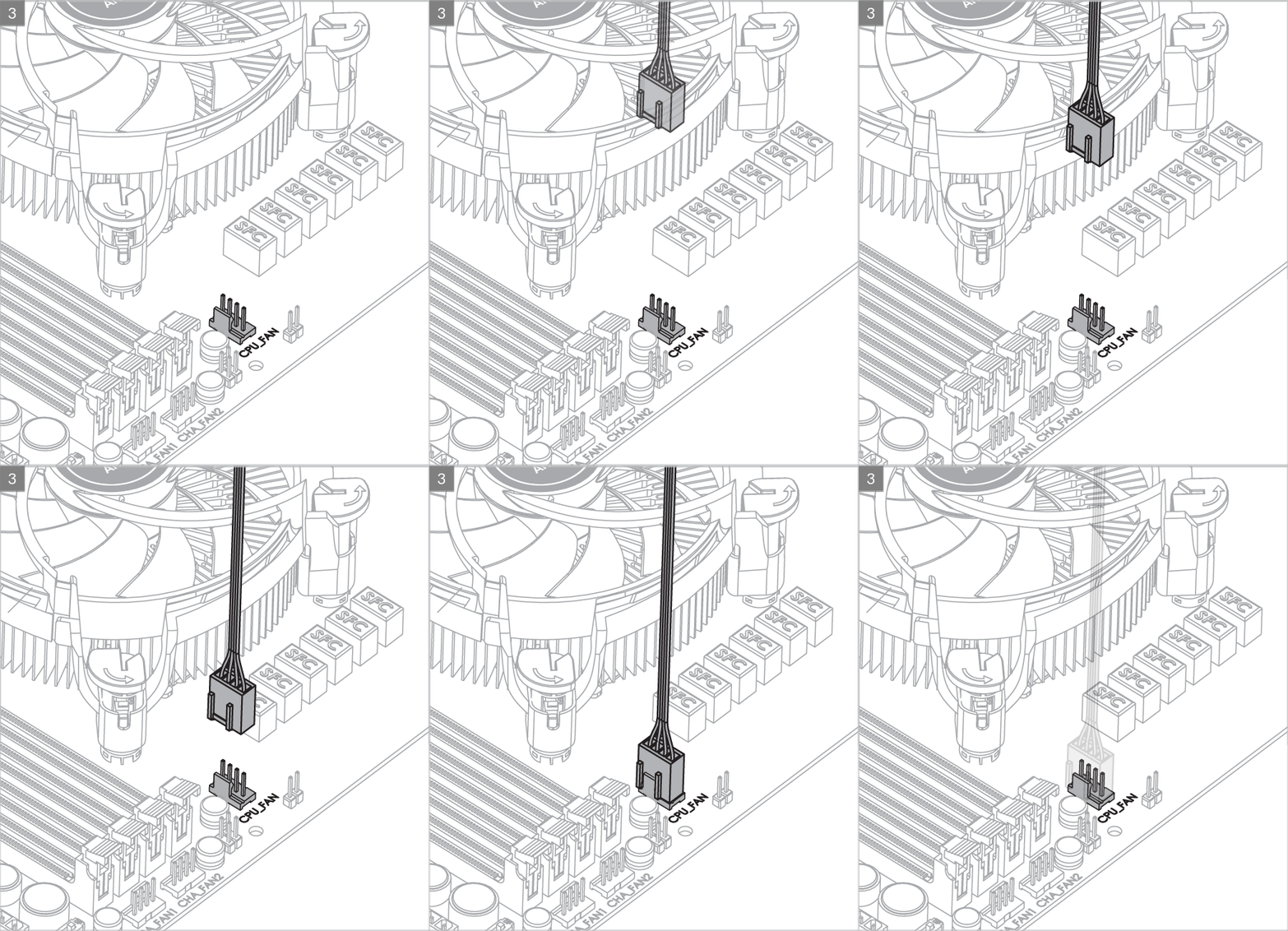
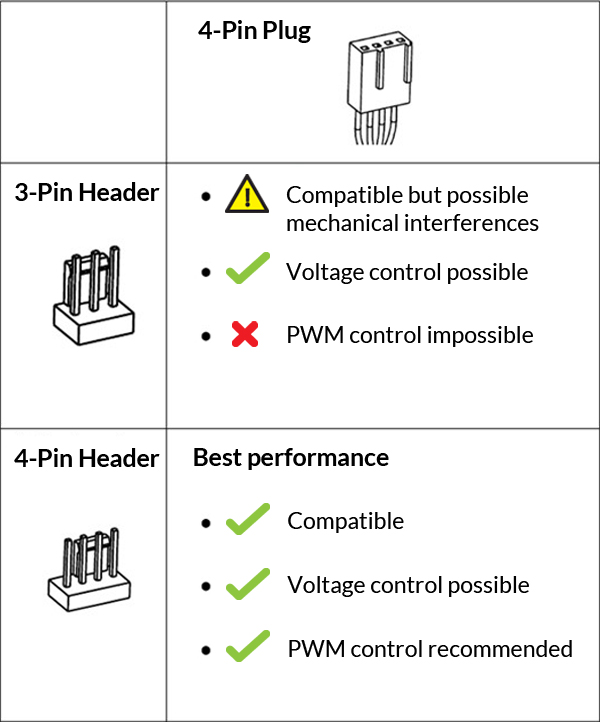
To get the best out of your cooler, it is recommended to adjust the fan speed control in the BIOS, follow this guide to adjust your PWM.
Watch Video
BIOS Configuration
To get the best out of your cooler, it is recommended to adjust the fan speed control in the BIOS, follow this guide to adjust your PWM Settings.
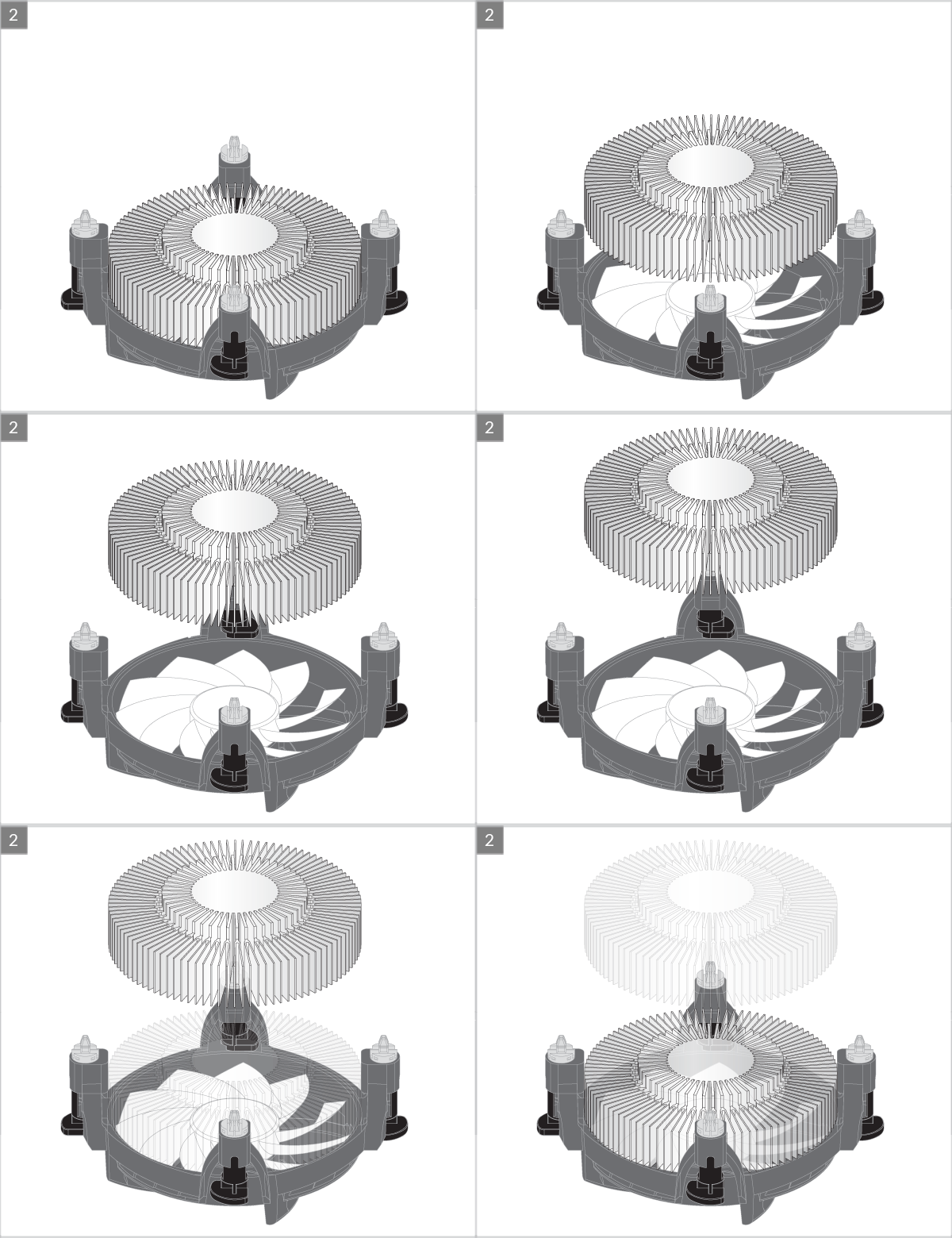
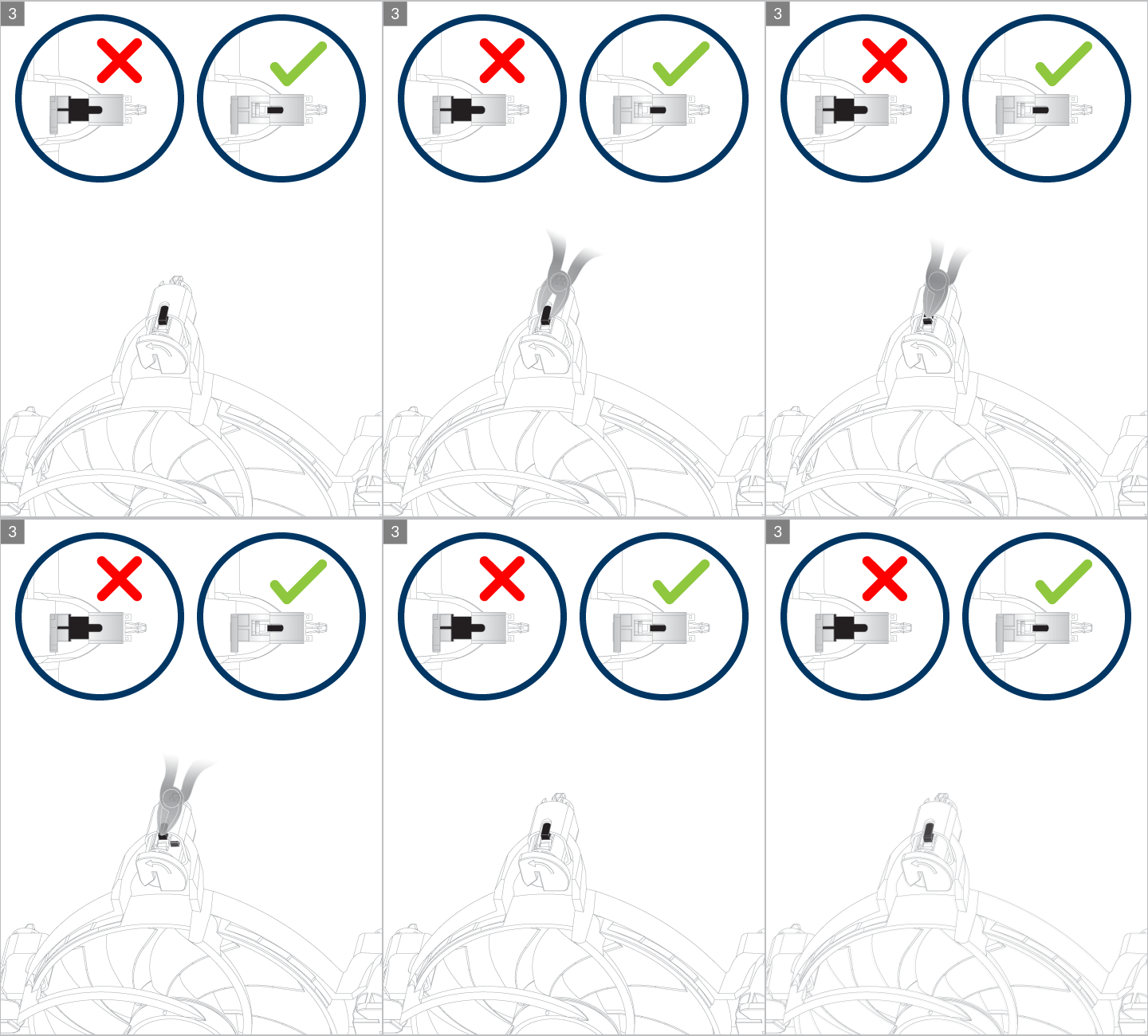
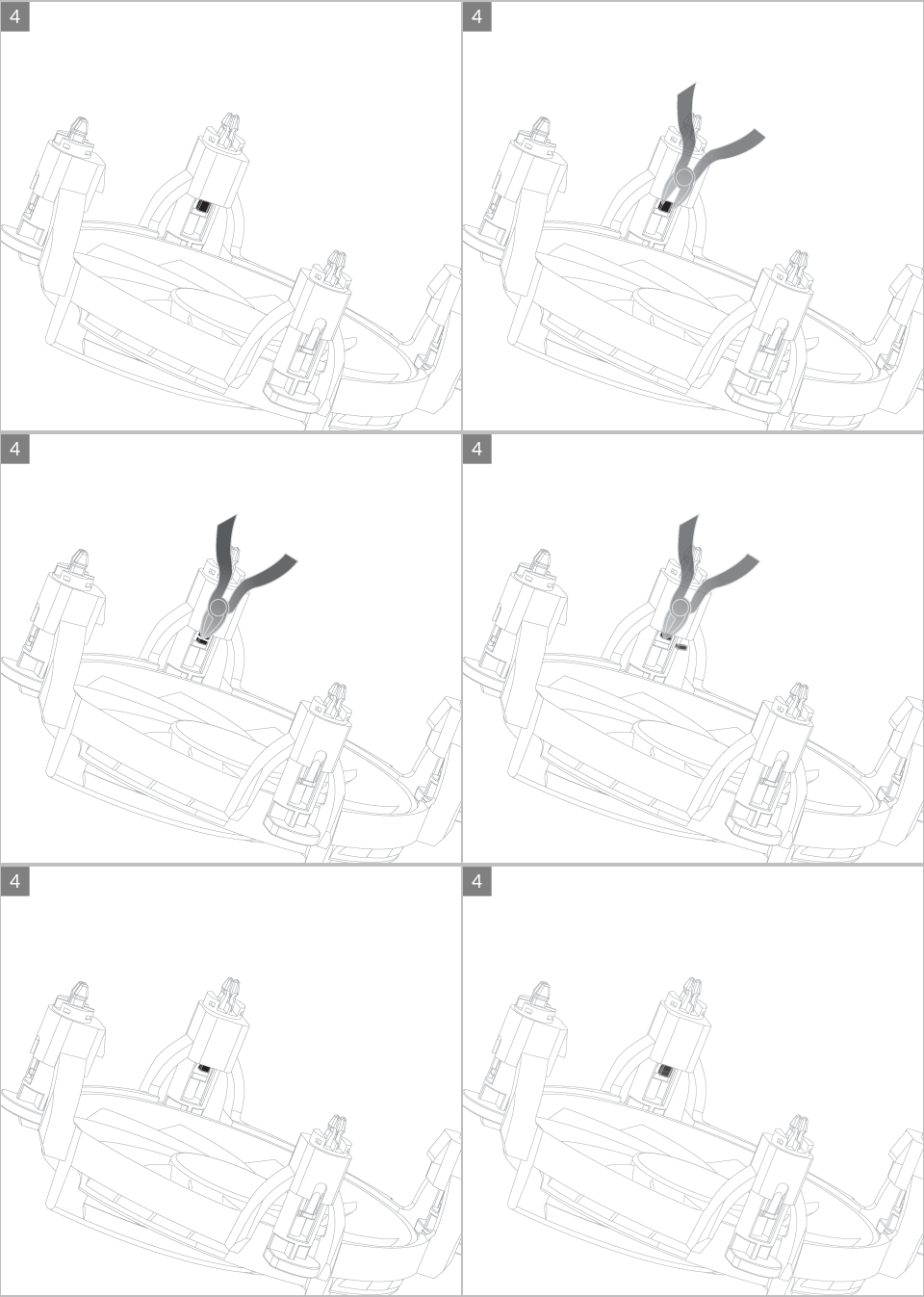
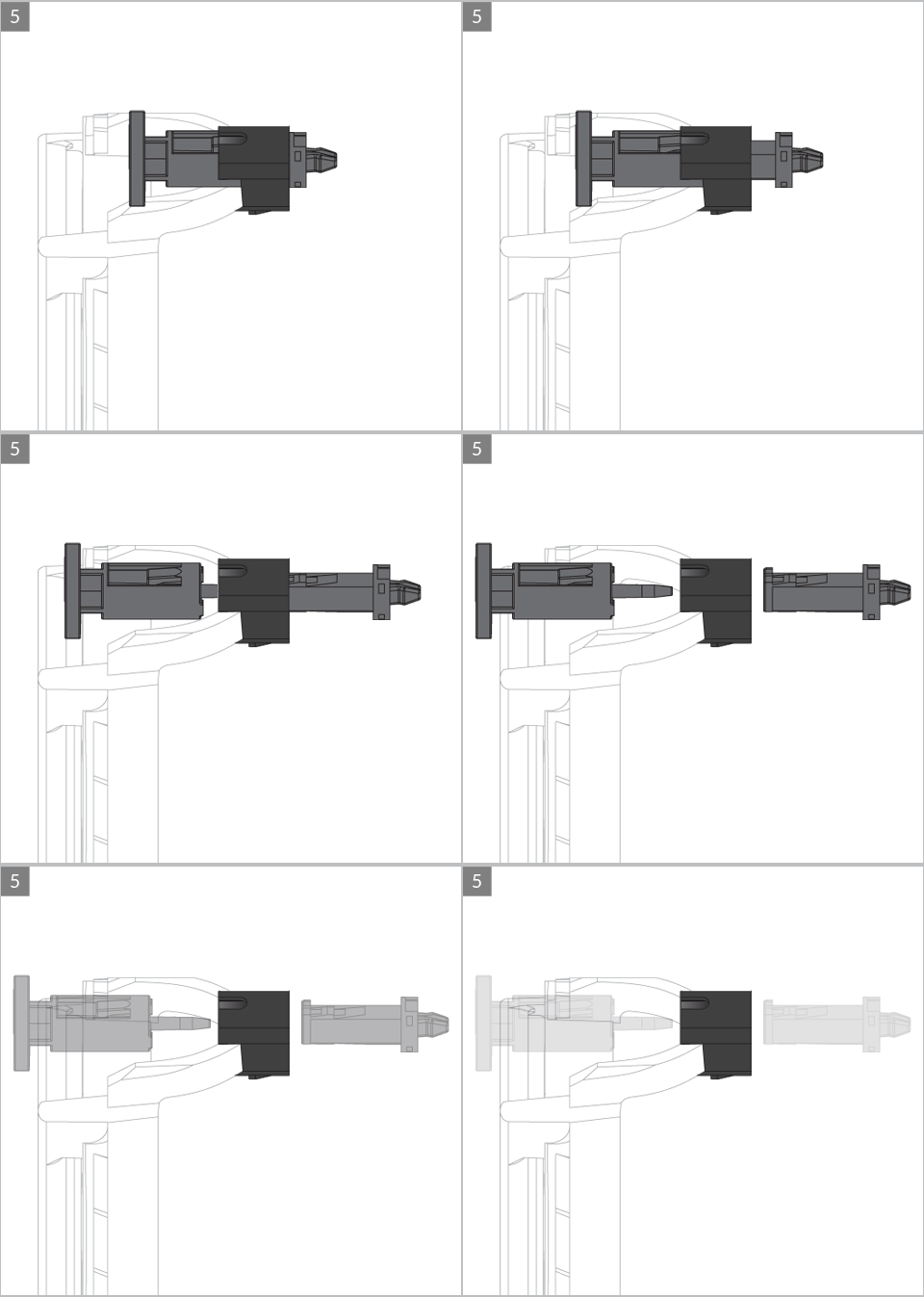
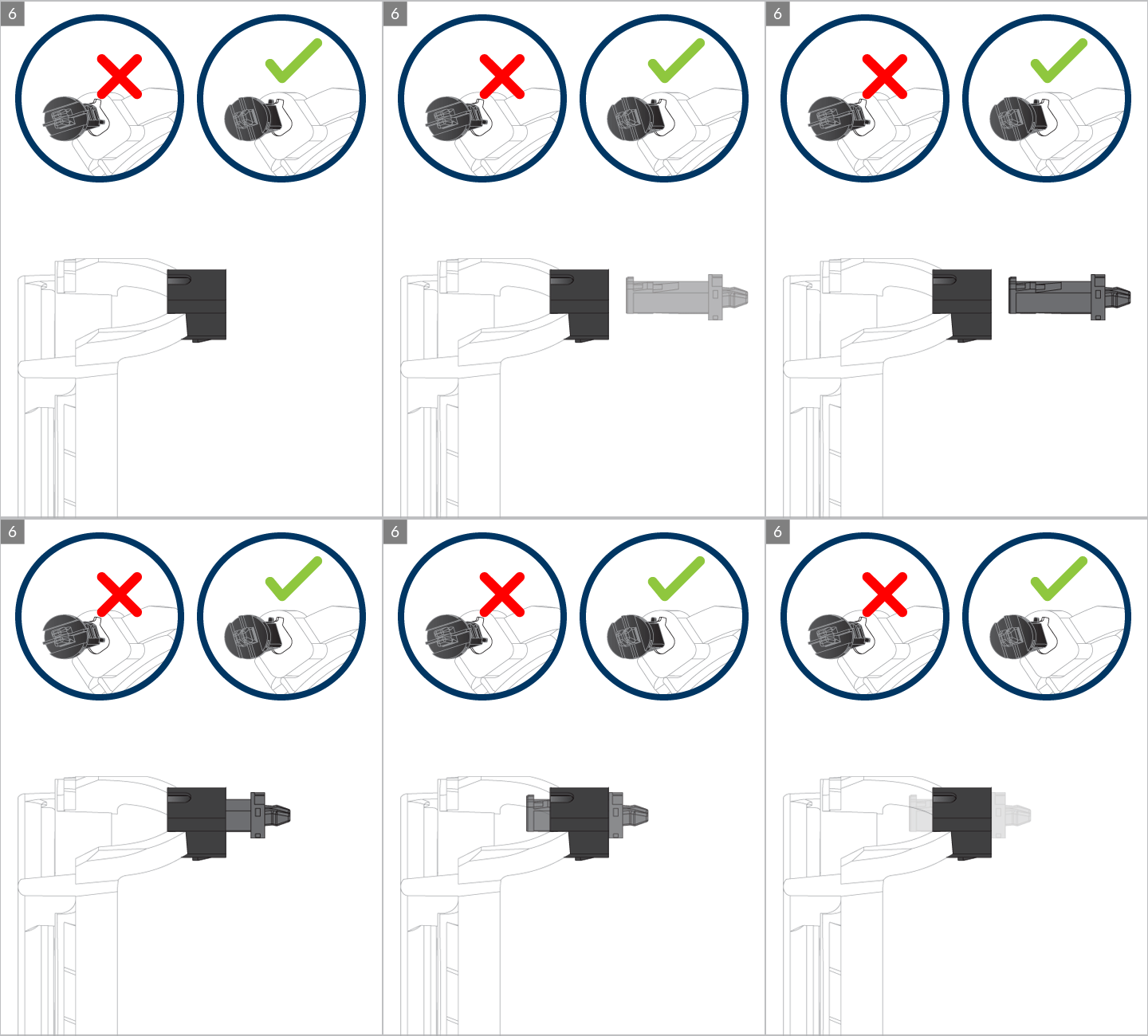
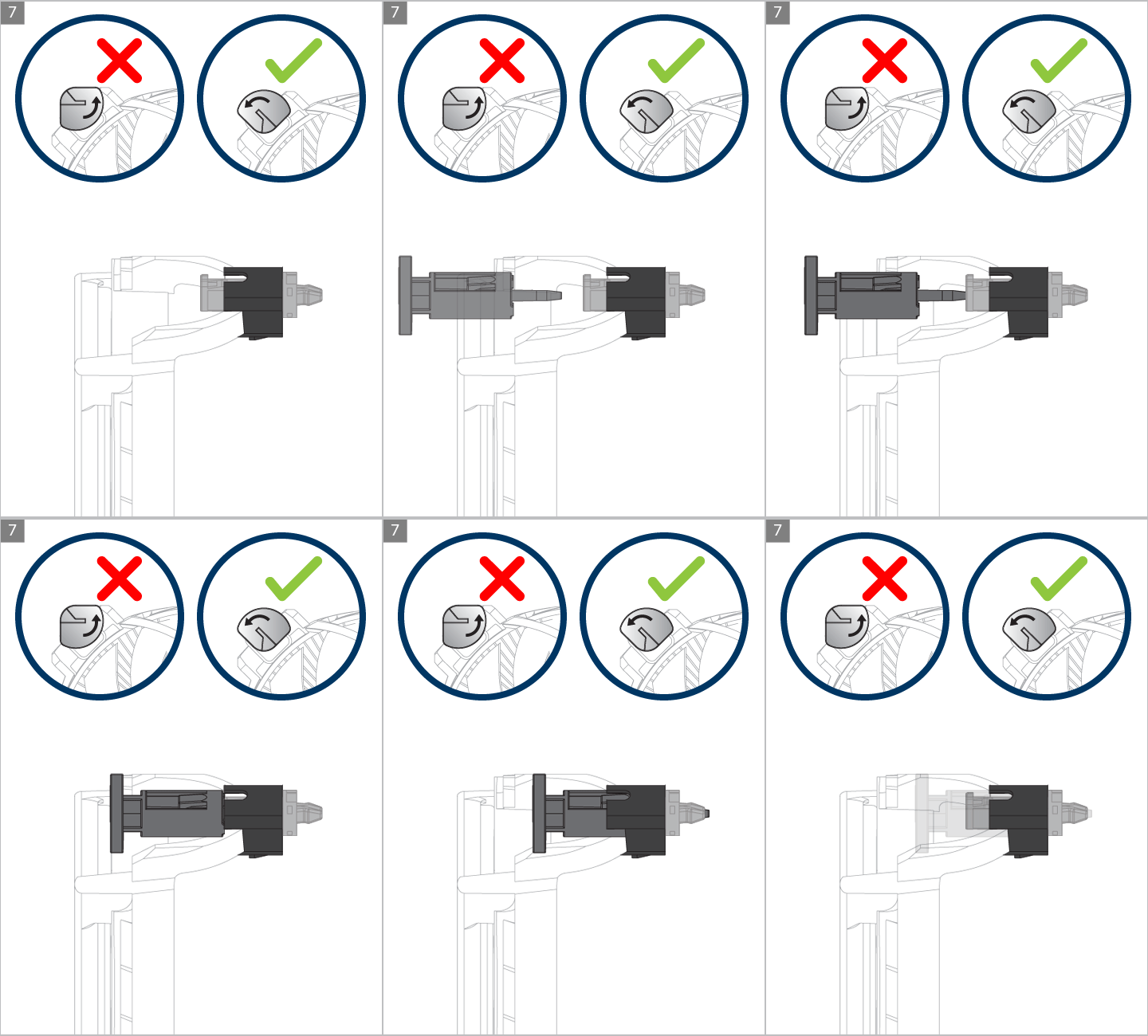
Push Pin Replacement
おすすめ商品