- AMD – AM5, AM4
- Intel – LGA1851, LGA1700
Select your motherboard Platform
Additional note on M.2 interference
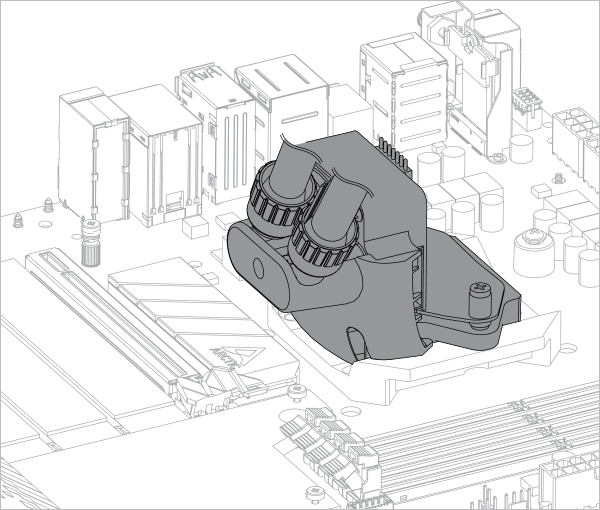
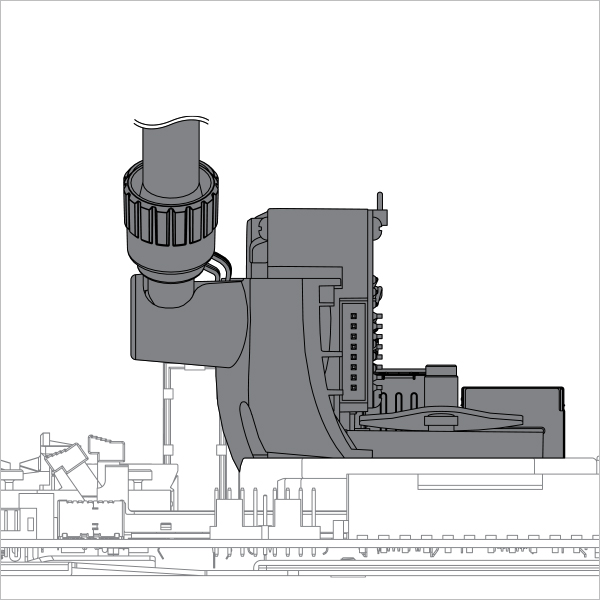
On a few motherboards, the M.2 heatsink on the south side of the CPU socket may interfere with the Liquid Freezer III.

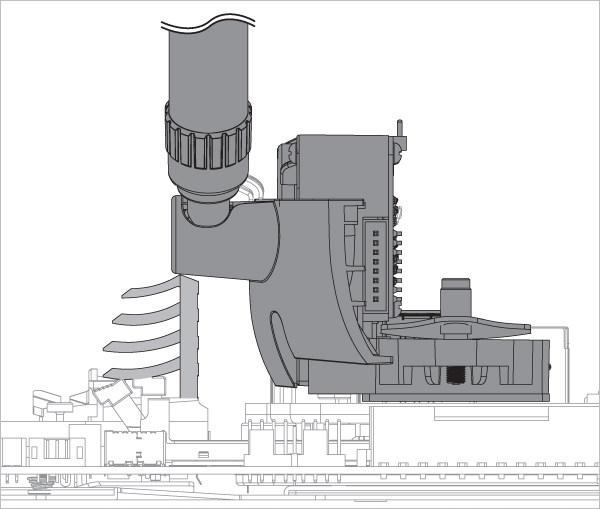
Try rotating the Liquid Freezer III 180 degrees when you are installing it, so the tubes won’t get in way of the M.2 heatsink.
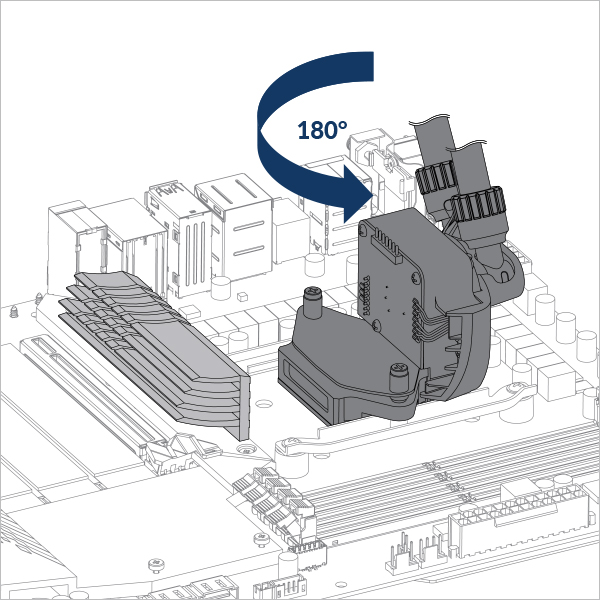
If you desire to rotate the logo plate to match the orientation with the cooler position, follow the instructions in the below video.
To get a replacement logo plate, please contact ARCTIC Support. Provide proof of purchase for your motherboard with the request.
Follow the below video to change your Logo Plate
We will be happy to provide you with a suitable M.2 heatsink. Please, contact ARCTIC Support to ask for a free of charge replacement. Please enclose the invoice of your motherboard with your request as justification.
If above solution doesn’t work with your motherboard, you can either swap the M.2 heatsink for a thinner one or just remove it entirely
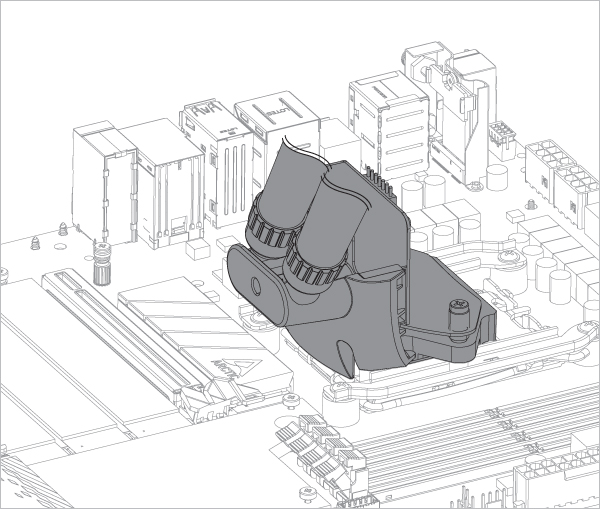
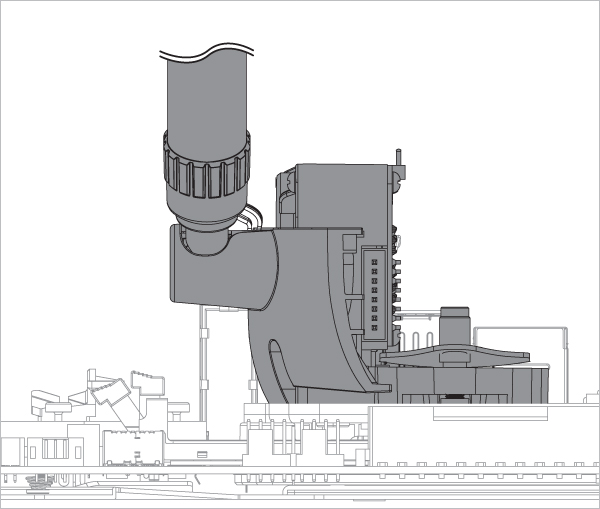
Additional note on M.2 interference
On a few motherboards, the M.2 heatsink on the south side of the CPU socket may interfere with the Liquid Freezer III.
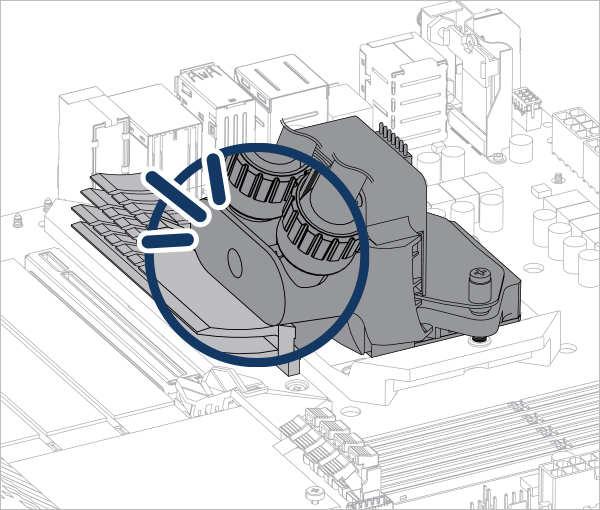
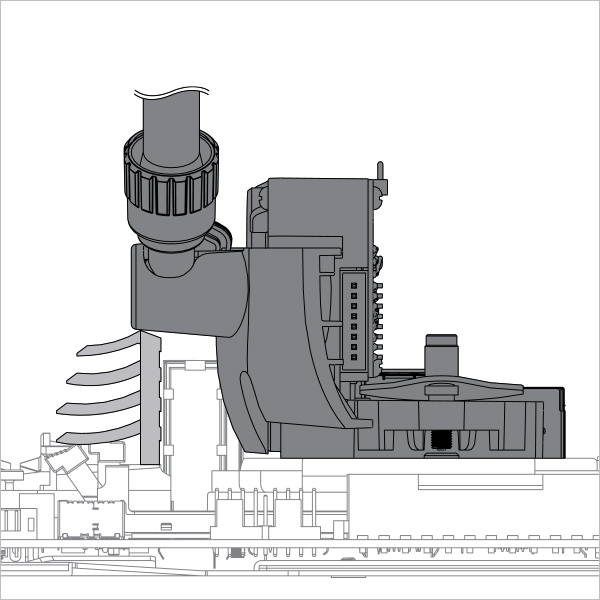
We will be happy to provide you with a suitable M.2 heatsink. Please, contactARCTIC Support to ask for a free of charge replacement. Please enclose the invoice of your motherboard with your request as justification.
You can either replace the M.2 heatsink with a thinner heatsink or remove it completely.