
To check the compatibility of your motherboard, please follow this link.
Required Tools
 T20 Torx Screwdriver
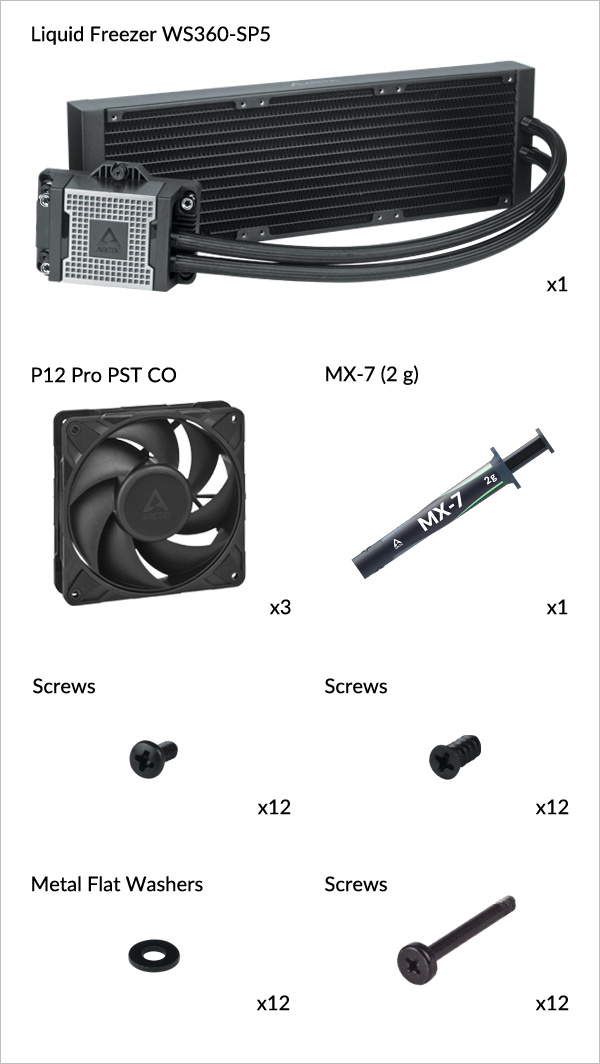
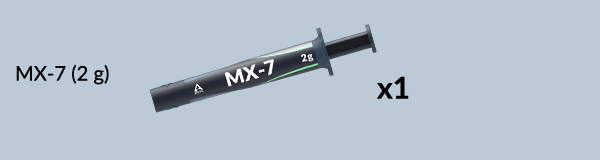
Packaging Content
Preparation
How (not) to mount your water cooling AIO?
Steve from GamersNexus explains you the mistakes to avoid while assembling your water cooling AIO in your PC case.
The featured video is independently produced by GamersNexus, ARCTIC has been authorized to use by GamersNexus.
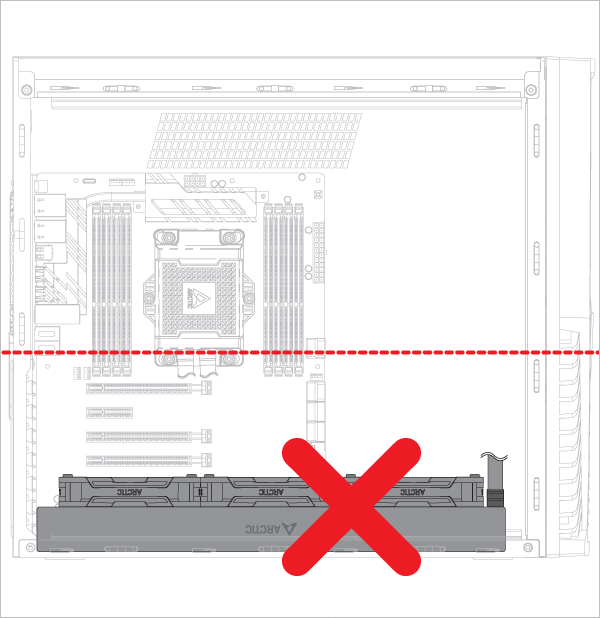
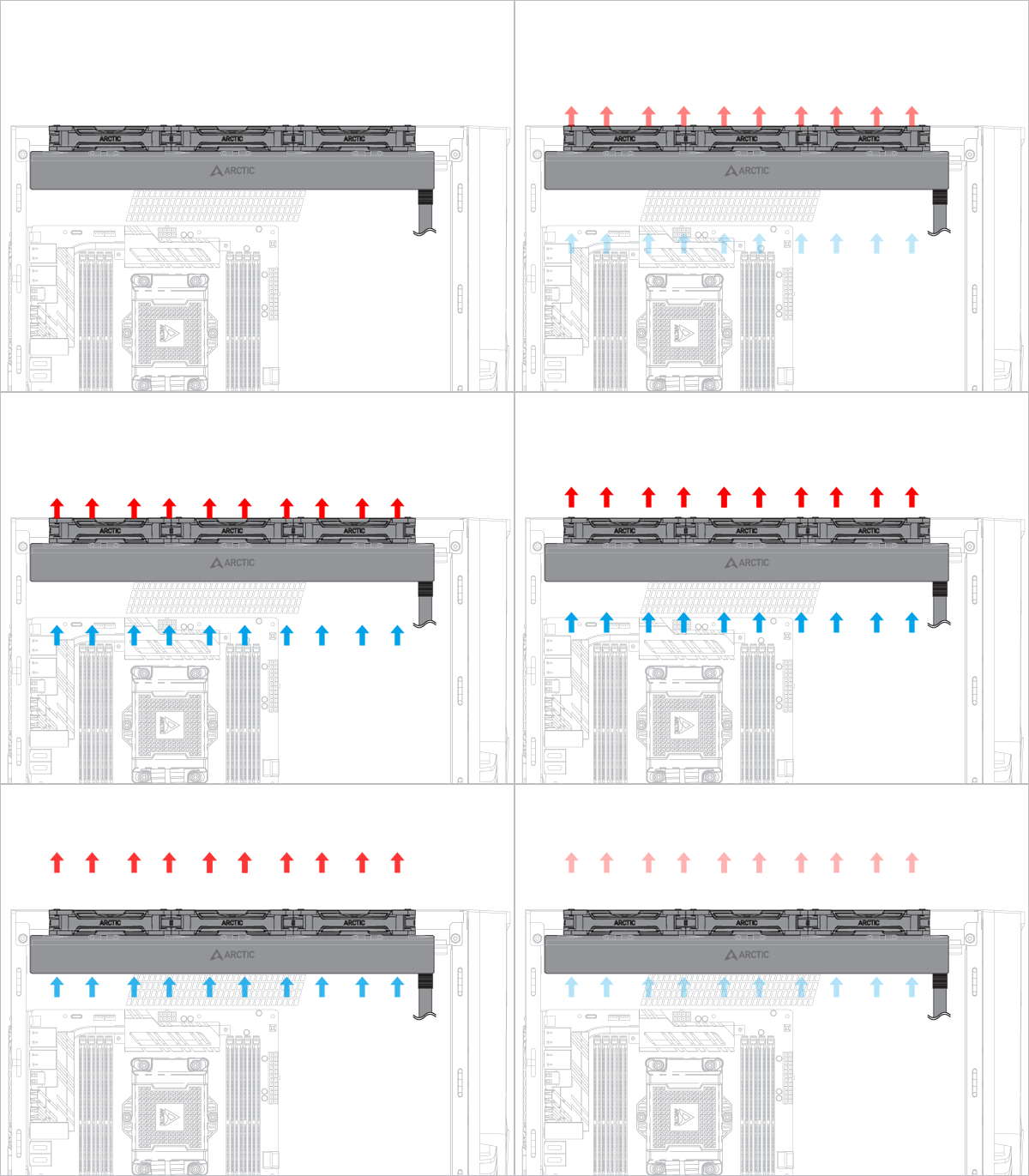
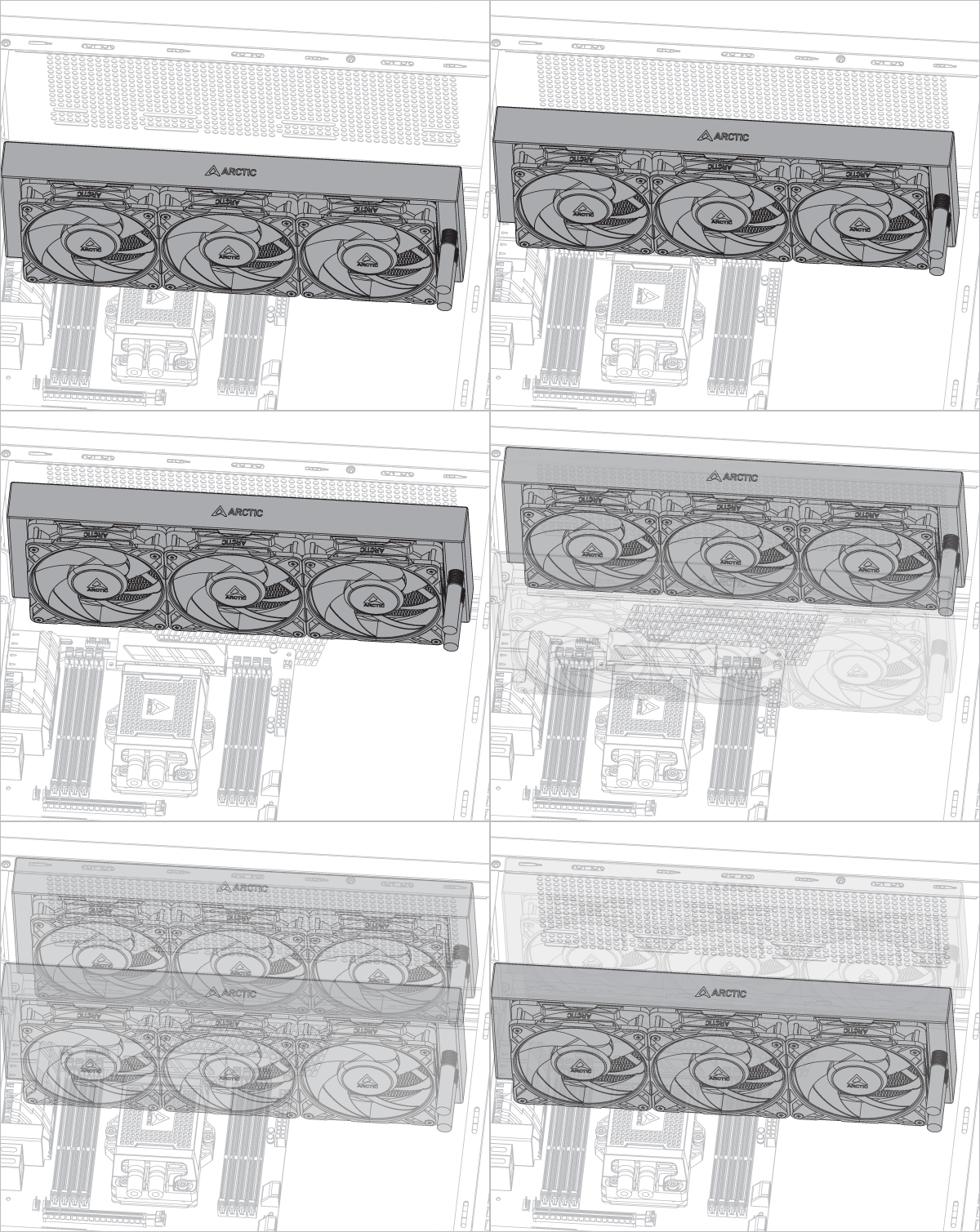
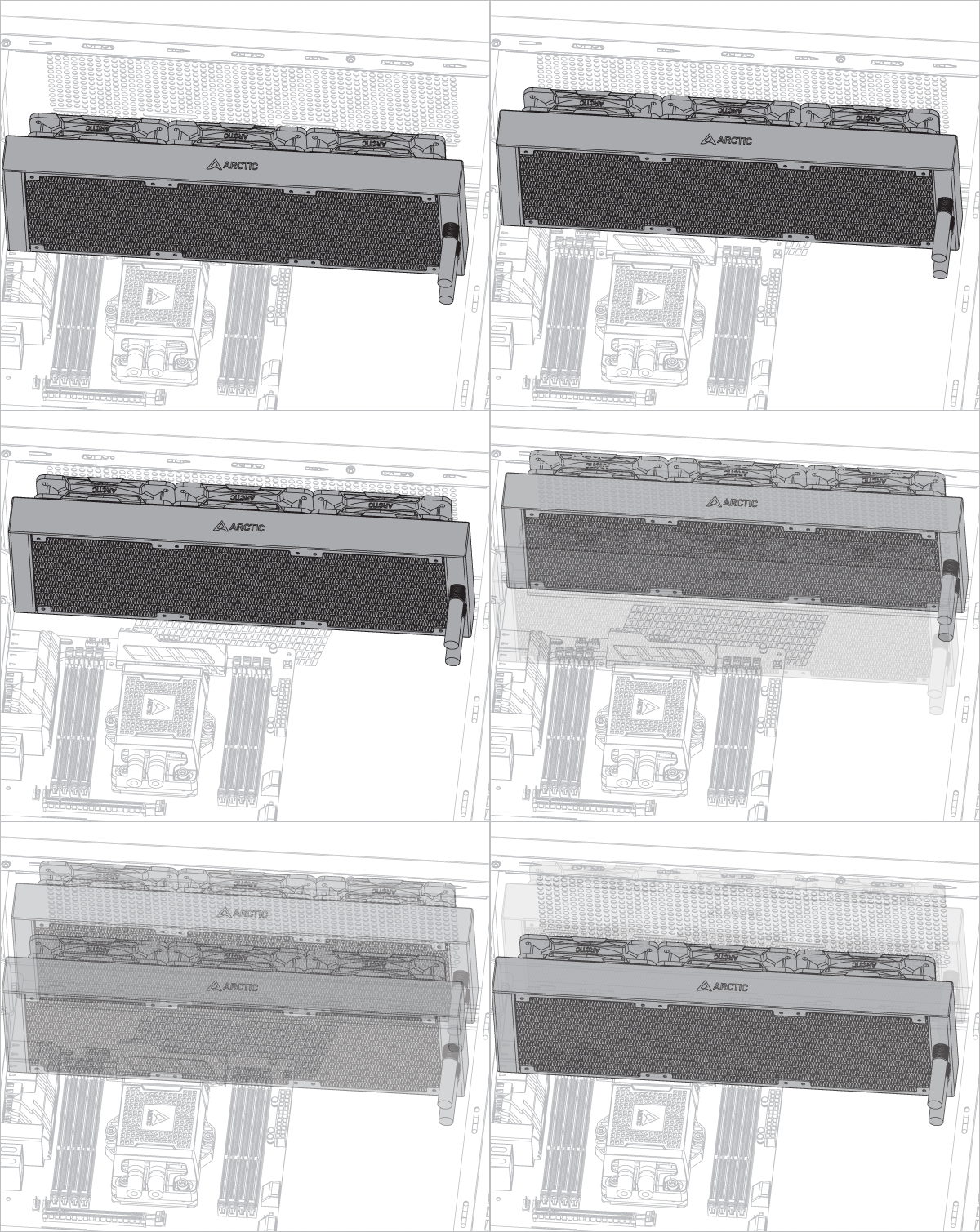
Radiator below pump
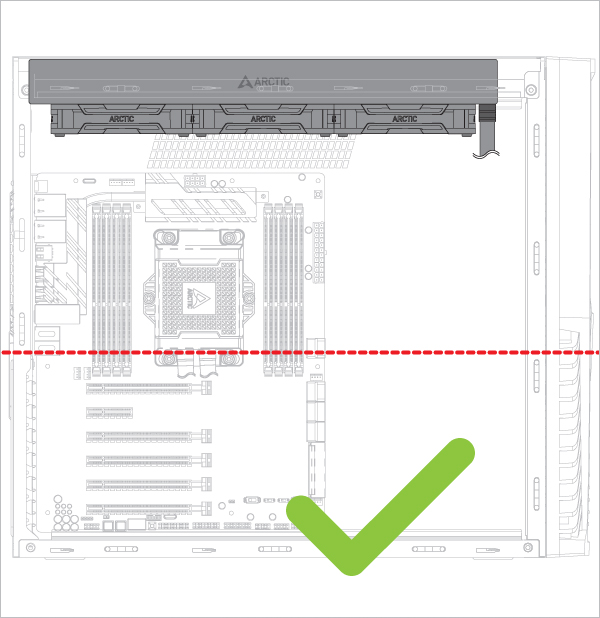
Radiator above pump
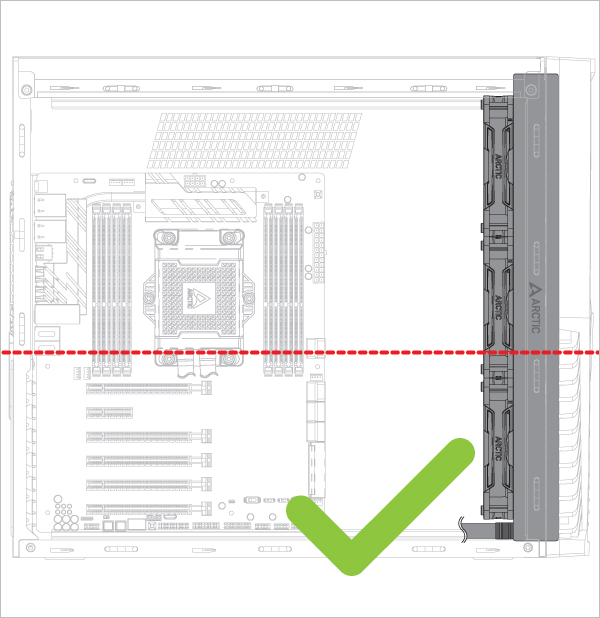
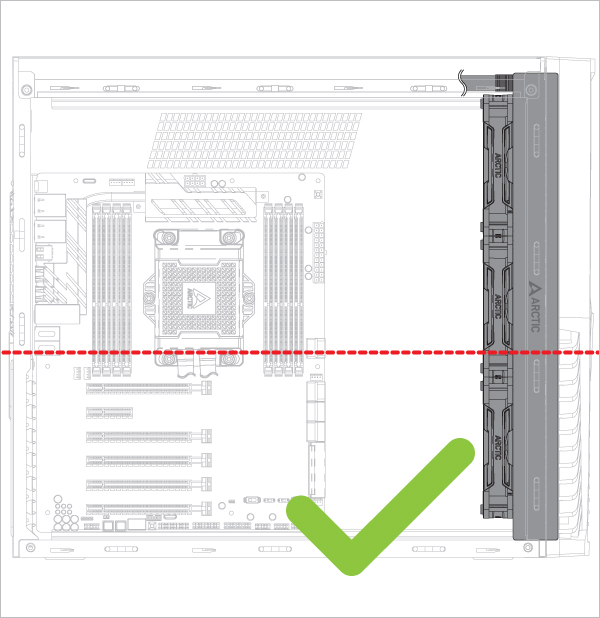
Risk of bubbling noise
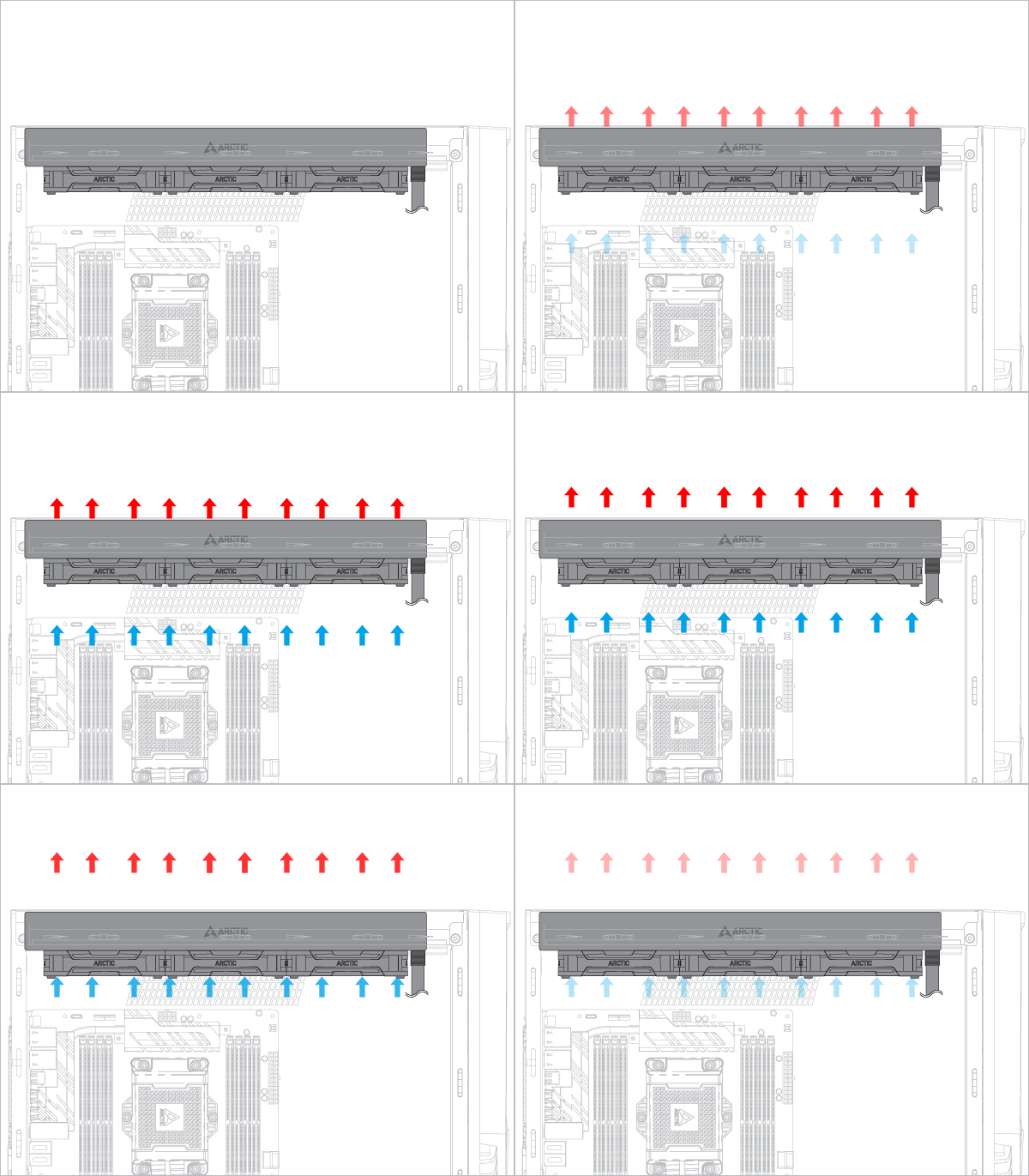
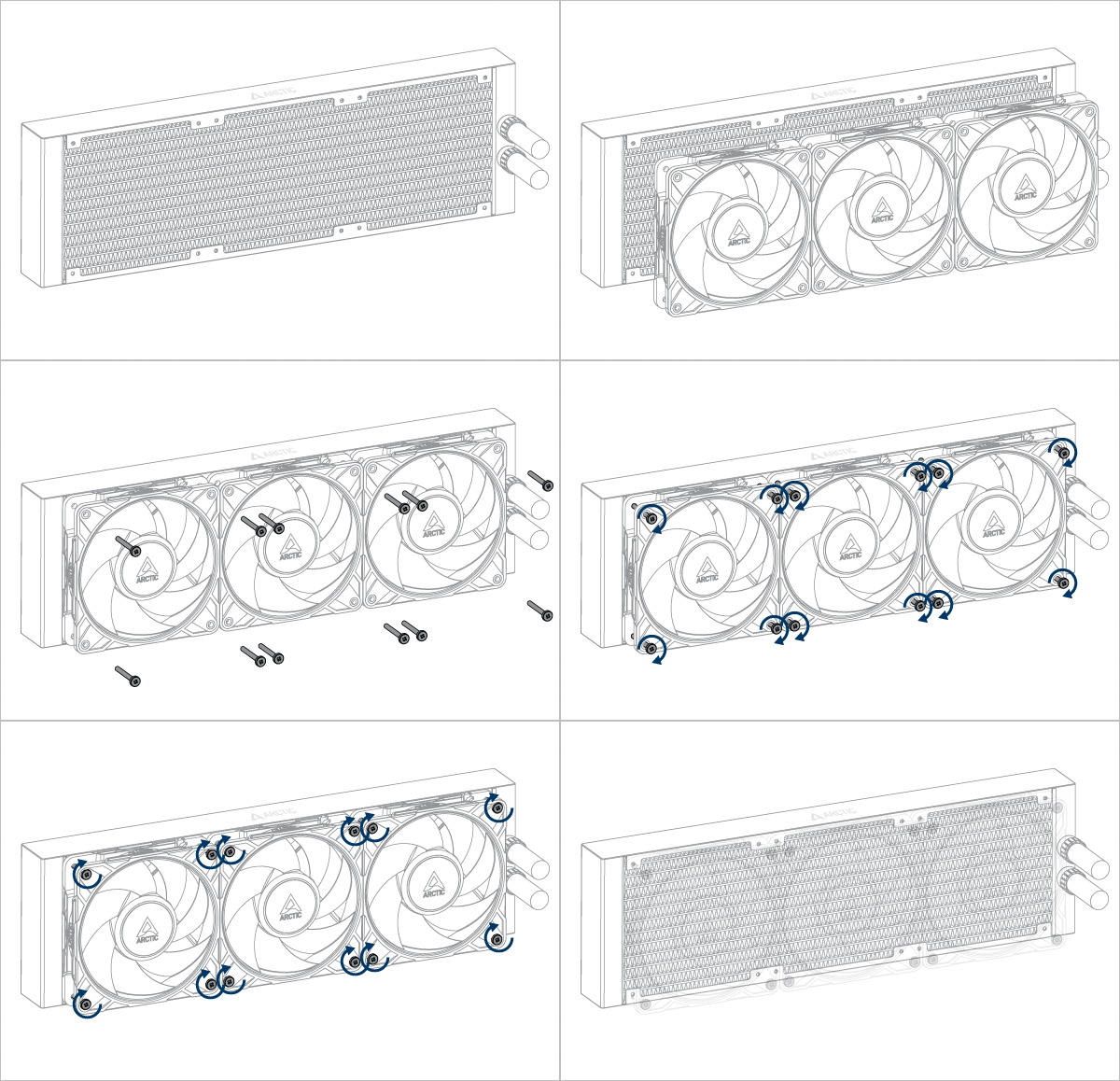

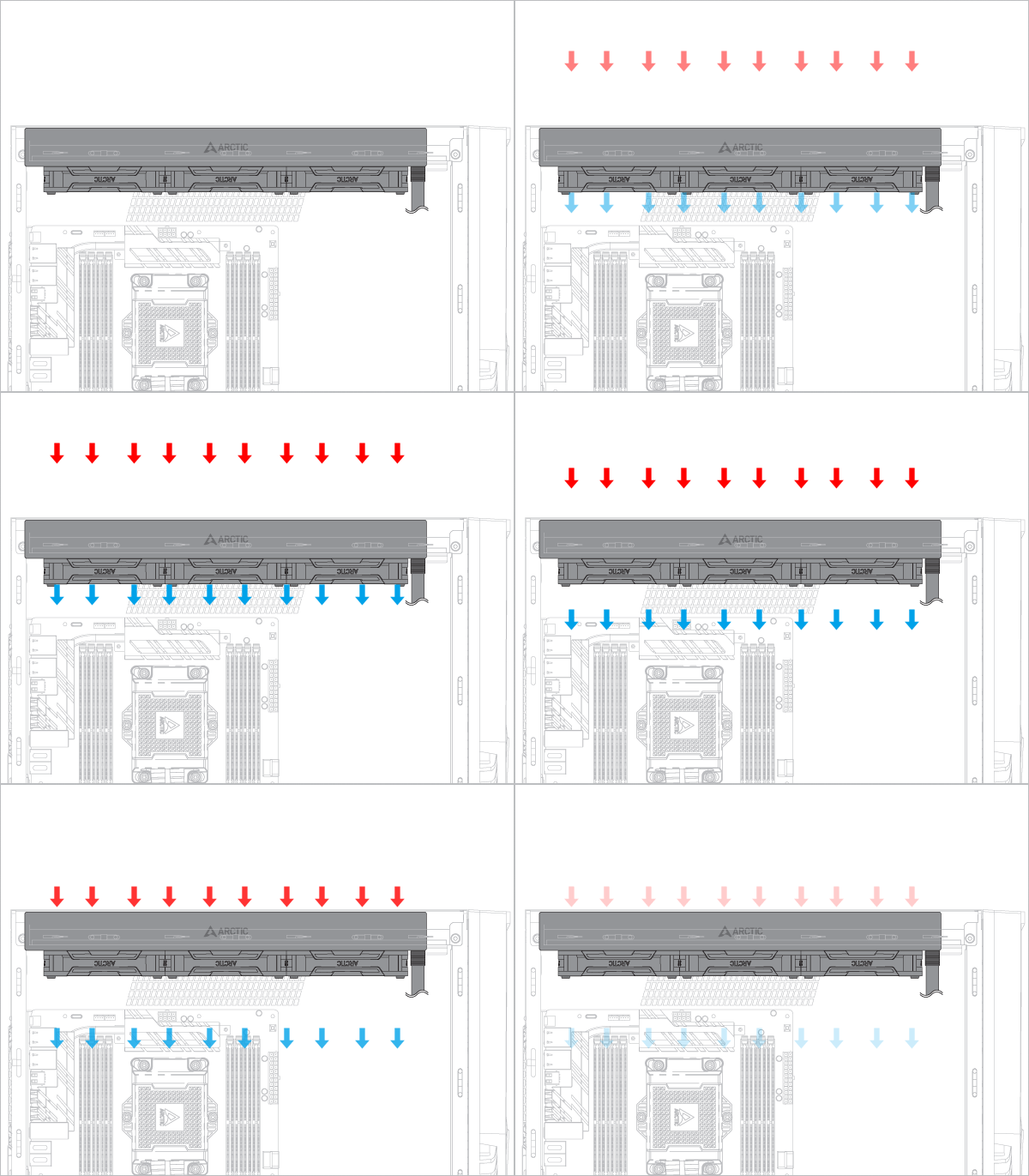
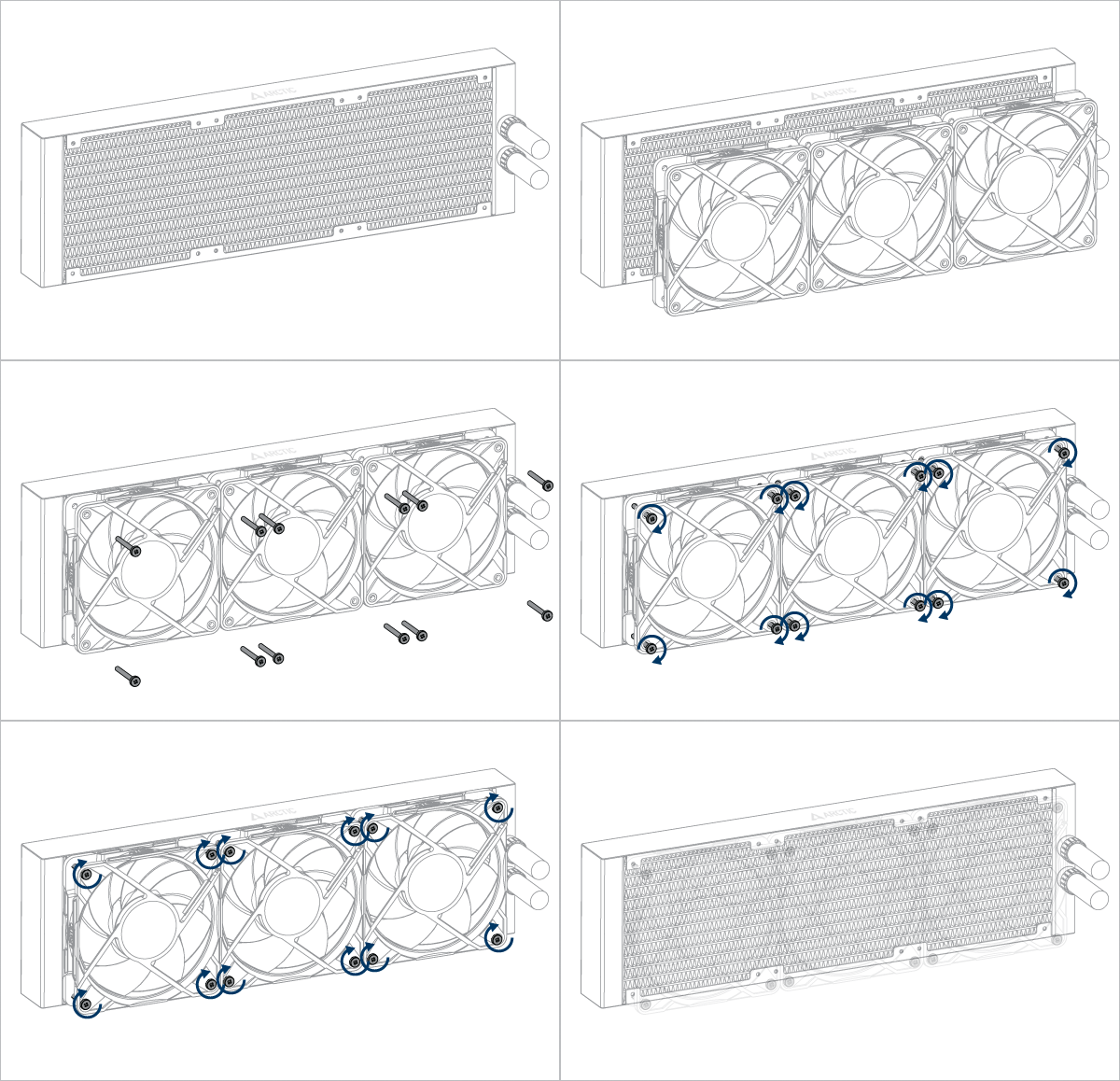

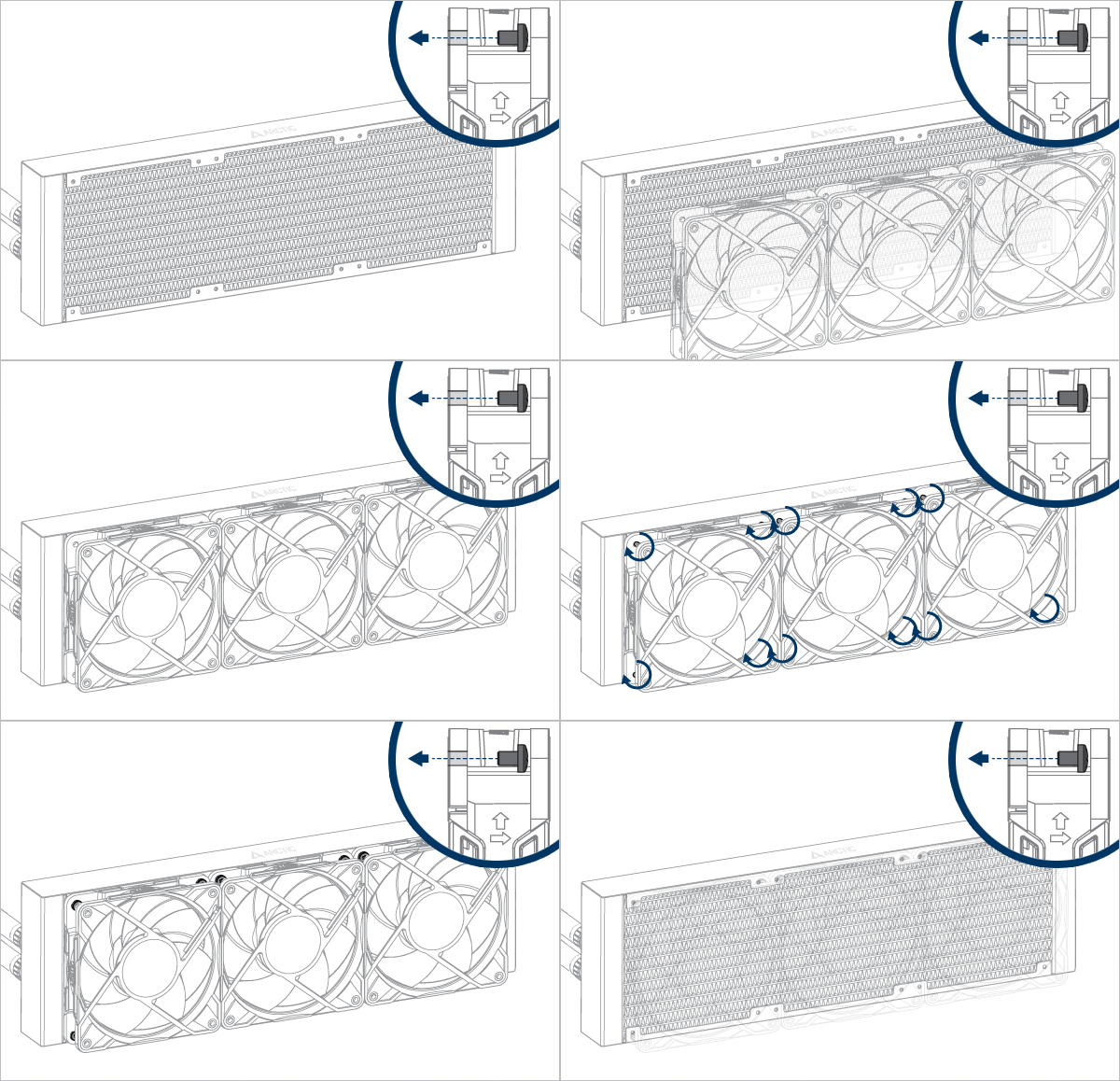

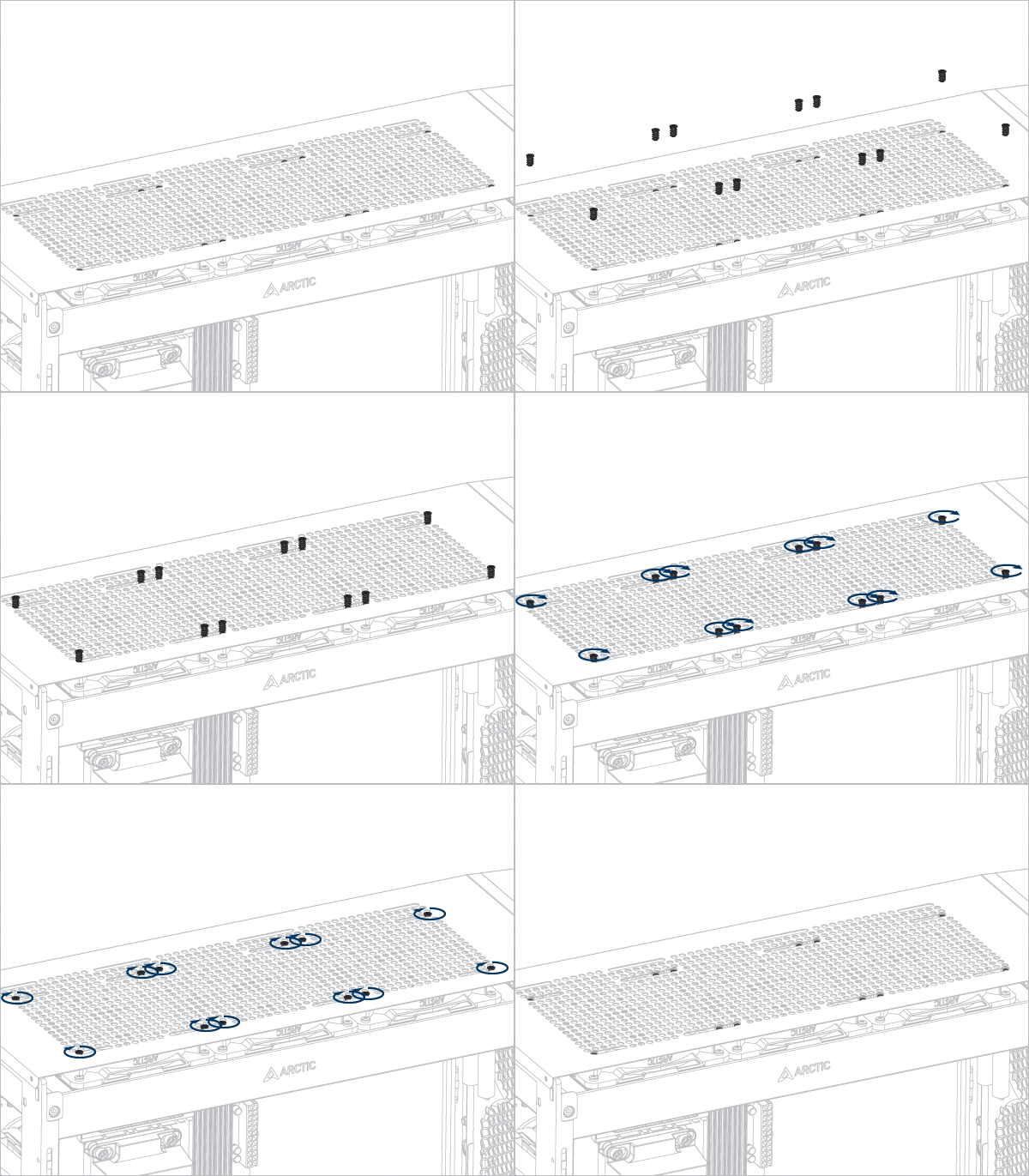
Installation
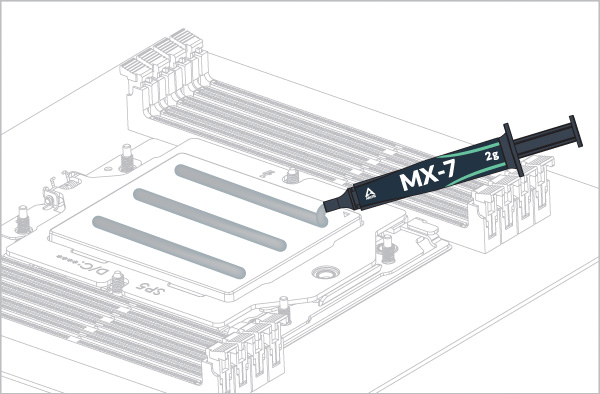
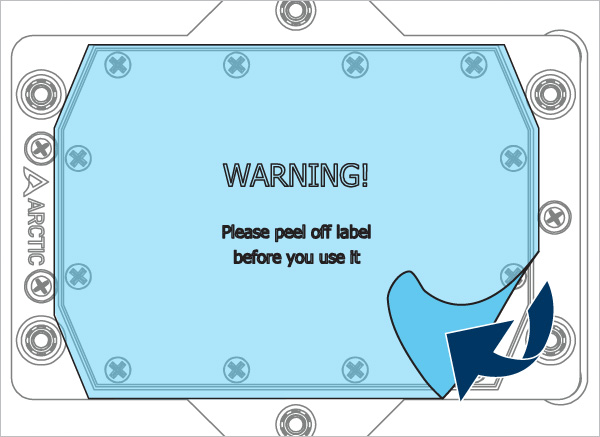
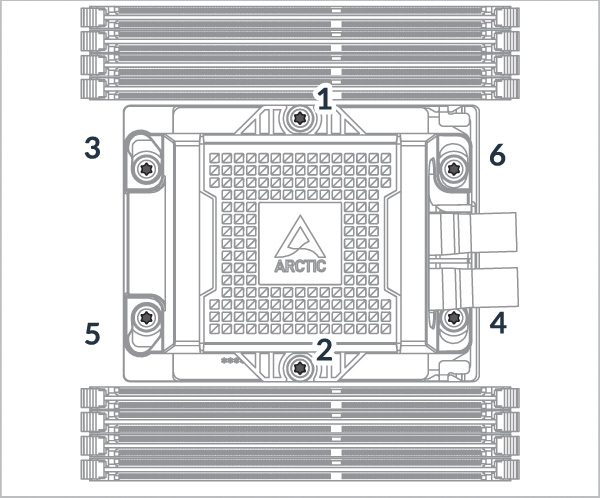
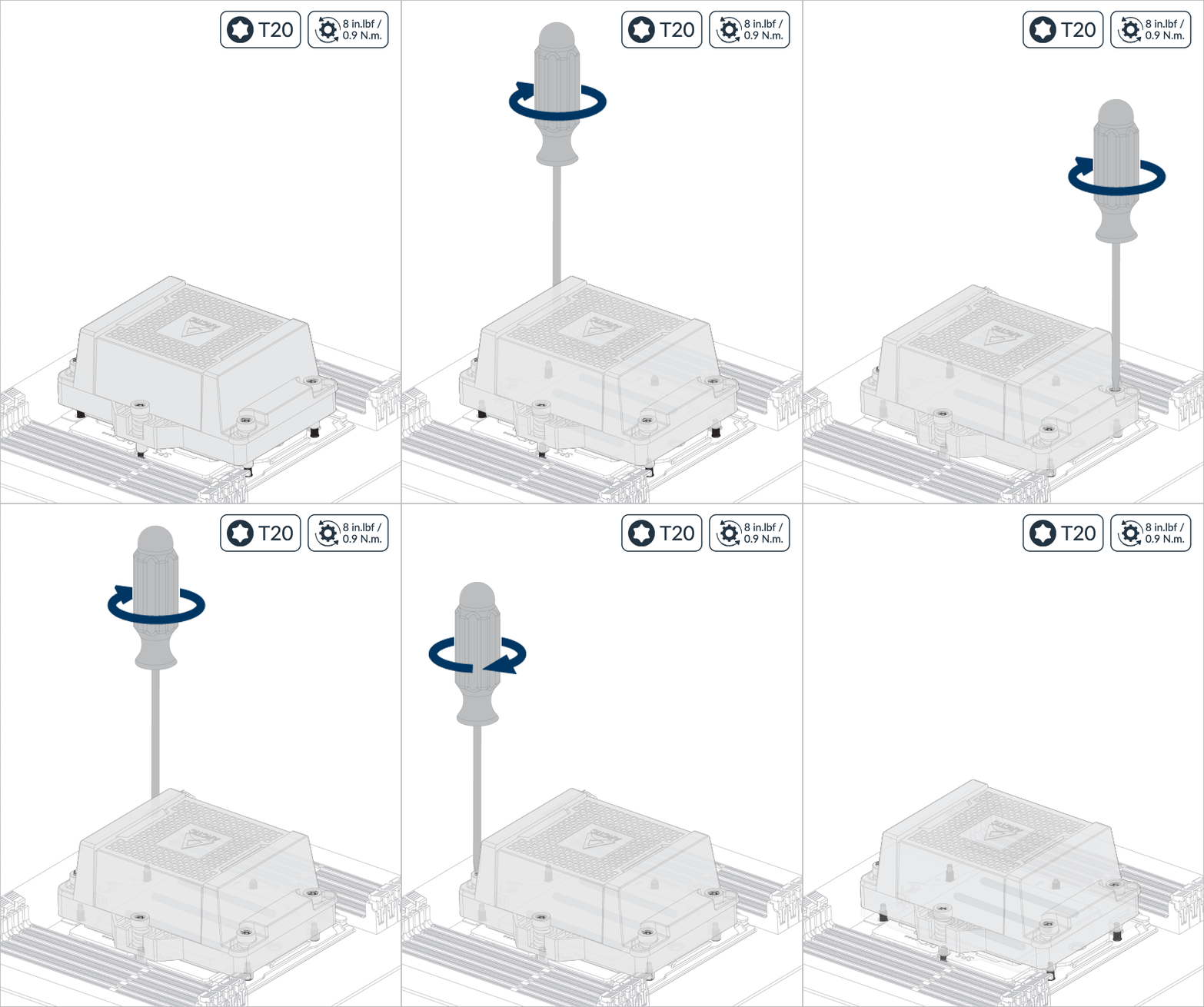
Follow order 1 → 2, 3 turn per nut, 3 times.
Follow order 1 → 2 → 3 → 4 → 5 → 6, 2 turn per nut.
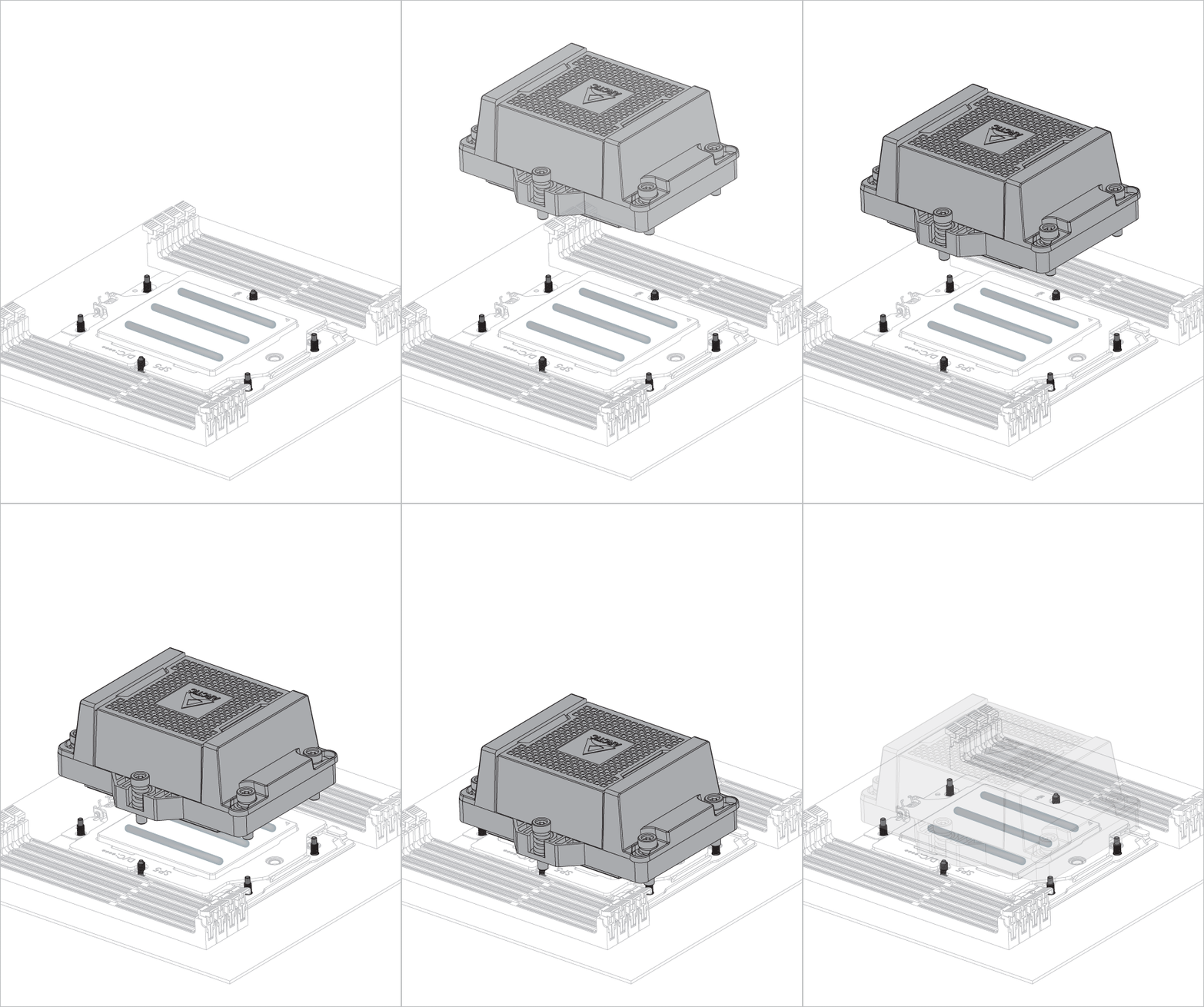

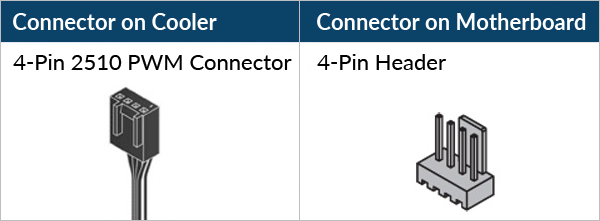
- 4-Pin Header
- 6-Pin Header
Select your CPU fan header configuration
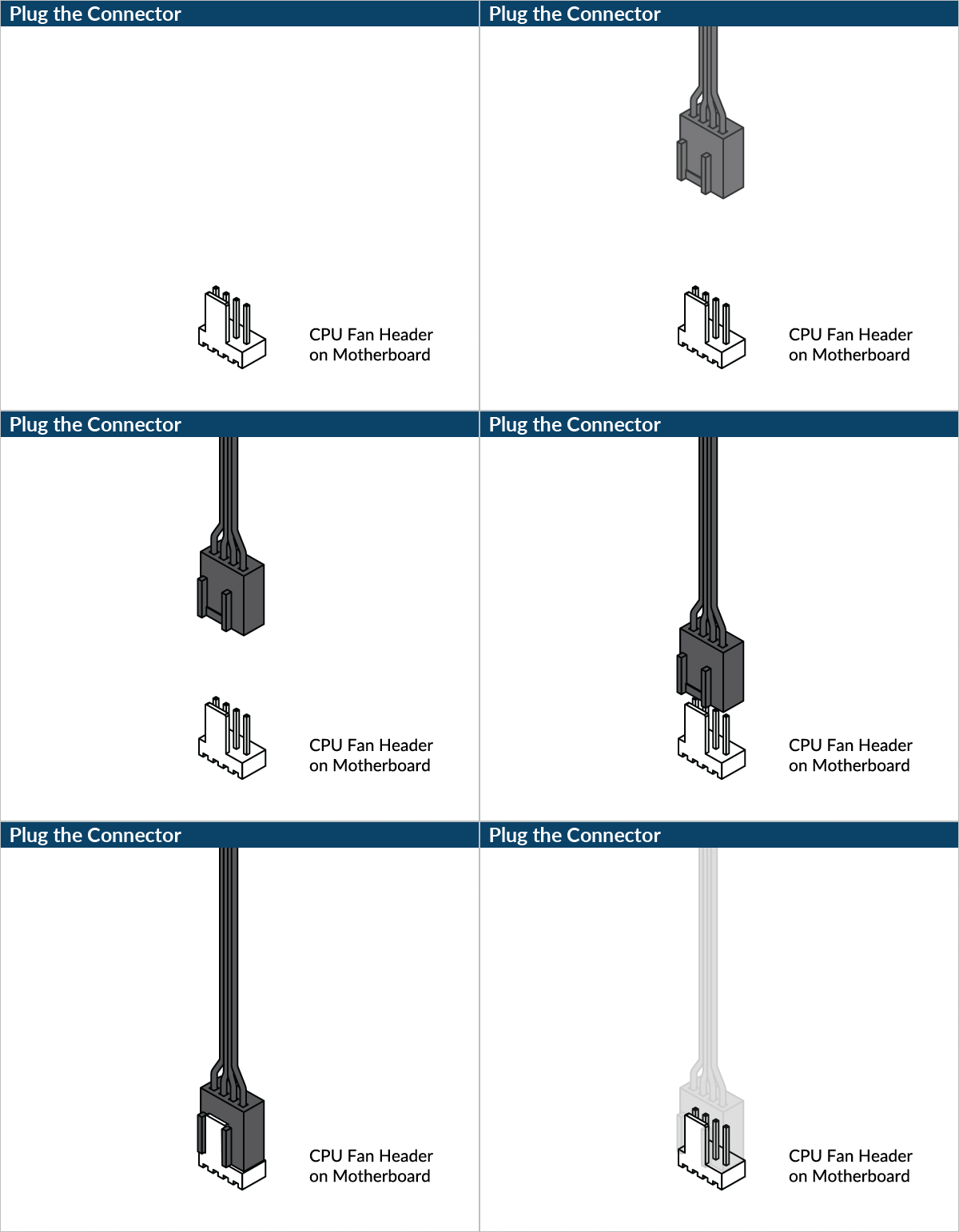
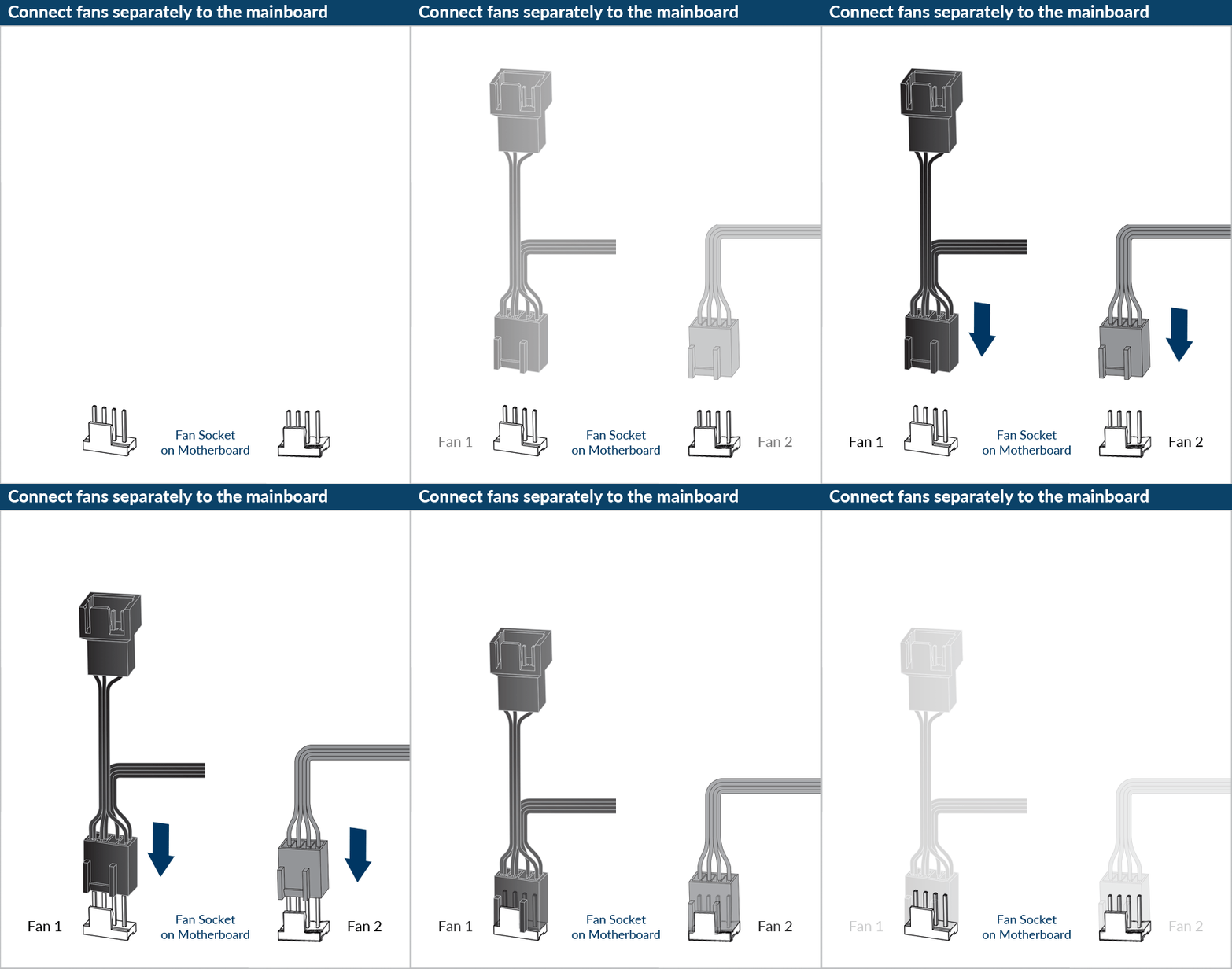

Please ensure that the header meets the total current required.
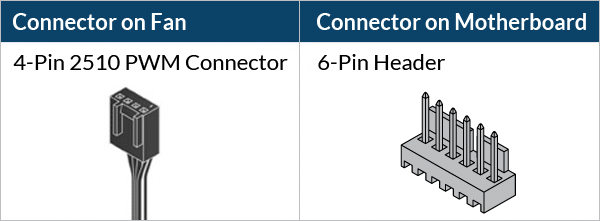

Please make sure that the headers are set to PWM instead of DC control. For detailed instructions, please follow the BIOS configuration guide to adjust your PWM.


