Language
English
Deutsch
Français
Español
Italiano
Русский
čeština
Polski
Português
中文
عربي
日本の
한국인
Türkçe
Svenska
Nederlands

To check the compatibility of your motherboard, please follow this link.

Required Tools

T20 Torx Screwdriver

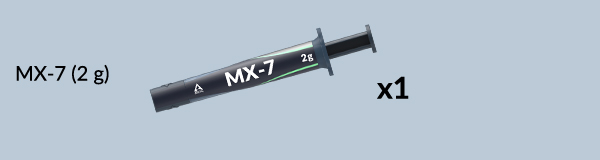
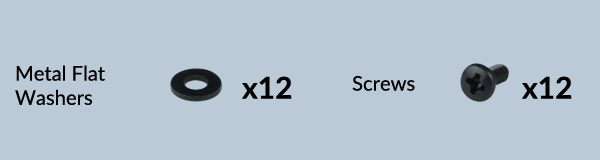
Packaging Content
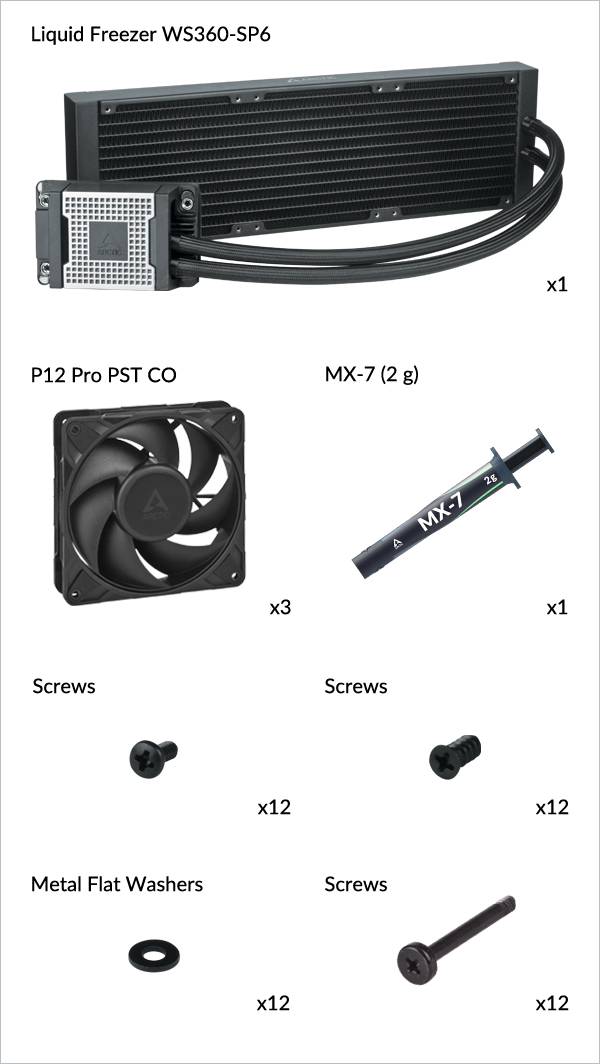
Liquid Freezer WS360-SP6
Preparation

How (not) to mount your water cooling AIO?

Steve from GamersNexus explains you the mistakes to avoid while assembling your water cooling AIO in your PC case.

The featured video is independently produced by GamersNexus, ARCTIC has been authorized to use by GamersNexus.

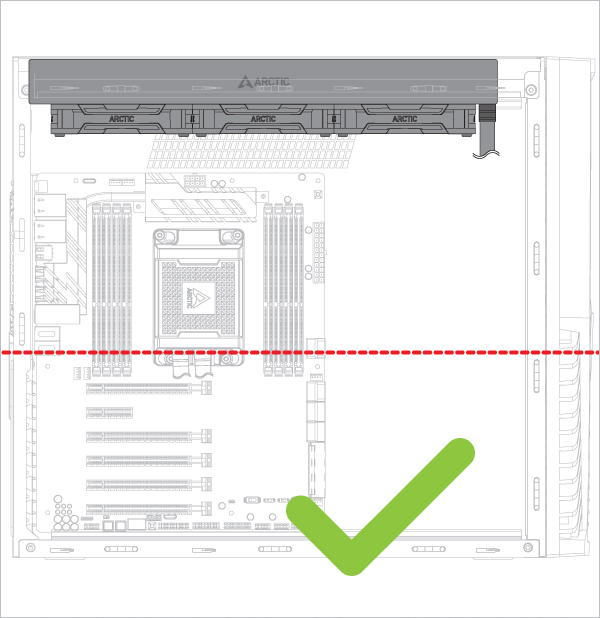
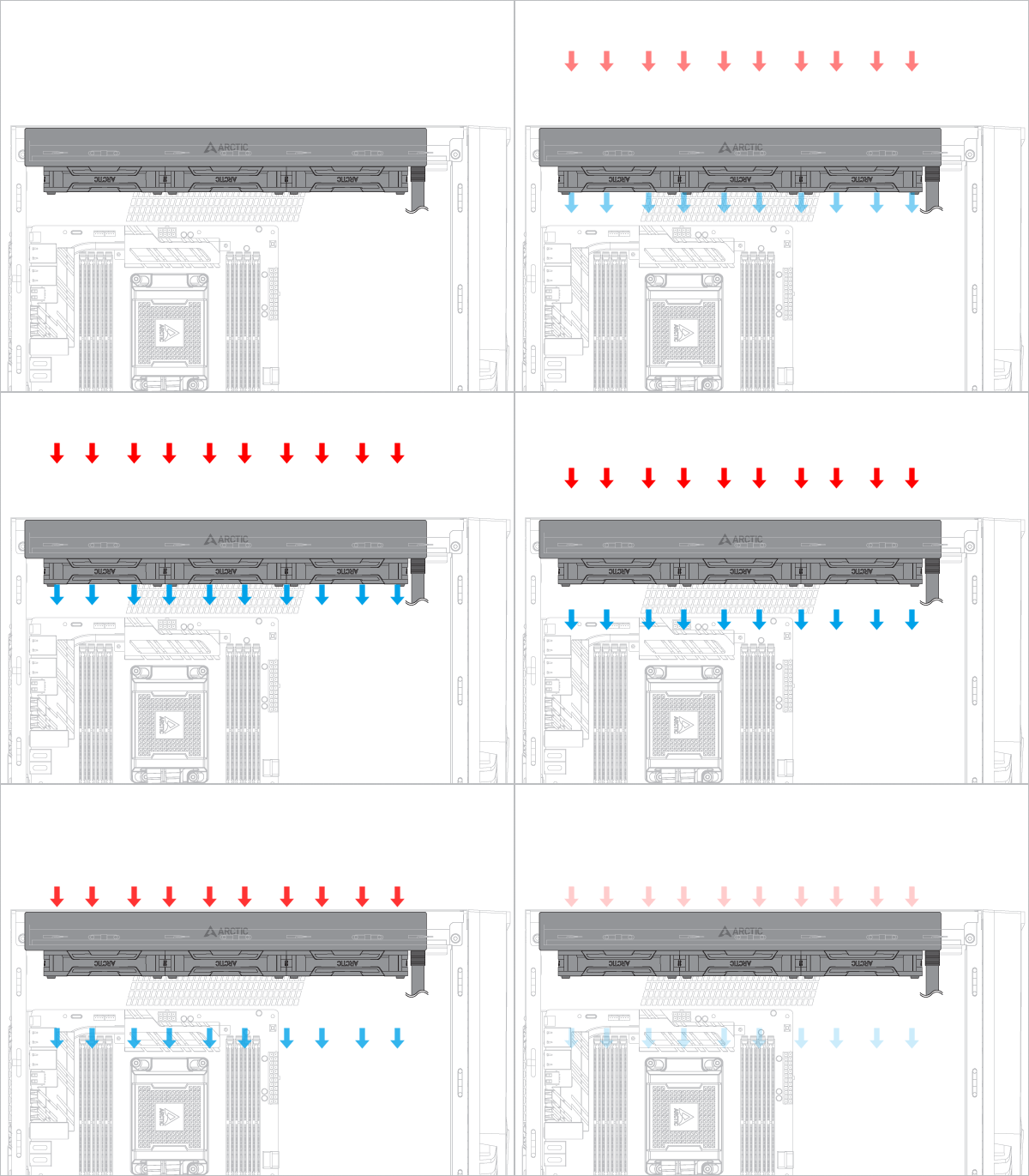
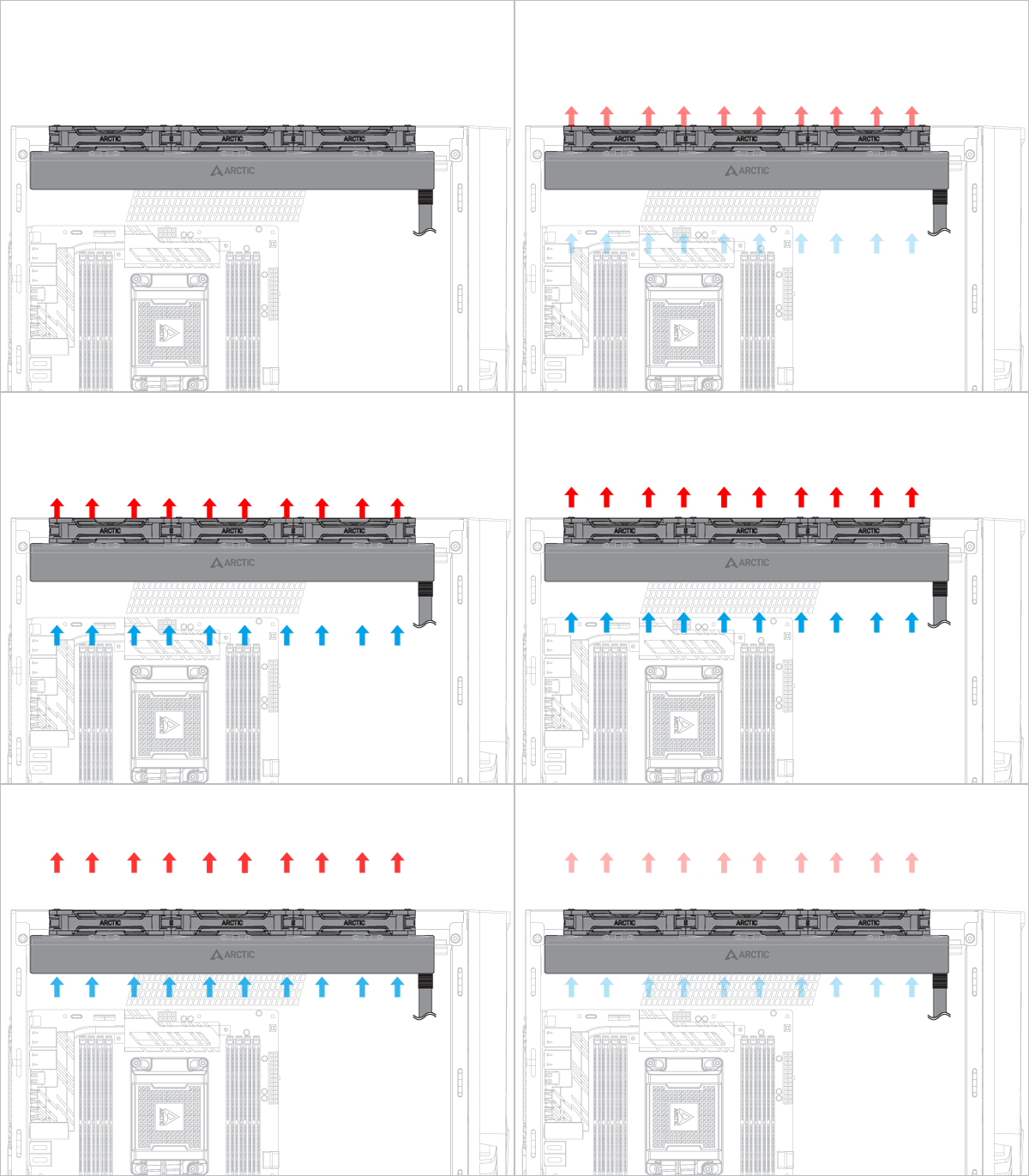
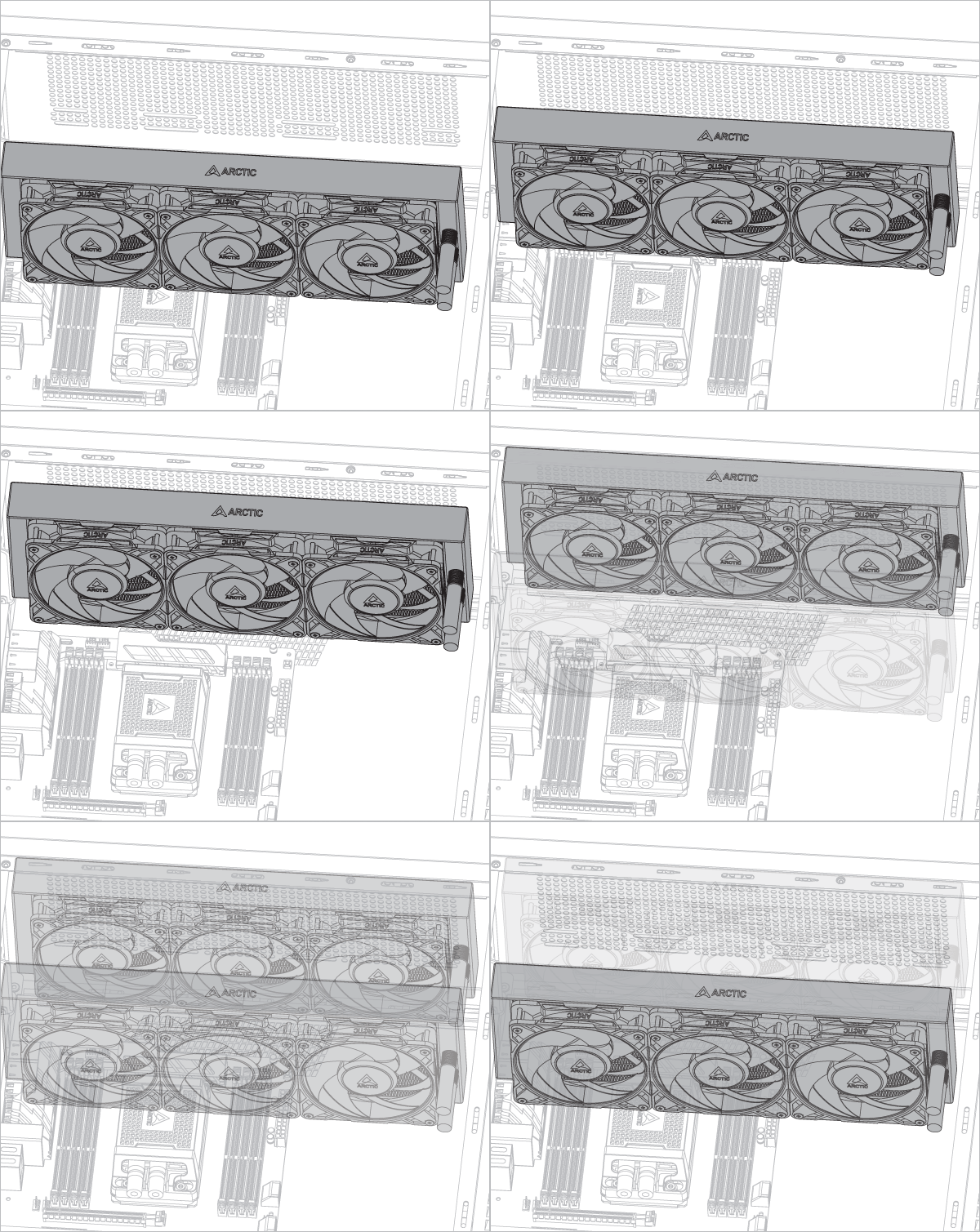
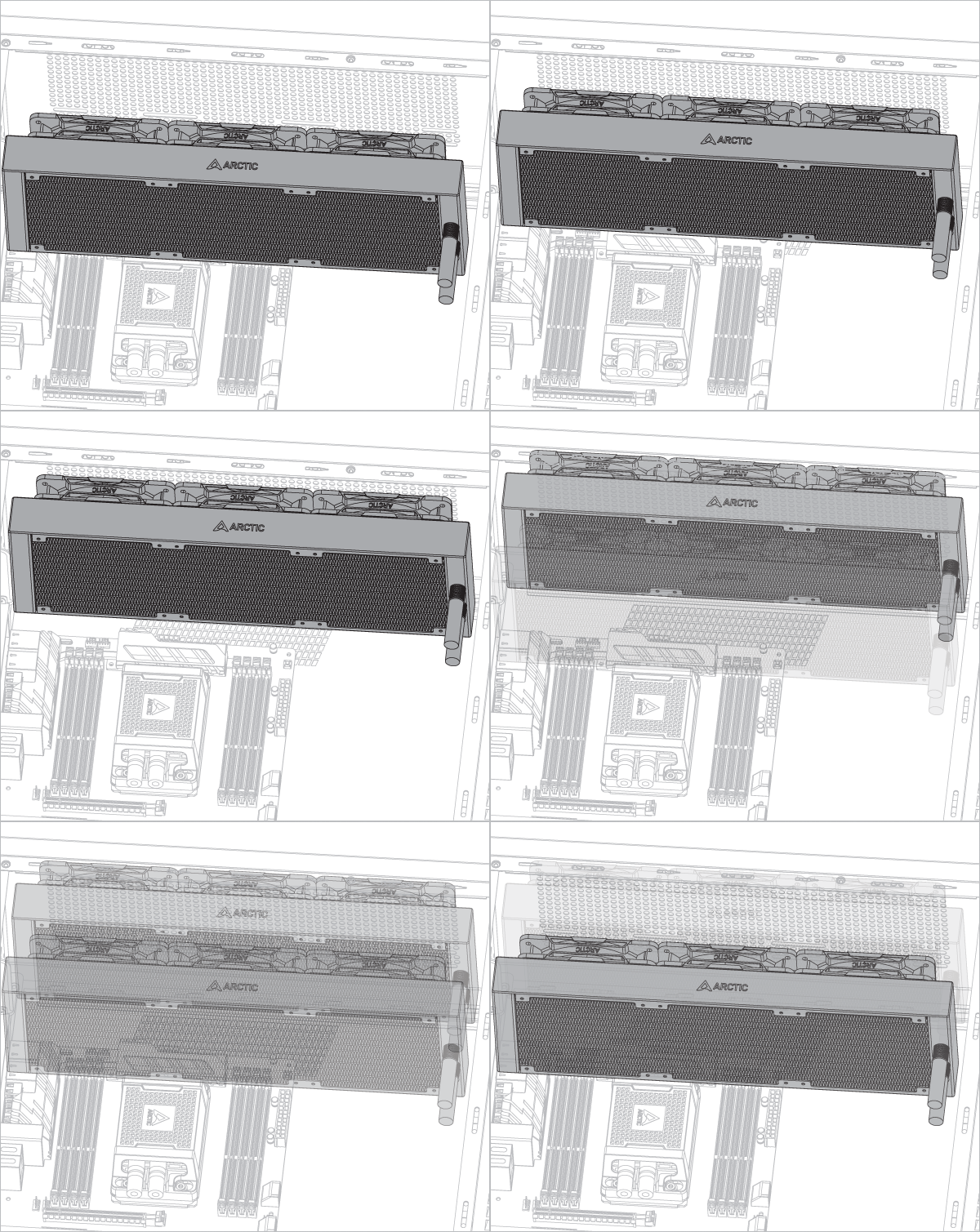
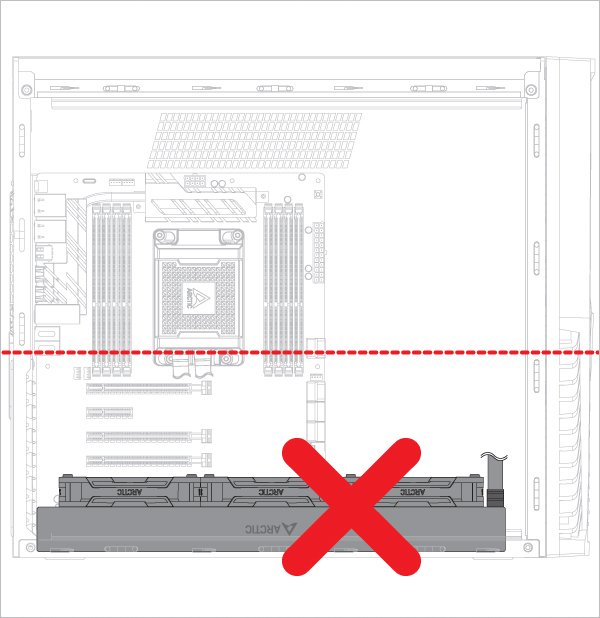
Radiator below pump
Liquid Freezer WS360-SP6

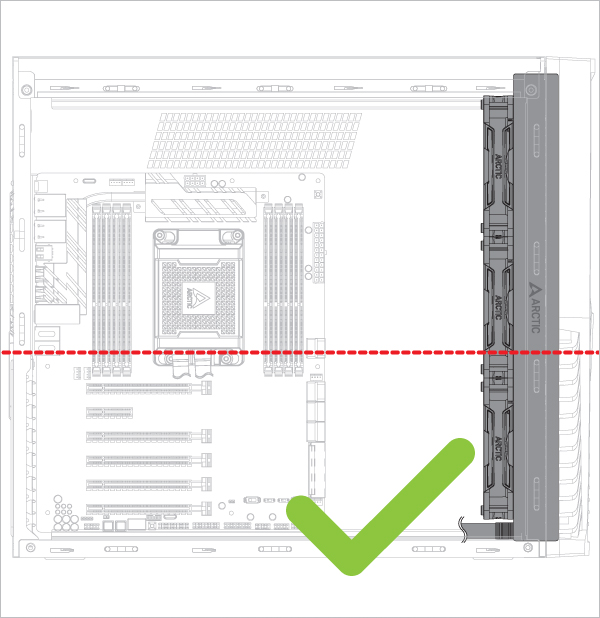
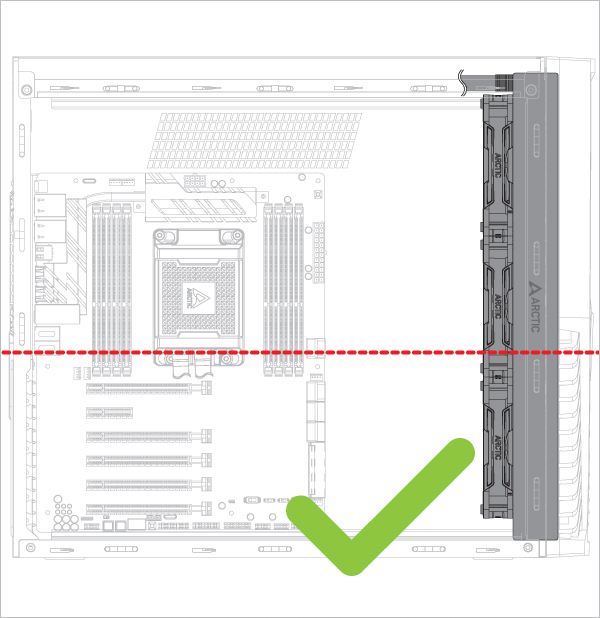
Radiator above pump

Liquid Freezer WS360-SP6 Liquid Freezer WS360-SP6 Liquid Freezer WS360-SP6

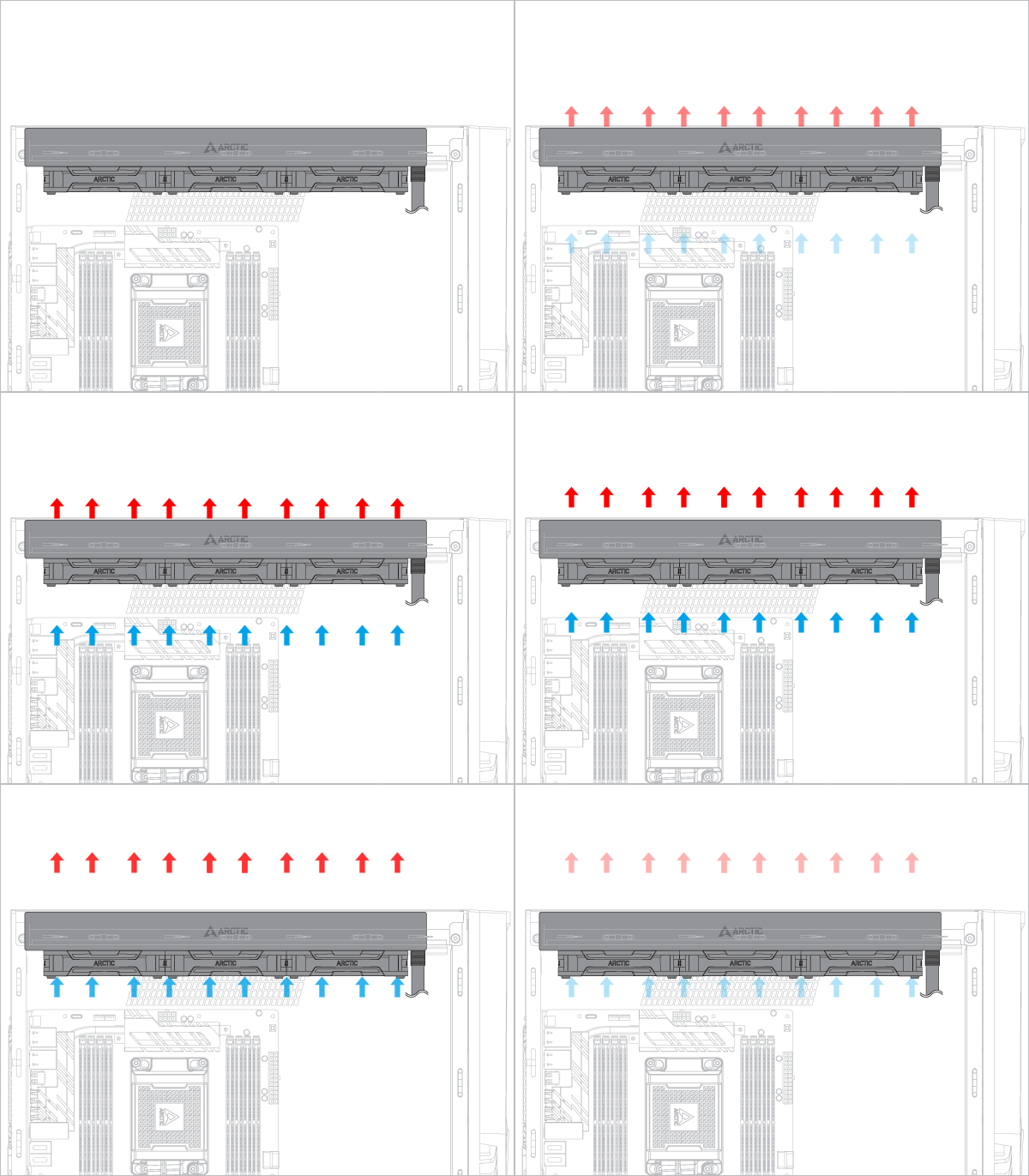
Risk of bubbling noise

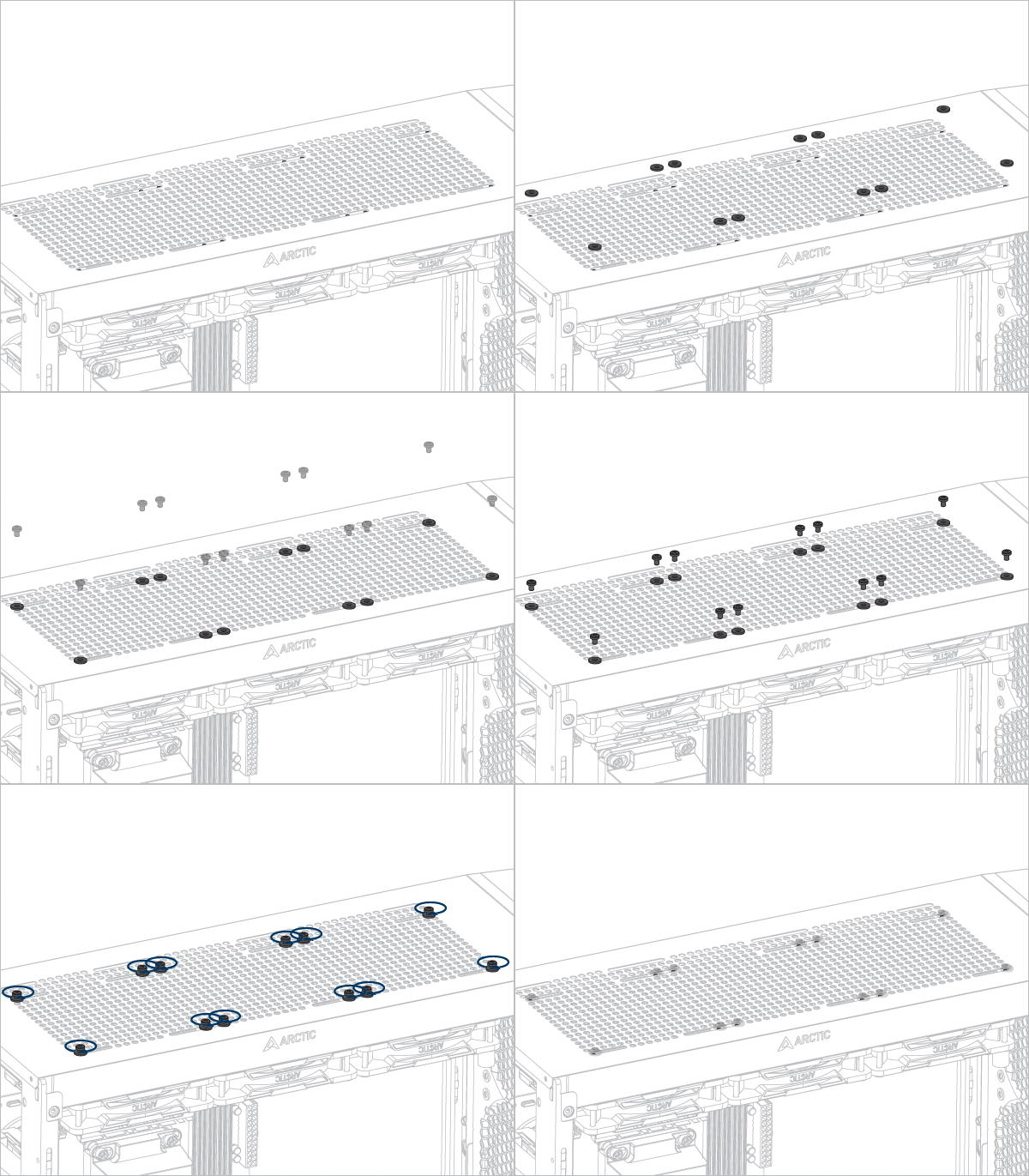
Installation
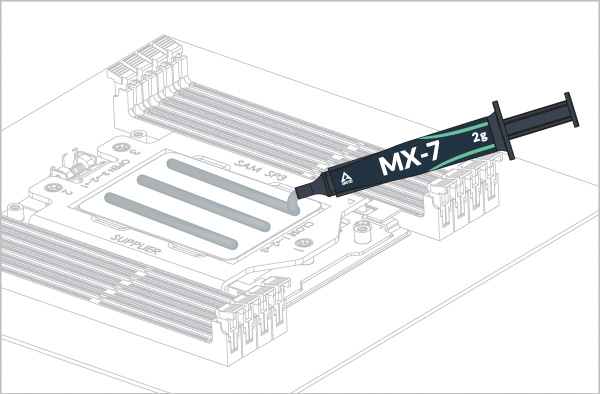
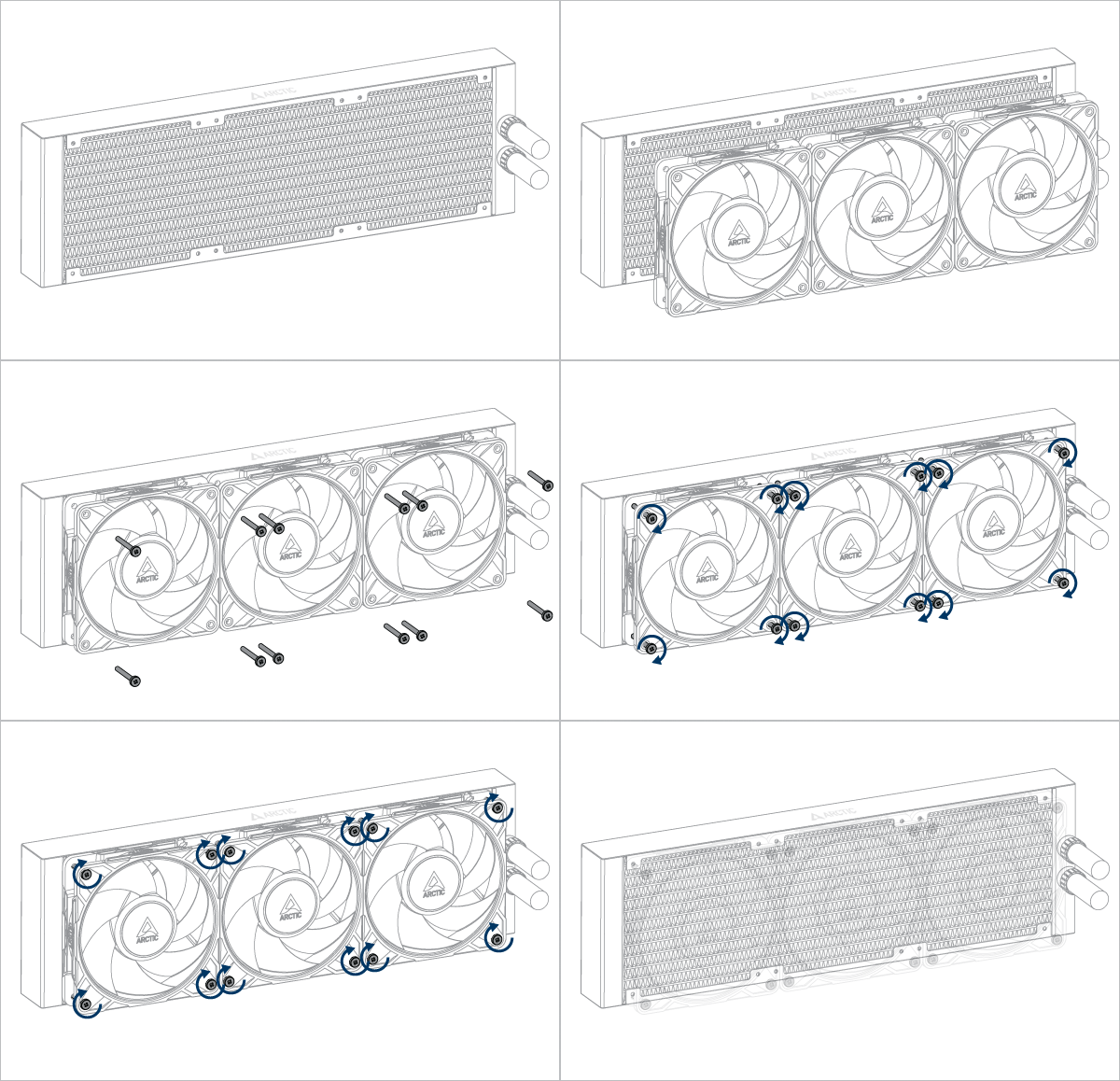
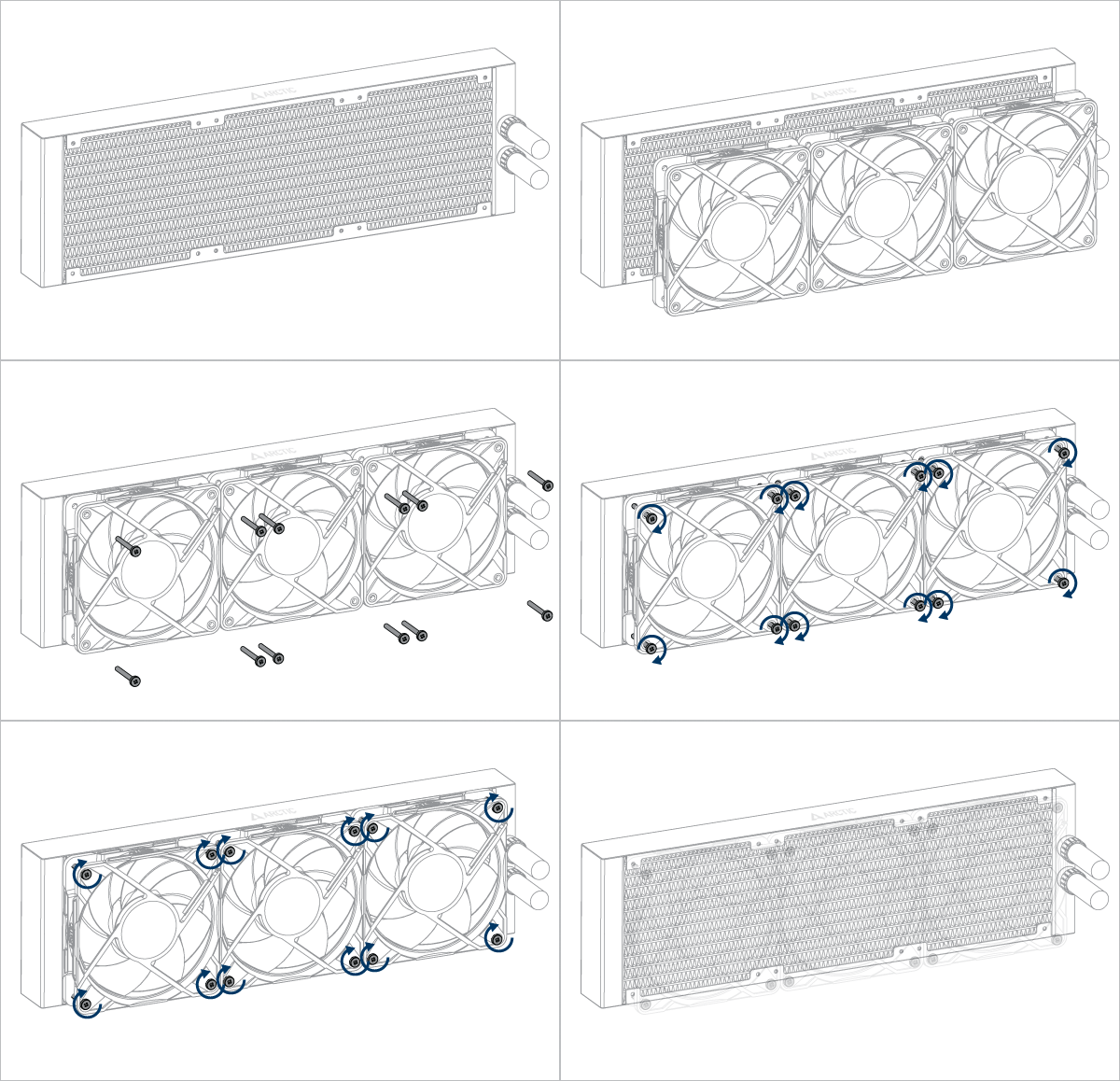
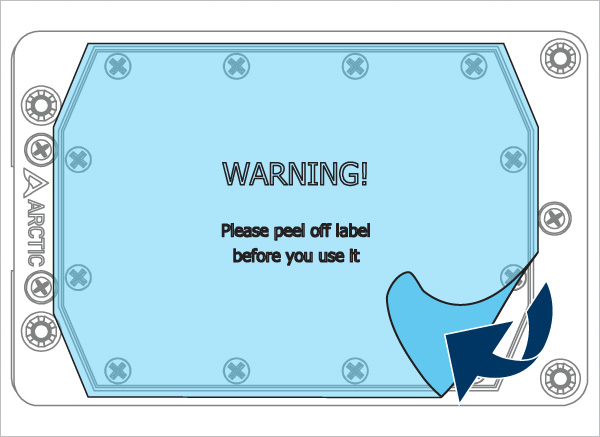
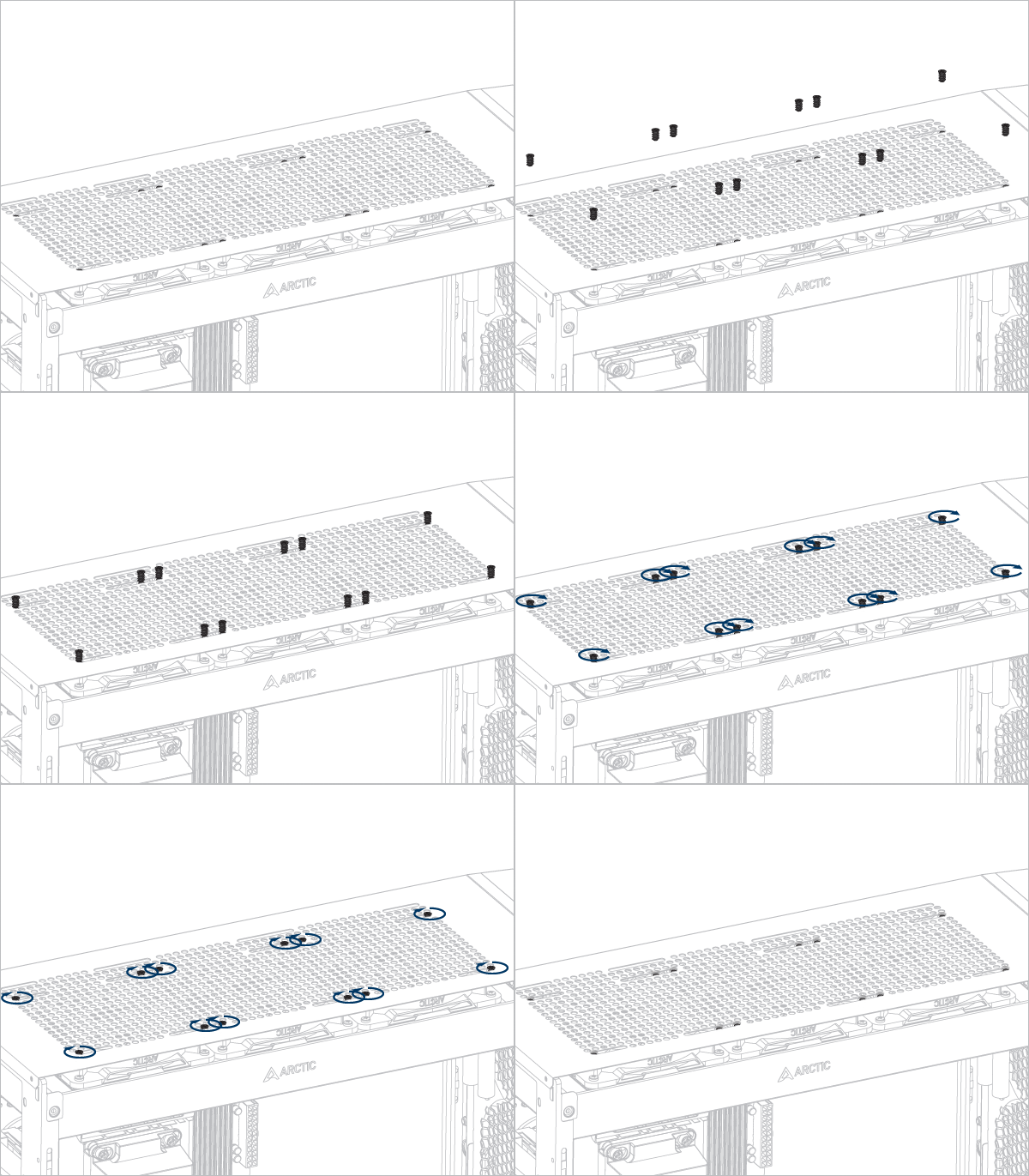
Liquid Freezer WS360-SP6 Liquid Freezer WS360-SP6 Liquid Freezer WS360-SP6

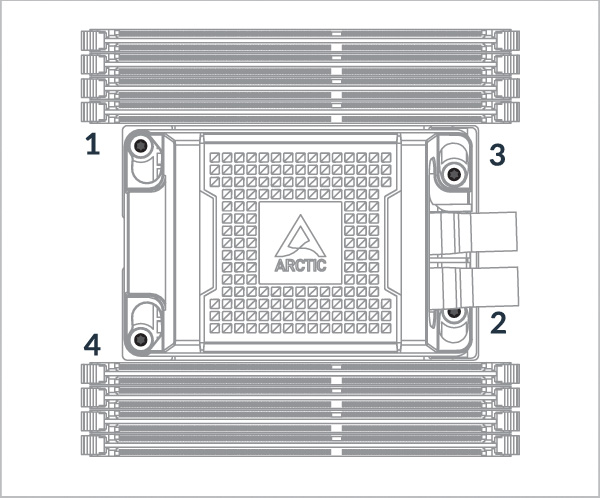
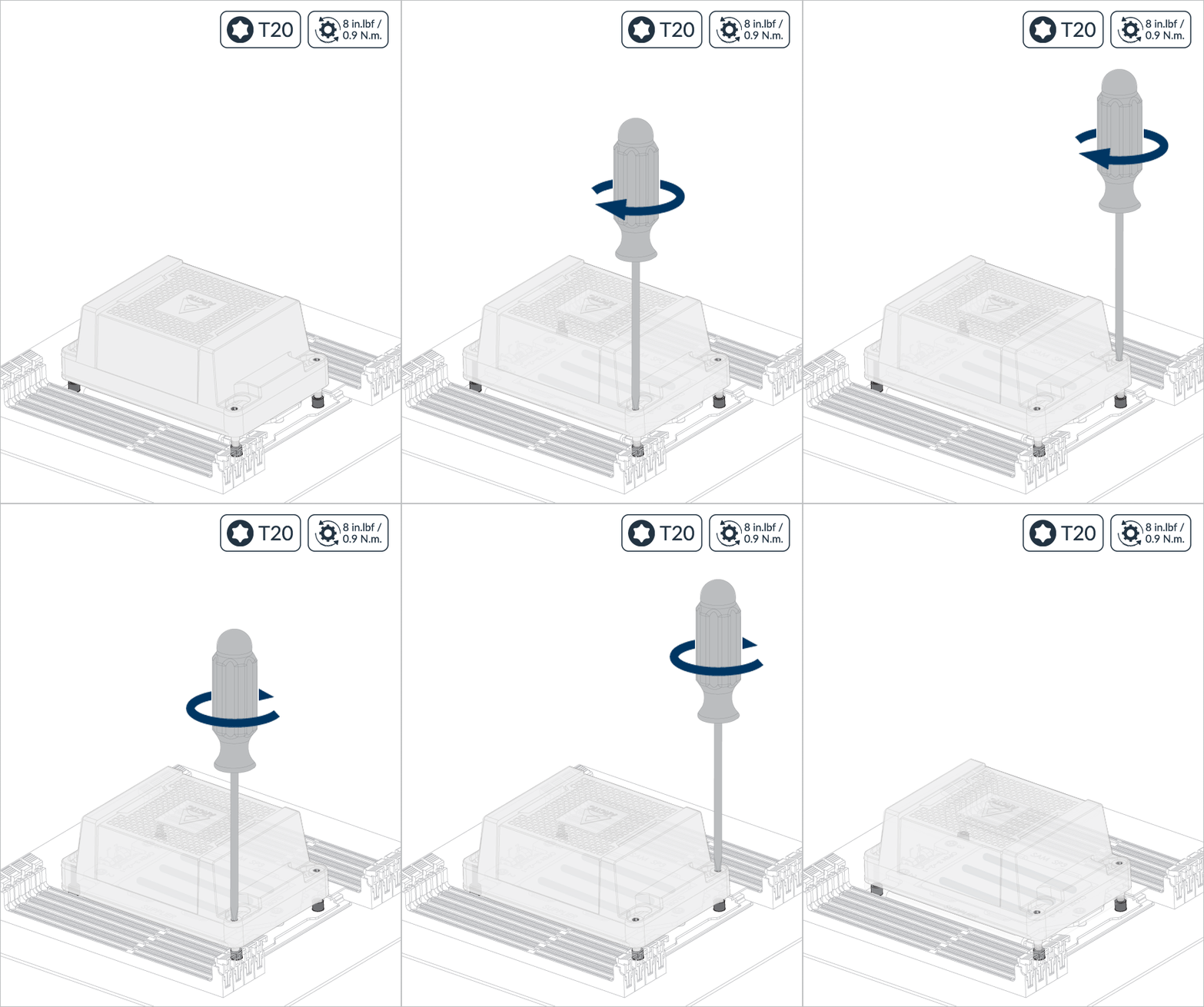
Follow order 1 → 2 → 3 → 4, 2 turn per nut.
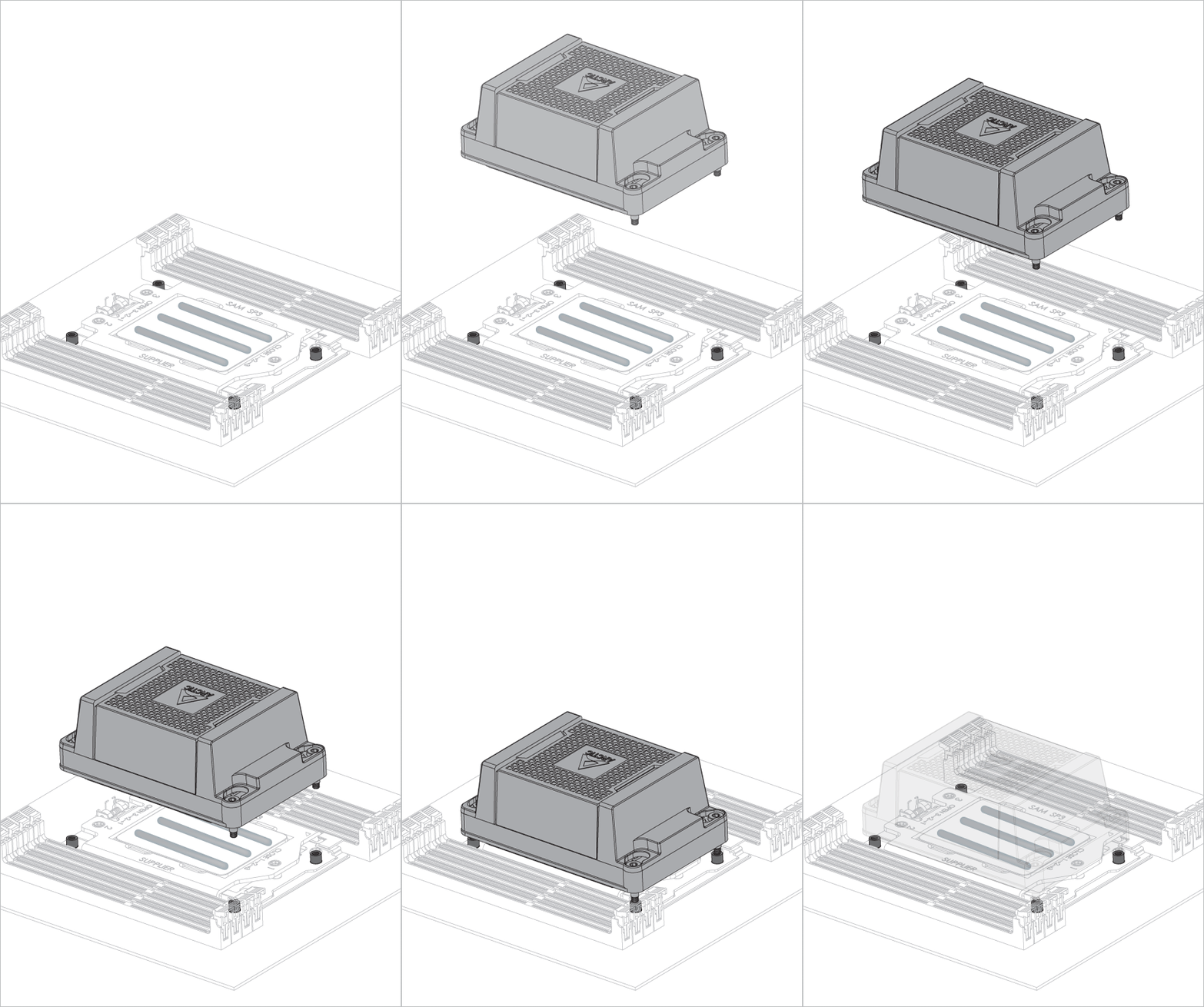
Liquid Freezer WS360-SP6 Liquid Freezer WS360-SP6
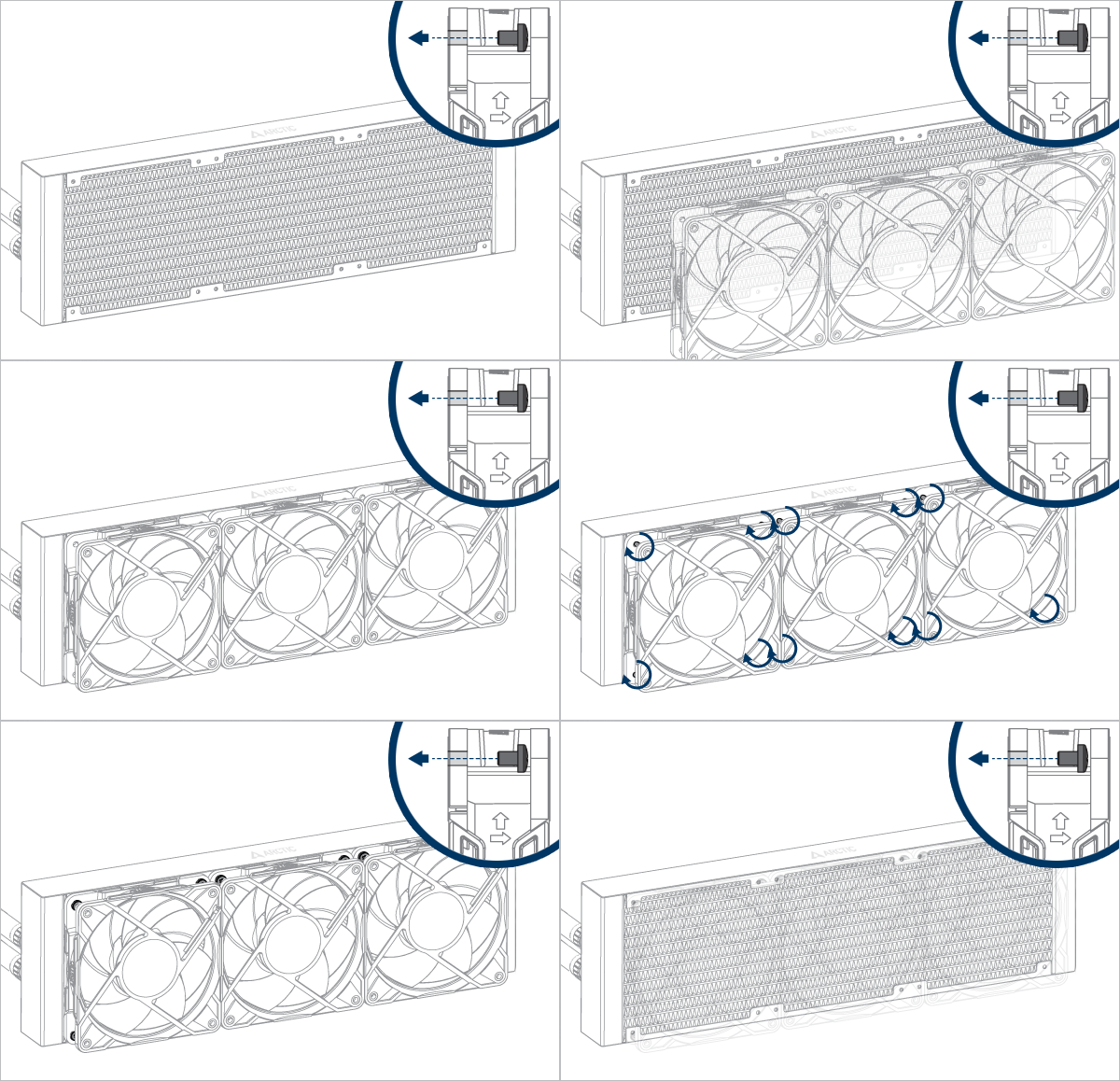
Liquid Freezer WS360-SP6 Liquid Freezer WS360-SP6 Liquid Freezer WS360-SP6
Liquid Freezer WS360-SP6 Liquid Freezer WS360-SP6 Liquid Freezer WS360-SP6 Liquid Freezer WS360-SP6

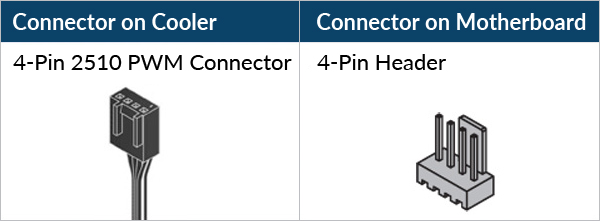
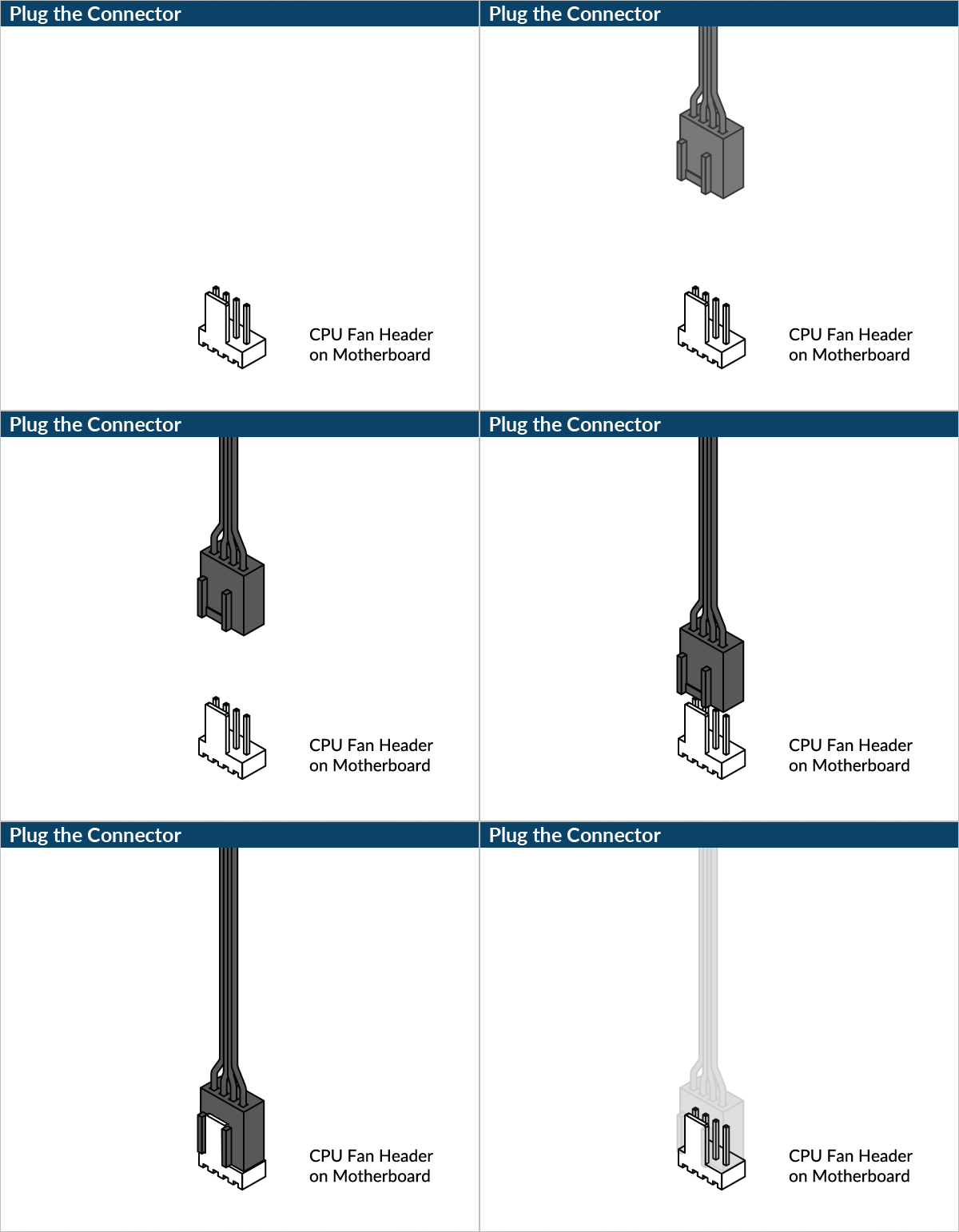
Please ensure that the header meets the total current required.

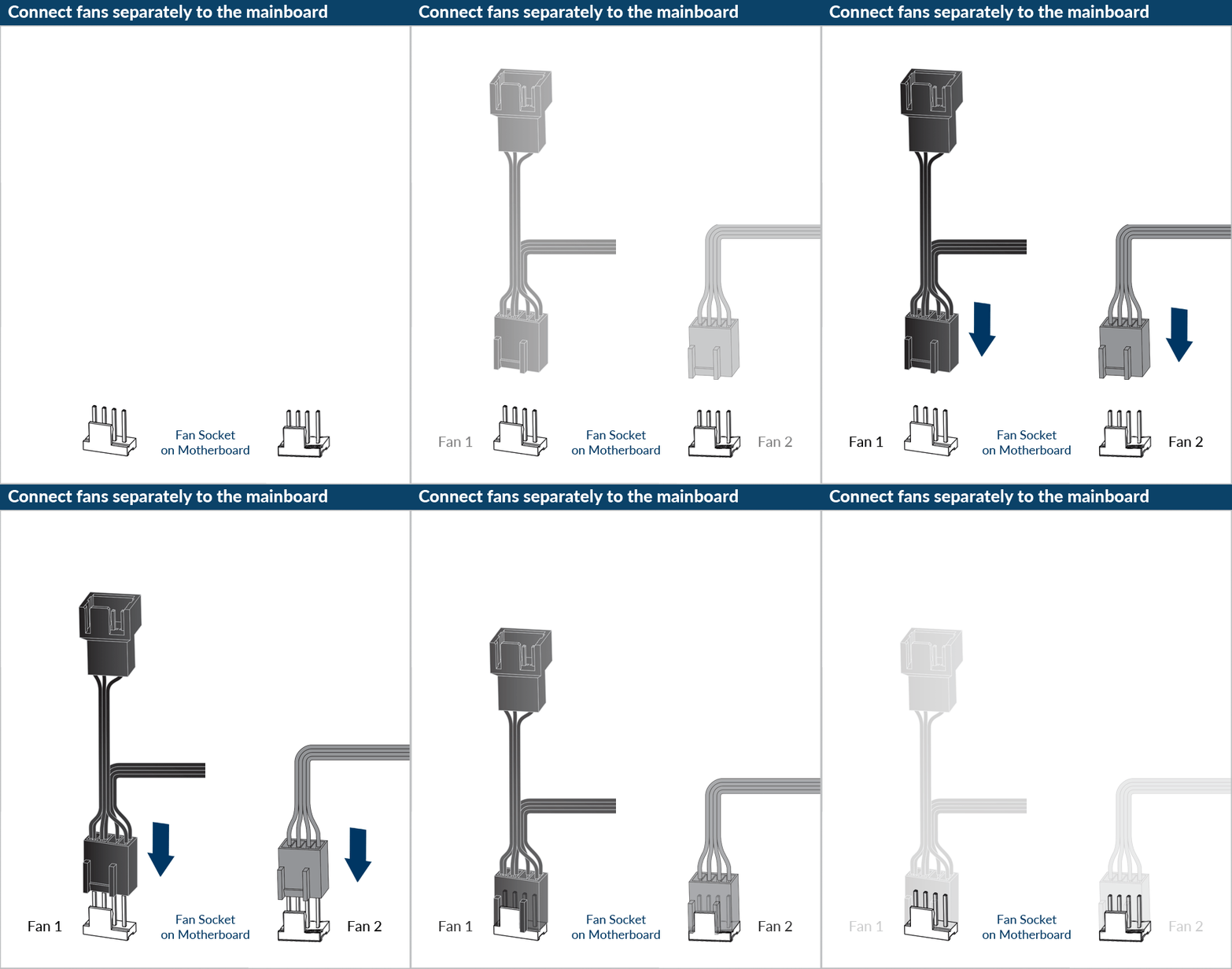
Please make sure that the headers are set to PWM instead of DC control. For detailed instructions, please follow the BIOS configuration guide to adjust your PWM.

support.arctic.de uses cookies, to give its readers the best website experience. In addition, some cookies are also set by third party services. Further information can be found in the Privacy Policy.

I accept

If you accept the cookies from ARCTIC but not the tracking using Google Analytics, please click here to accept.