Infelizmente, este documento não está disponível em português. Abaixo está a versão em inglês.
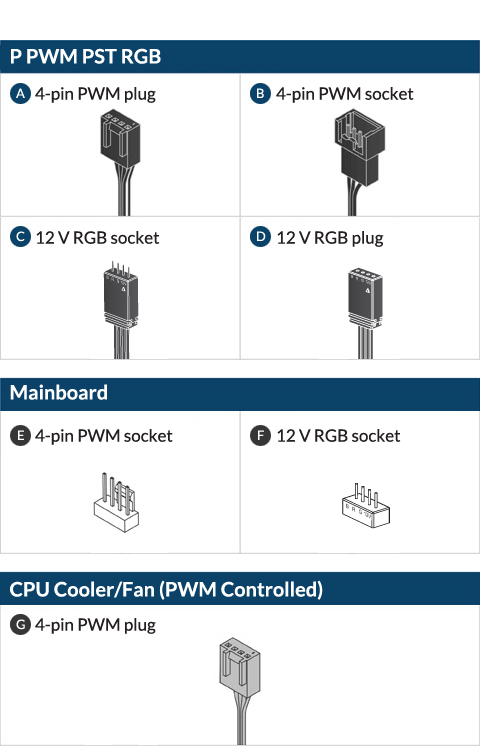



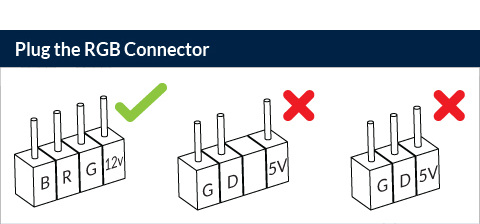

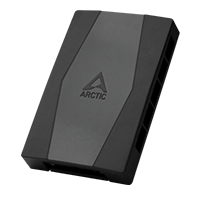
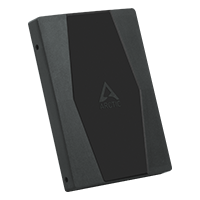
The ARCTIC RGB controller is available as standalone product or included in some models.
Go to Product Page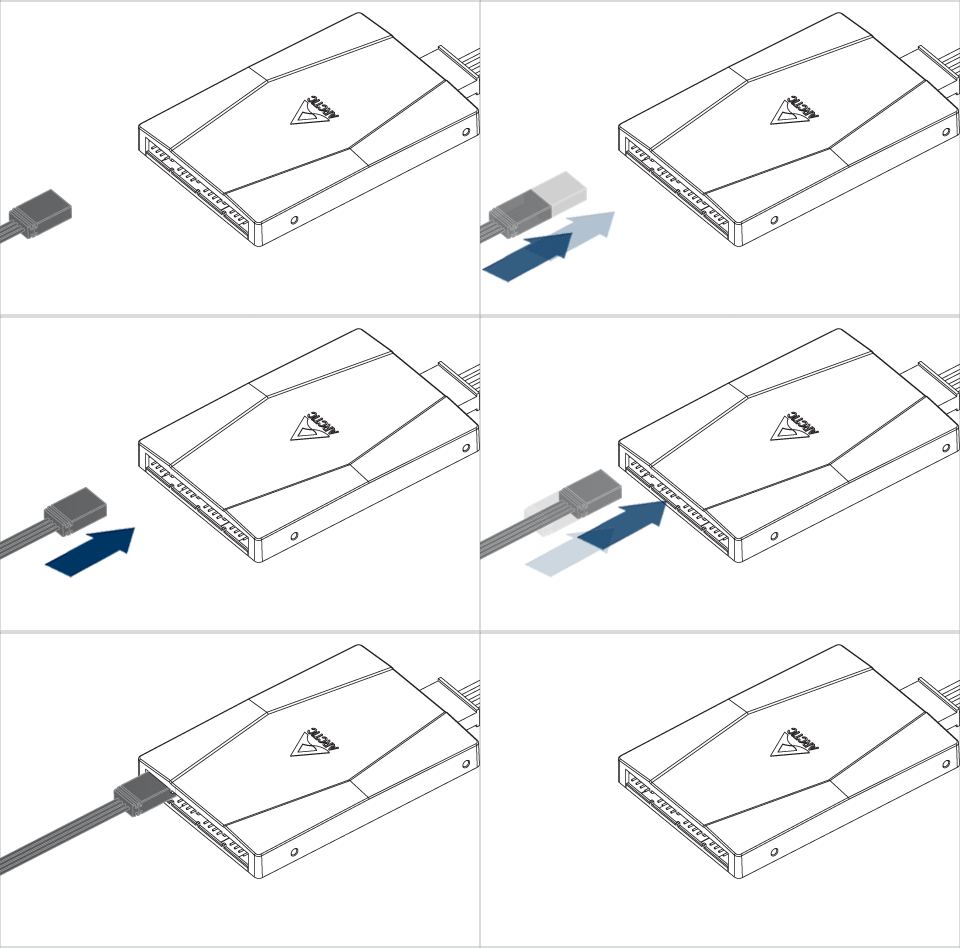
Follow this guide to install ARCTIC RGB controller.
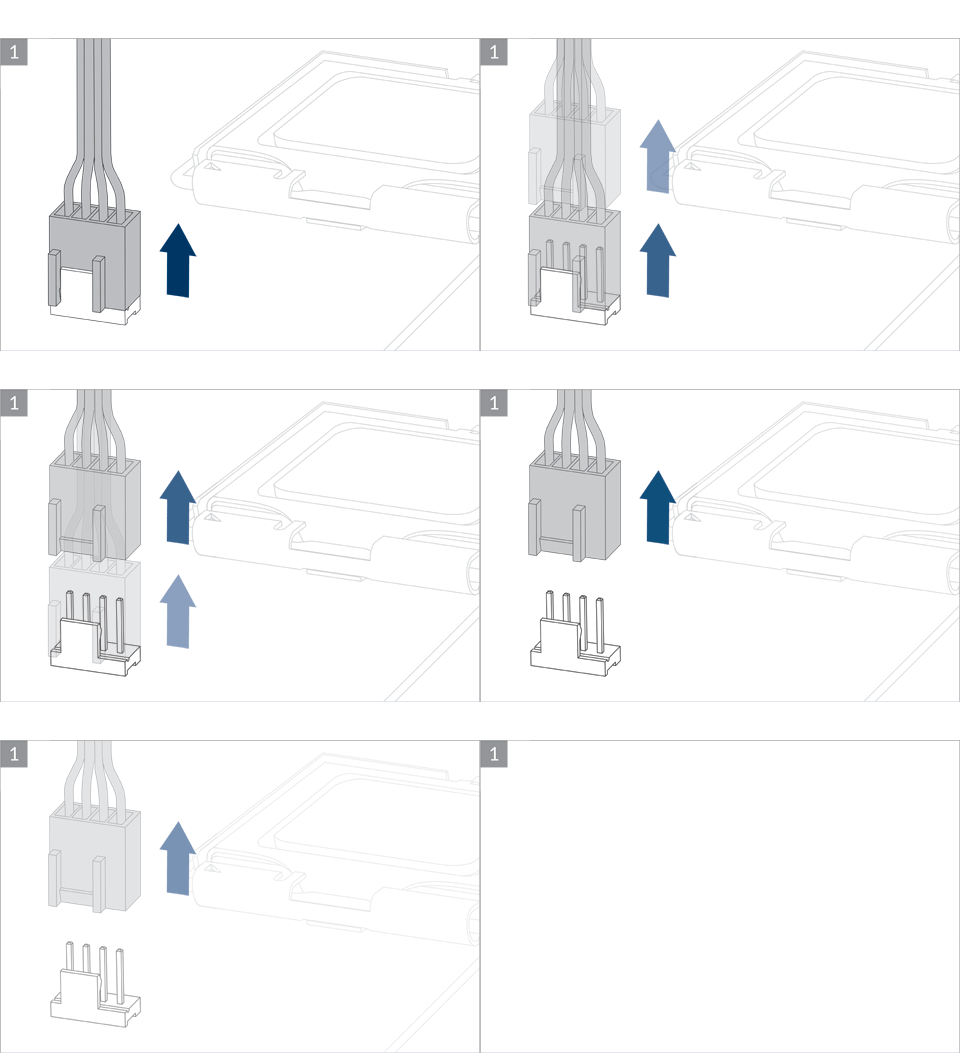
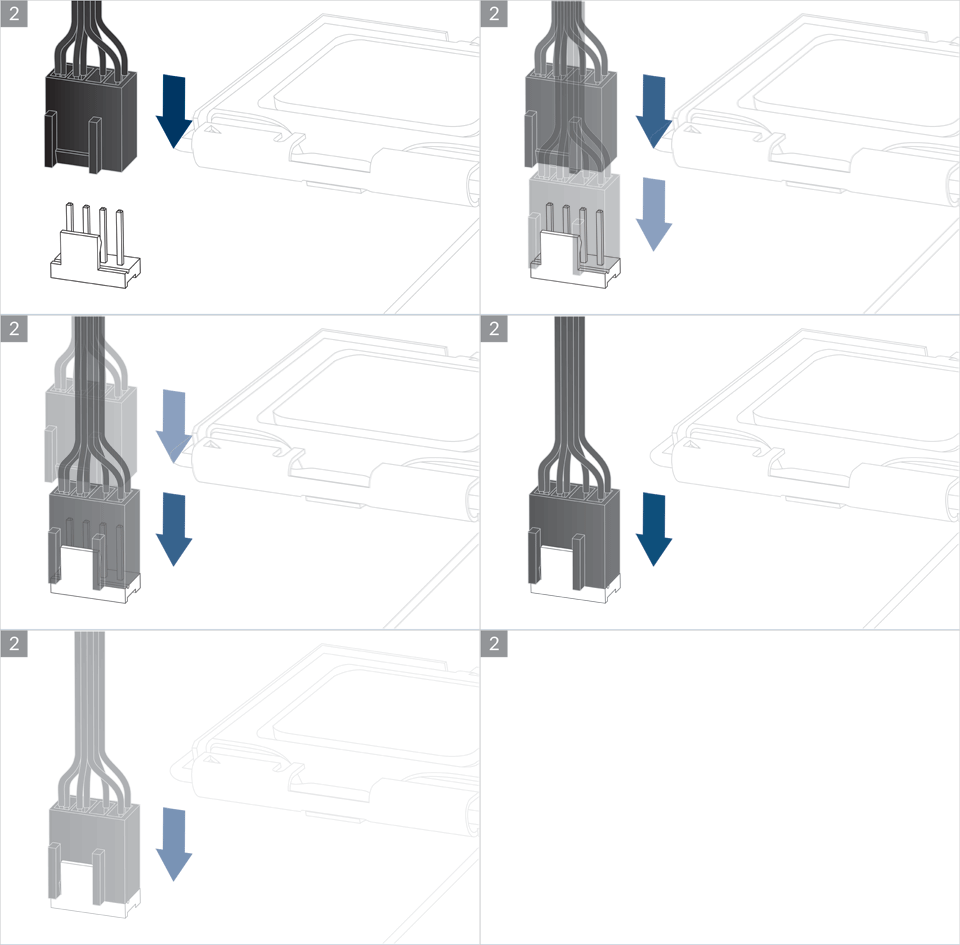
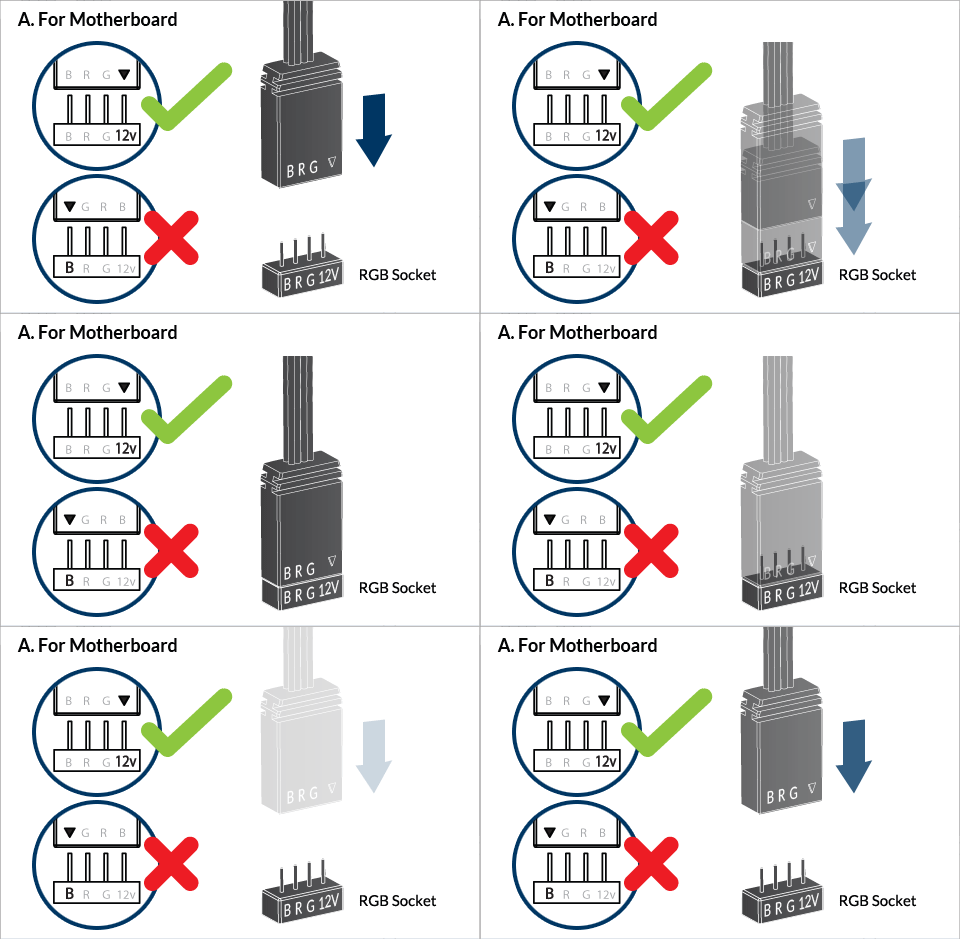
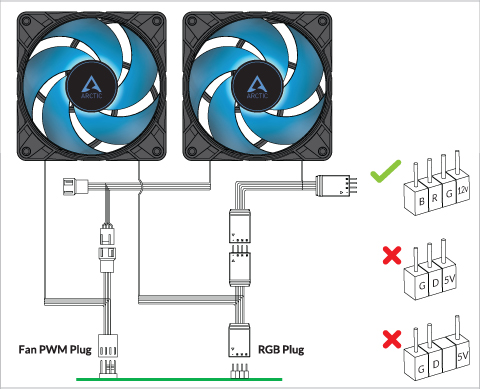
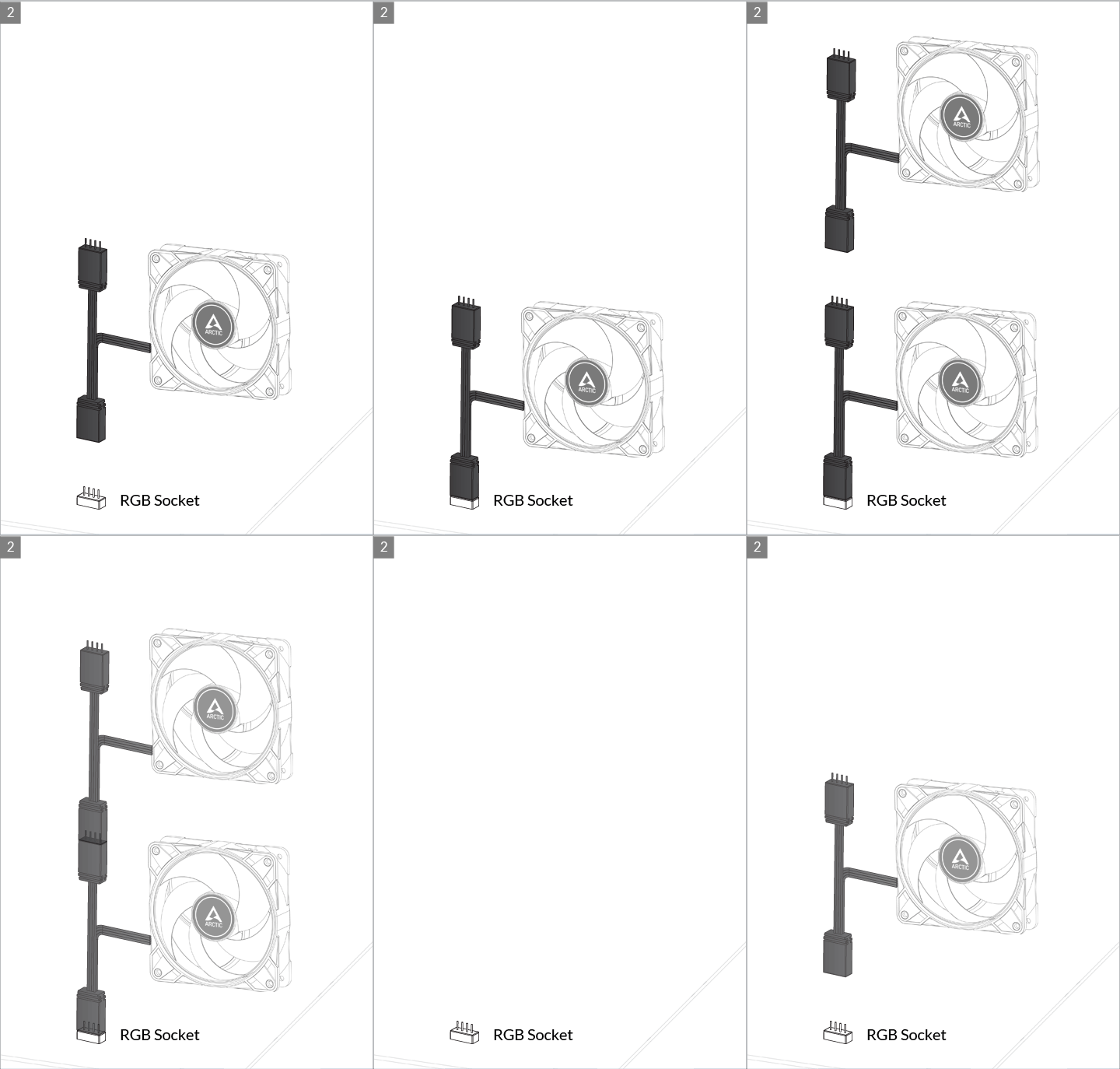
Connect to Motherboard 4pin RGB Socket
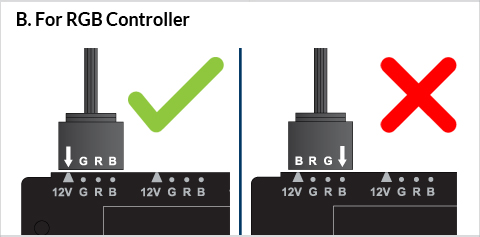
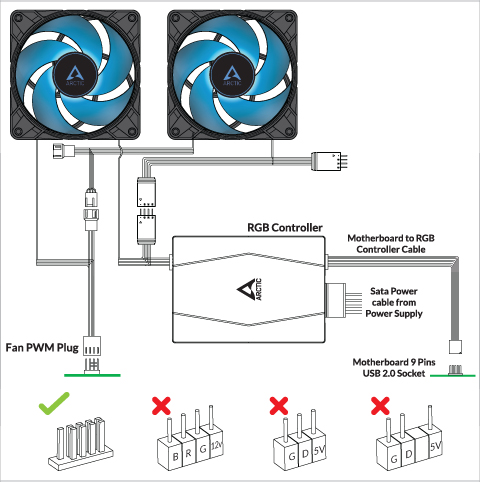
Connect to Motherboard Arctic RGB Controller
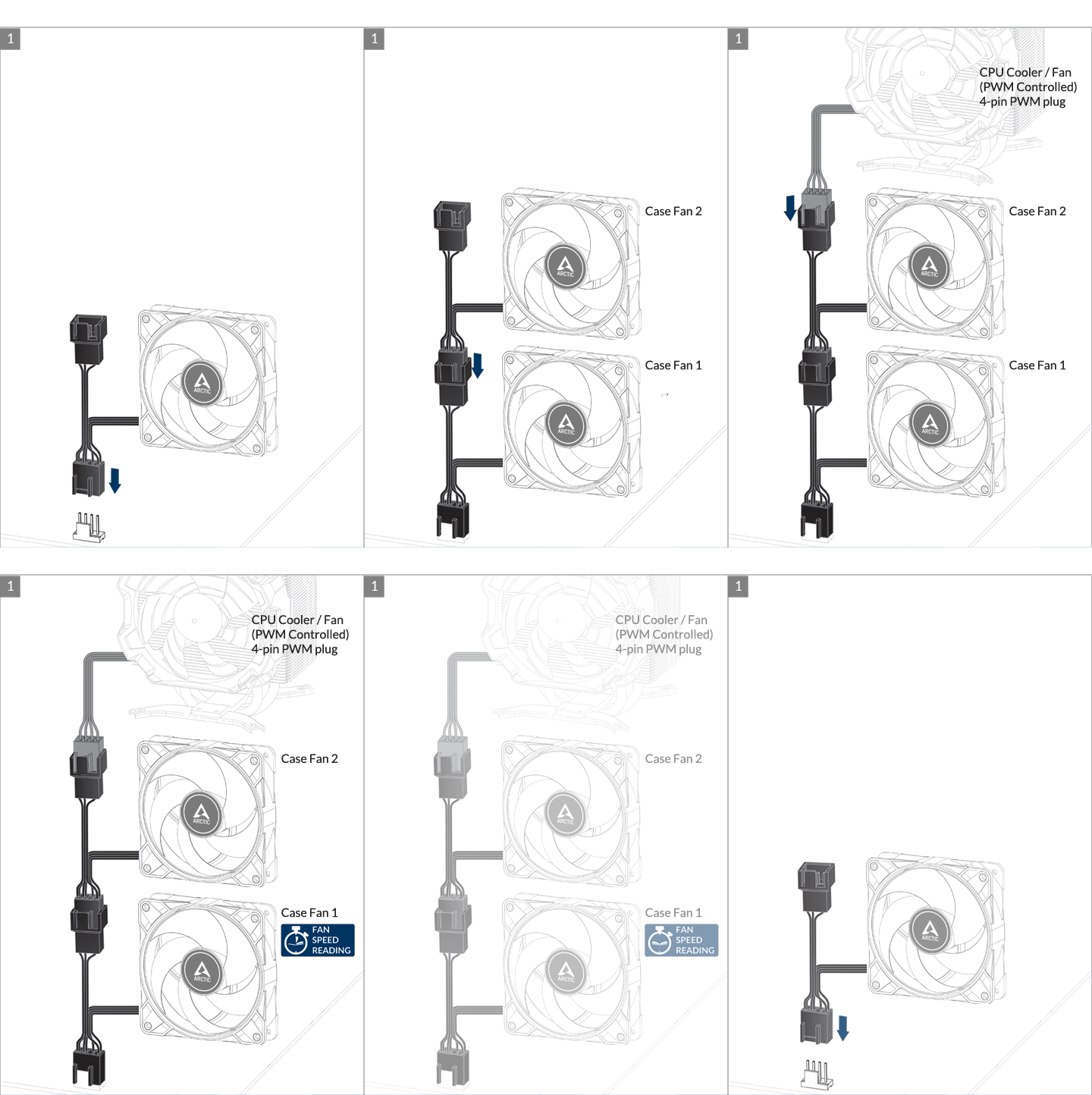
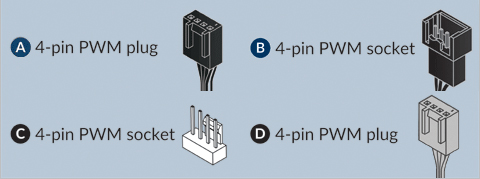
* We recommend not to more than 5 fans as some motherboards may only deliver 1.0A per fan header. Please consult your motherboard specification.
The speed of P14 PWM PST 0db RGB can be adjusted using PWM signal from the motherboard. Please follow this procedure to adjust the settings on your motherboard.
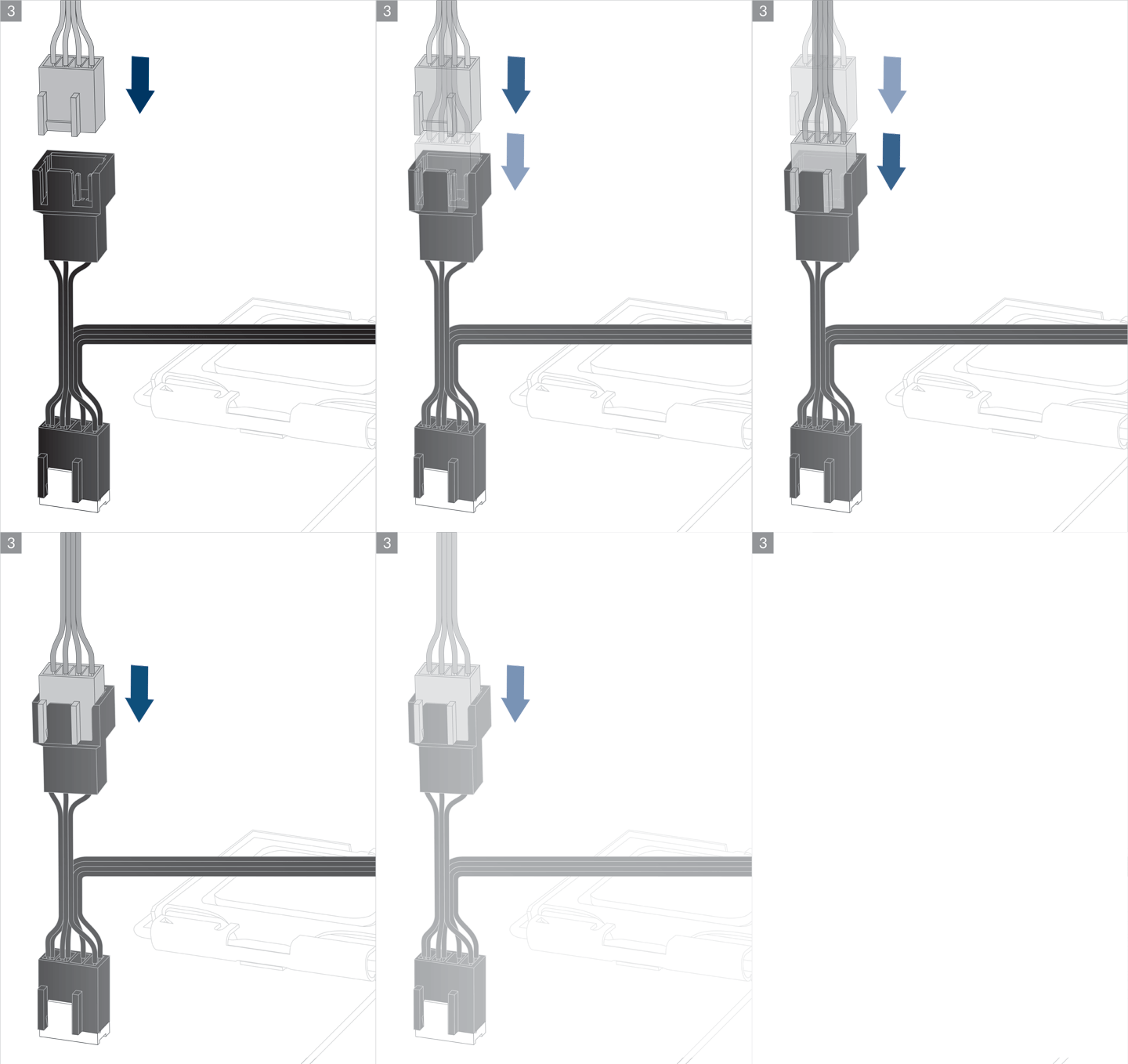
You can control several fans from one unique header using the integrated PST extension however, we recommend to limit the number of fans per header to 5 as the current may be limited to 1.0 A per header (please refer to your motherboard manual). The speed monitoring will be done on the first fan in the daisy-chain.
To control more than 5 fans from one unique header, we recommend you to use the ARCTIC Case Fan Hub. Its external SATA power will circumvent the header current limitation.
Produtos recomendados