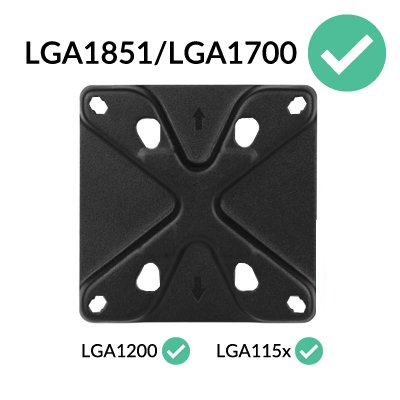
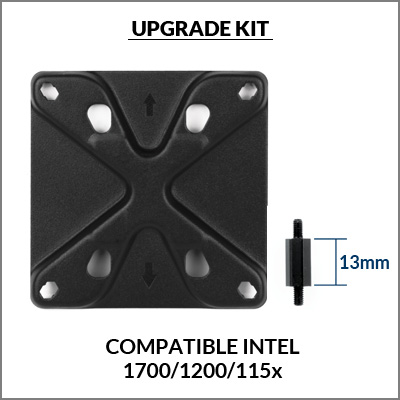
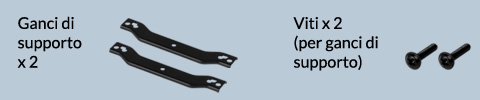
Tutti i dissipatori spediti da ARCTIC sono già compatibili con i processori LGA1851/LGA1700. I cooler acquistati dai rivenditori potrebbero essere stati consegnati senza gli accessori corrispondenti. In questo caso, contattare il nostro servizio clienti.
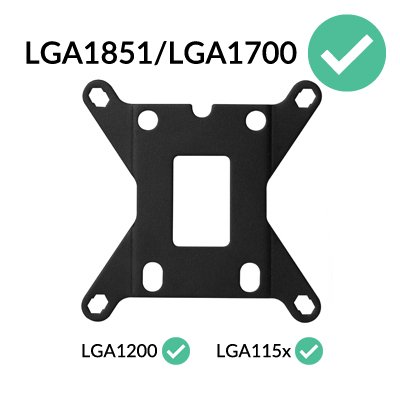
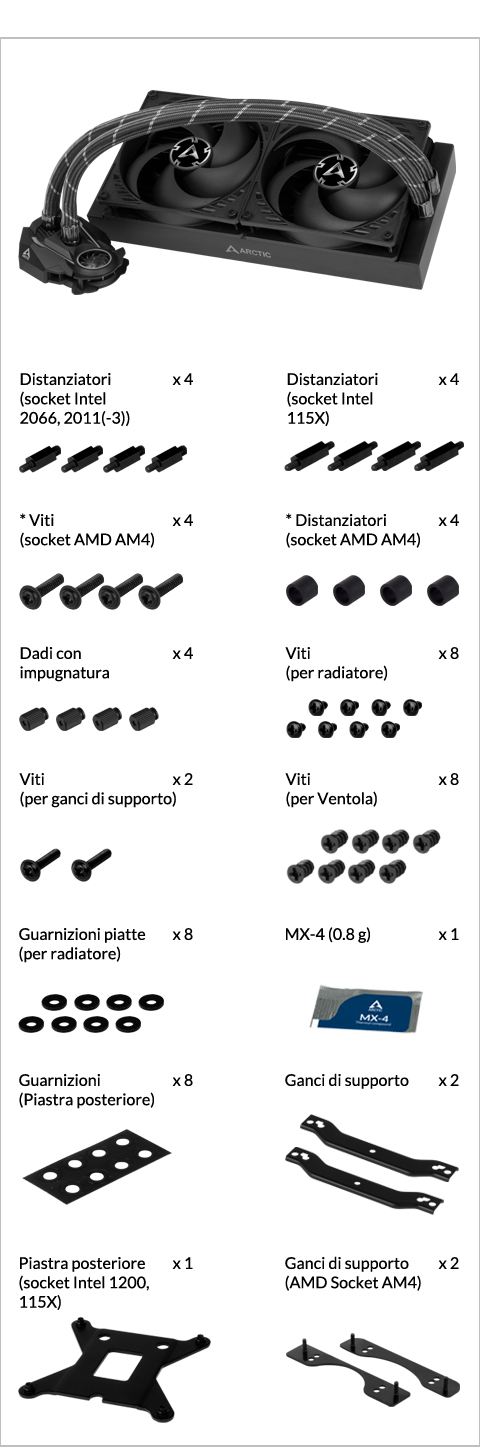
* packed in the same bag
Preparazione
How (not) to mount your water cooling AIO?
(by GamersNexus)
Steve from GamersNexus explains you the mistakes to avoid while assembling your water cooling AIO in your PC case.
The featured video is independently produced by GamersNexus, ARCTIC has been authorized to use by GamersNexus.

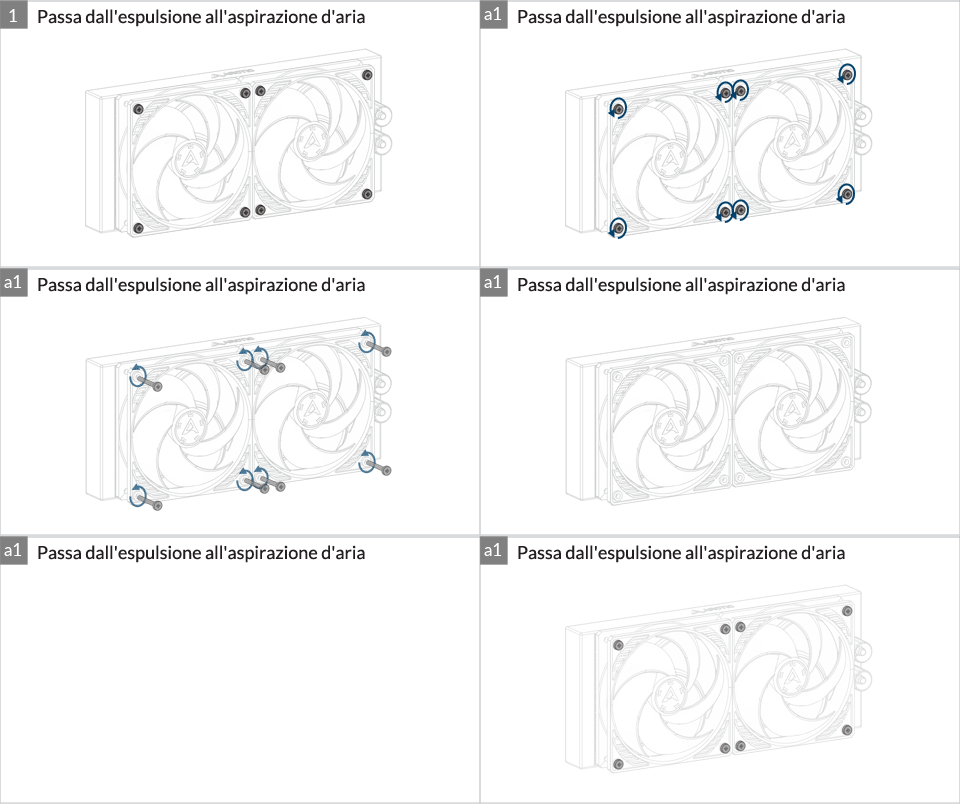
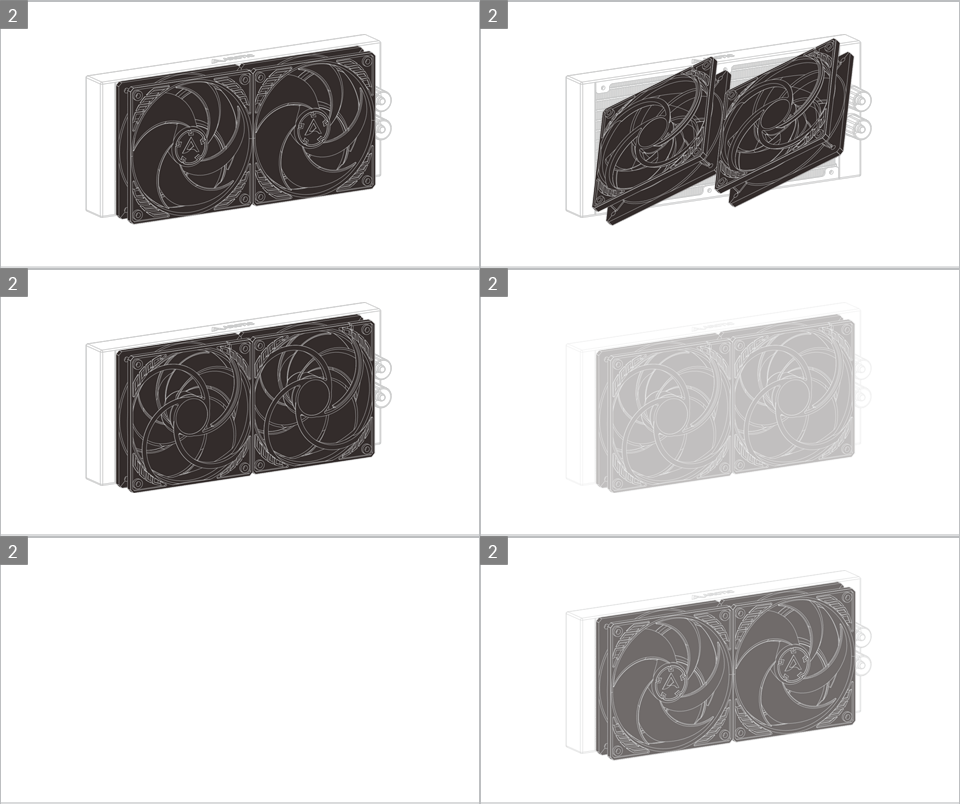
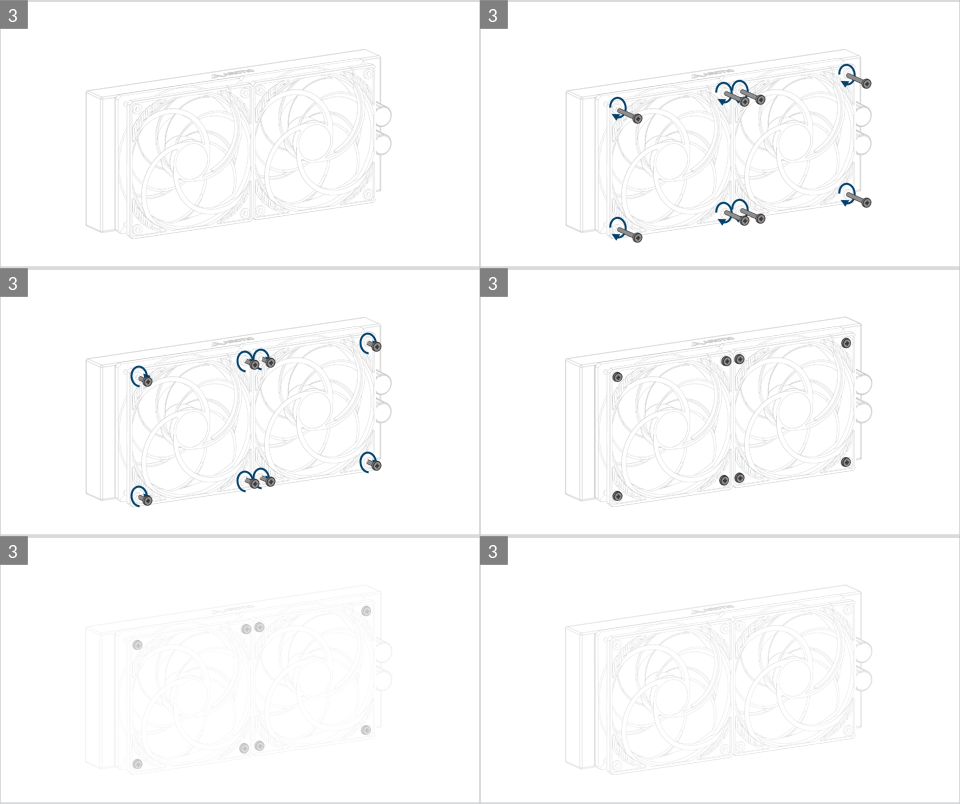
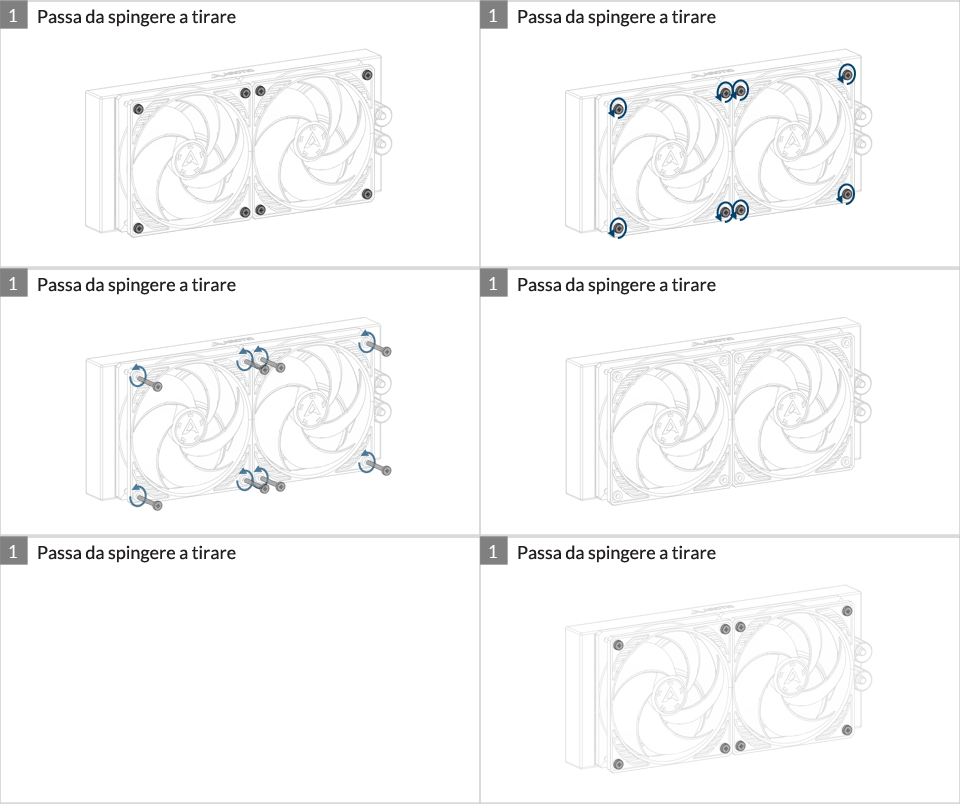
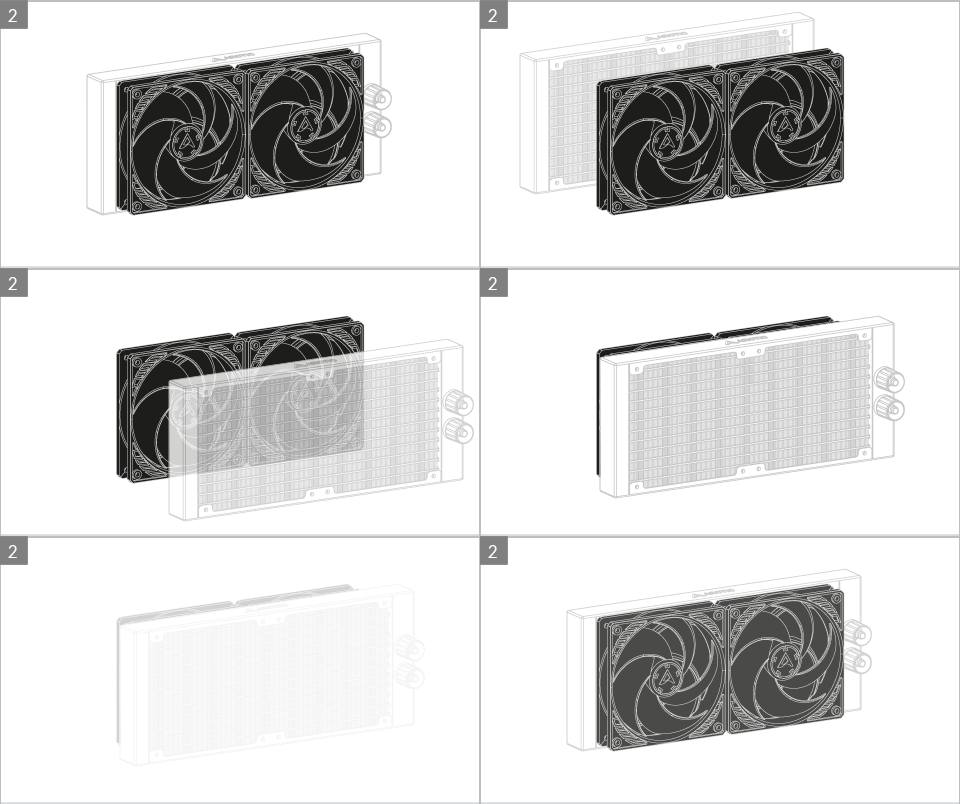
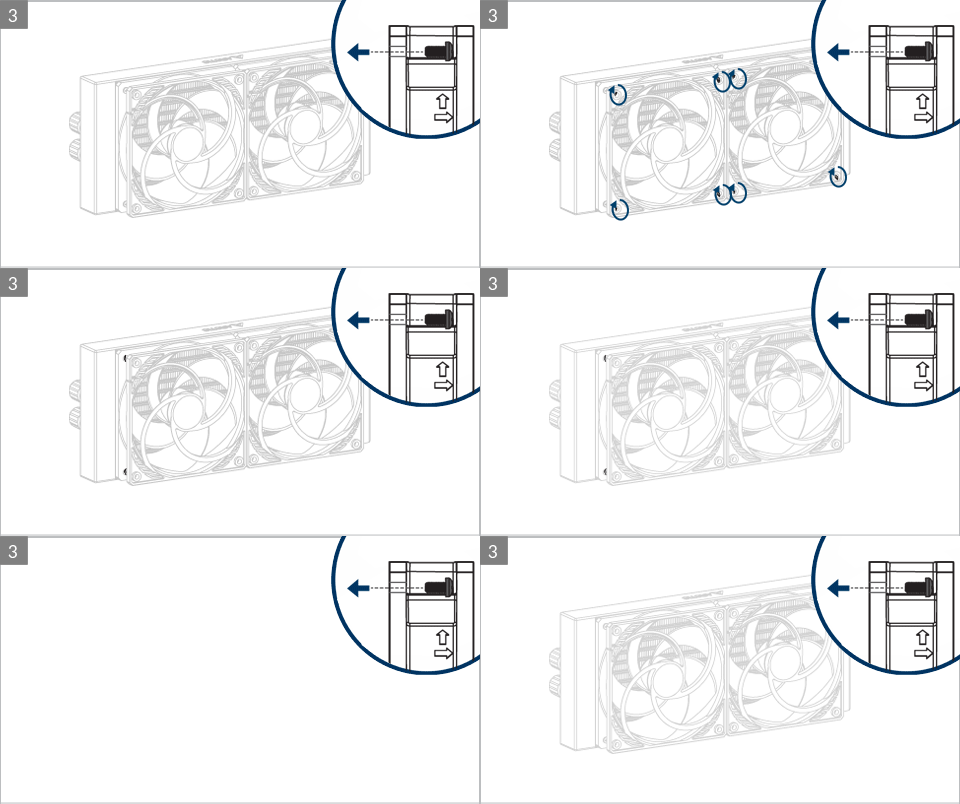
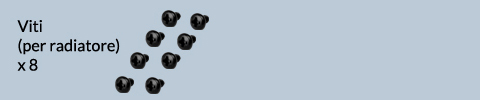
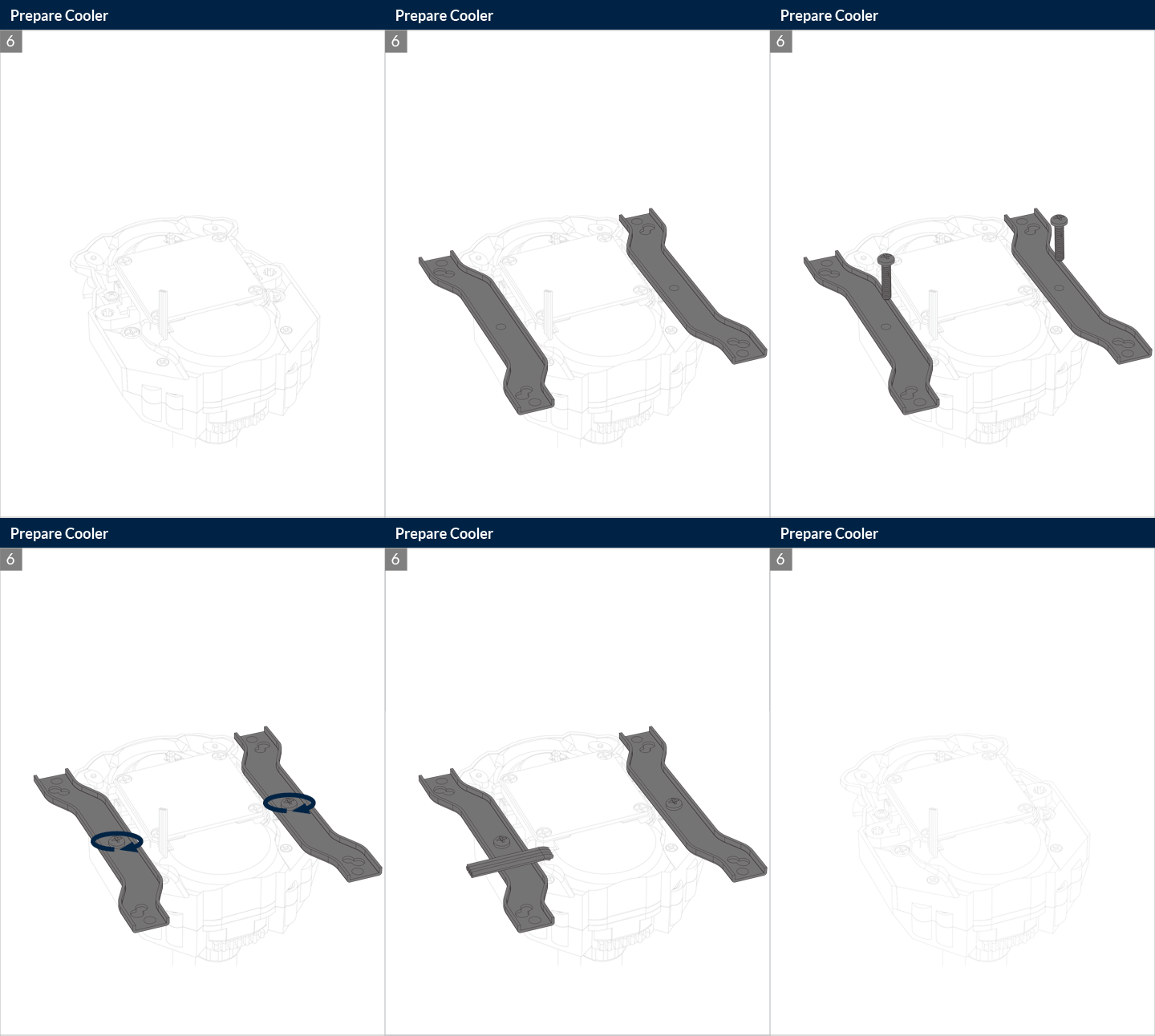
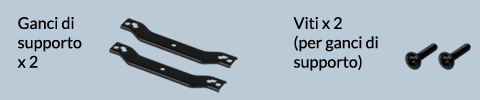
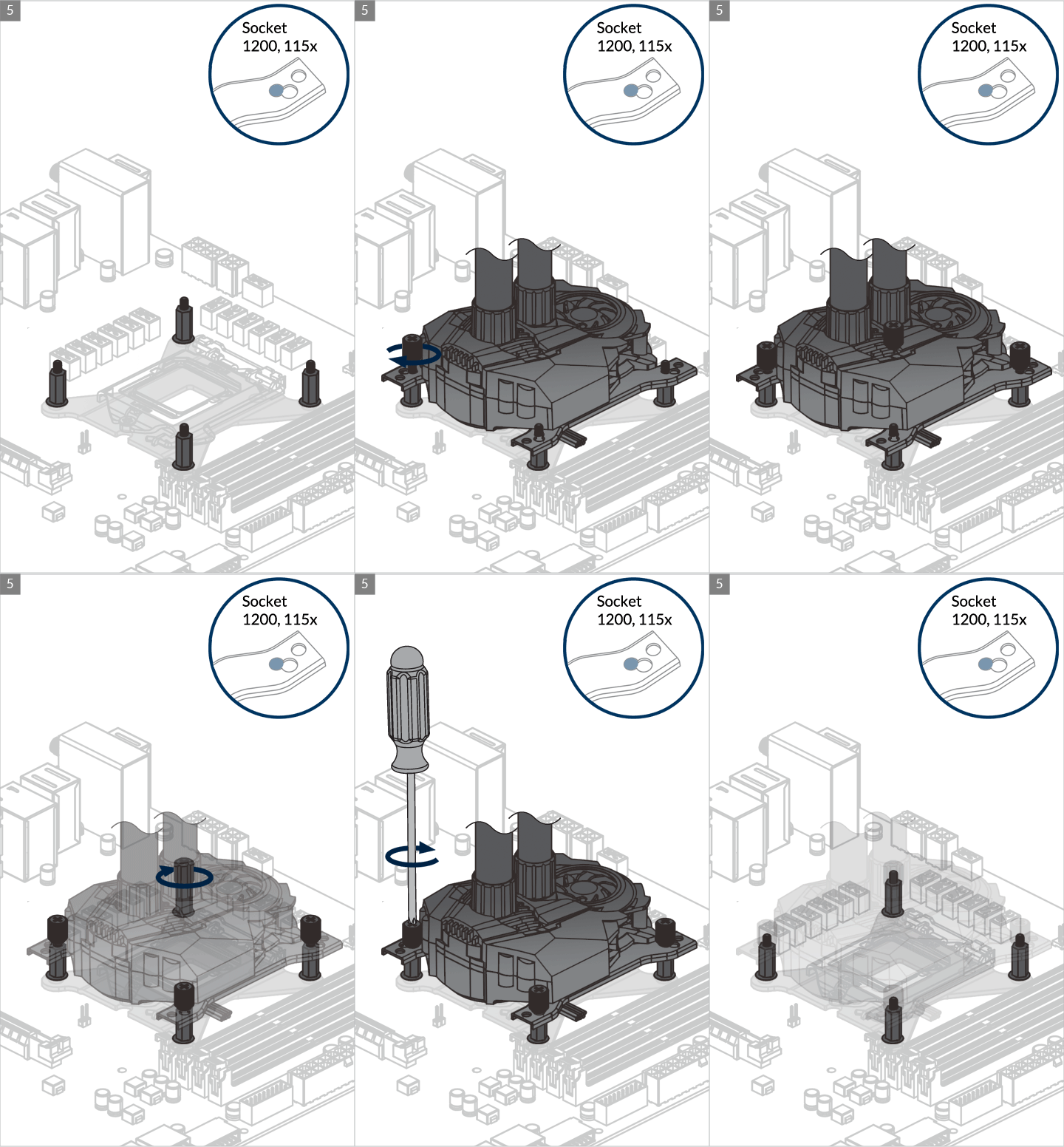
Do not use excessive force if the screw cannot be screwed in. Make sure correct screw is used. It will screw into the thumb nut easily.
Installazione
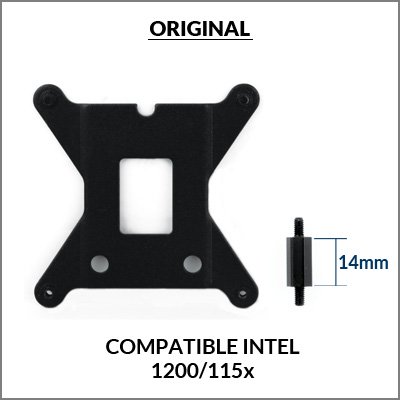
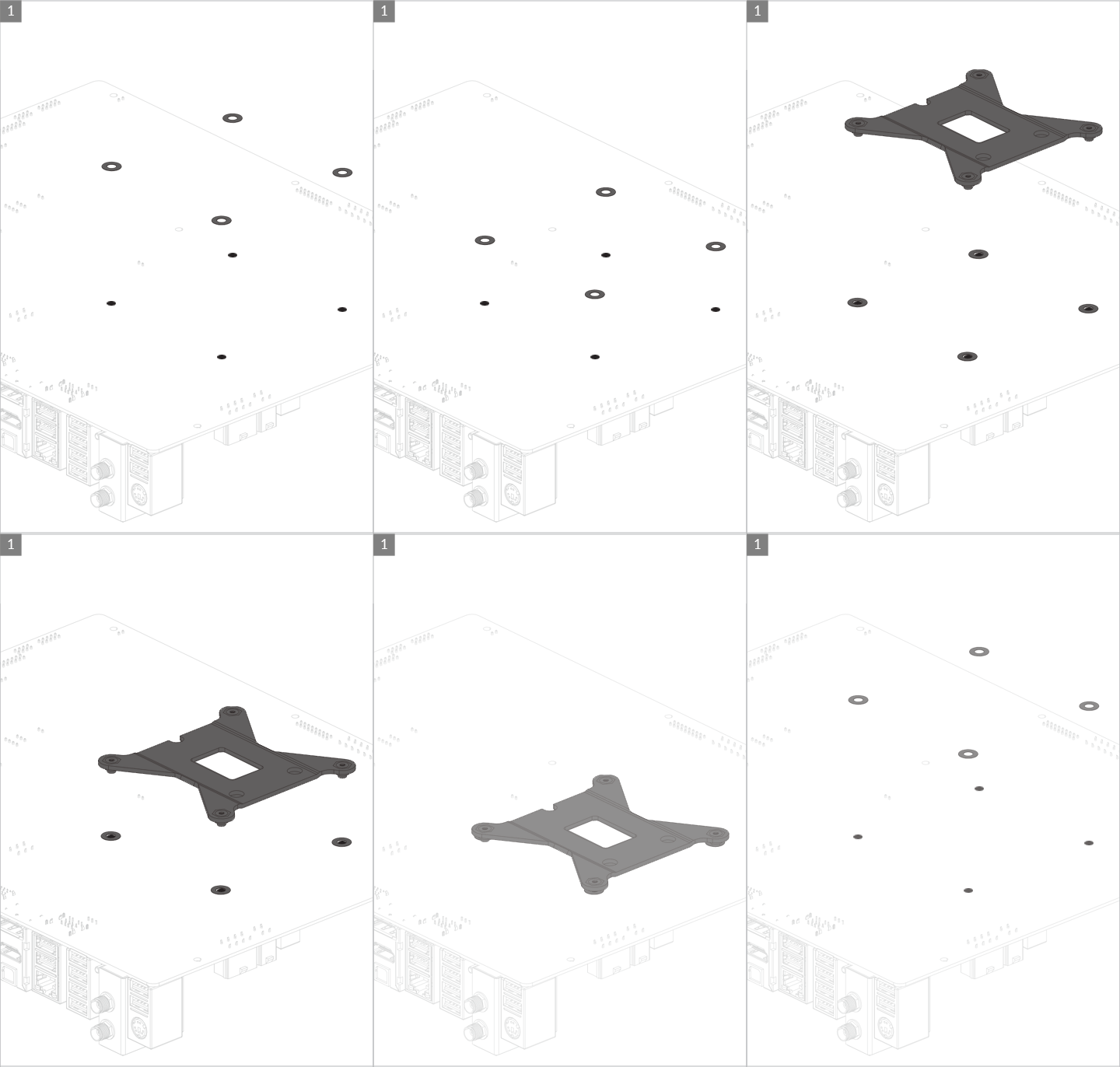
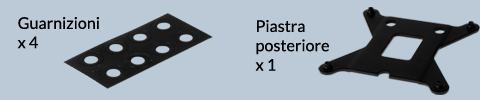
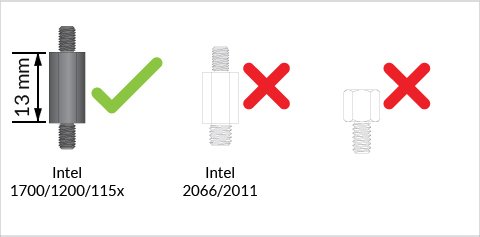
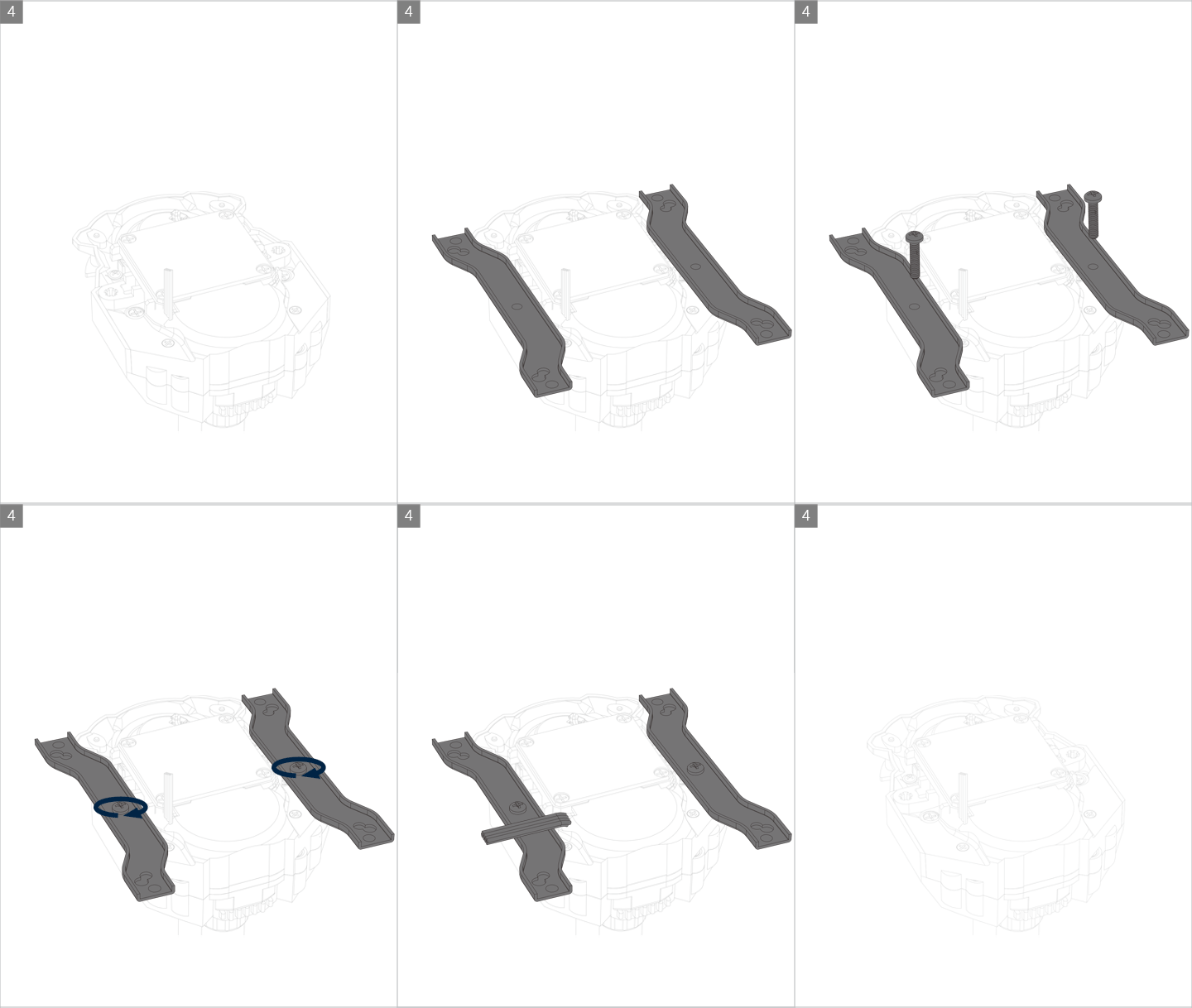
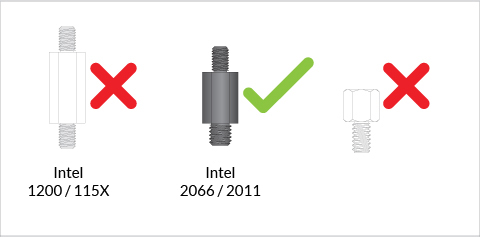
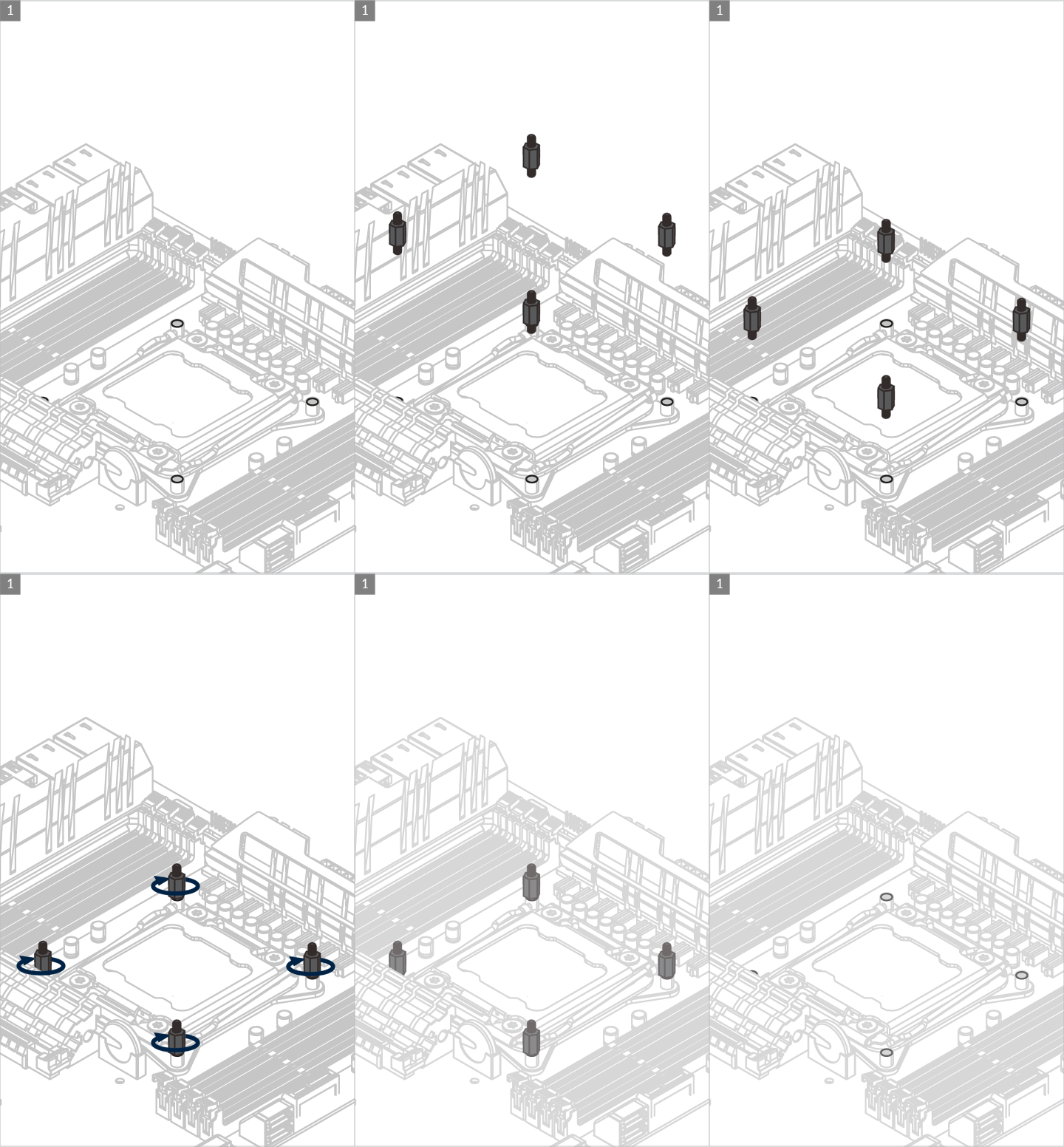
If you have received a product including the LGA1851/LGA1700 upgrade kit. Be careful to use correct standoffs with the correct backplate. Using wrong standoff may lead to malfunction or even damage motherboard.
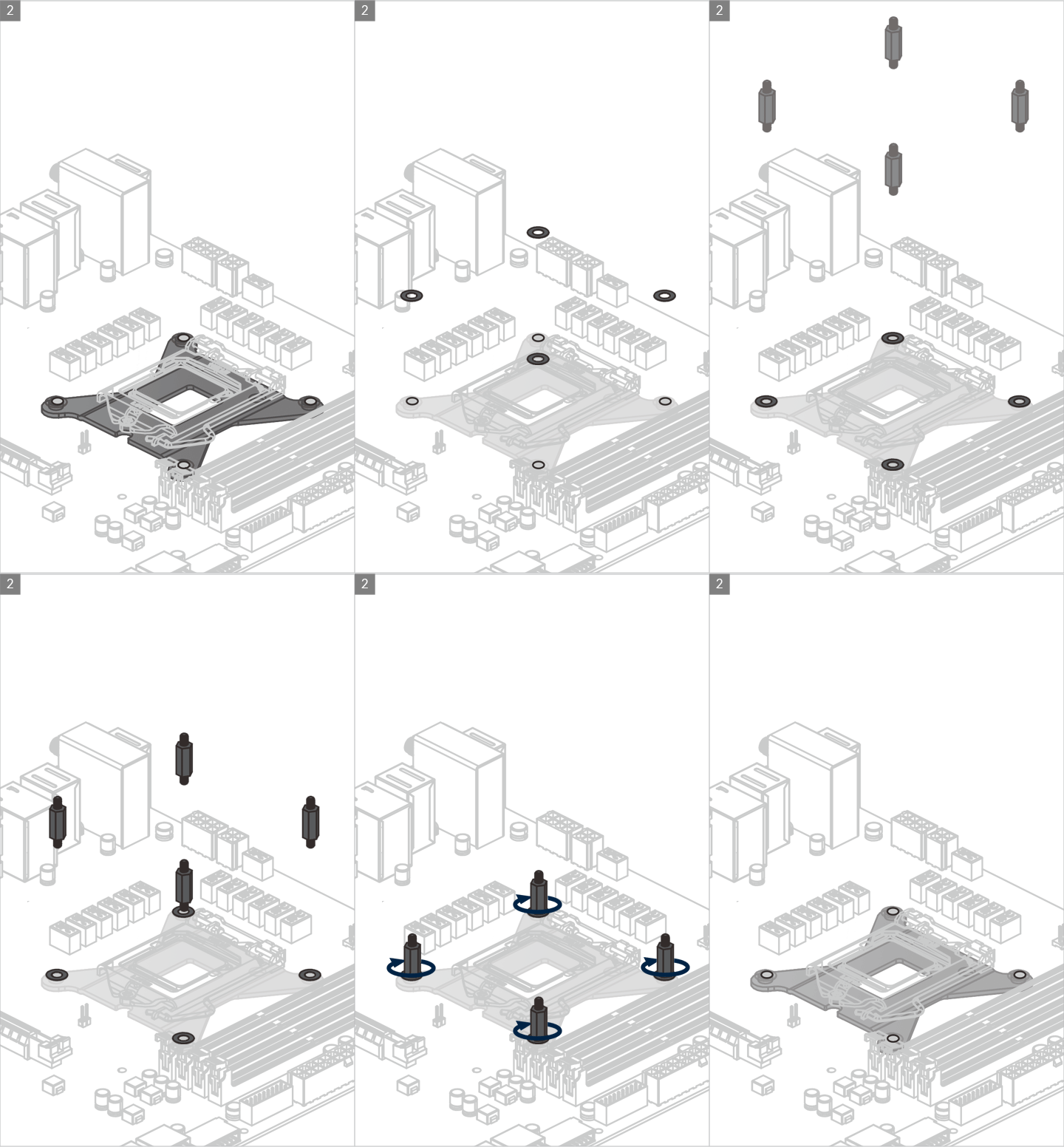
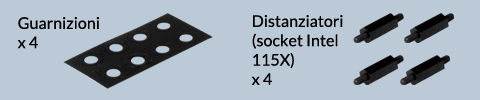
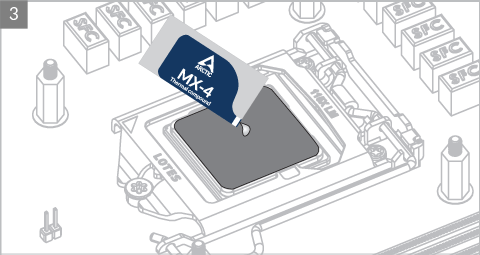

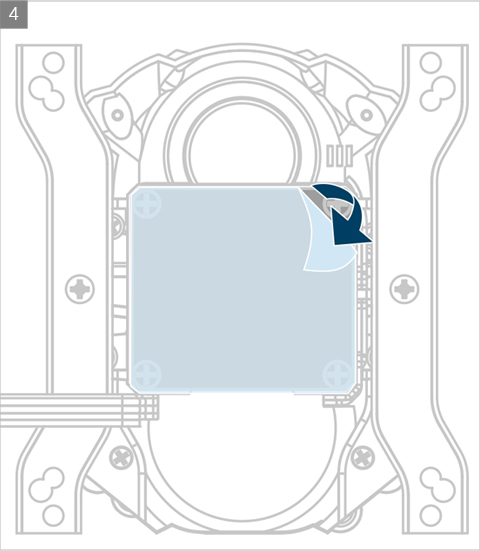

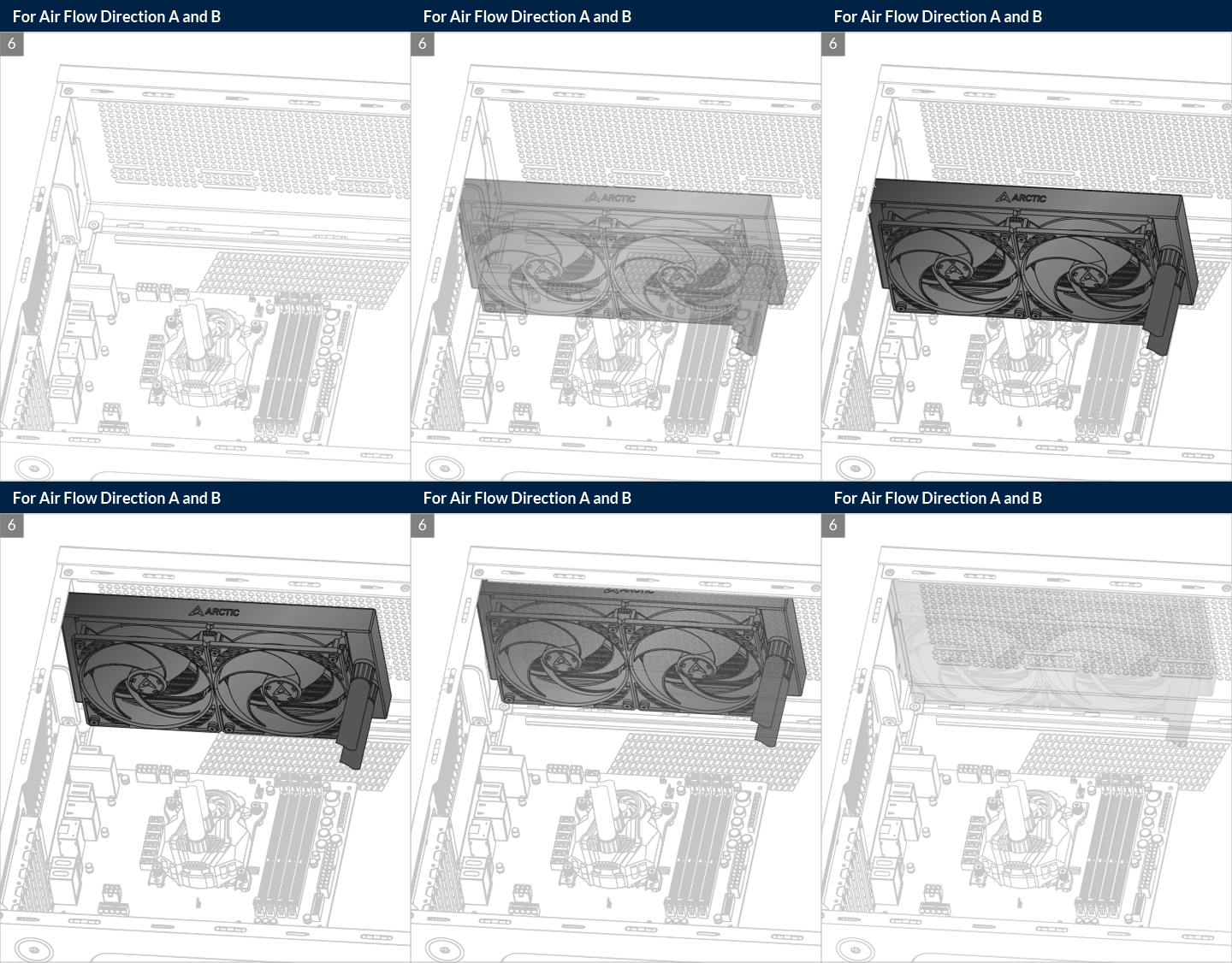
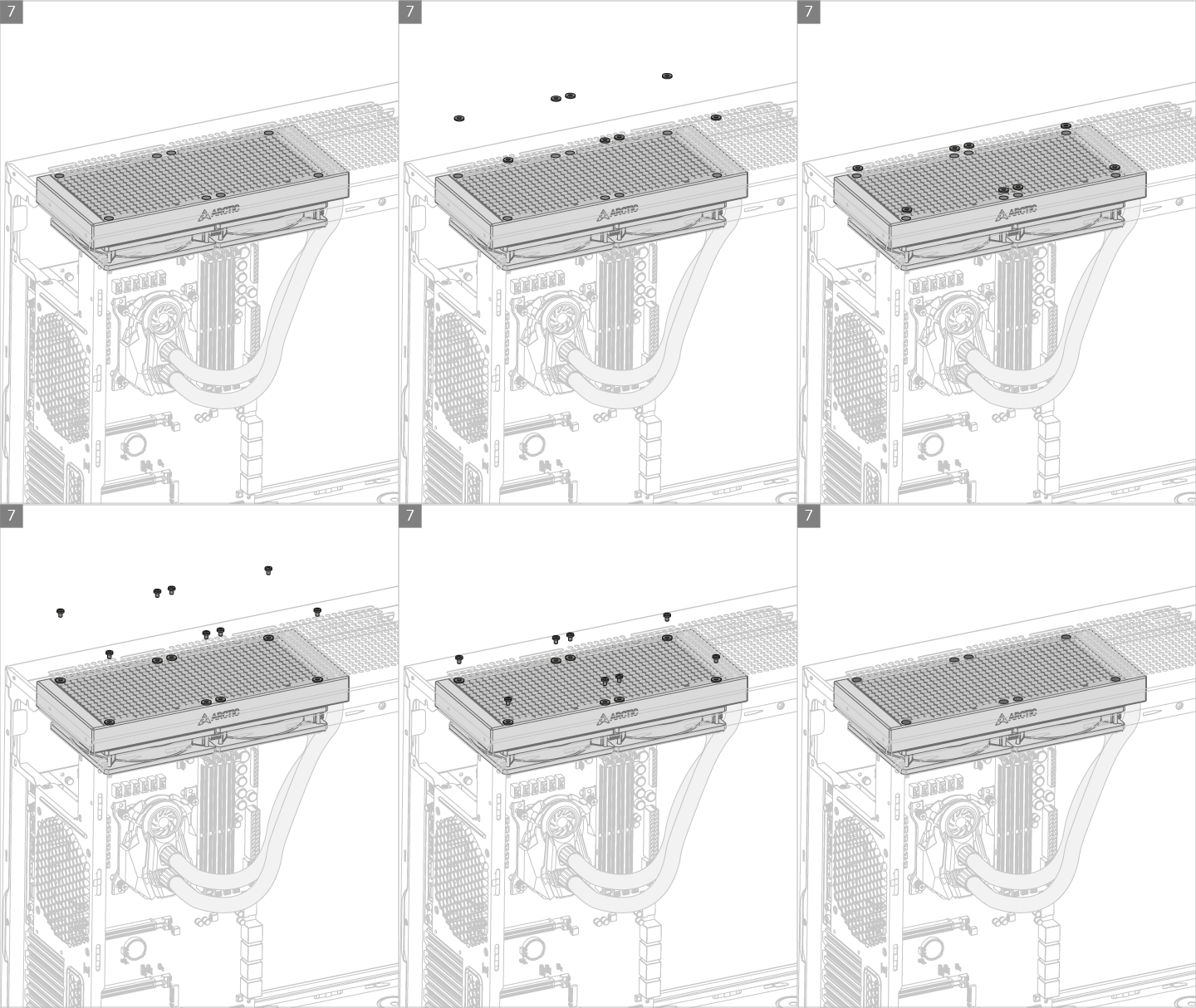
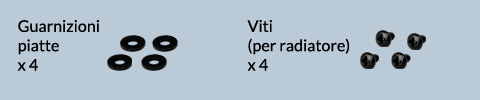
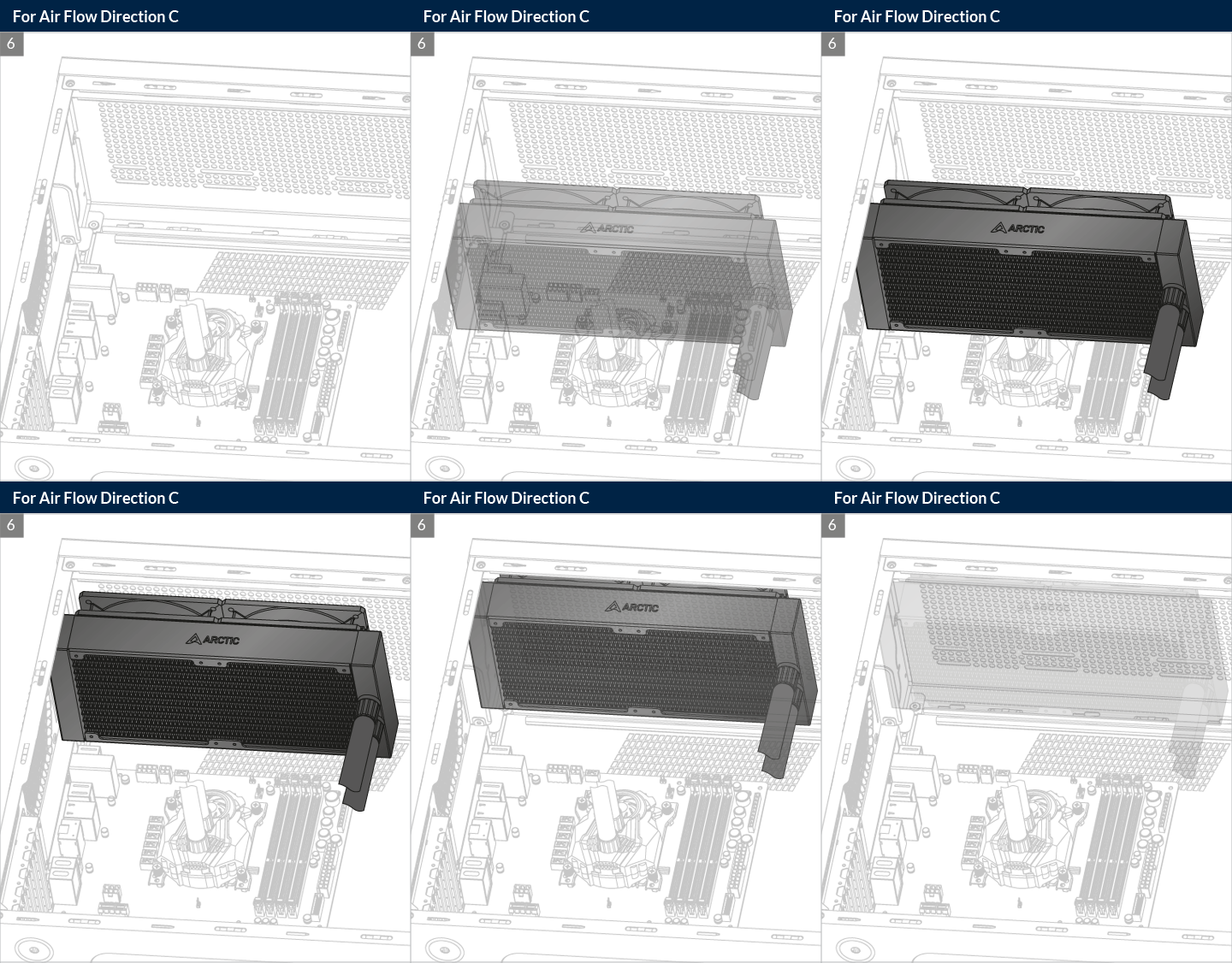
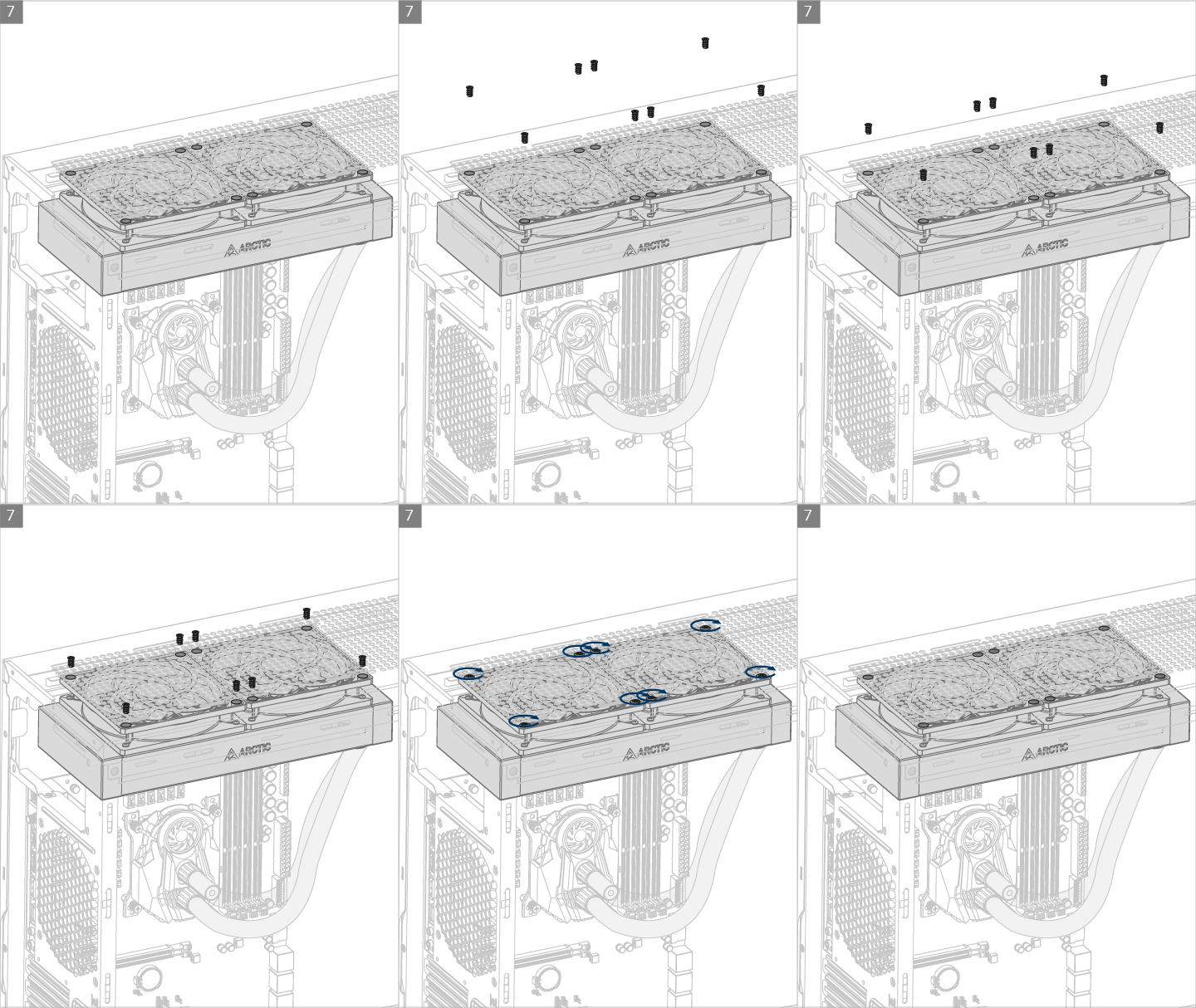
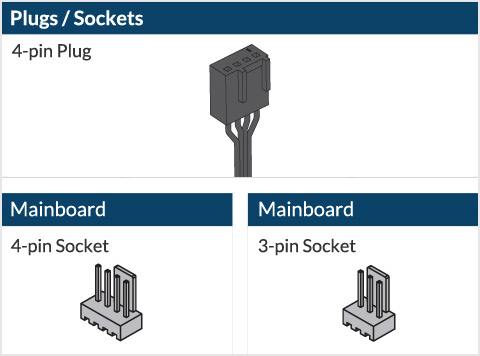
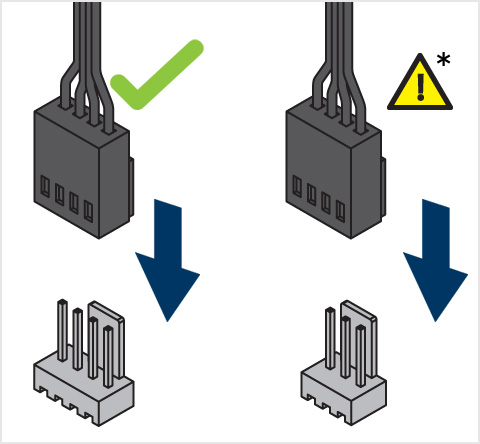
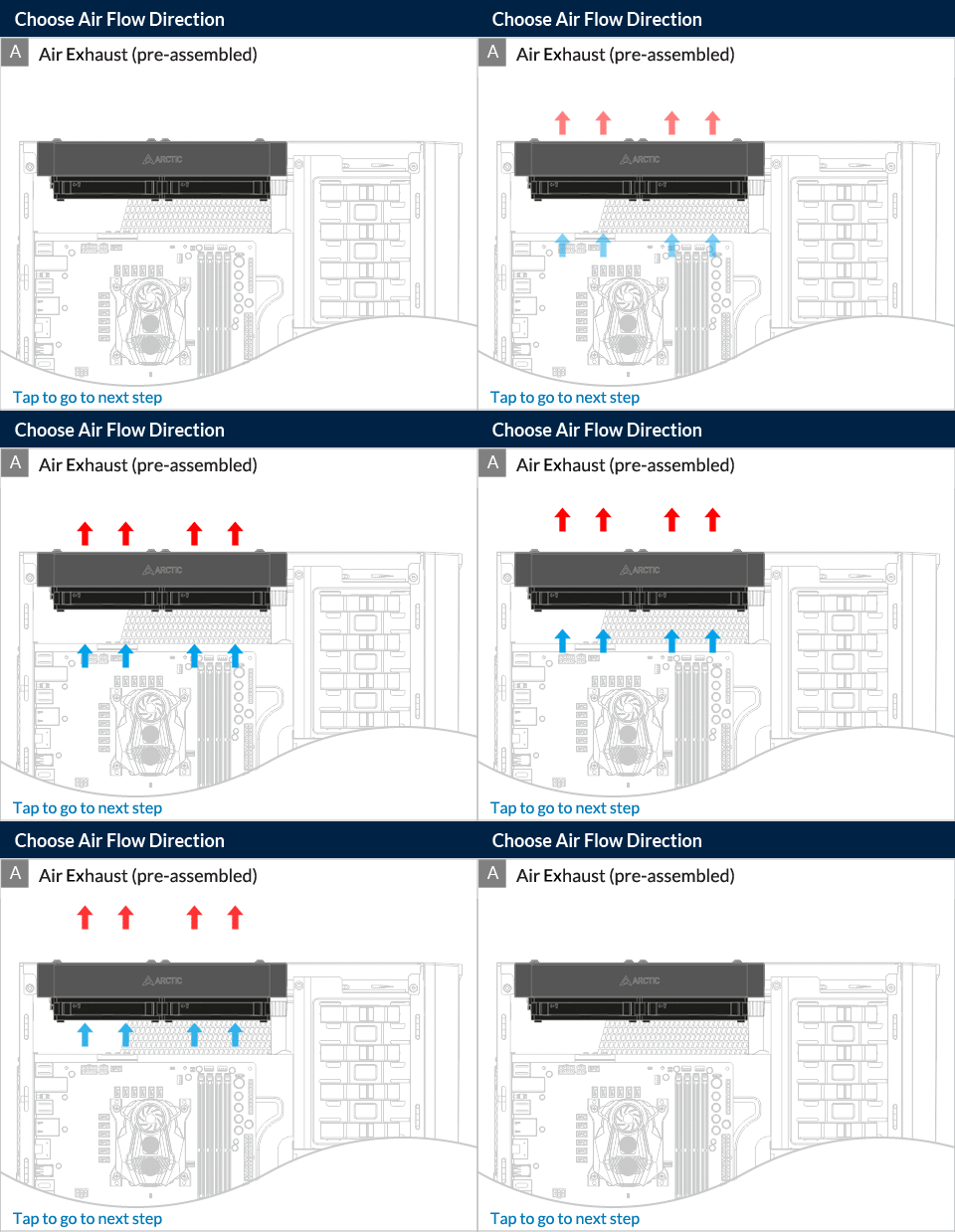
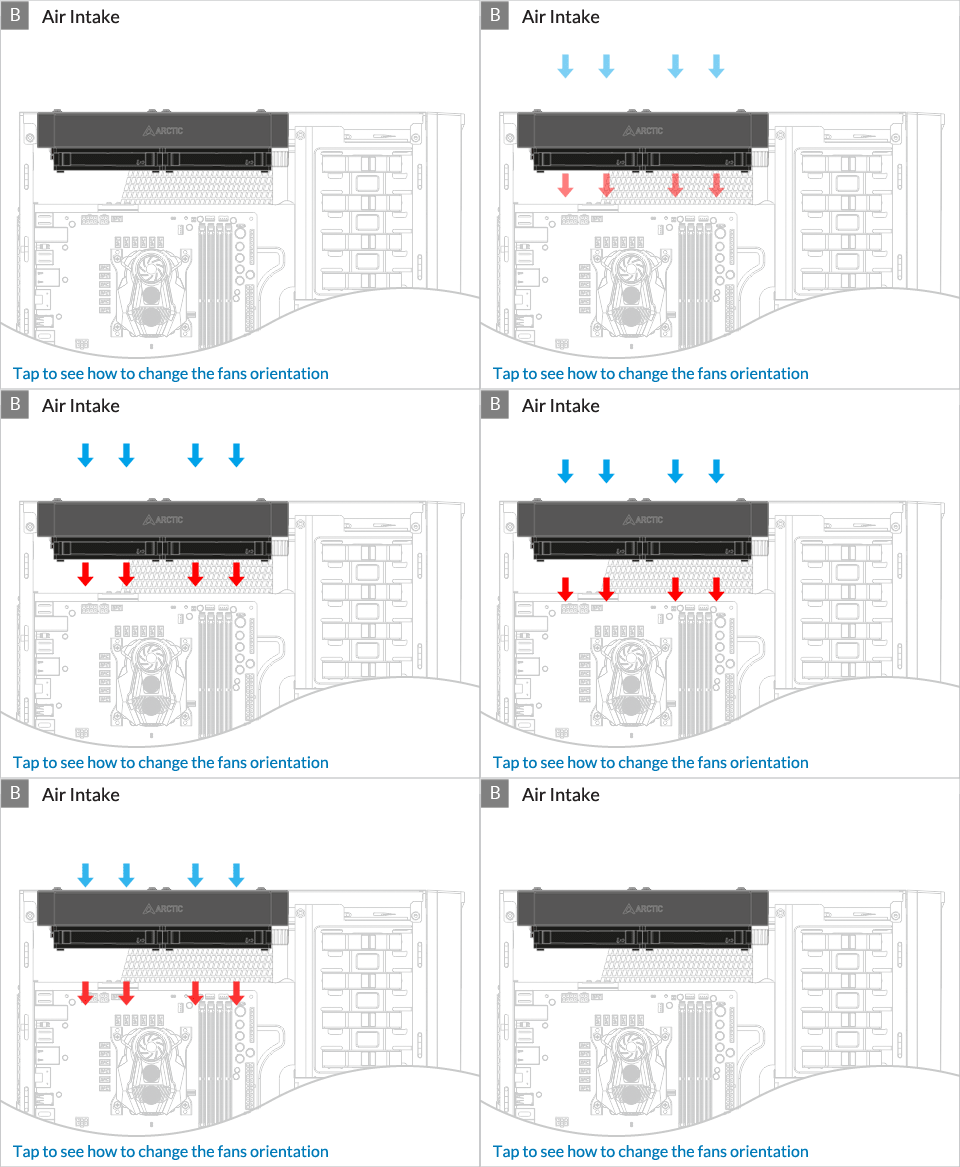
* Some mechanical interference with surrounding components may appear. The fan will not be controllable by PWM.

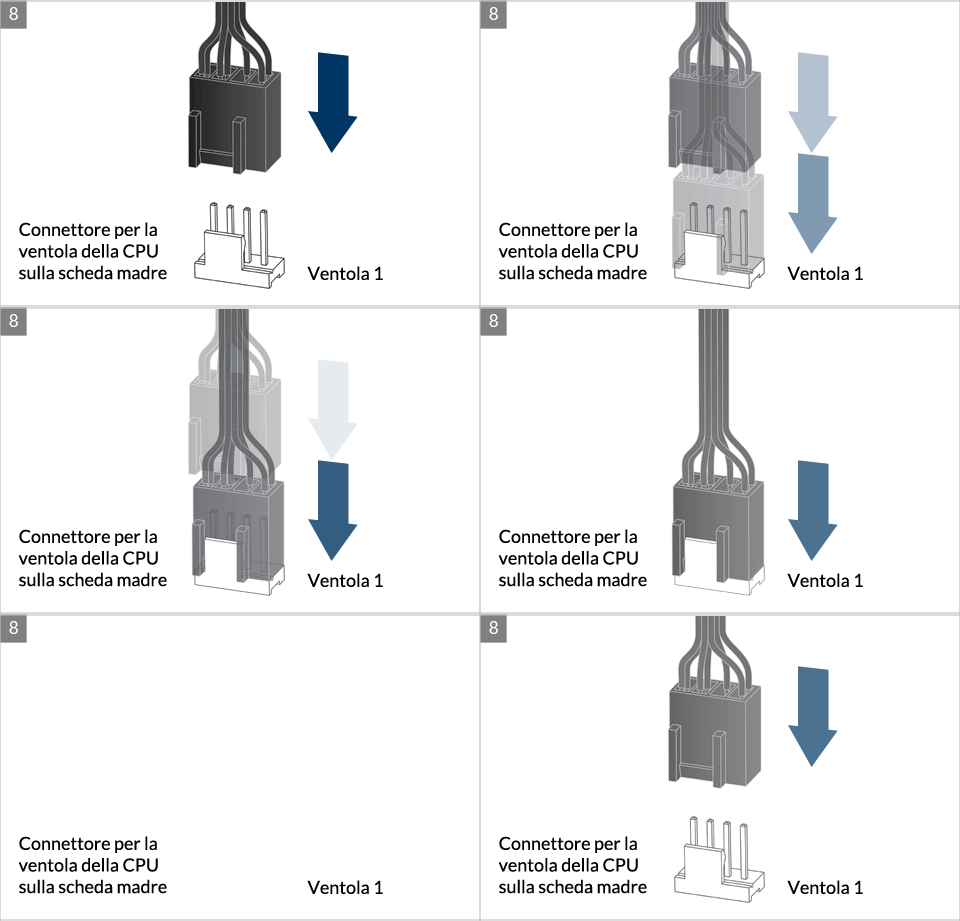
Per ottenere il meglio possibile dal tuo dissipatore, si raccomanda di regolare il controllo della velocità della ventola nel BIOS; segui questa guida per regolare il PWM.
Guarda il video
** Se il tuo Liquid Freezer II non viene fornito con il kit di aggiornamento LGA1851/LGA1700, contattaci tramite il modulo di contatto per ricevi il kit di aggiornamento spedito a te. Tocca per andare all'installazione.
Preparazione
How (not) to mount your water cooling AIO?
(by GamersNexus)
Steve from GamersNexus explains you the mistakes to avoid while assembling your water cooling AIO in your PC case.
The featured video is independently produced by GamersNexus, ARCTIC has been authorized to use by GamersNexus.

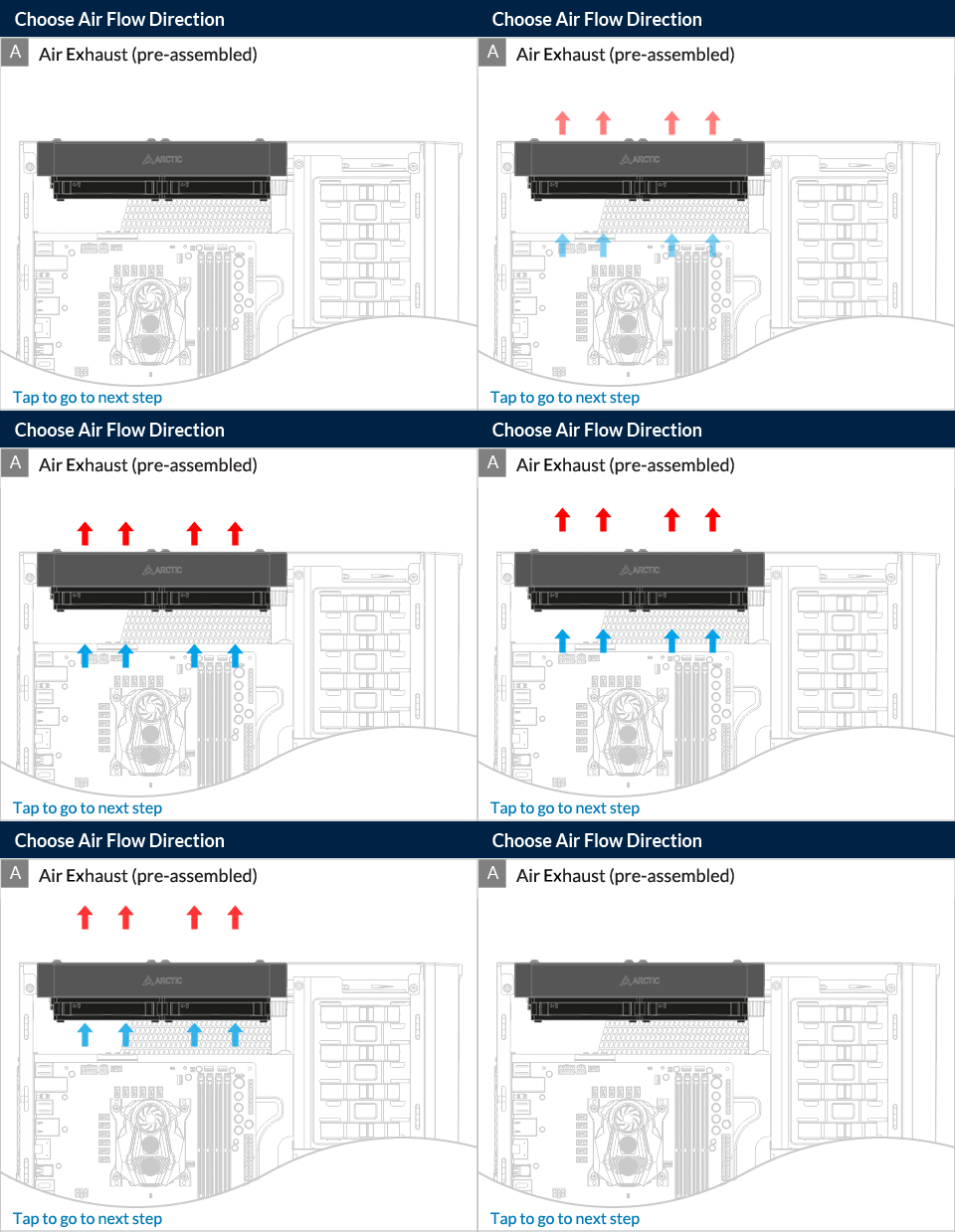
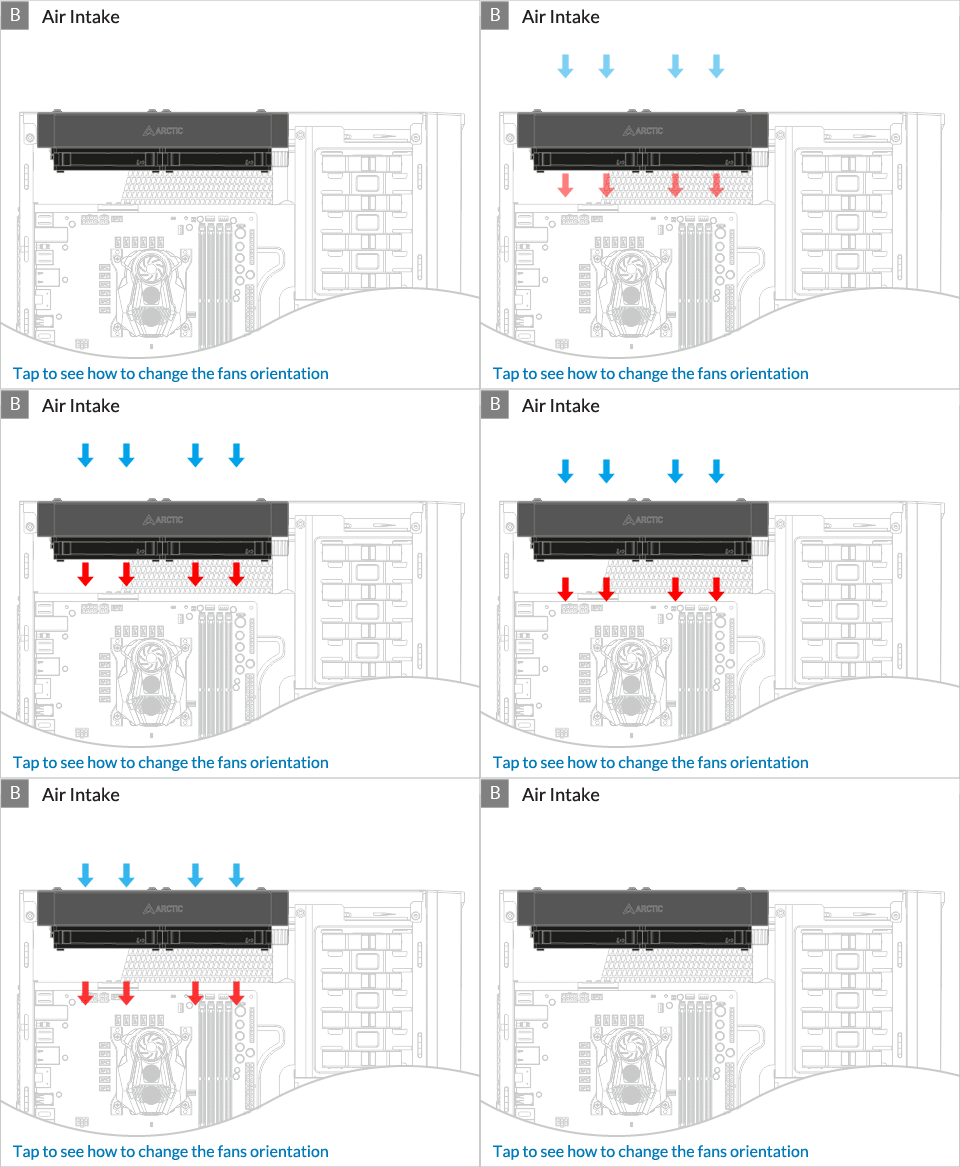
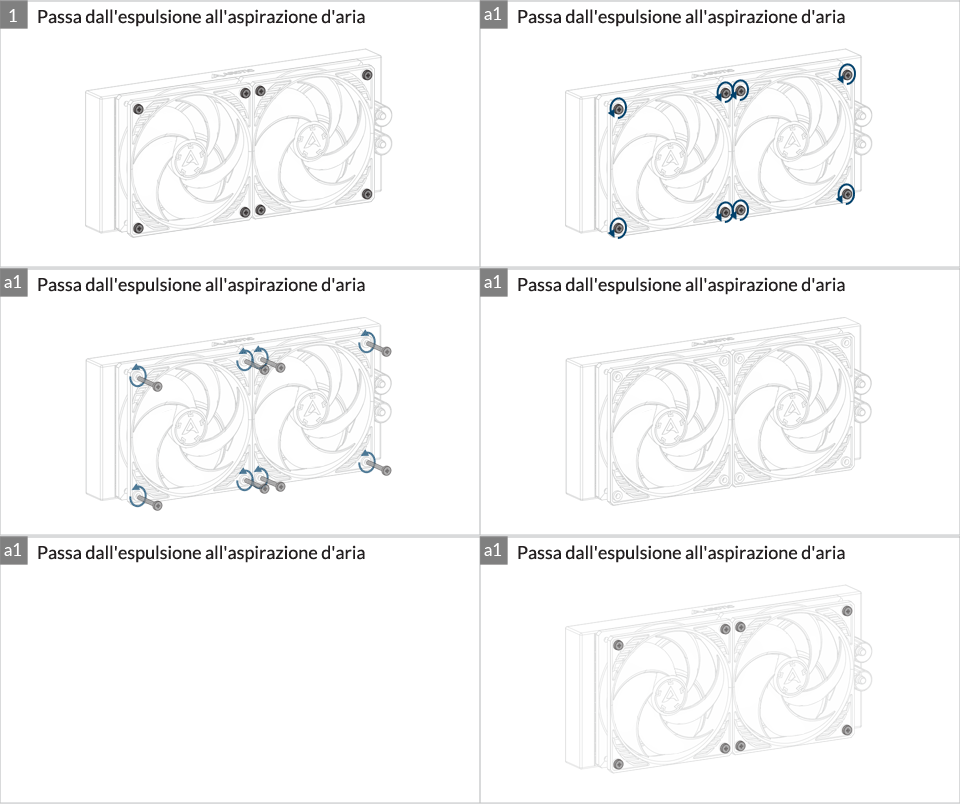
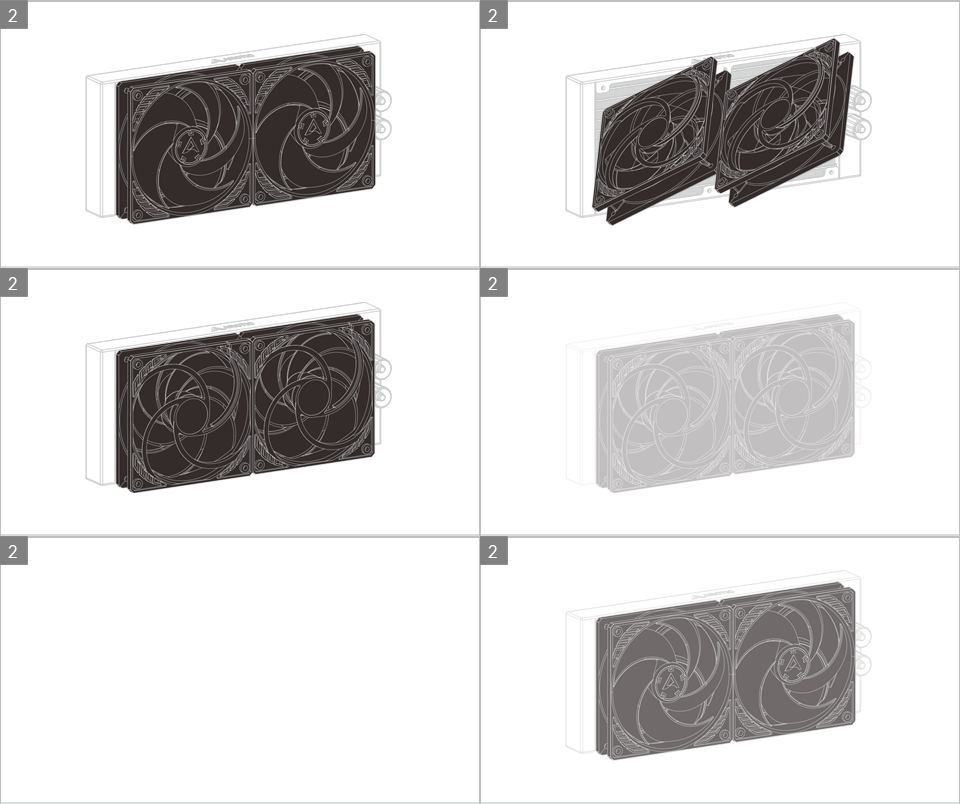
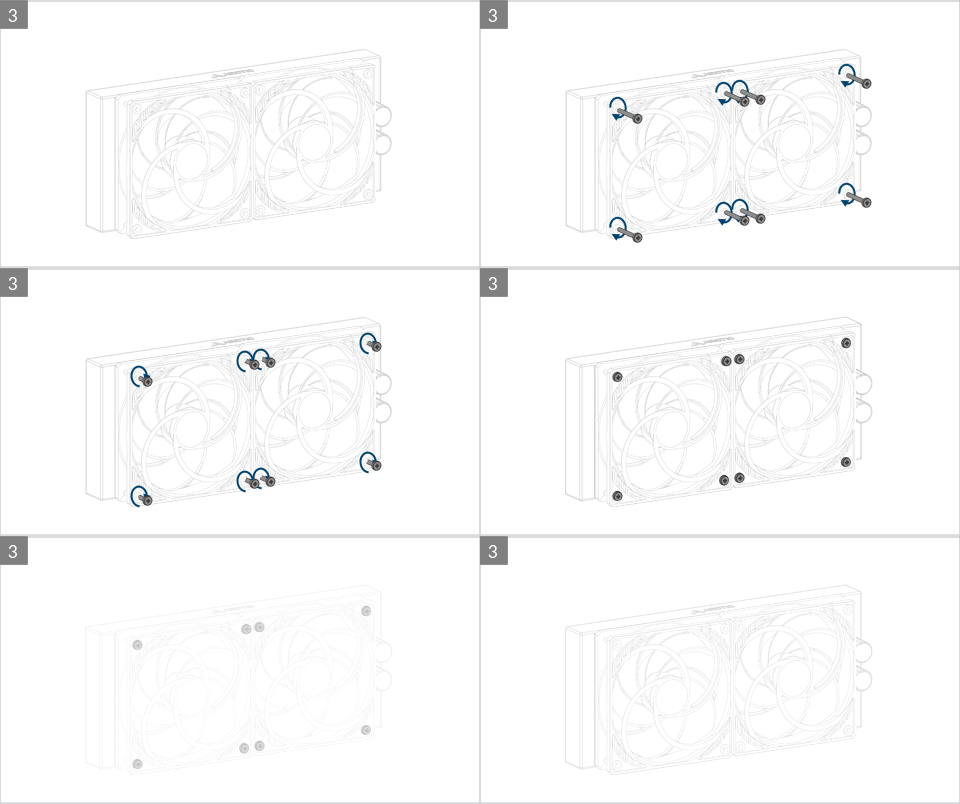
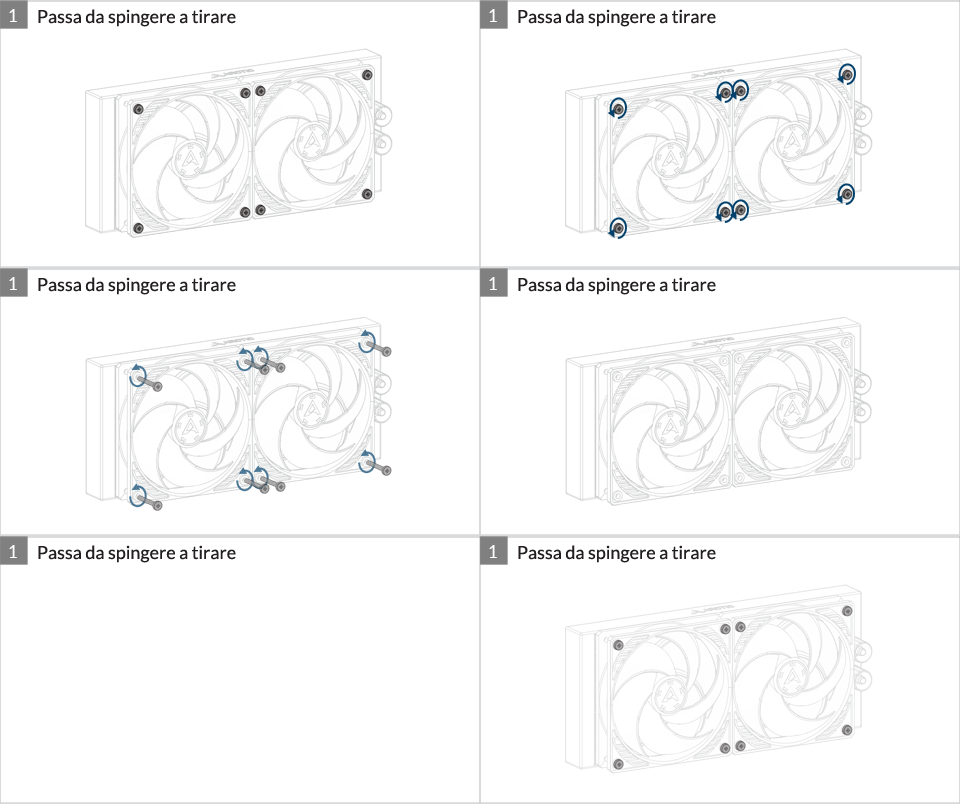
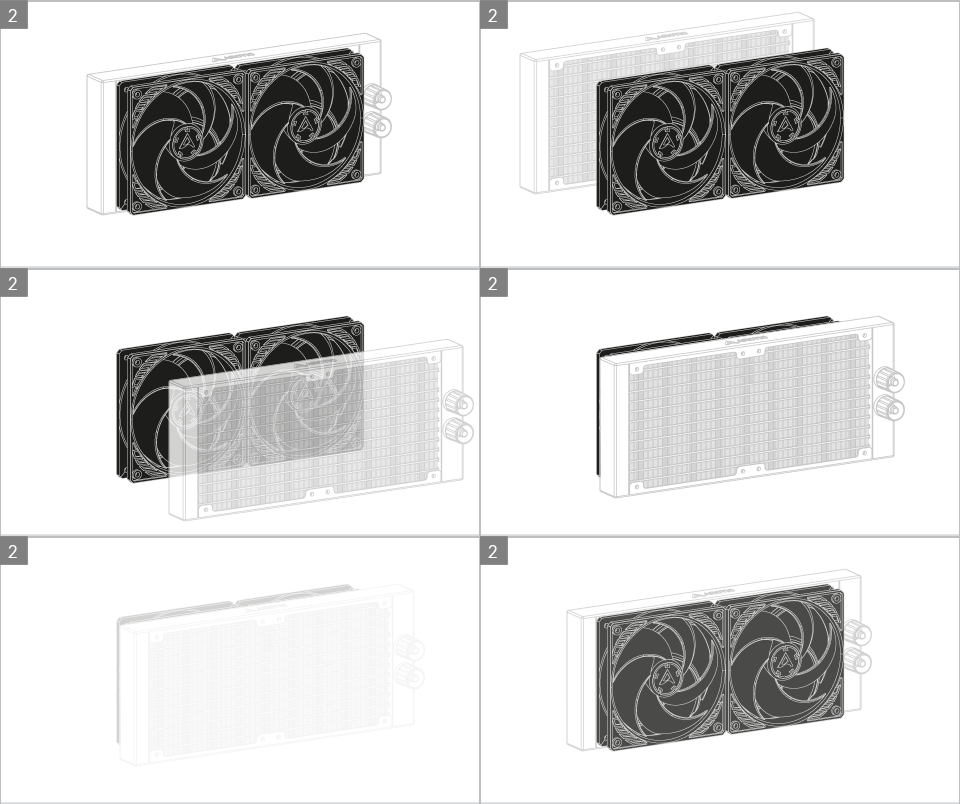
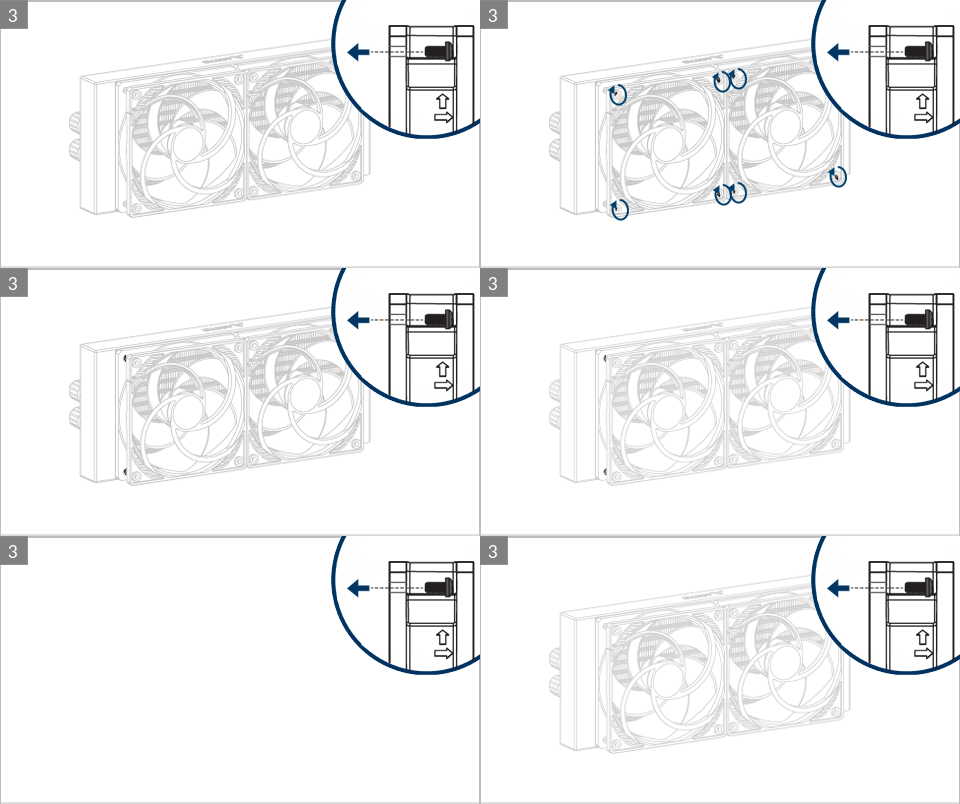
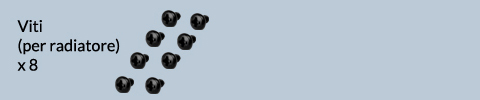
Do not use excessive force if the screw cannot be screwed in. Make sure correct screw is used. It will screw into the thumb nut easily.
Installazione

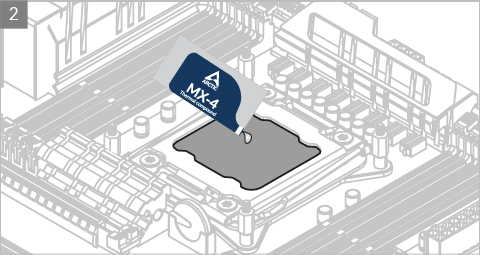

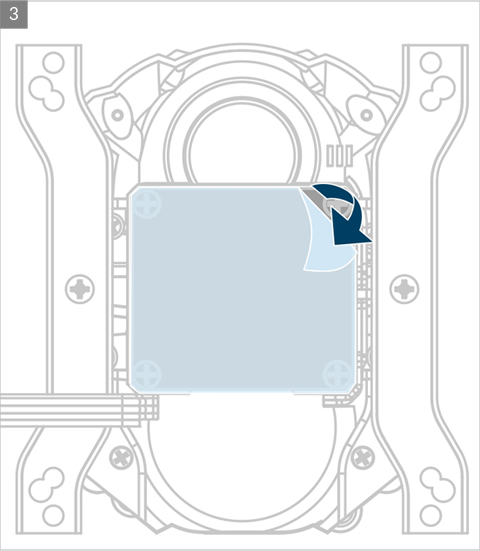
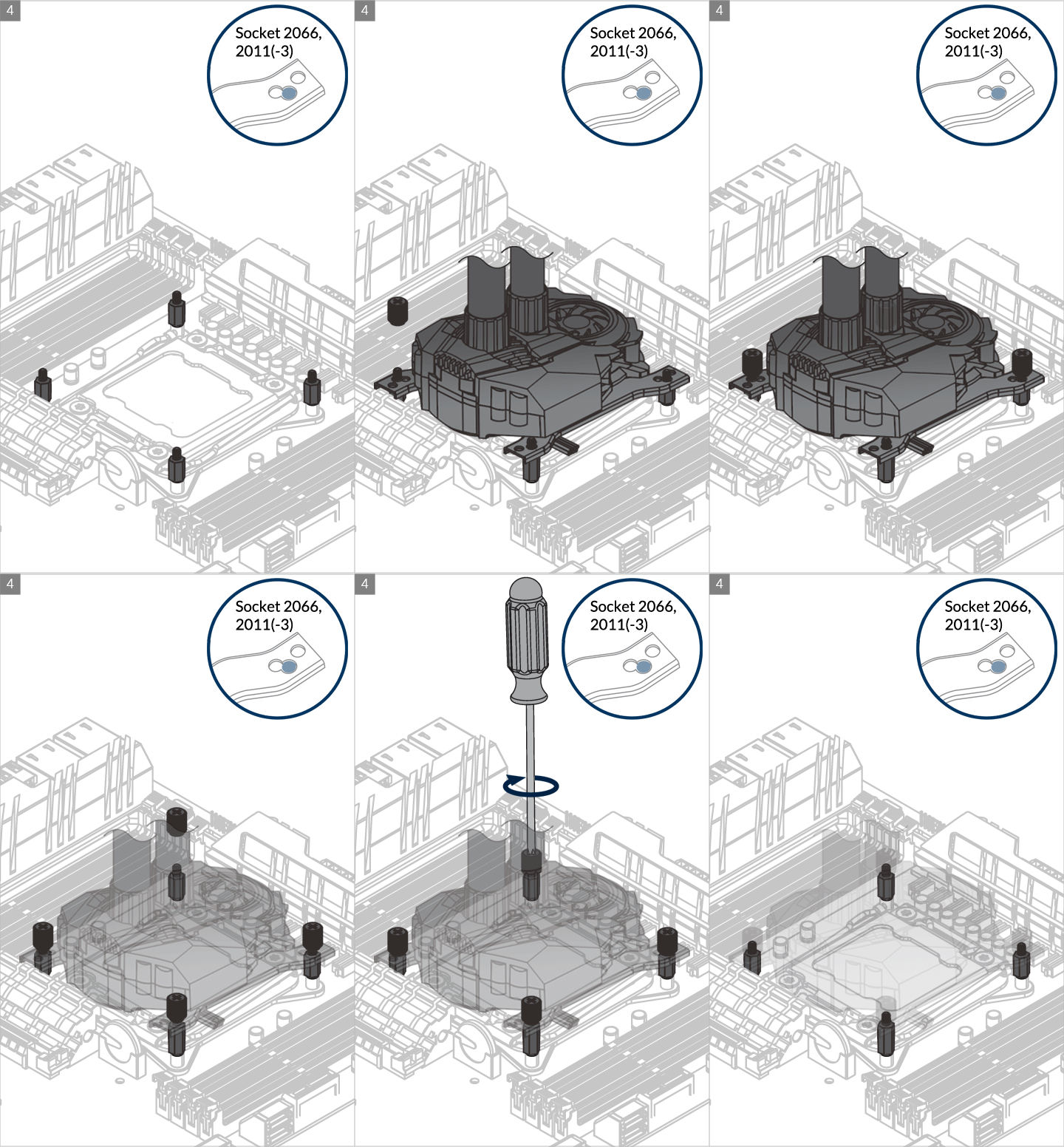

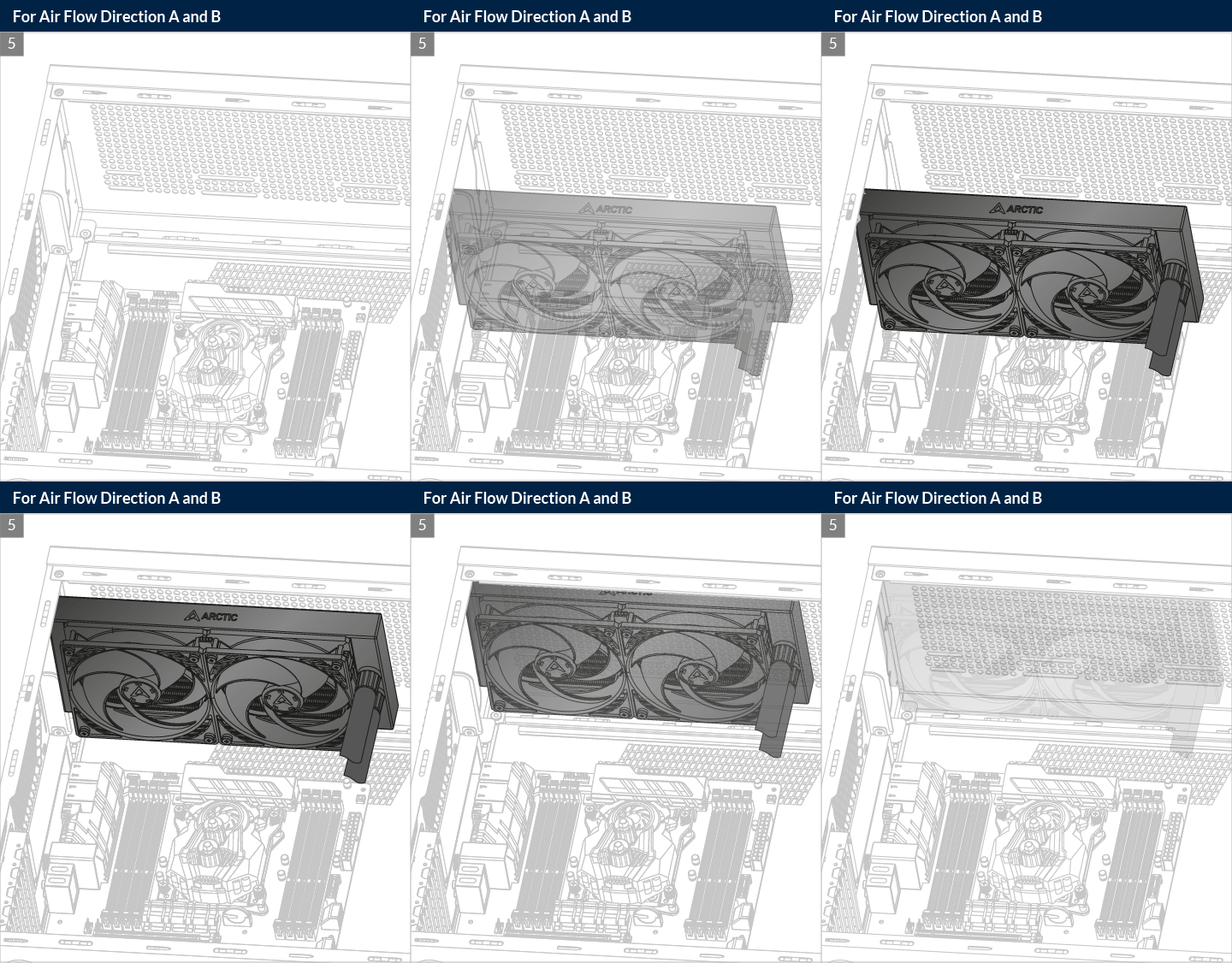
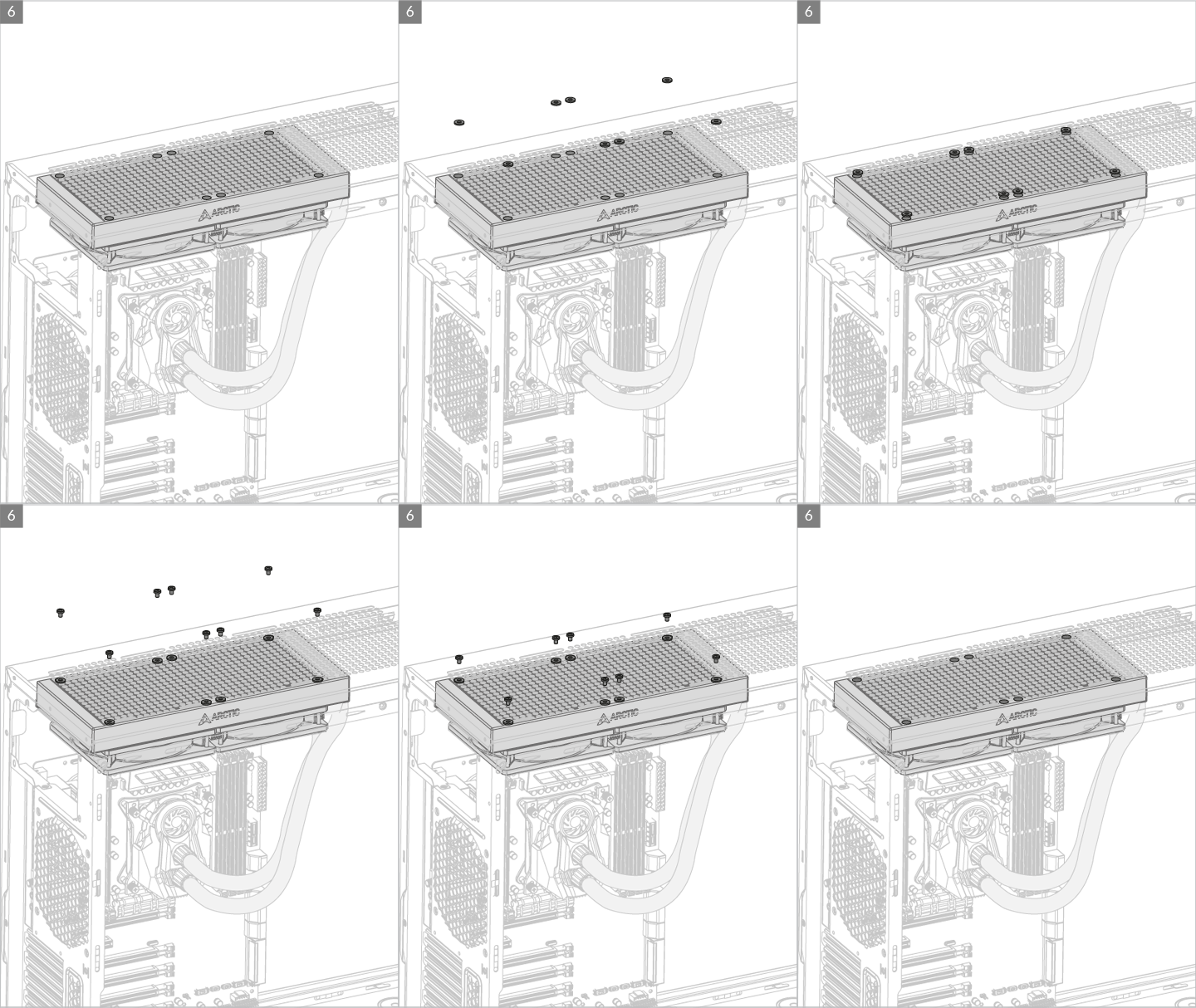
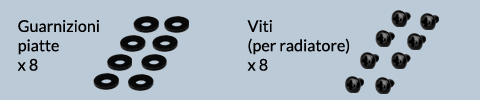
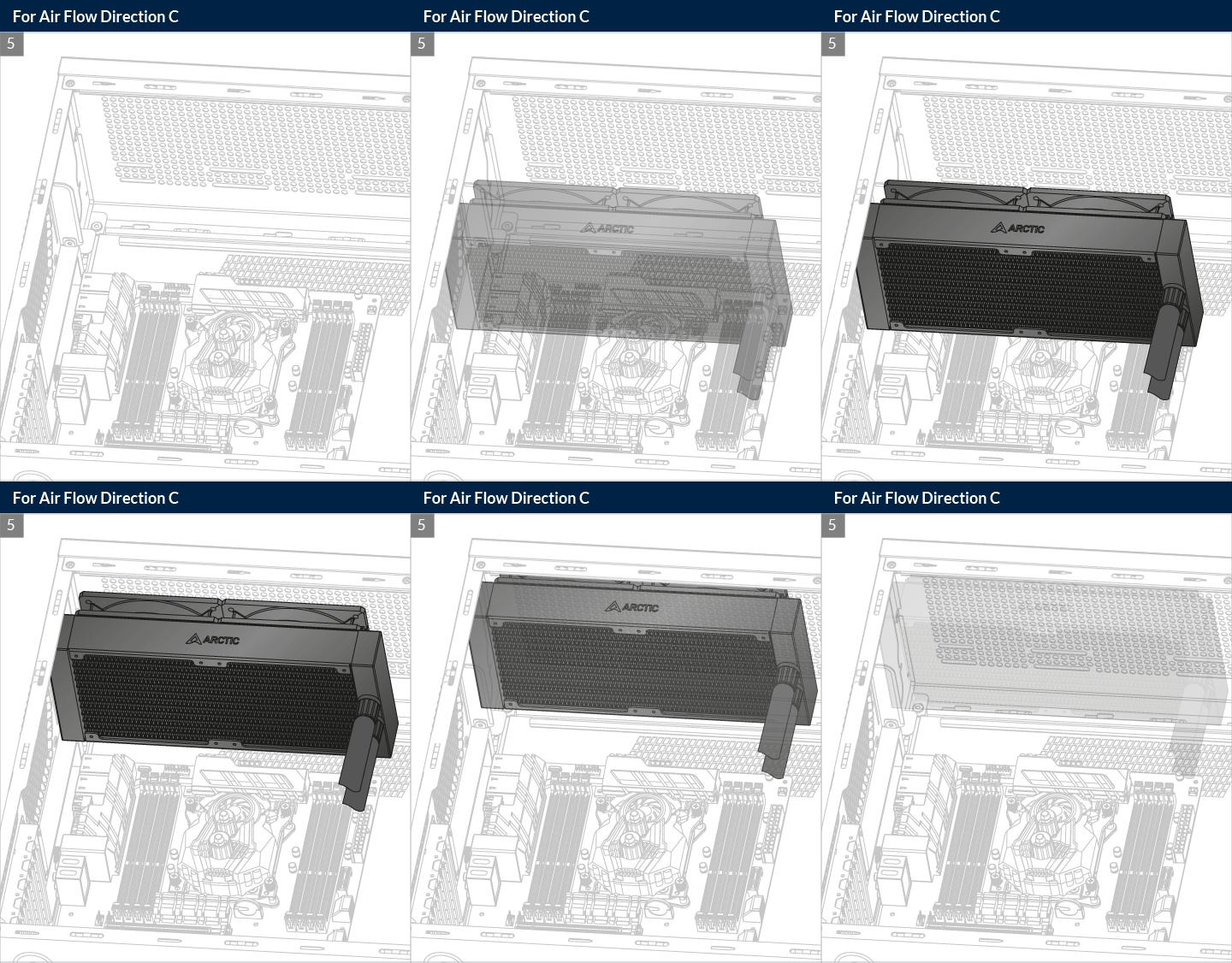
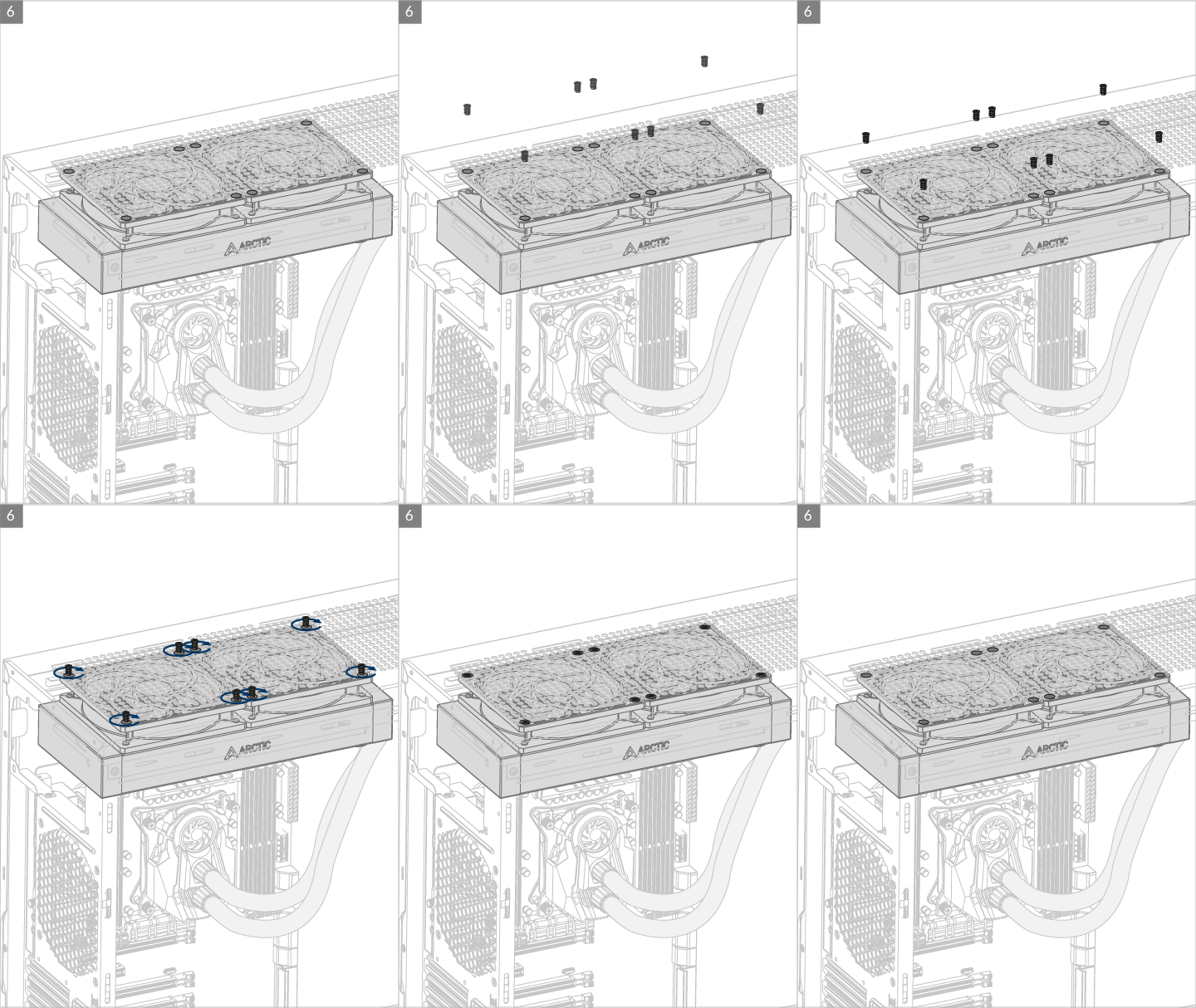
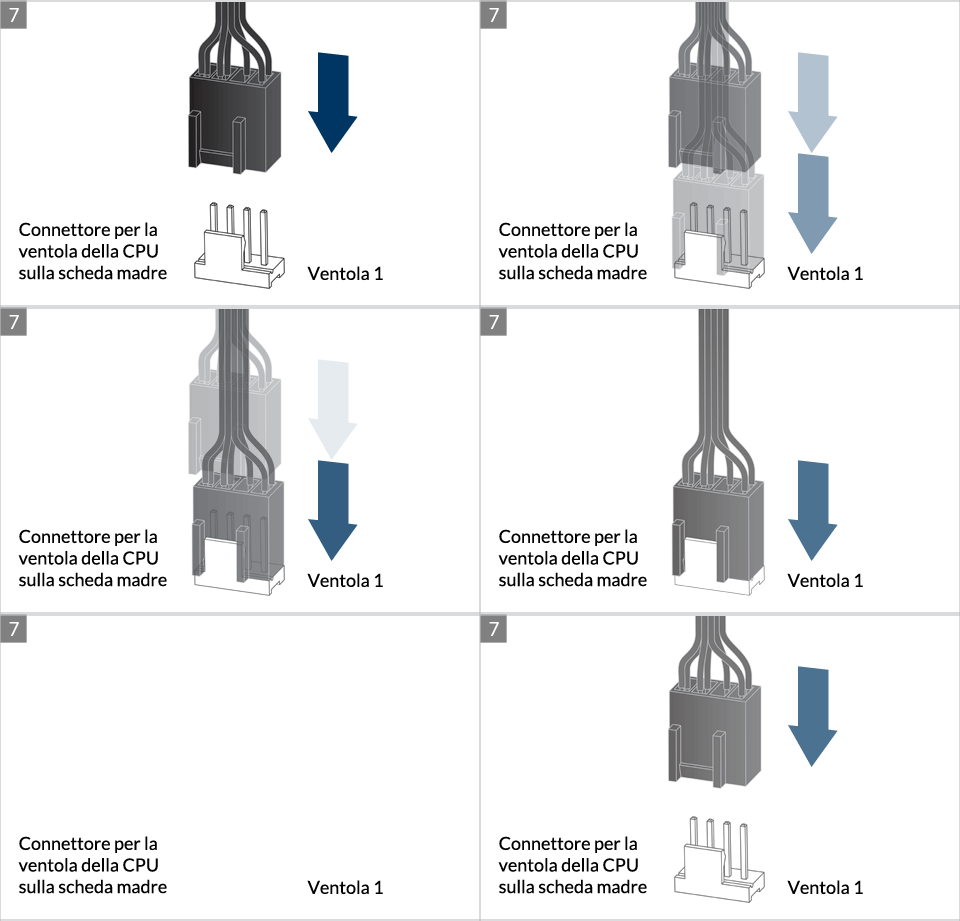
* Some mechanical interference with surrounding components may appear. The fan will not be controllable by PWM.
Per ottenere il meglio possibile dal tuo dissipatore, si raccomanda di regolare il controllo della velocità della ventola nel BIOS; segui questa guida per regolare il PWM.
Preparazione
How (not) to mount your water cooling AIO?
(by GamersNexus)
Steve from GamersNexus explains you the mistakes to avoid while assembling your water cooling AIO in your PC case.
The featured video is independently produced by GamersNexus, ARCTIC has been authorized to use by GamersNexus.

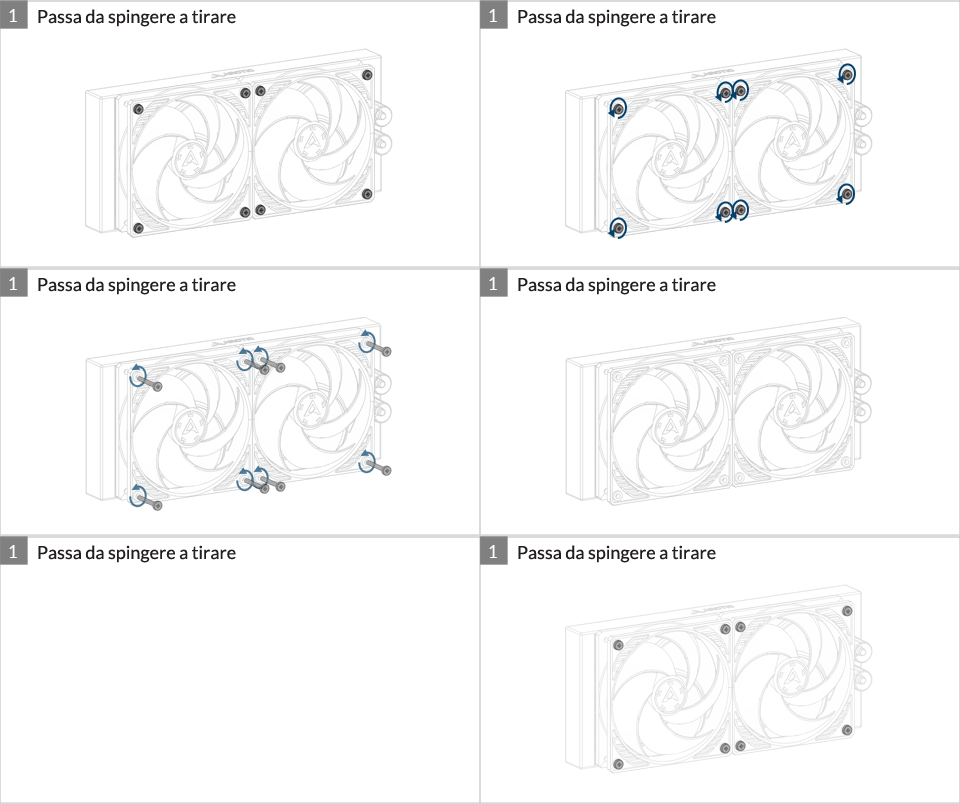
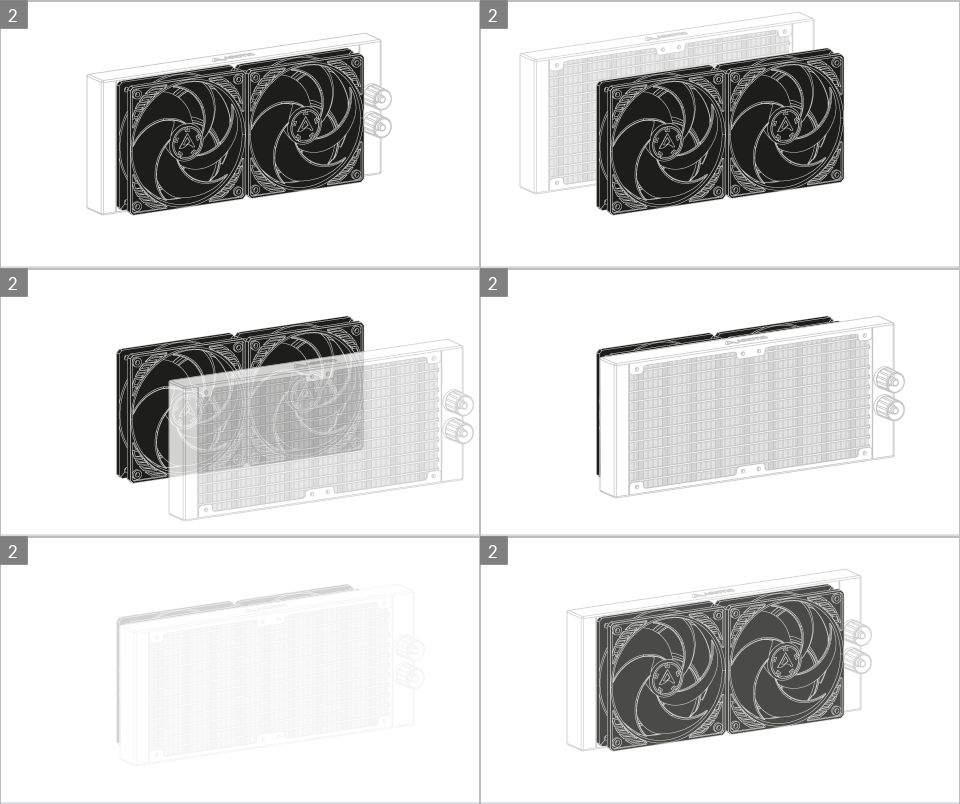
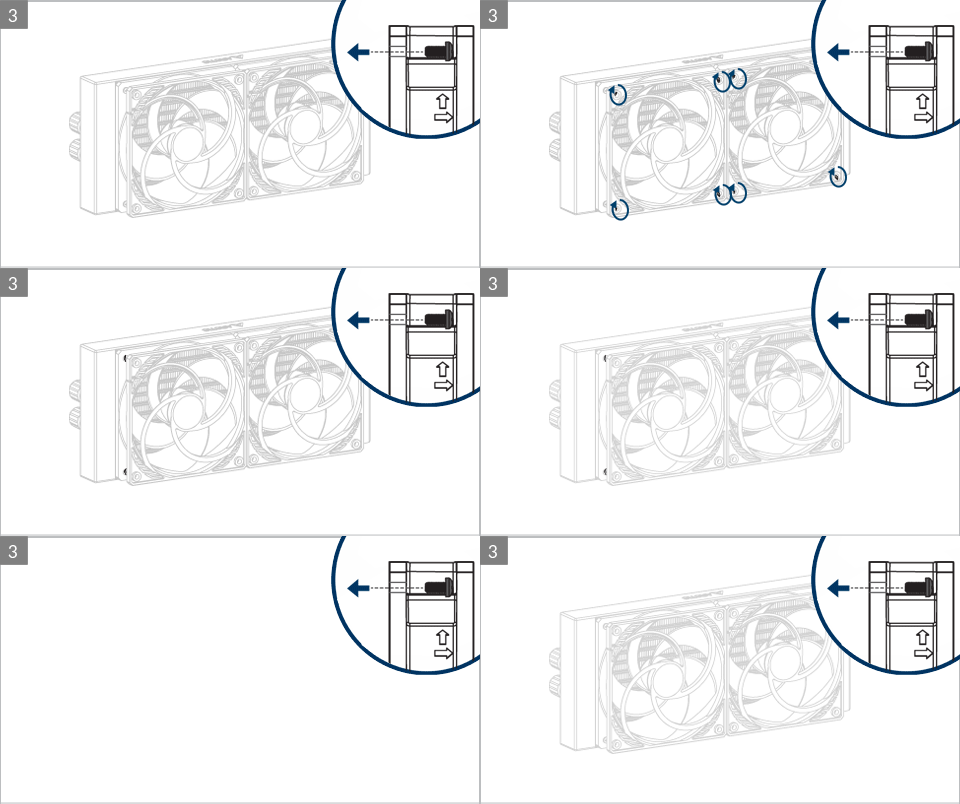
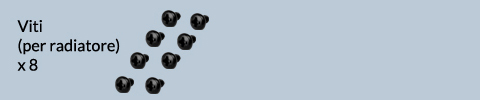
Do not use excessive force if the screw cannot be screwed in. Make sure correct screw is used. It will screw into the thumb nut easily.
Installazione
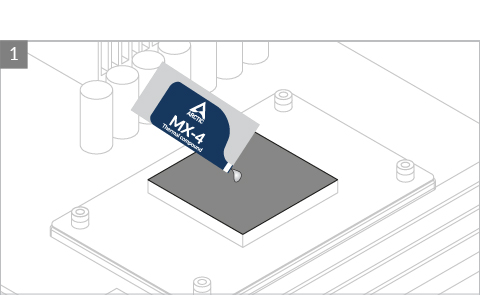

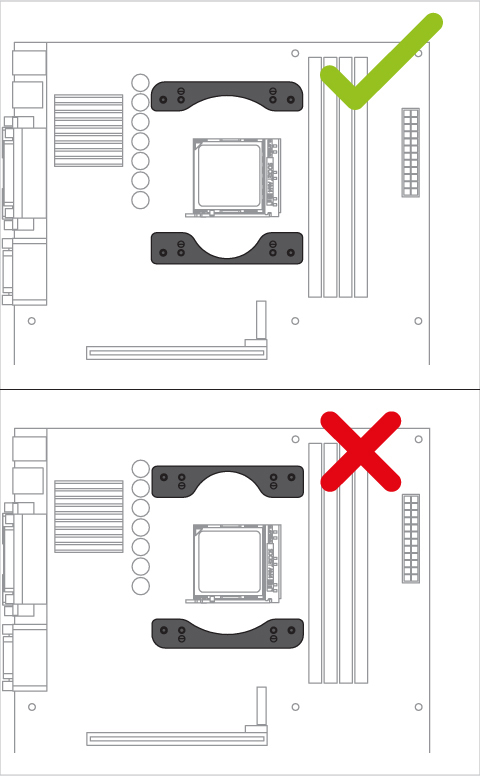
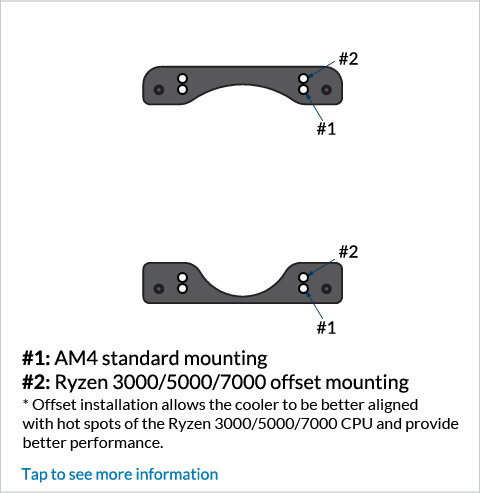
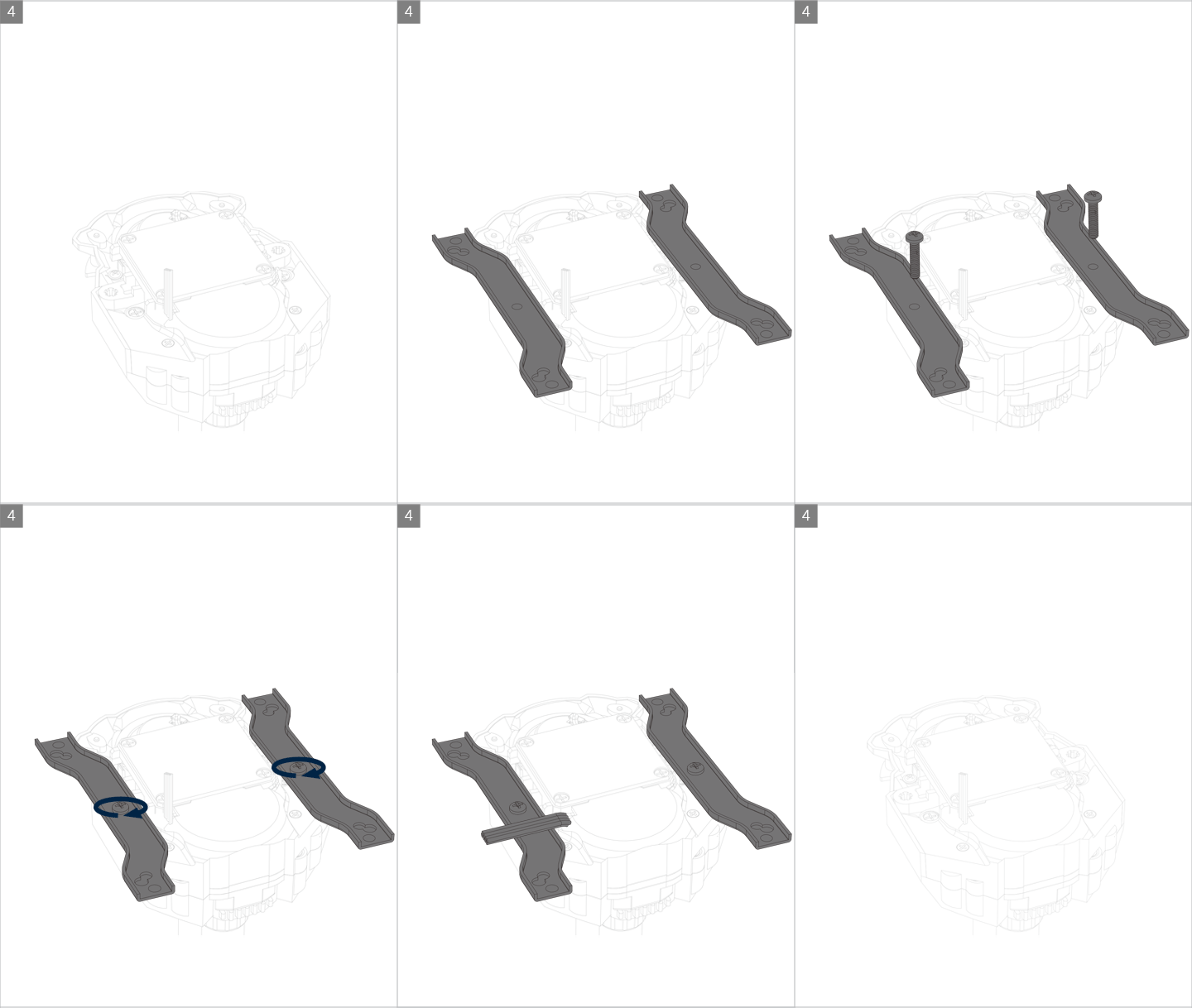
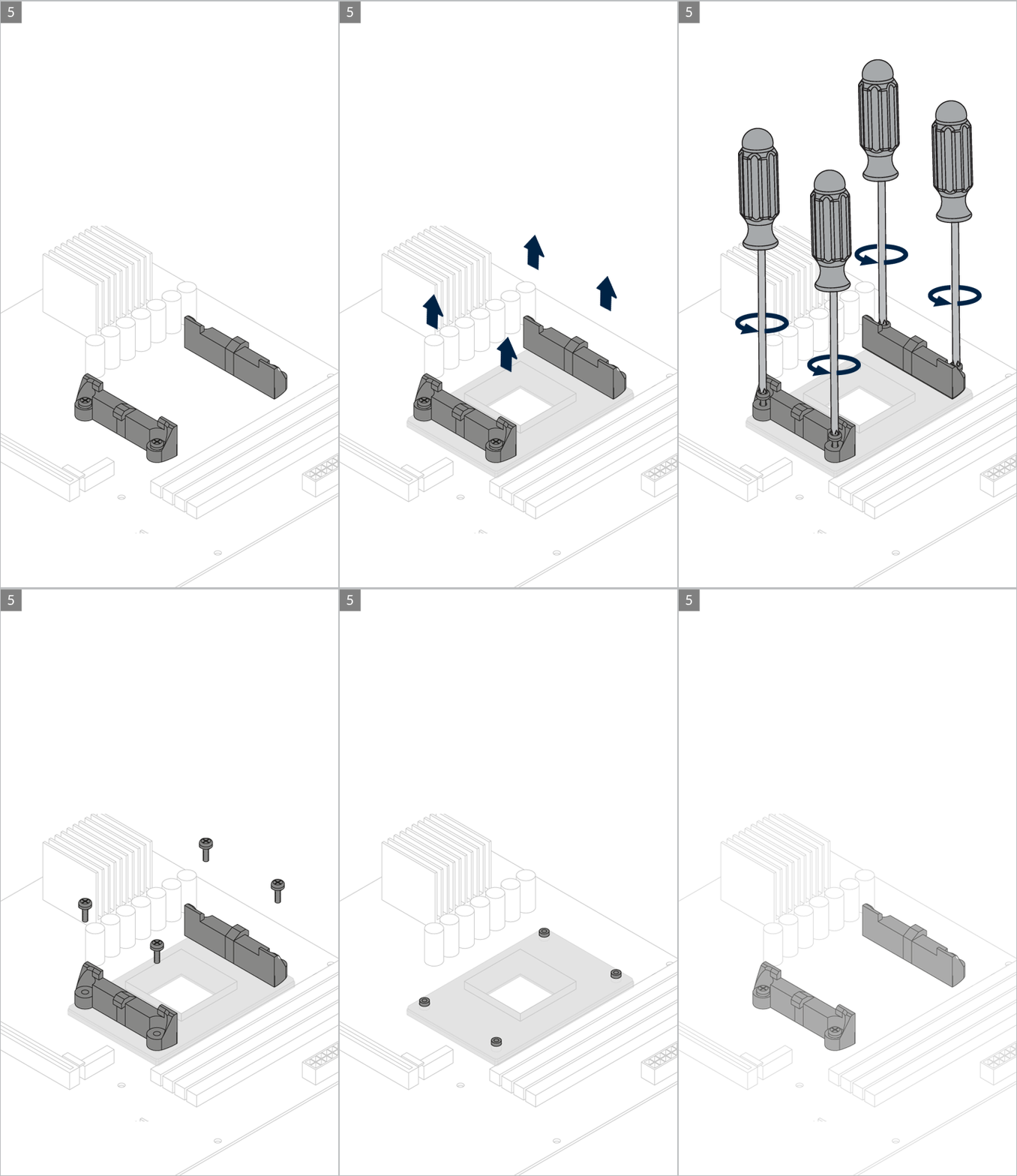
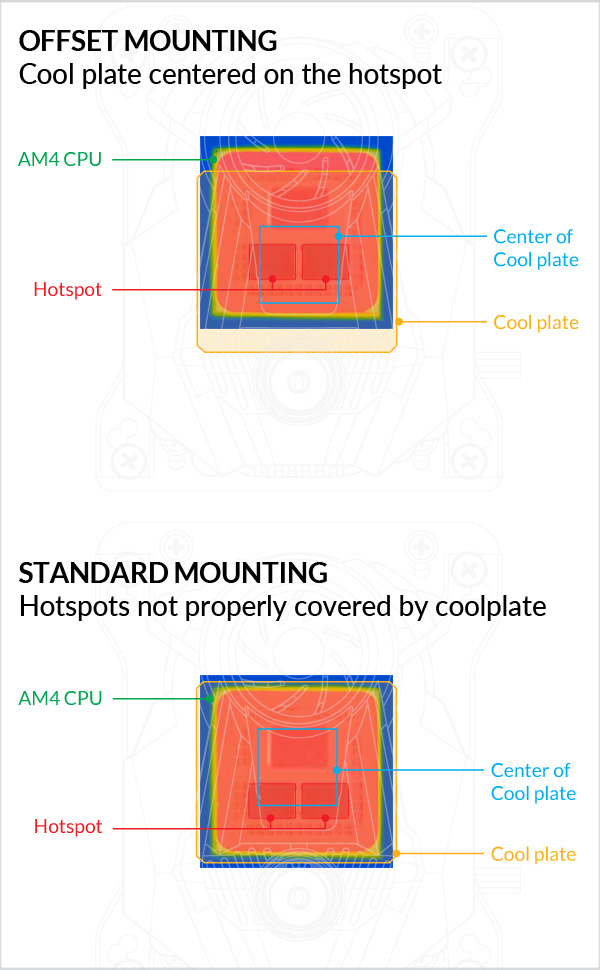
AMD Ryzen 3000/5000/7000 series processor has a chiplet-based CPU construction. It shifts the hot spots from center of the package to bottom side. To provide better cooling to the hot chiplets, Liquid Freezer II provides an offset mounting, so that the cooler is in the optimal position.
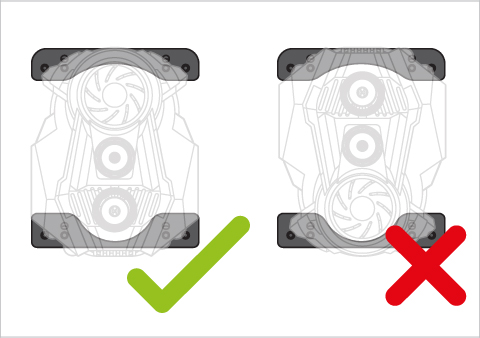
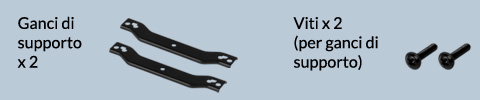
Contact ARCTIC Support if the AMD clips are not available on your product version.
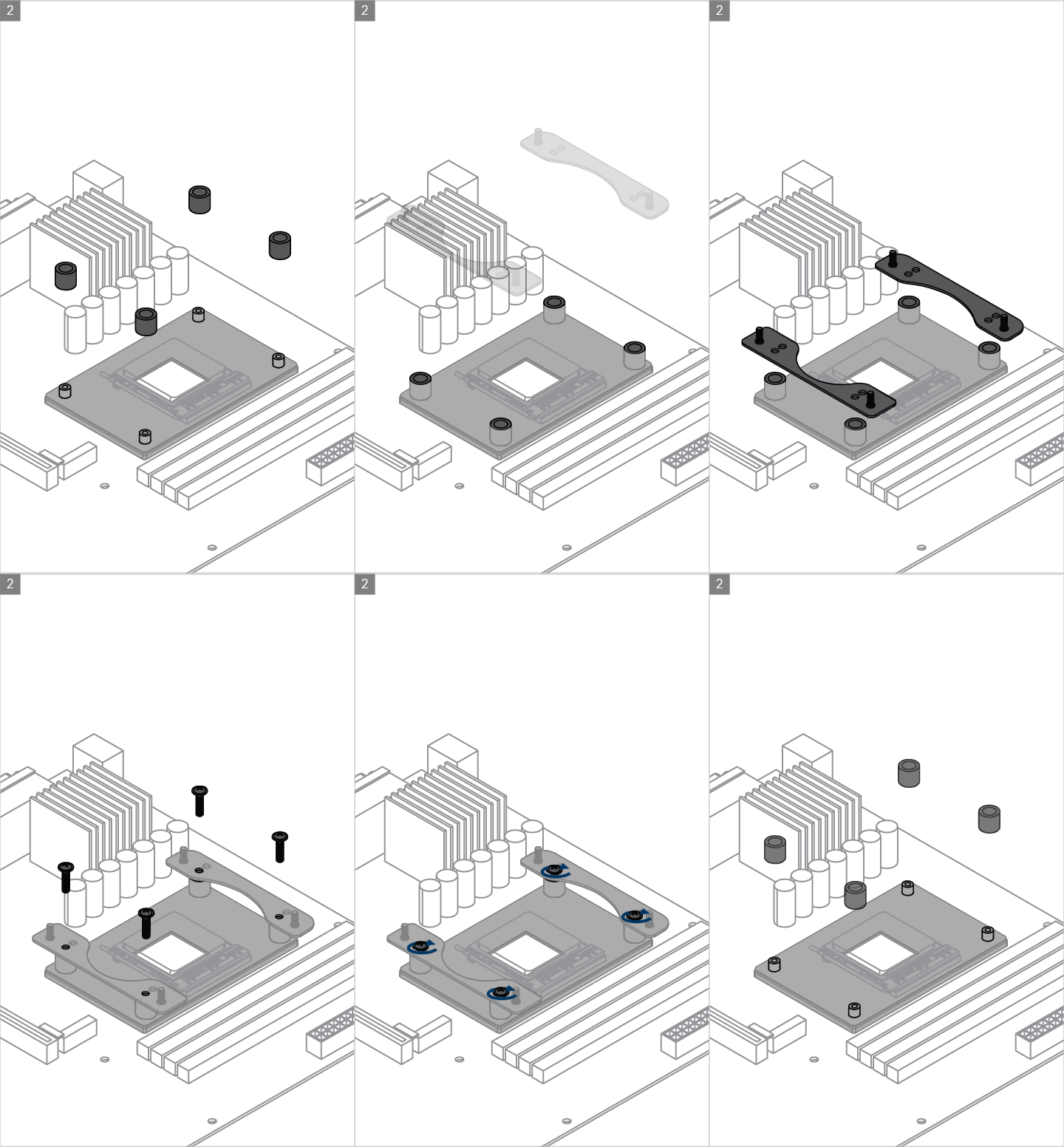
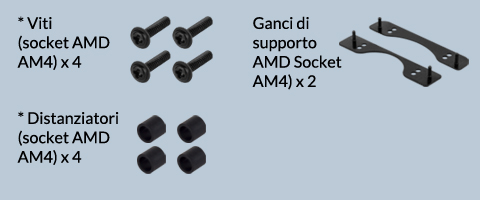
* packed in the same bag
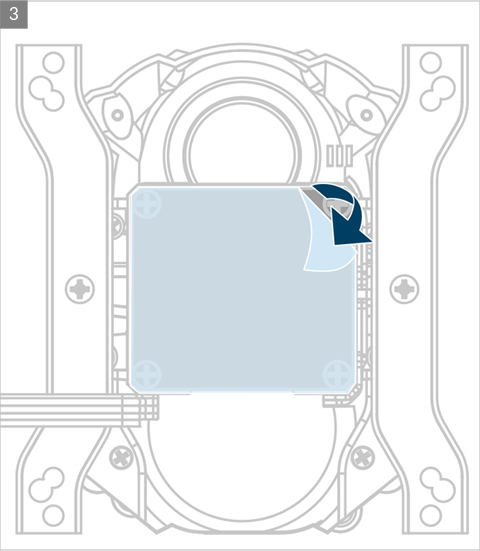
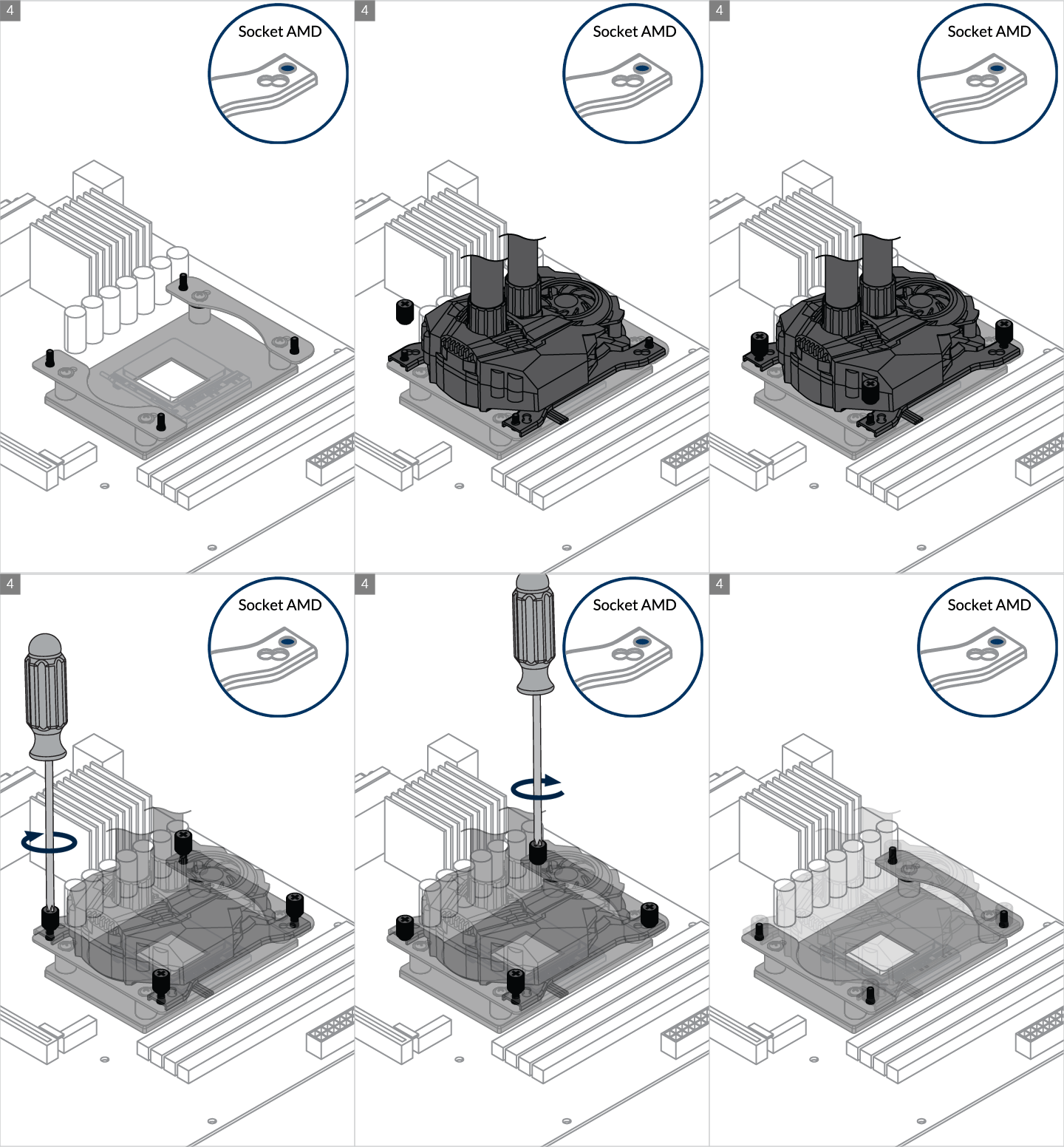

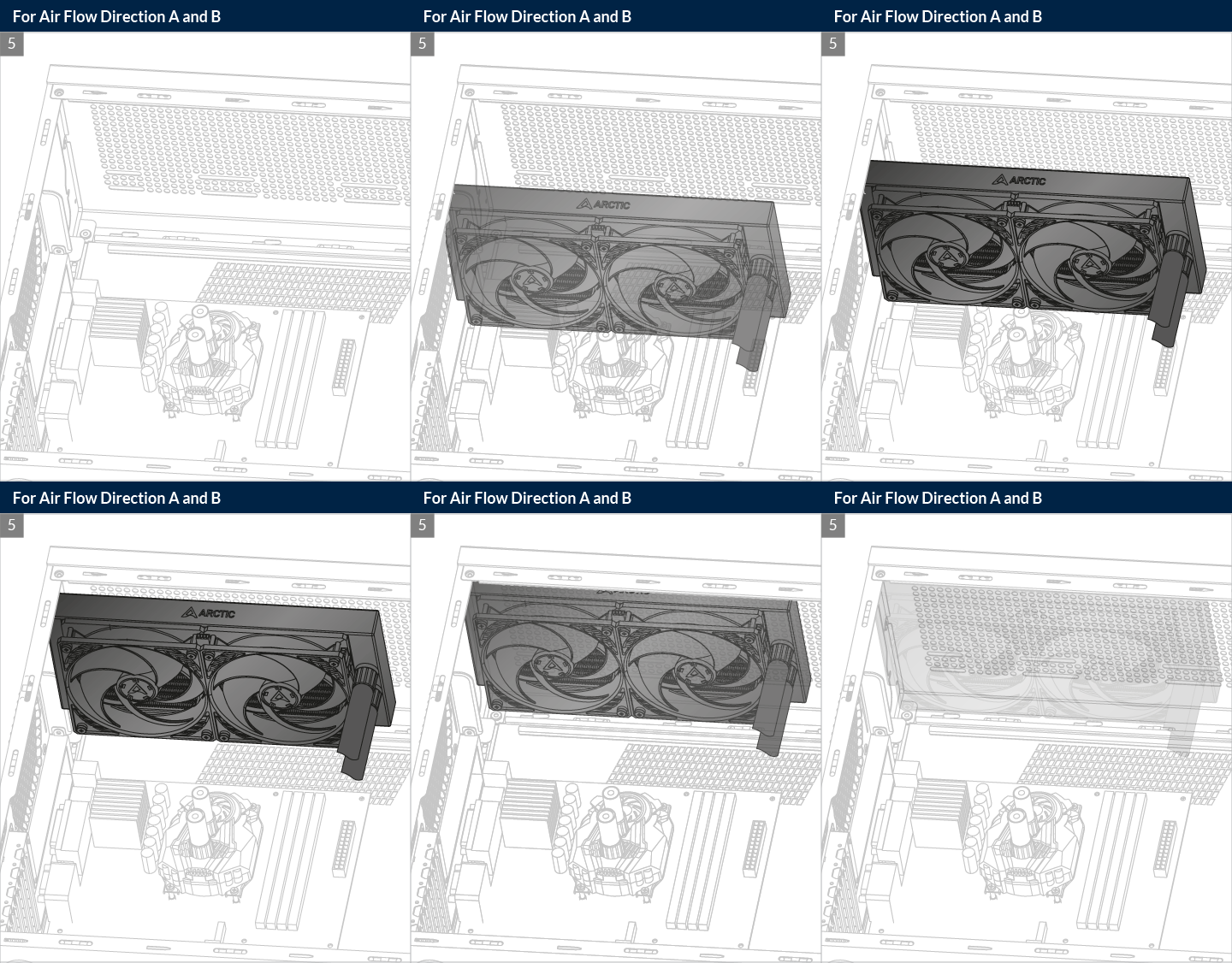
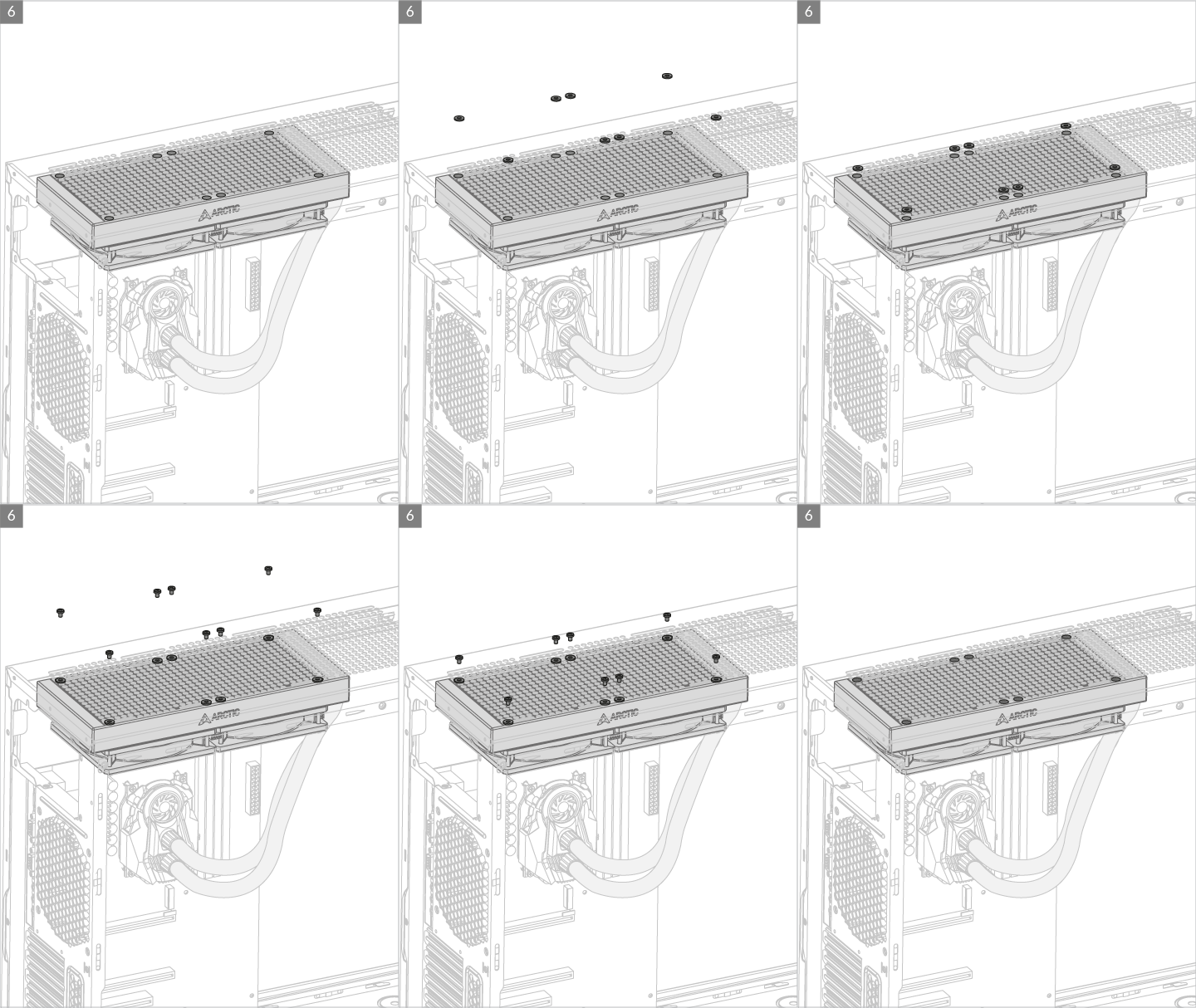
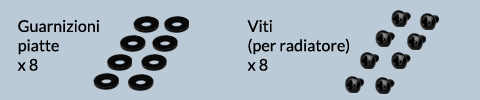
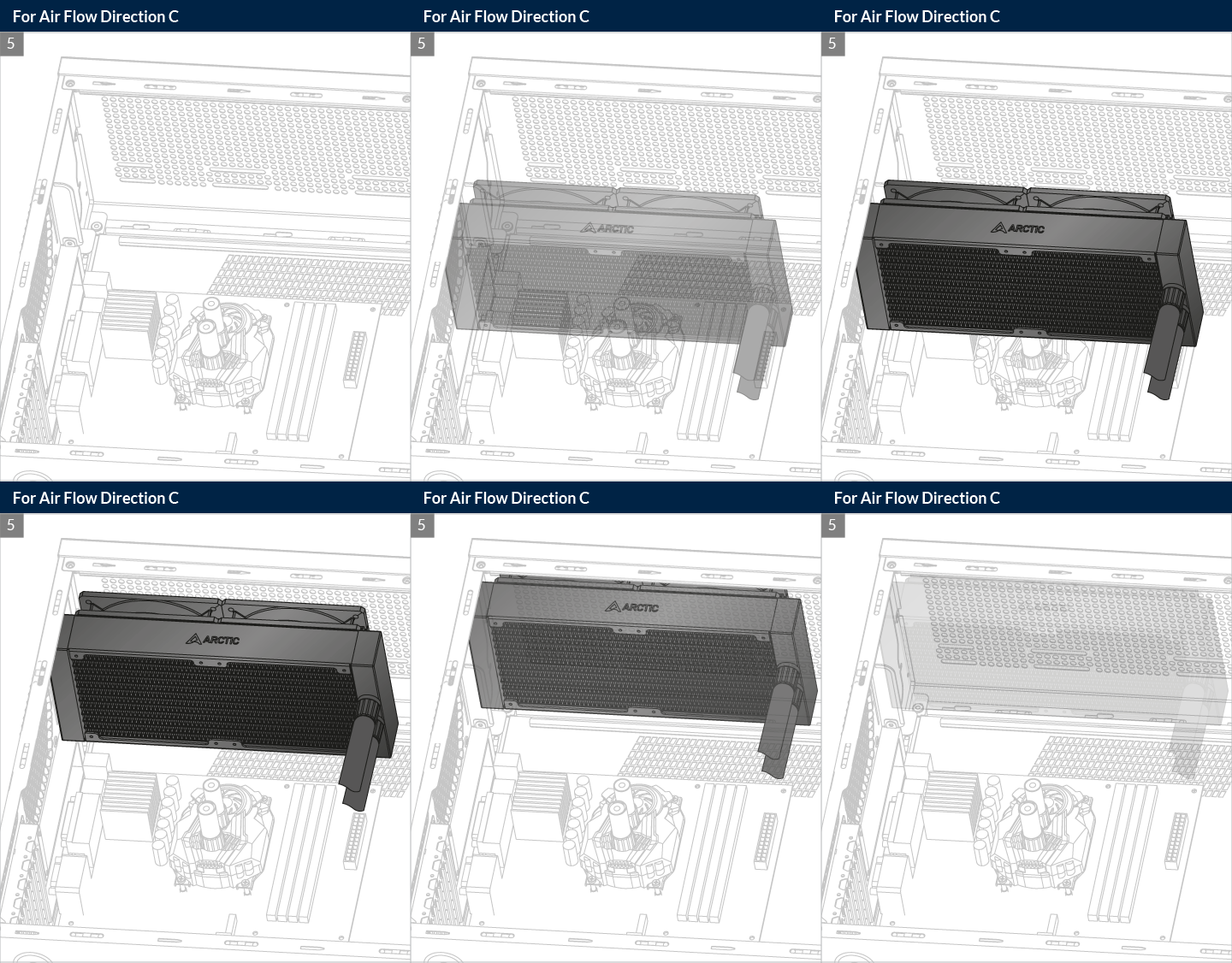
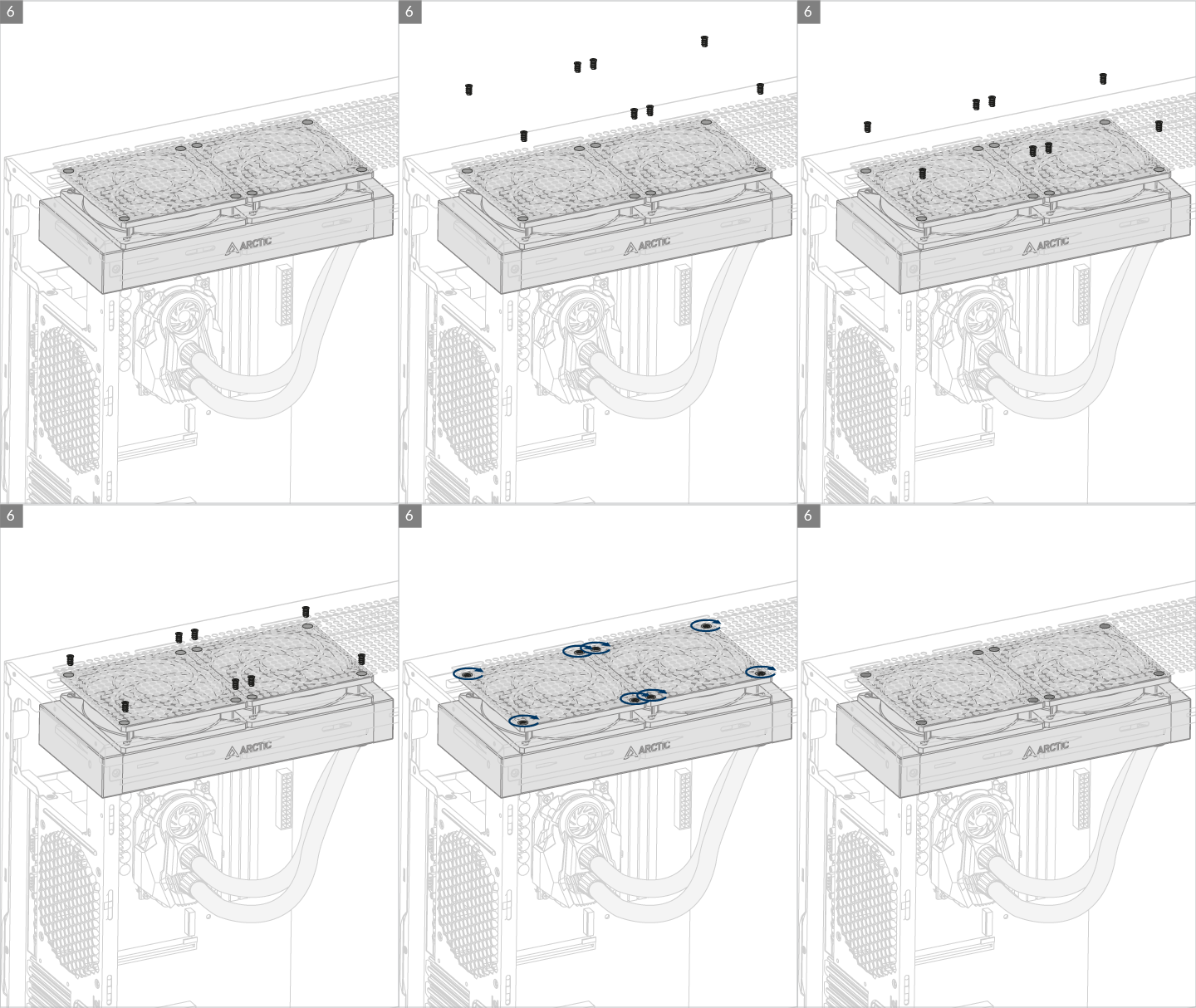
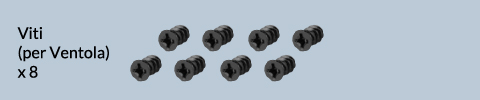
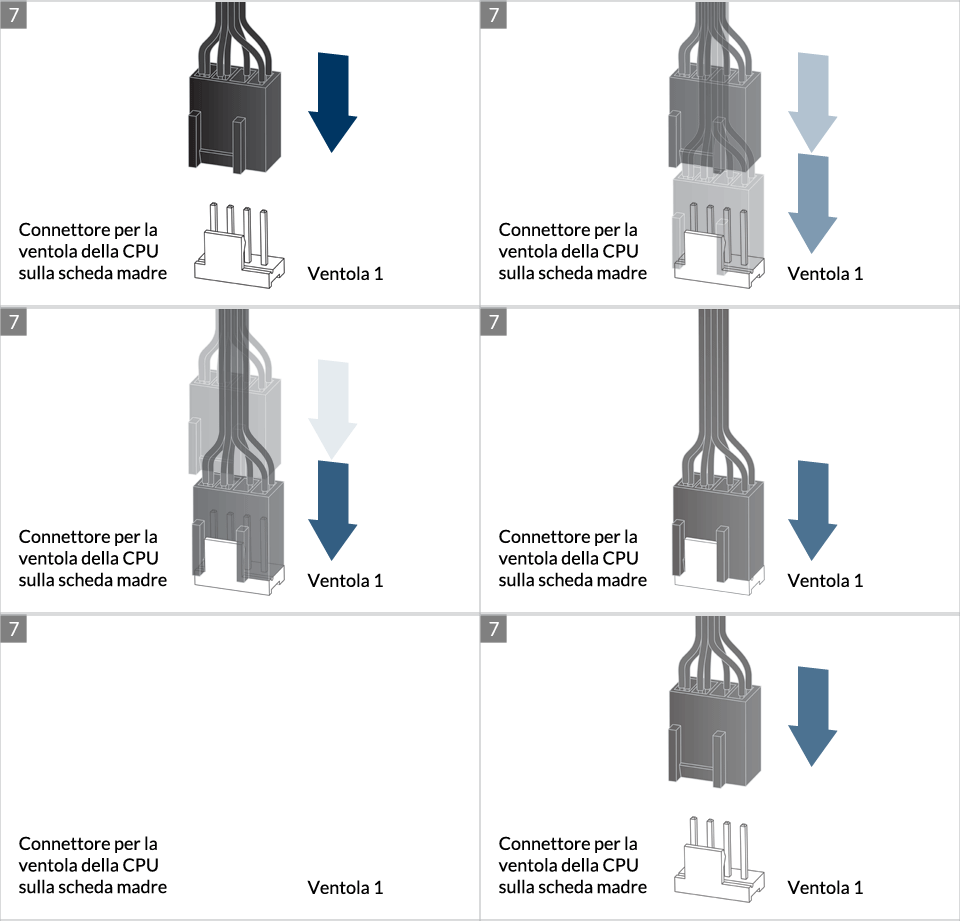
* Some mechanical interference with surrounding components may appear. The fan will not be controllable by PWM.
Per ottenere il meglio possibile dal tuo dissipatore, si raccomanda di regolare il controllo della velocità della ventola nel BIOS; segui questa guida per regolare il PWM.
Guarda il video
Prodotti consigliati