申し訳ございませんが、このドキュメントは日本語版では提供されておりません。下記に英語版を掲載いたします。
- In a PC Case
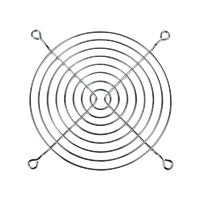
- In a DIY Project
How do you use your fan?
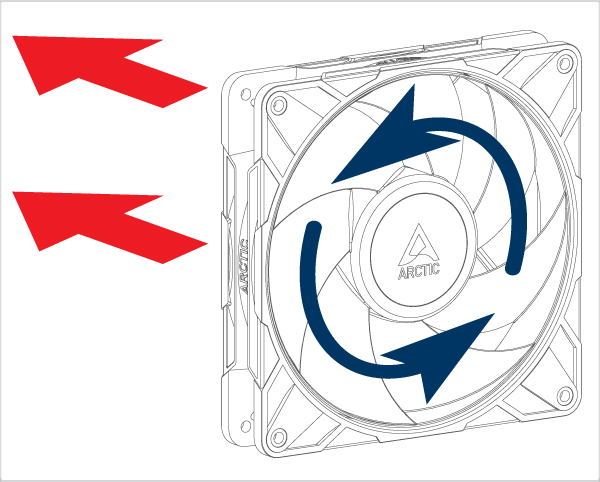
Choose Airflow direction
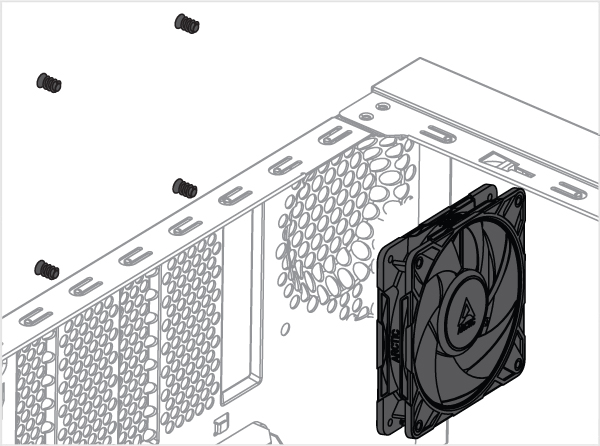
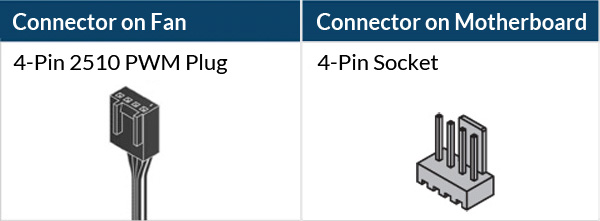
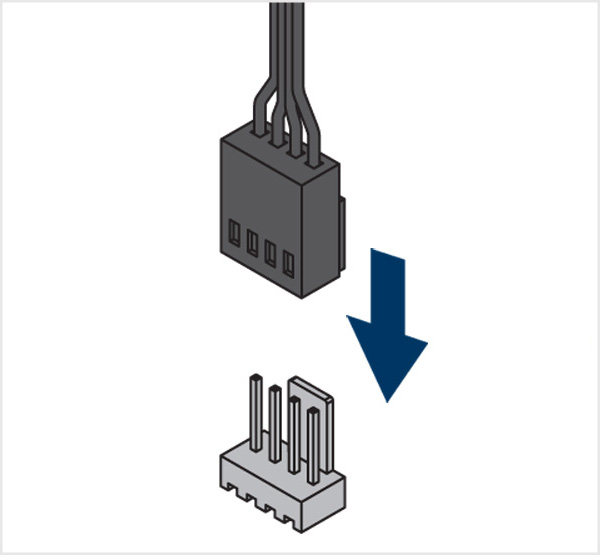
 Attention
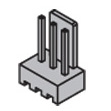
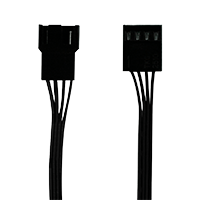
3-pin socket is compatible with 4-pin plug but Fan PWM control will not be available.

Ensure your motherboard's fan header can supply enough power for multiple fans. Connect no more thatn 3 fans to a 1A header, 6 fans to a 2A header, and 9 fans to a 3A header. Check your motherboard specifications for details.
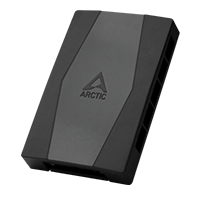
To connect up to 10 fans, use ARCTIC Case Fan Hub.
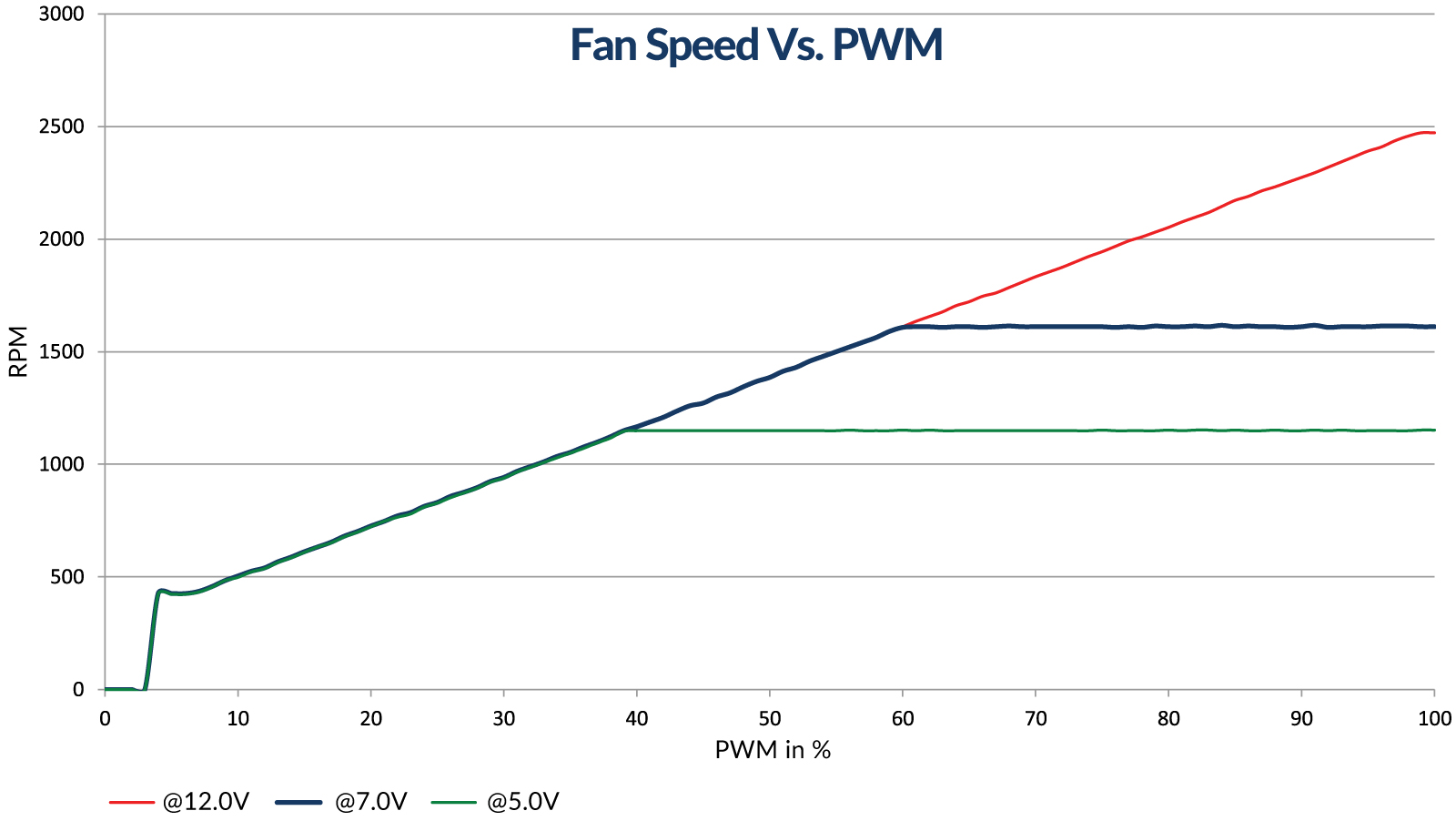
The speed of P14 Pro PST can be adjusted using PWM signal from the motherboard. Please follow this procedure to adjust the settings on your motherboard.
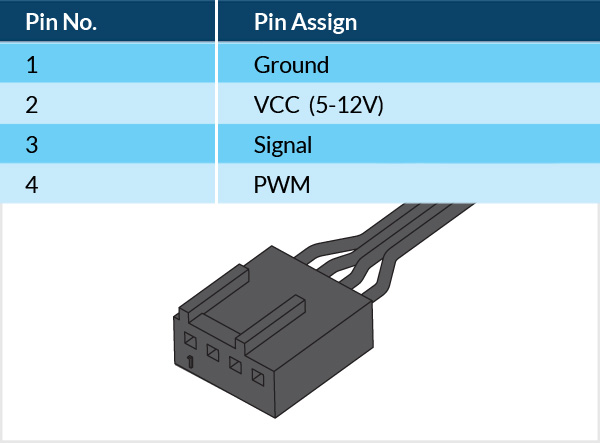
PWM Frequency: Target frequency 25 kHz, acceptable operational range 21 kHz to 28 kHz
Maximum voltage for logic low: VIL = 0.8 V
Absolute maximum current sourced: Imax = 5 mA (short circuit current)
Absolute maximum voltage level: Vmax = 5.25 V (open circuit voltage)
おすすめ商品