
Unfortunately, this document is not available in English, below is the English version.
To check the compatibility of your motherboard, please follow this link.
Required Tools
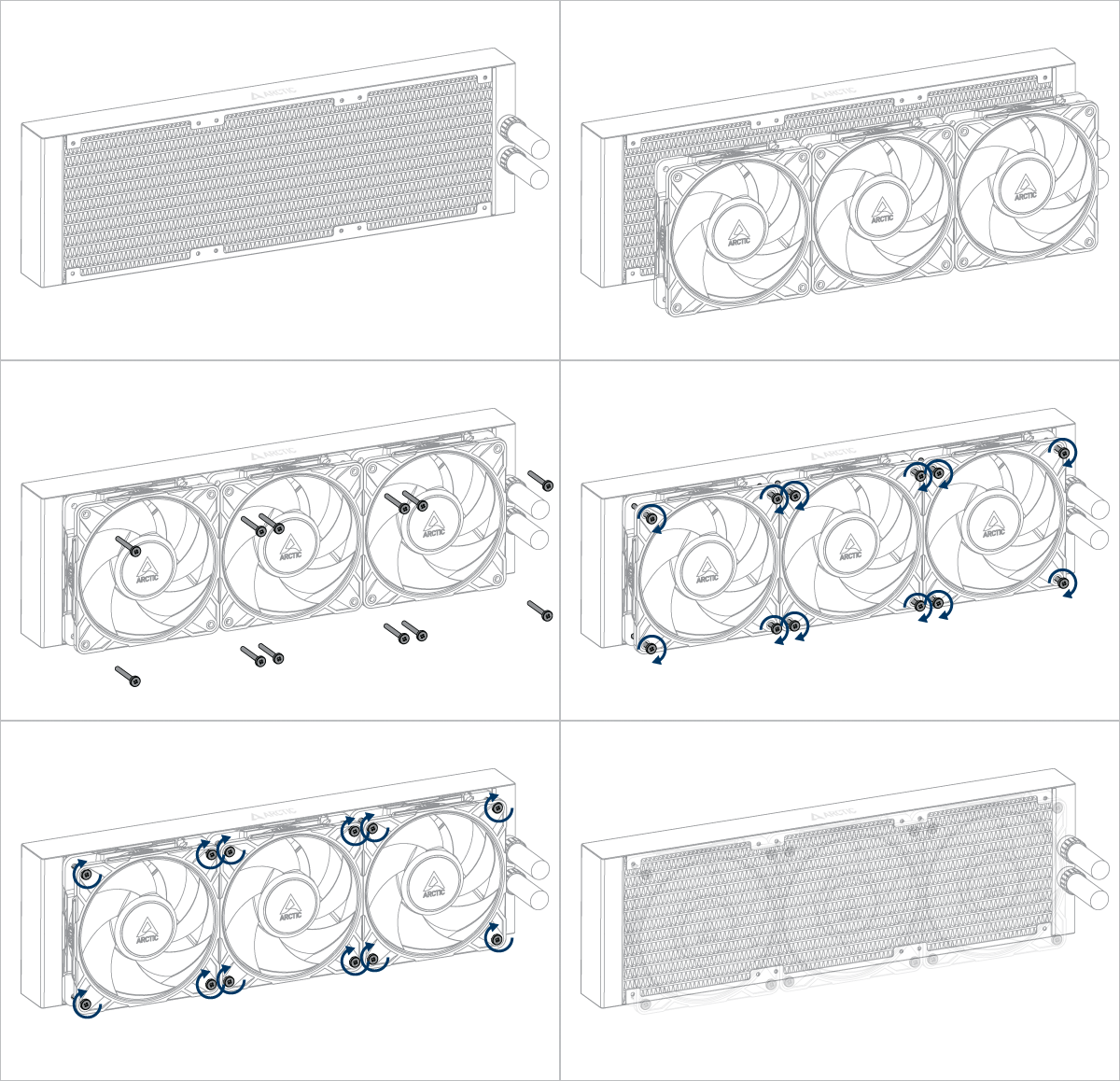
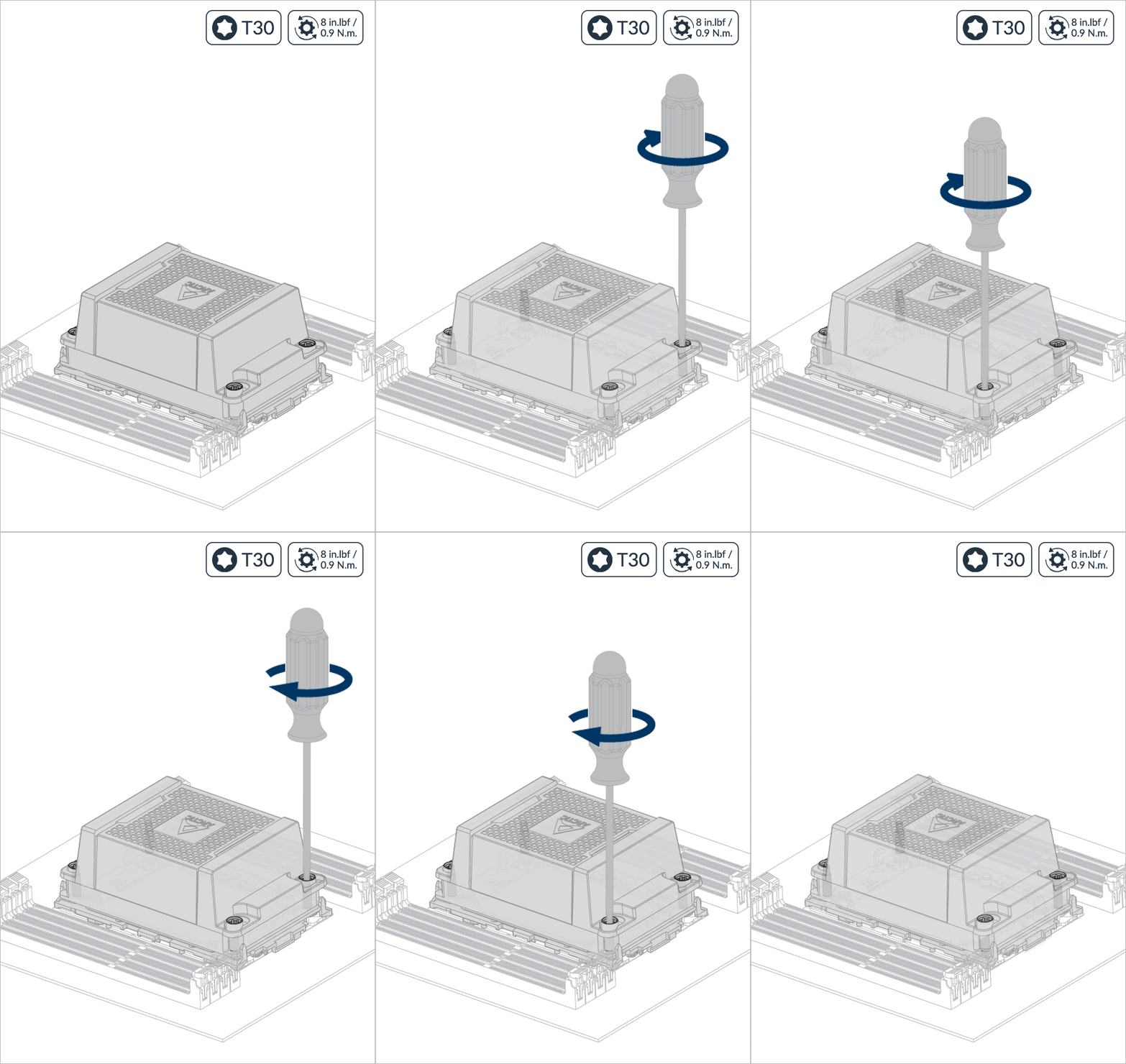
 T30 Torx Screwdriver
How (not) to mount your water cooling AIO?
Steve from GamersNexus explains you the mistakes to avoid while assembling your water cooling AIO in your PC case.
The featured video is independently produced by GamersNexus, ARCTIC has been authorized to use by GamersNexus.
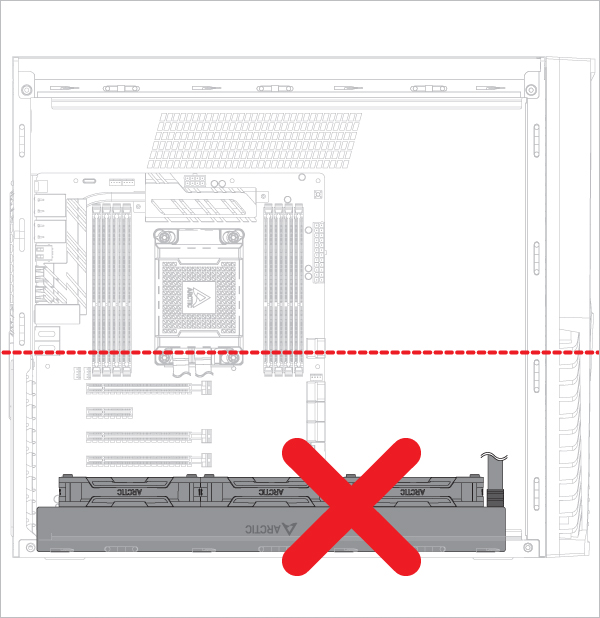
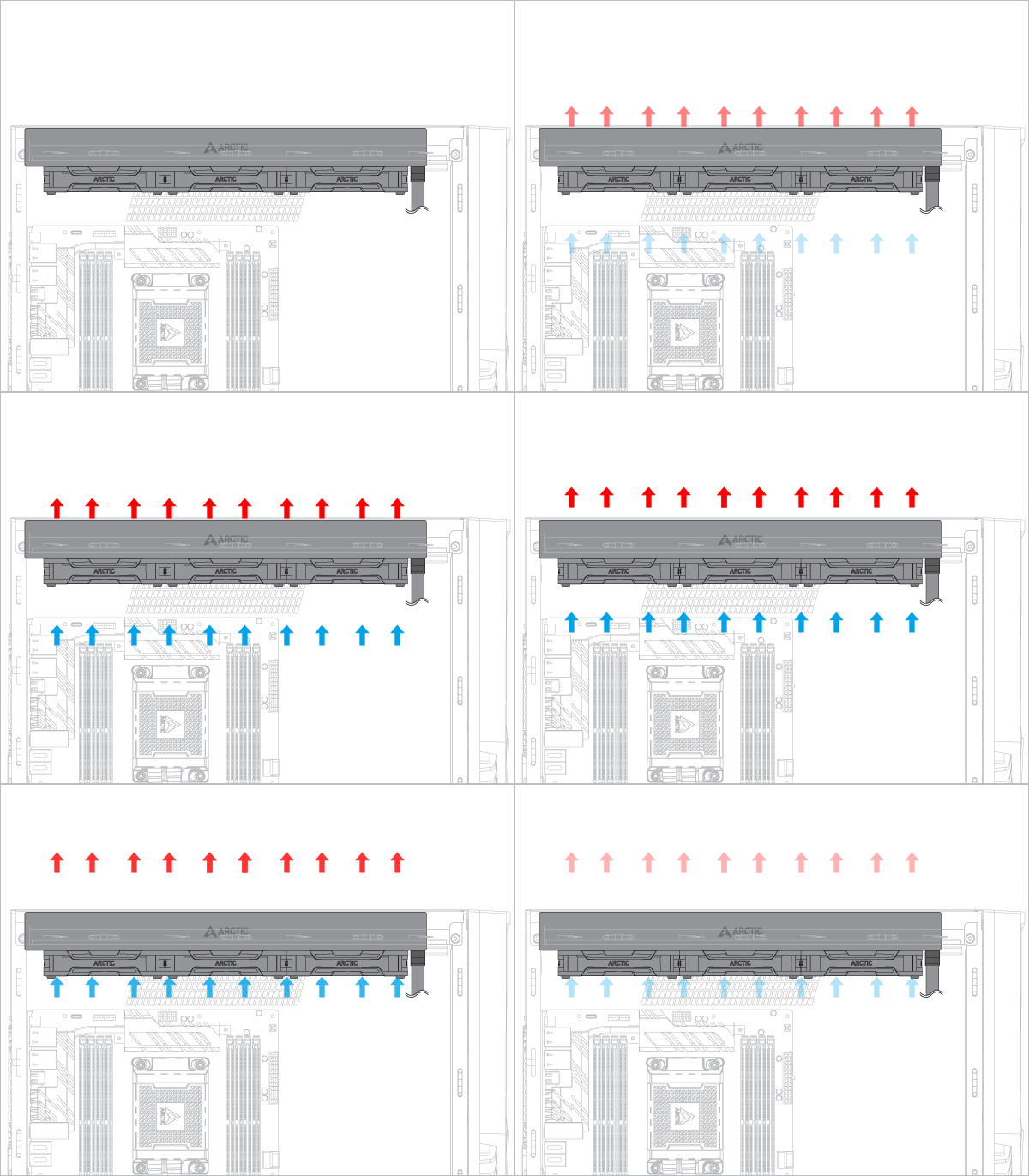
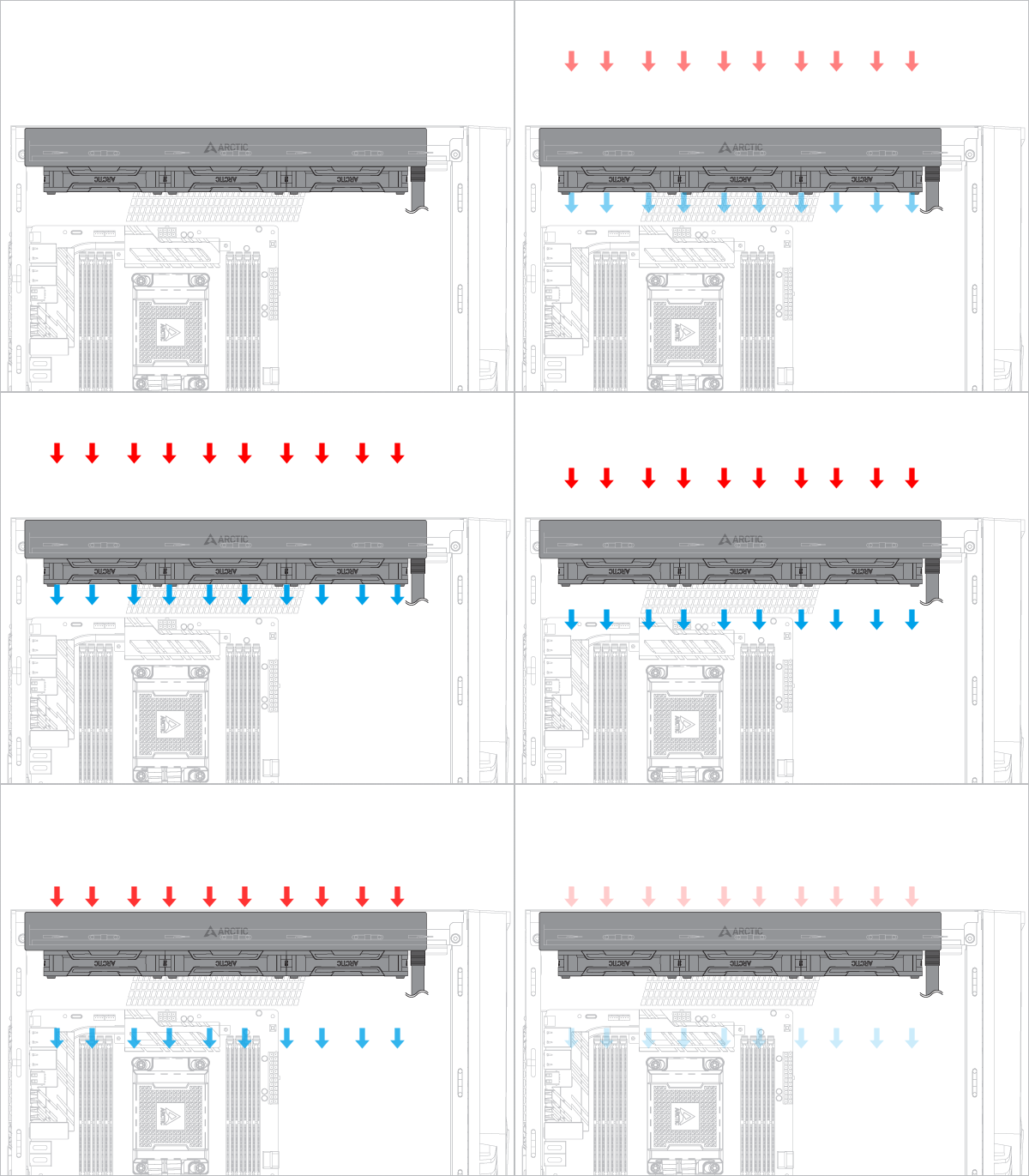
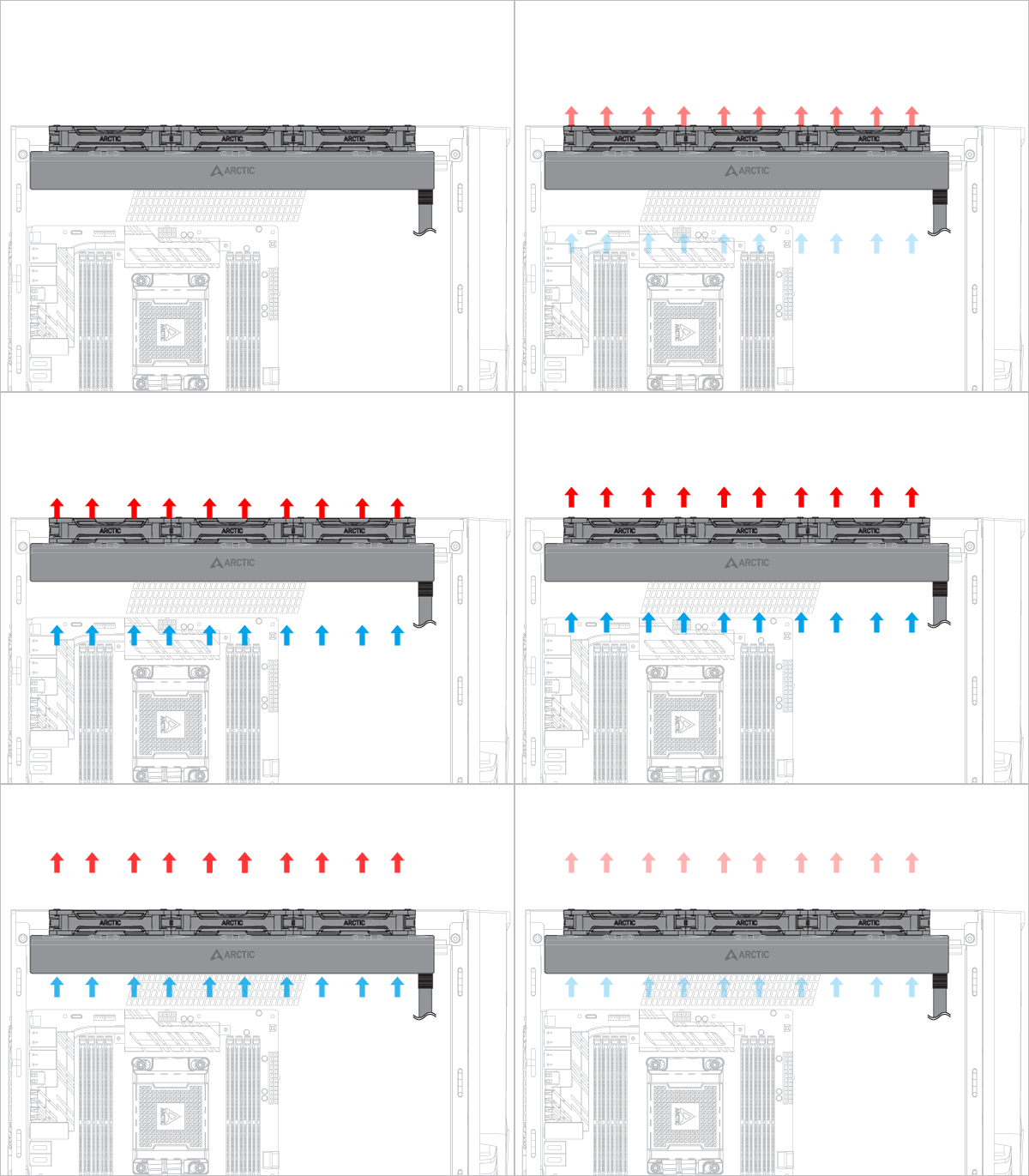
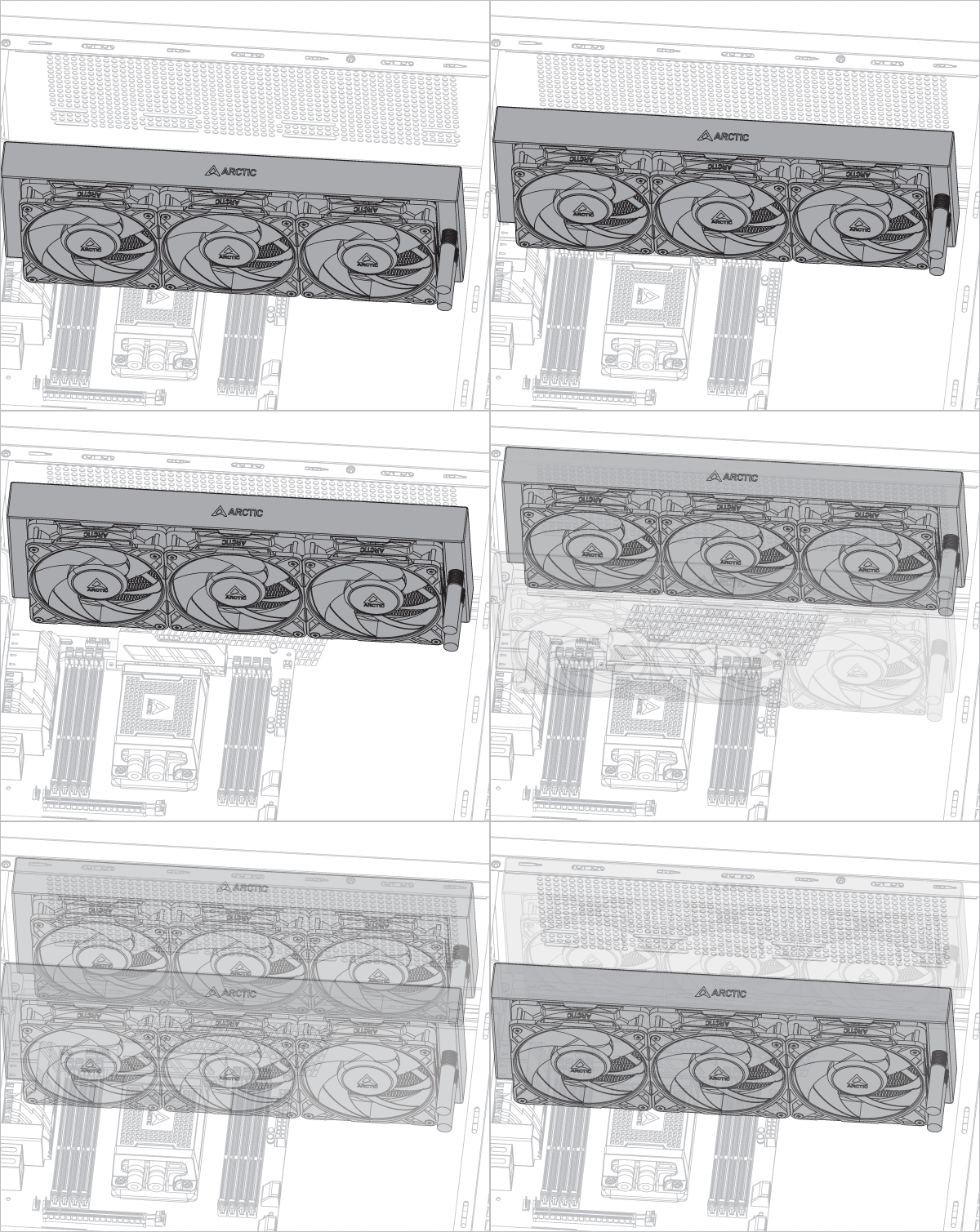
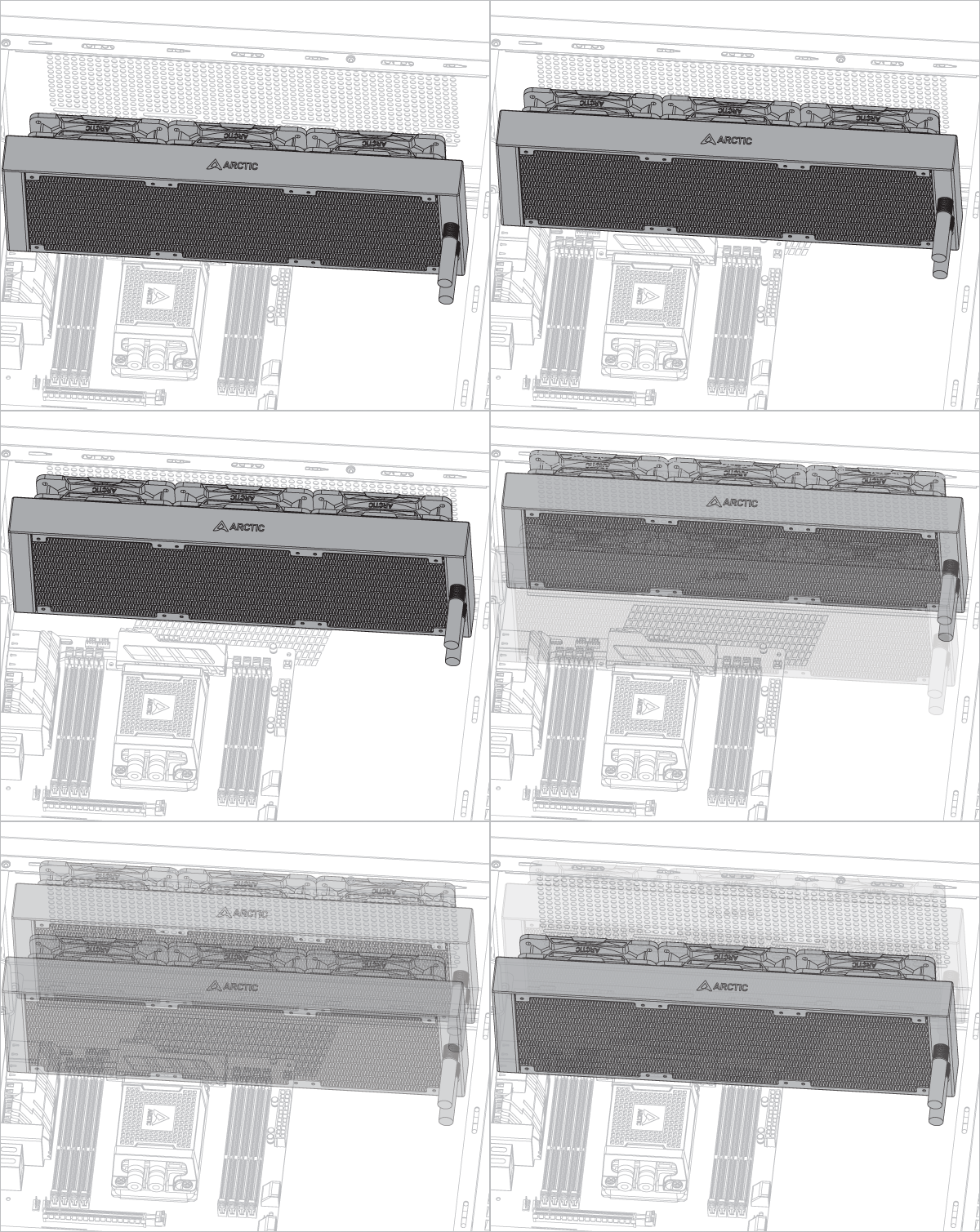
Radiator below pump
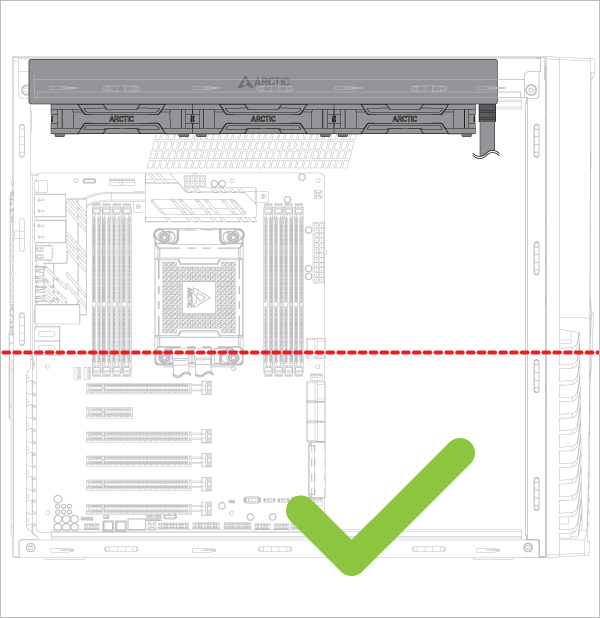
Radiator above pump
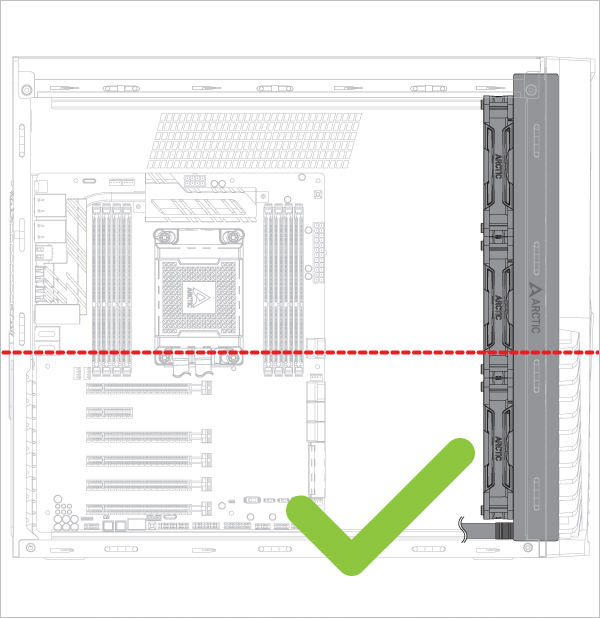
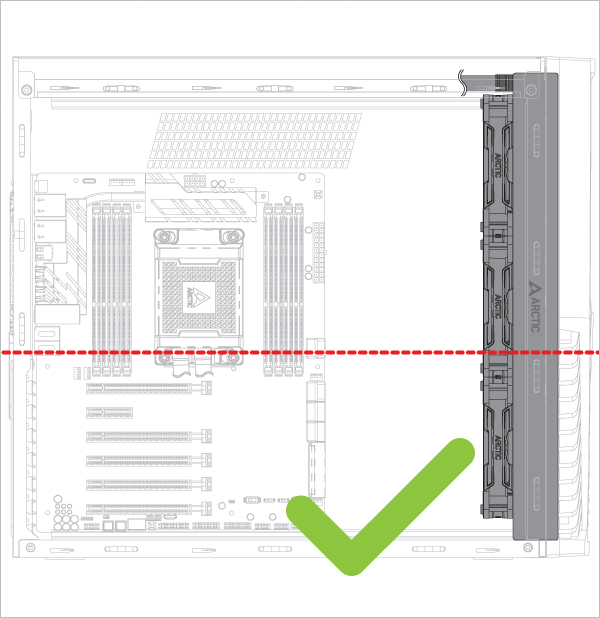
Risk of bubbling noise



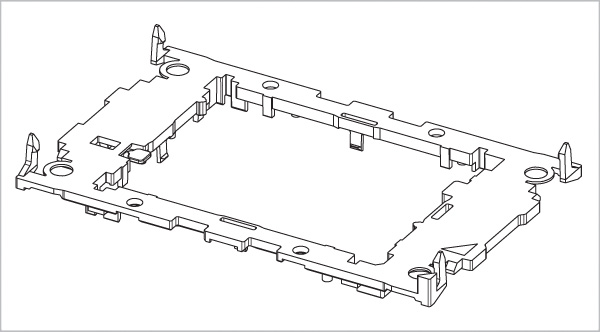
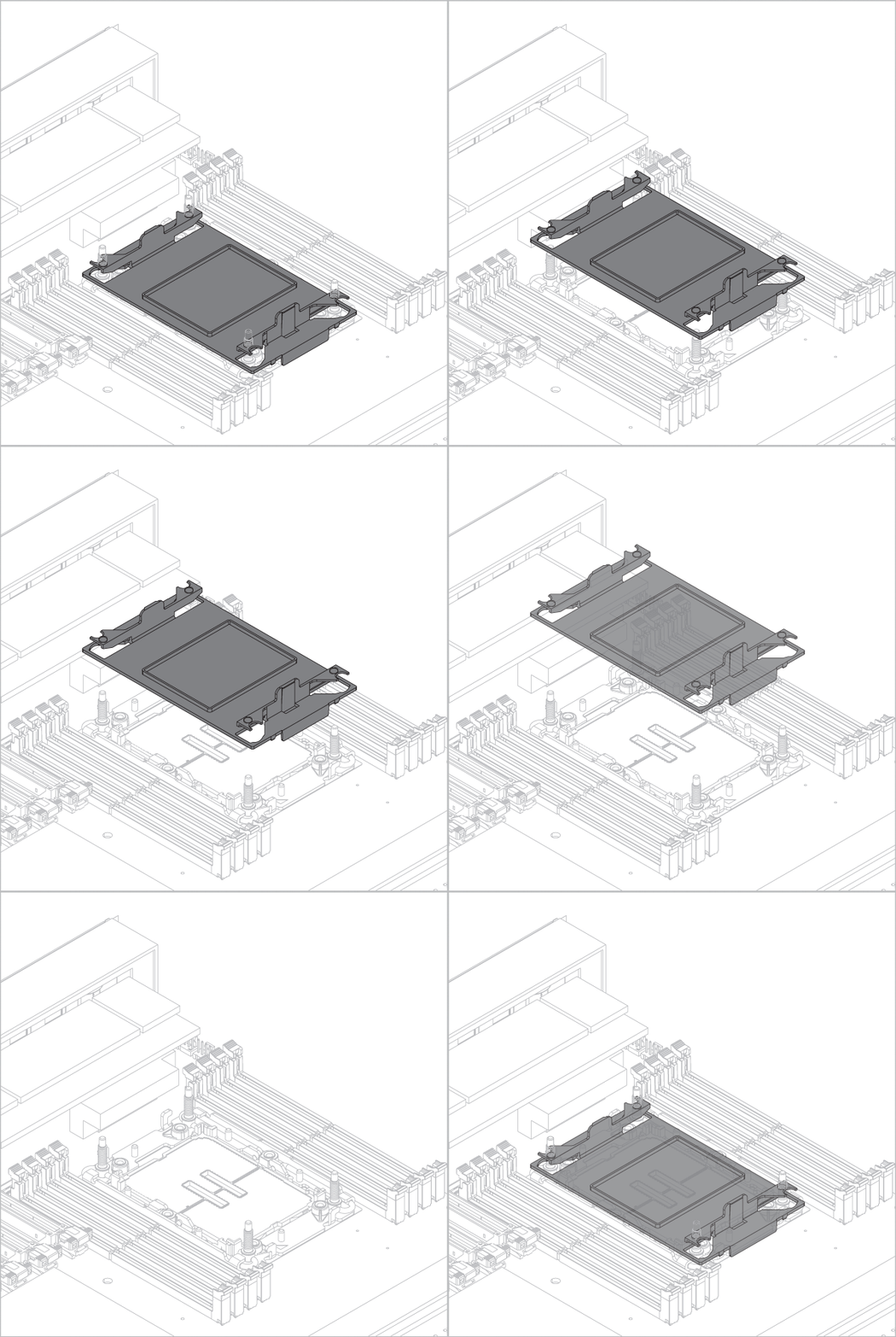
Please note that installing an LGA4677/LGA4710 processor and heatsink requires a plastic CPU carrier such as the one shown above. These carriers are included with boxed retail CPUs or Motherboard and available separately via Intel sales partners for tray type CPUs.
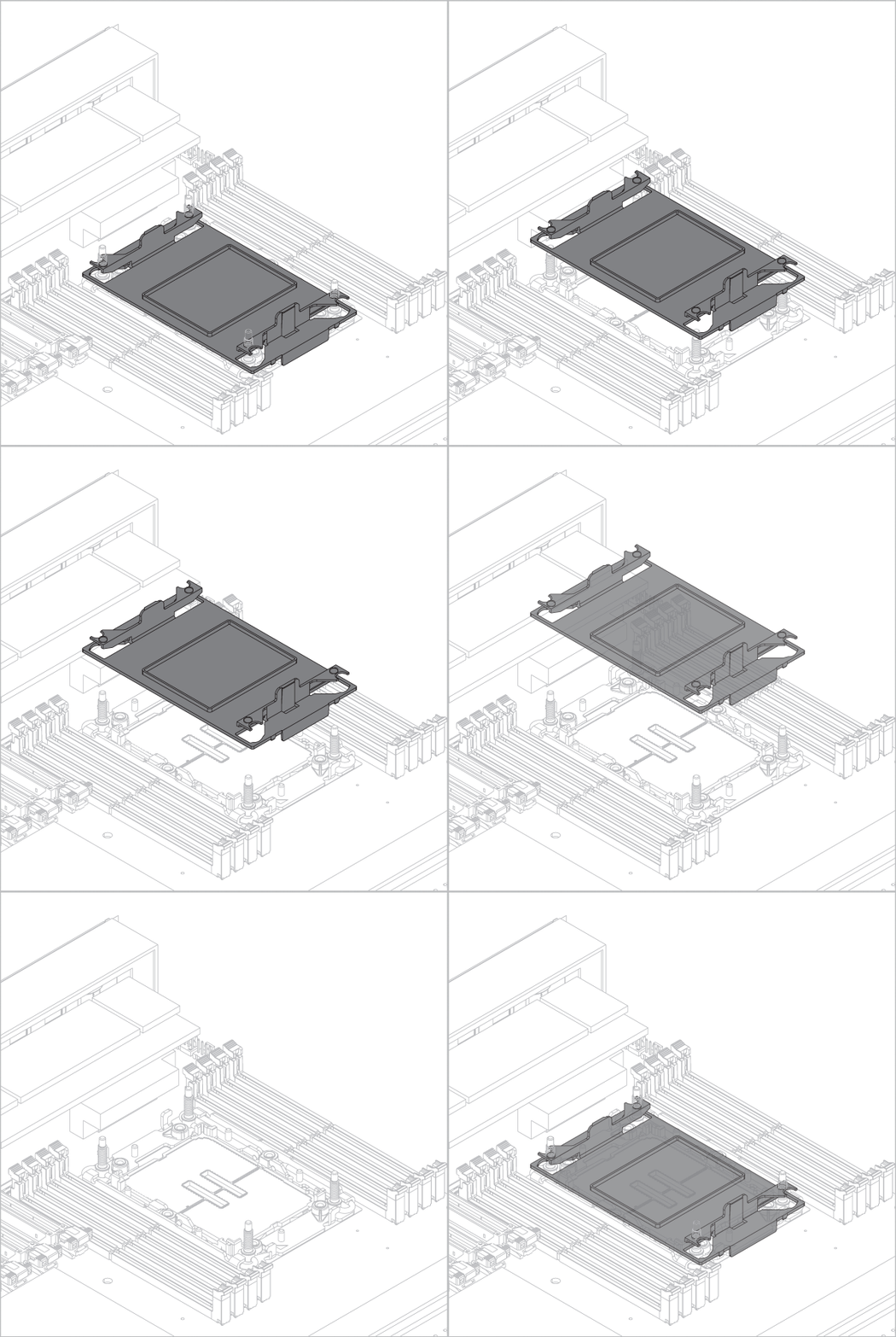
Attention
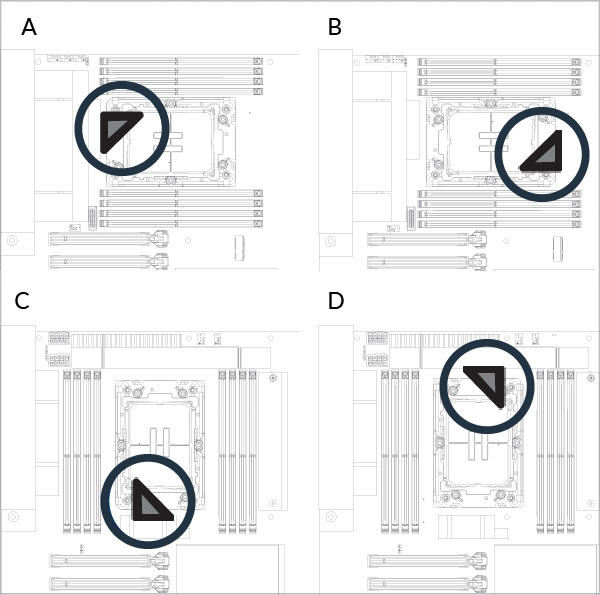
Please be careful when removing the dust cover and check the socket orientation. Look at the socket closely and see if the pins are intact. A damaged socket may prevent the system from booting.
Check your socket orientation
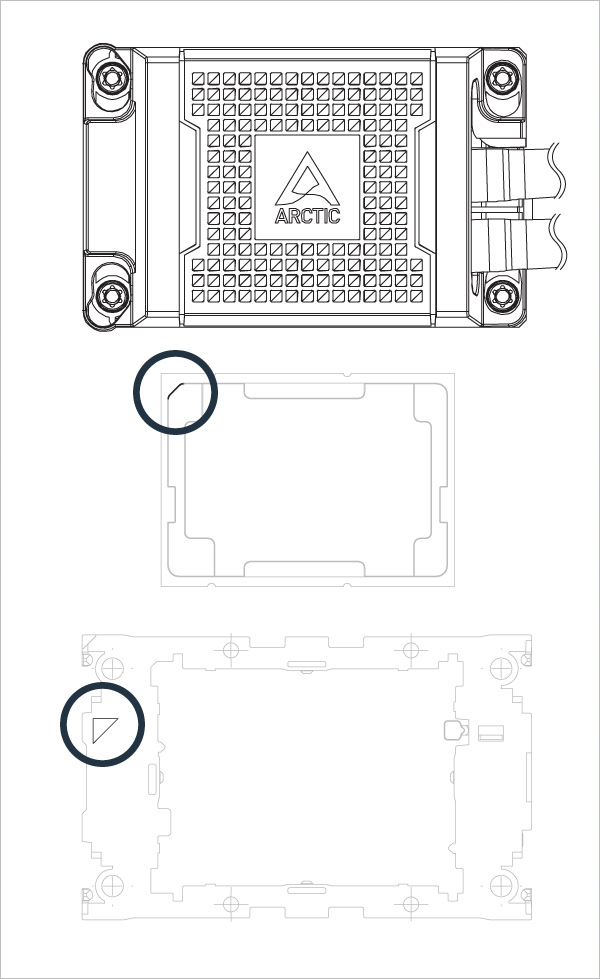
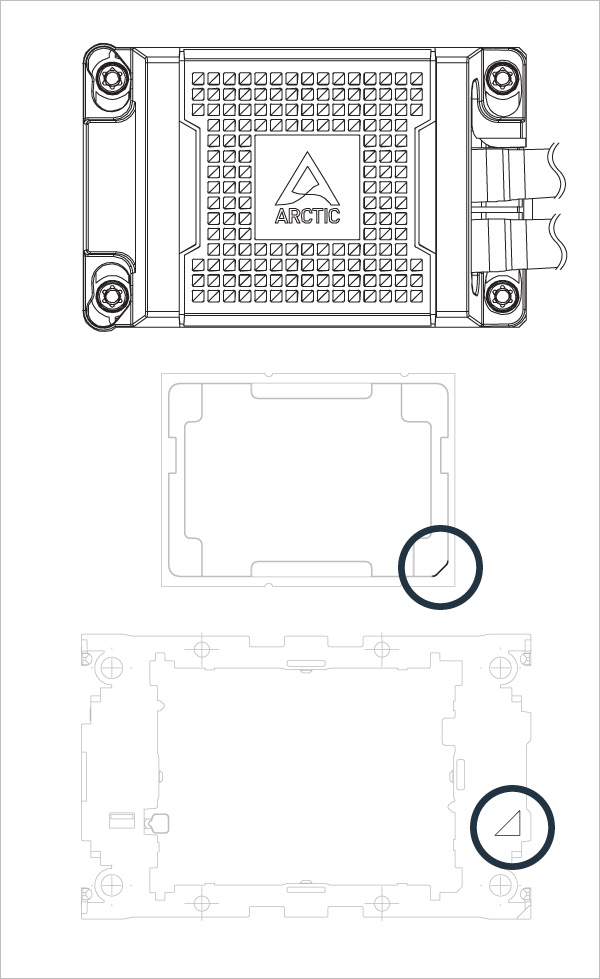
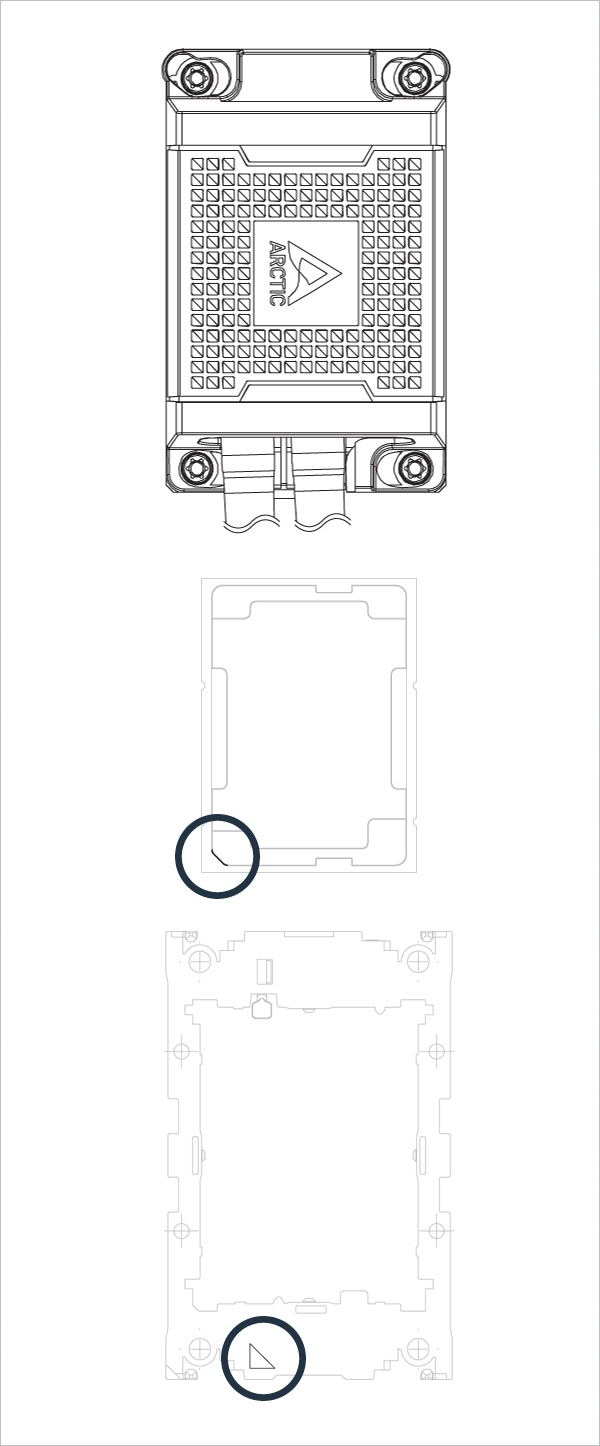
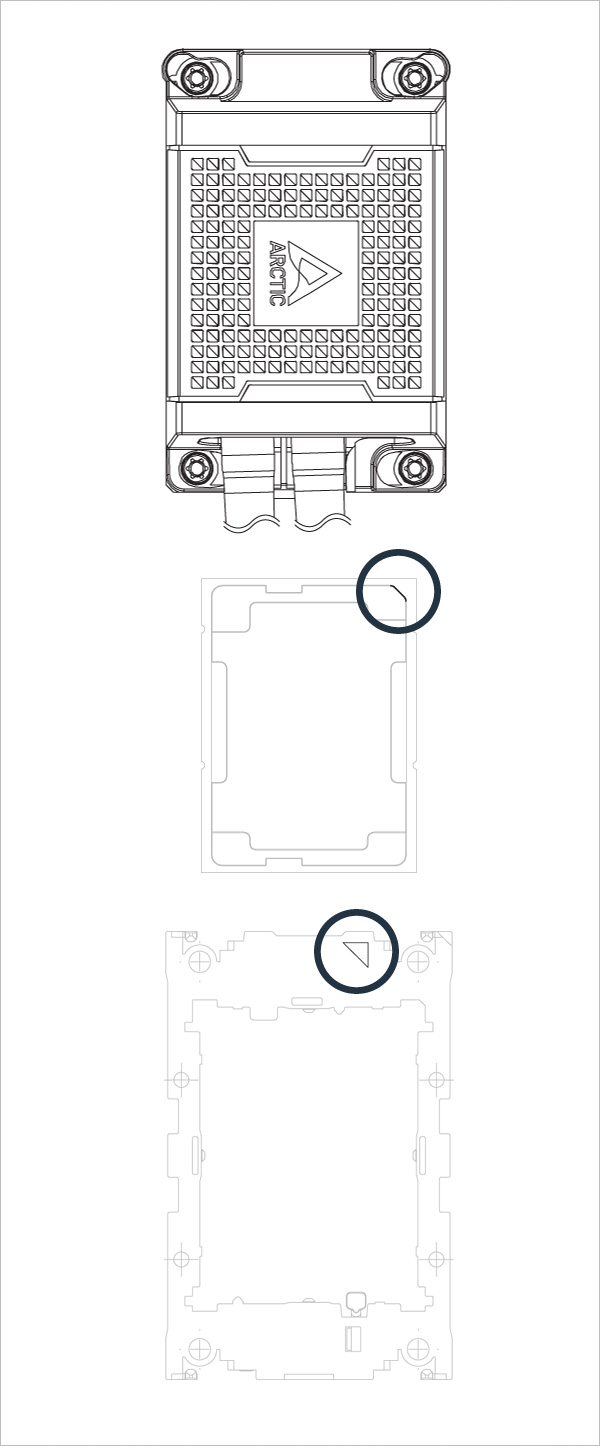
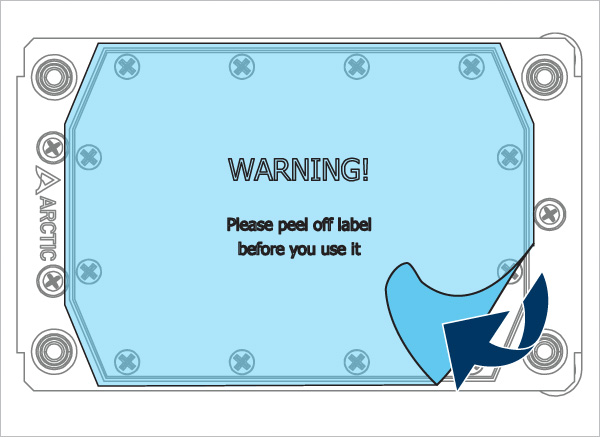
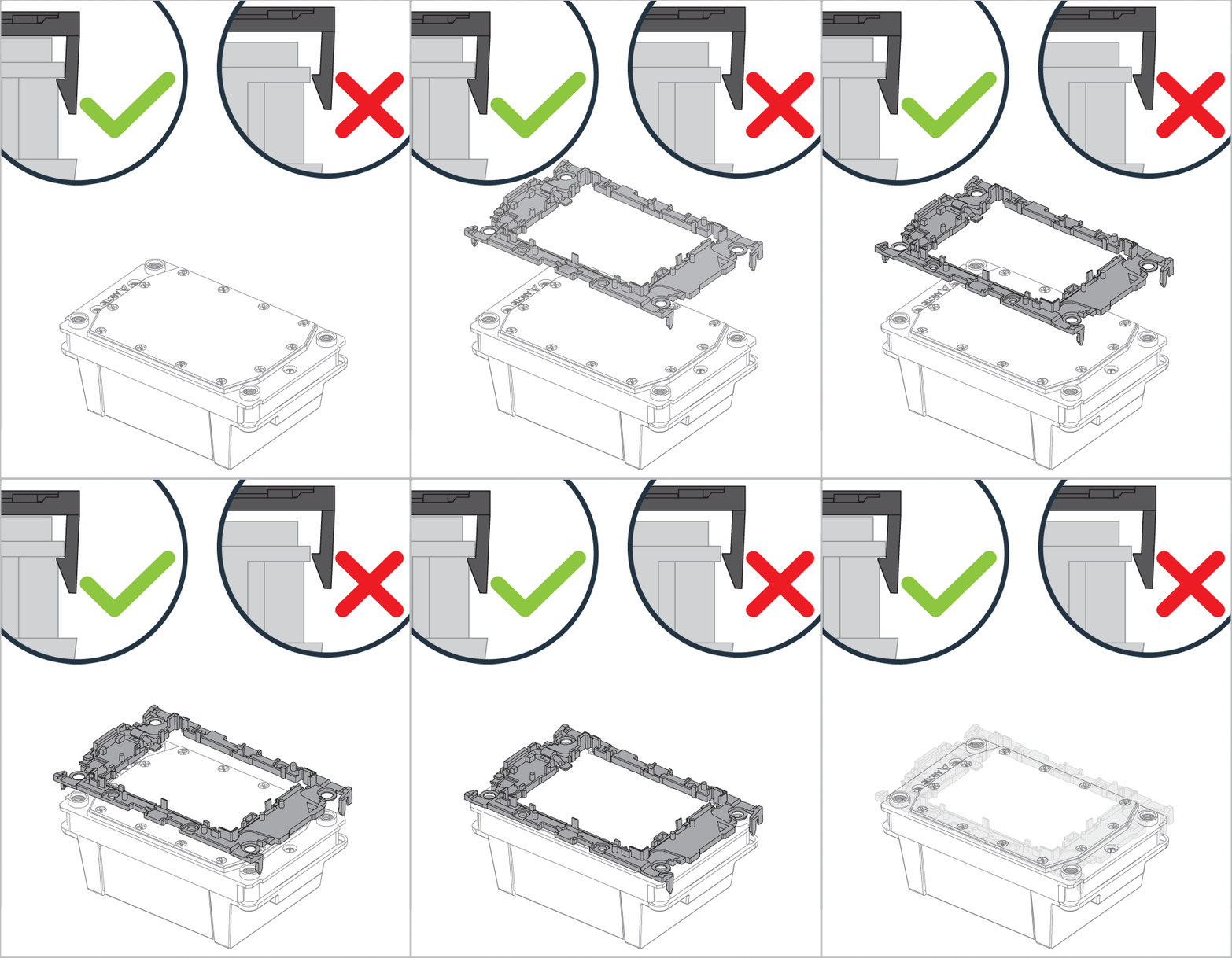
Make sure all locking tabs are properly attached to cooler.
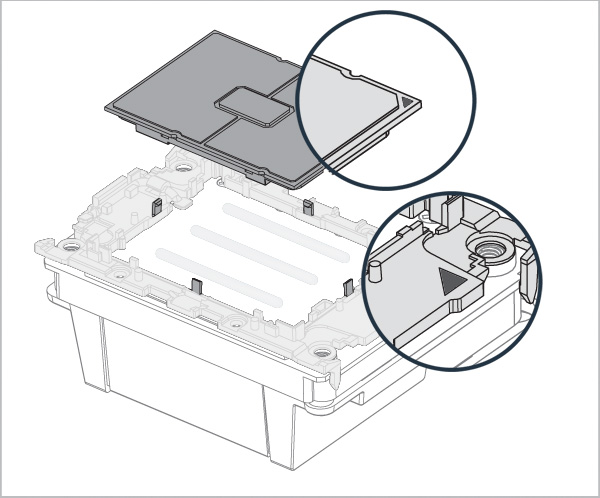
Align Pin1 marking on CPU carrier to Pin1 marking on CPU.
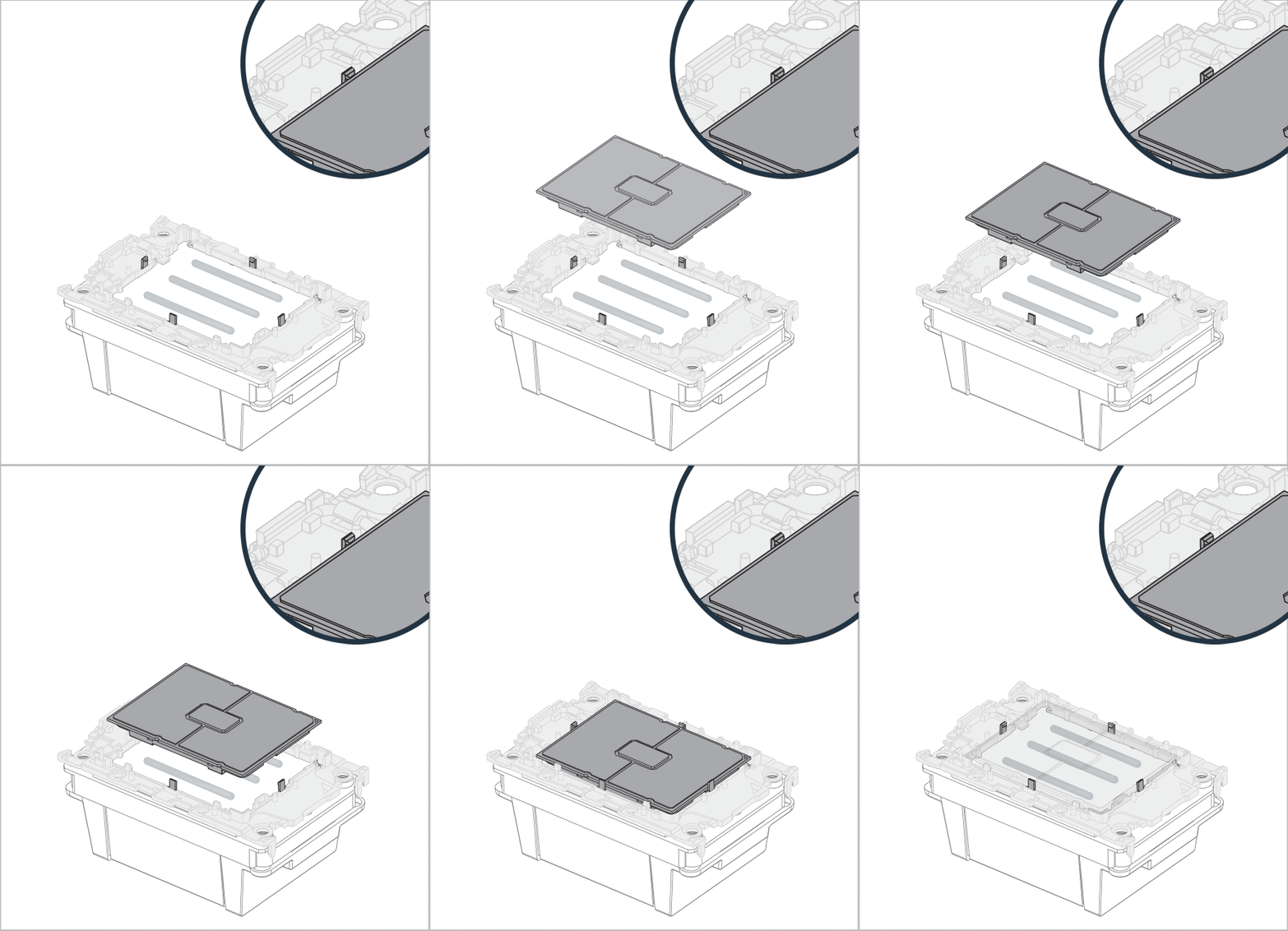
Make sure all locking tabs are properly attached to CPU.
Warning
Unsecured locking tabs may drop the CPU and cause damage to the CPU or the motherboard
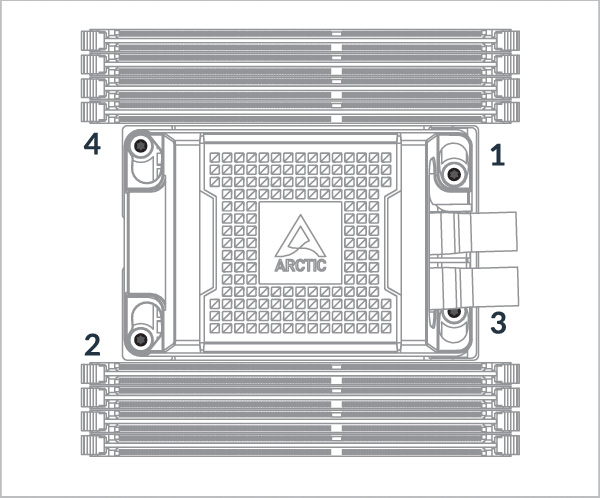
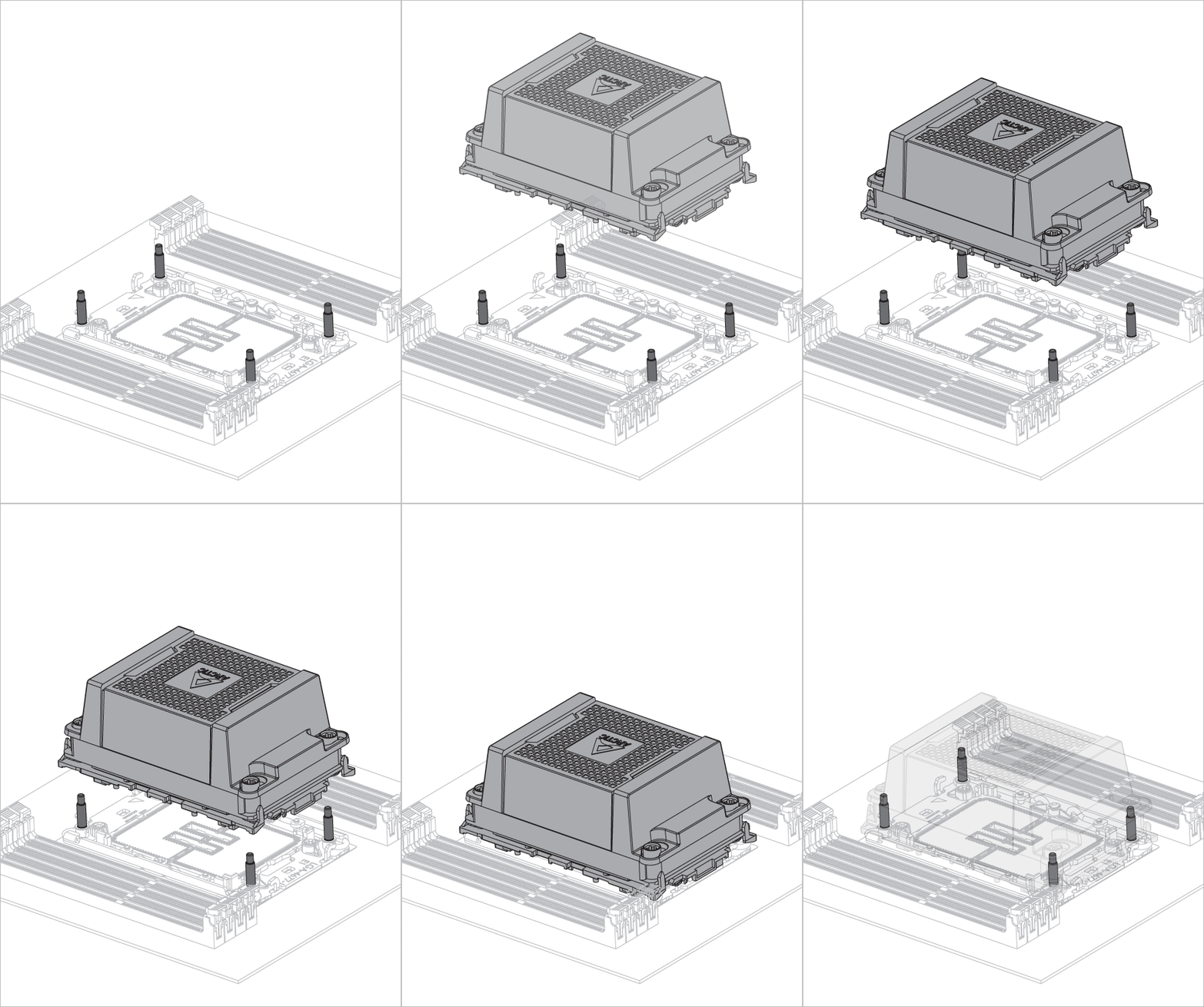
Follow order 1 → 2 → 3 → 4, 3 turn per nut.

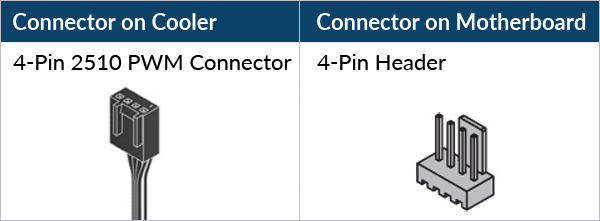
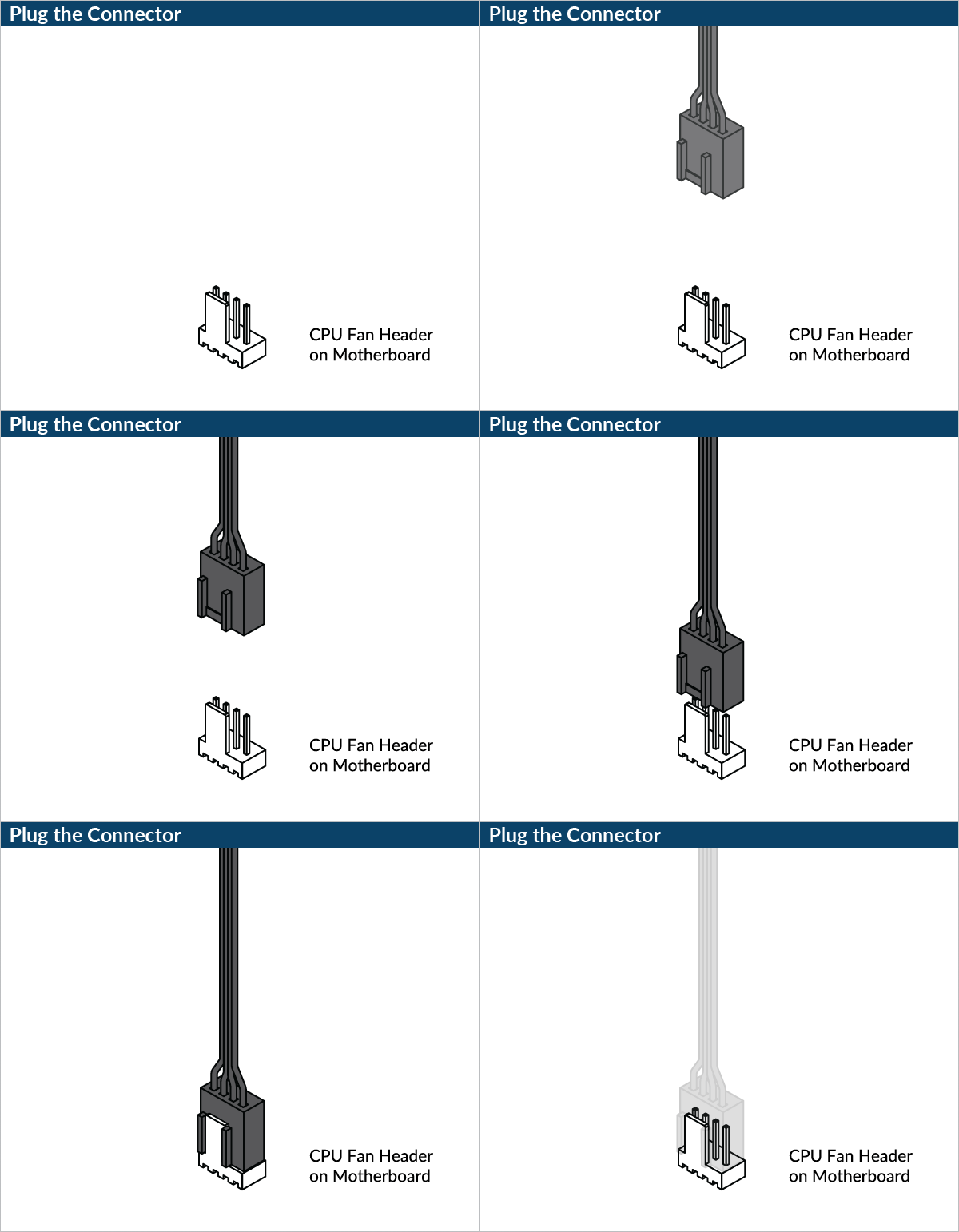
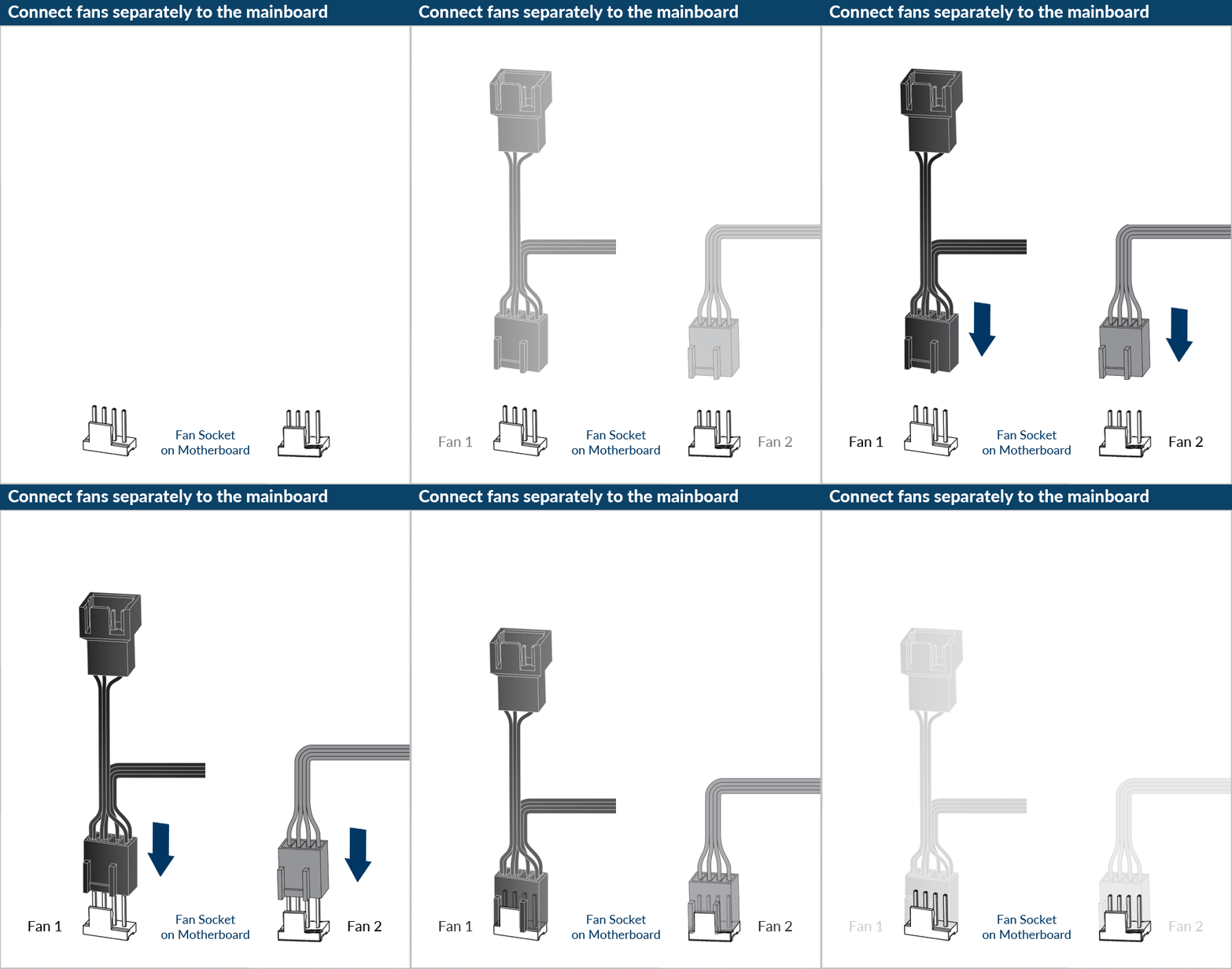

Please make sure that the headers are set to PWM instead of DC control. For detailed instructions, please follow the BIOS configuration guide to adjust your PWM.


