죄송하지만 이 문서는 한국어로 제공되지 않습니다. 아래는 영어 버전입니다.
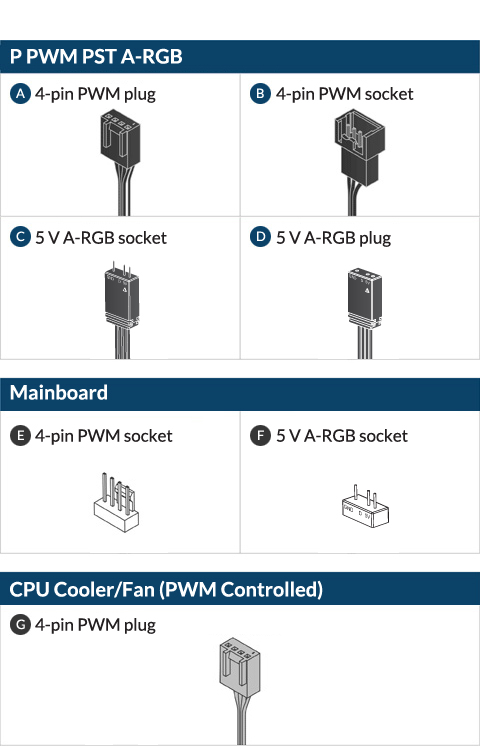
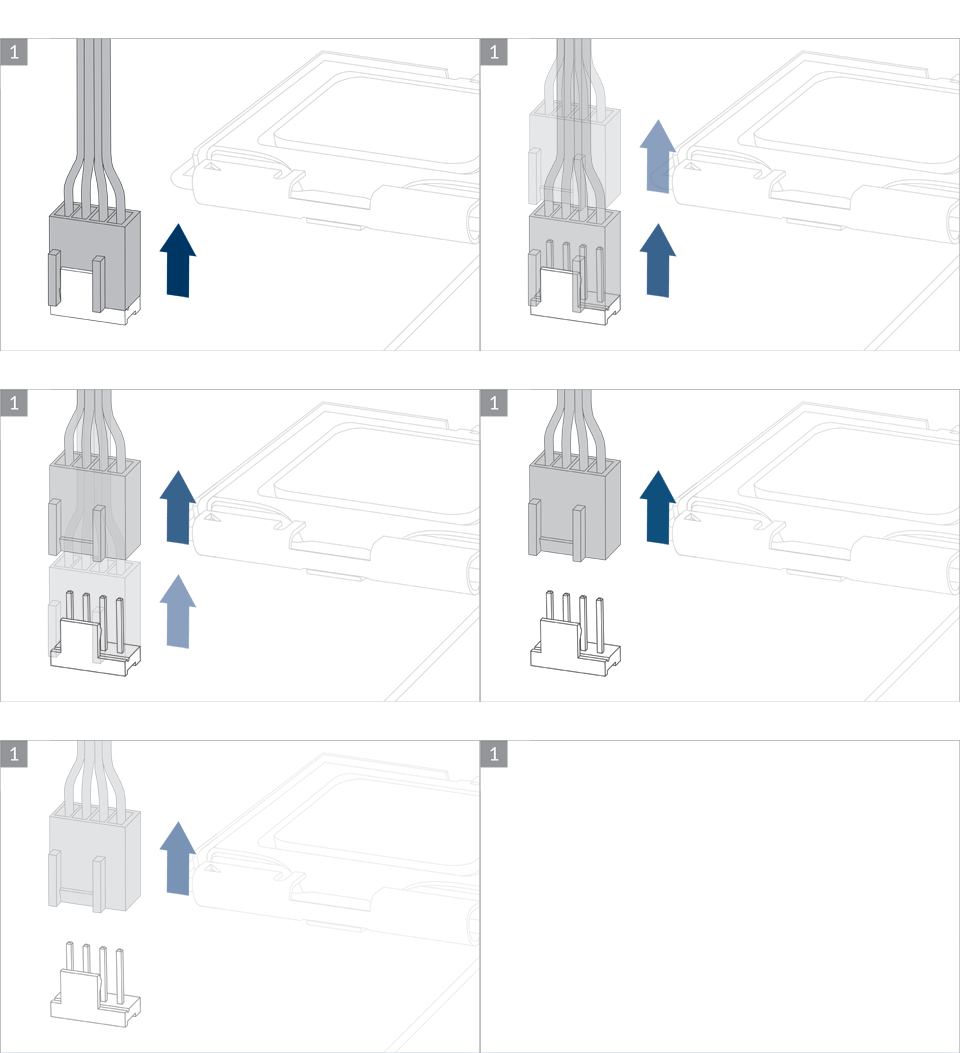

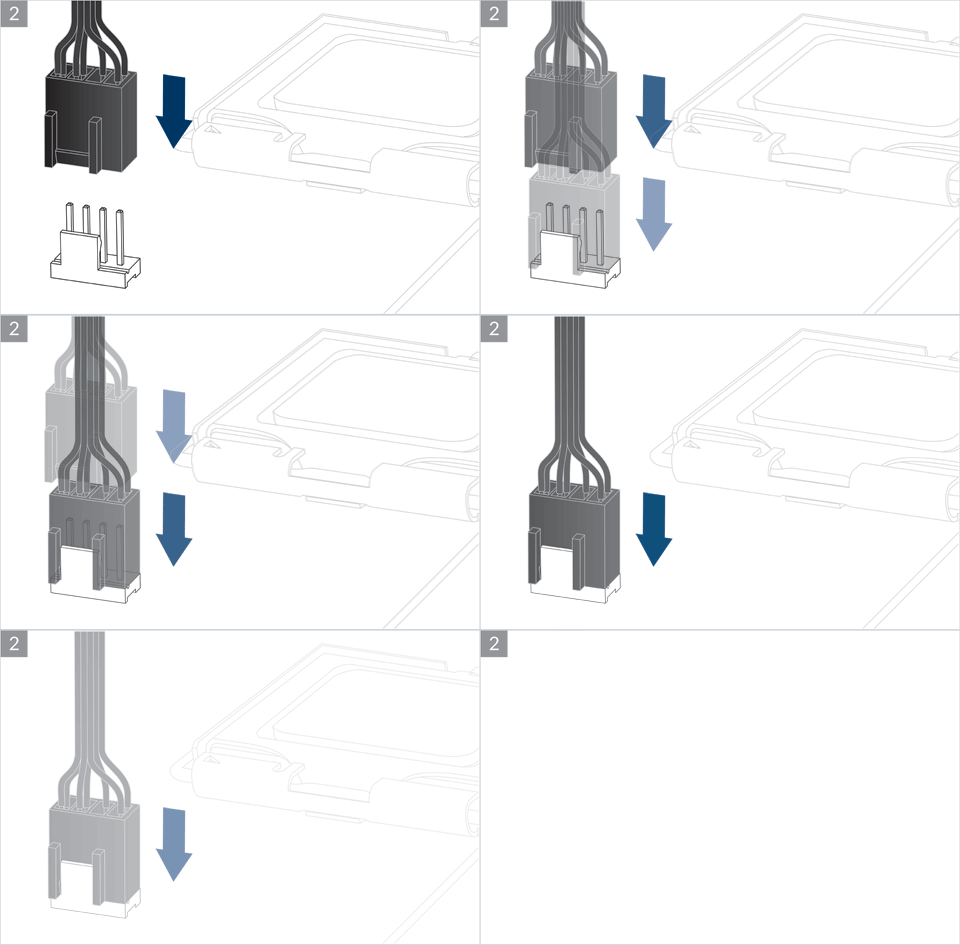

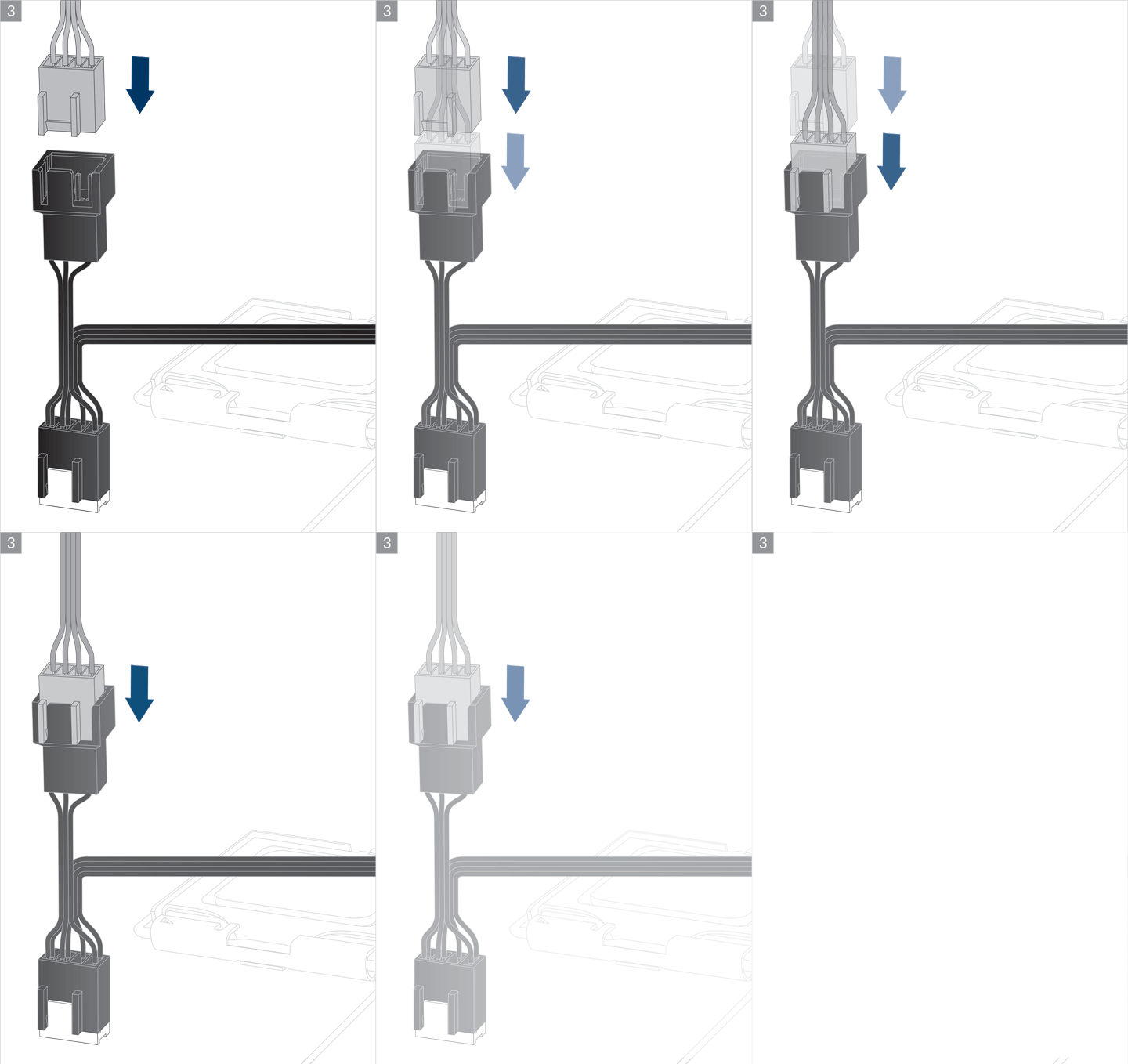


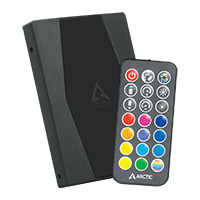
The ARCTIC A-RGB controller is available as standalone product.
Go to Product Page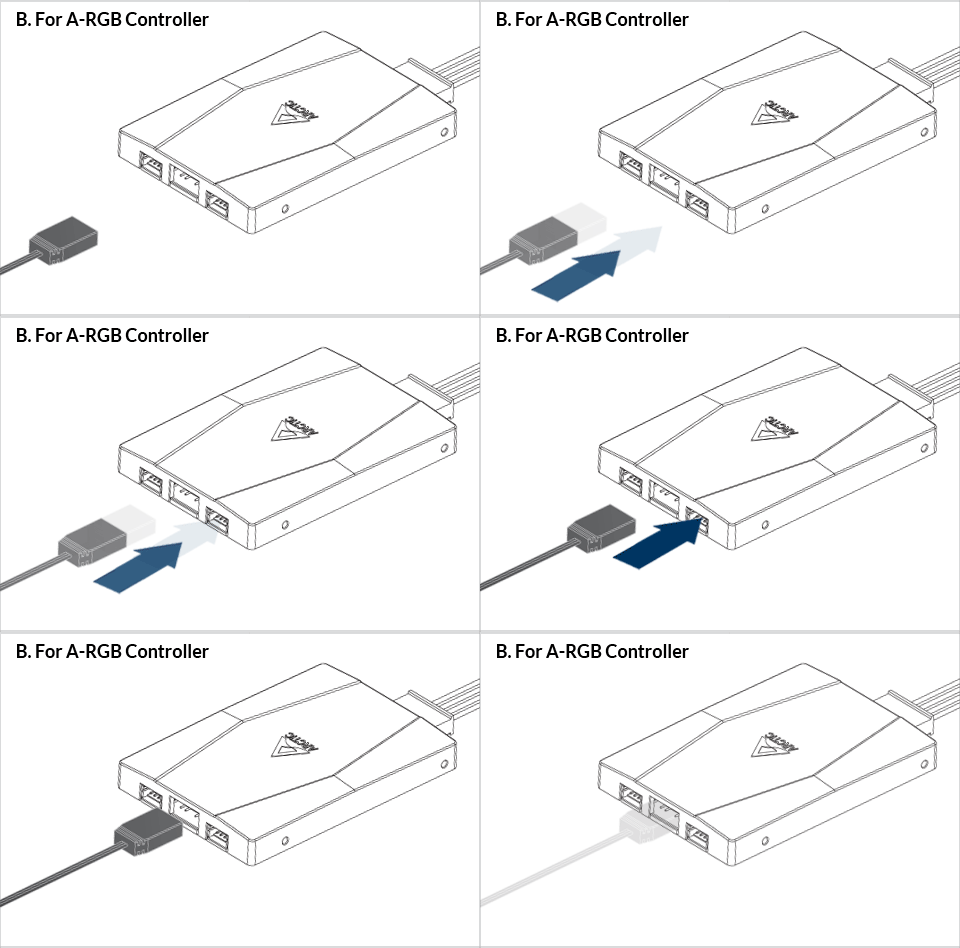
Follow this guide to install ARCTIC A-RGB controller.
To take full advantage of your A-RGB products, check out the A-RGB Setup Guide.
If lighting effects on some devices are out of sync, please refer to this guide to resolve this issue using software as your device might not be installed in the right orientation.
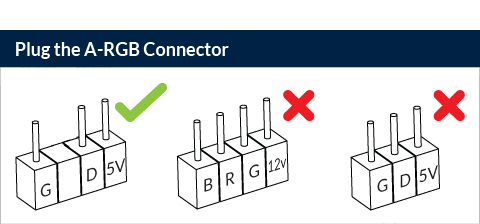
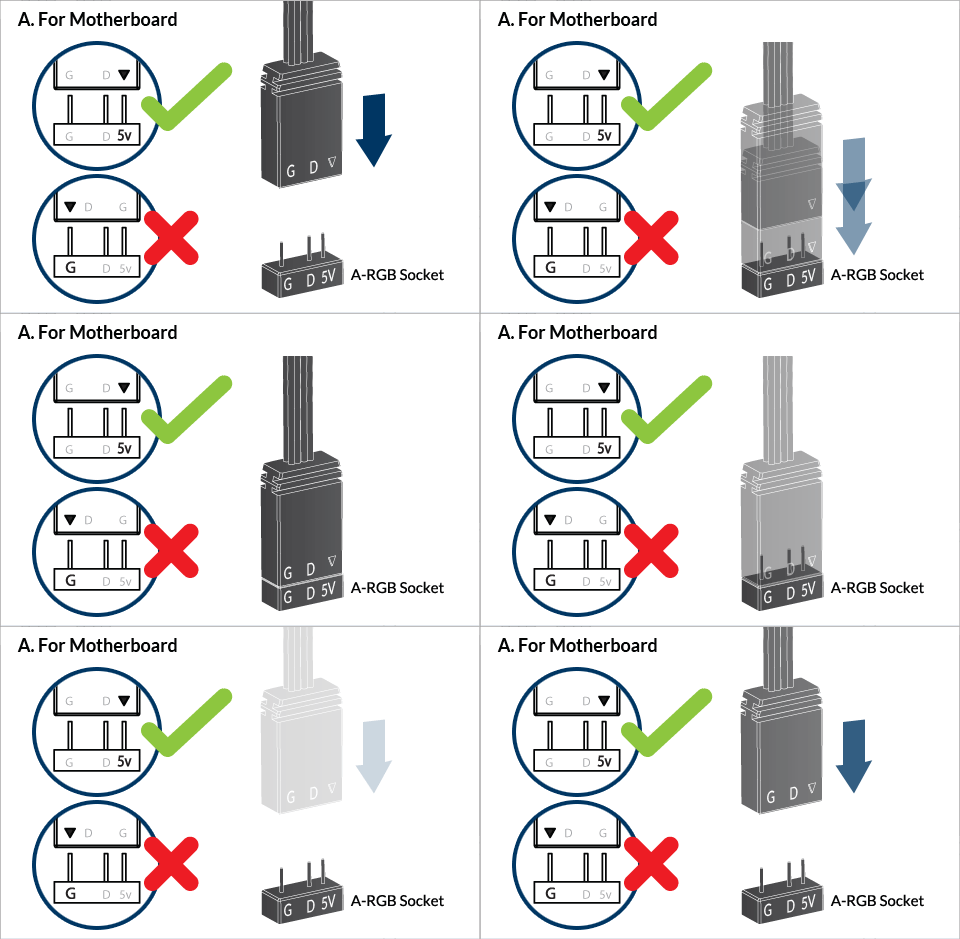
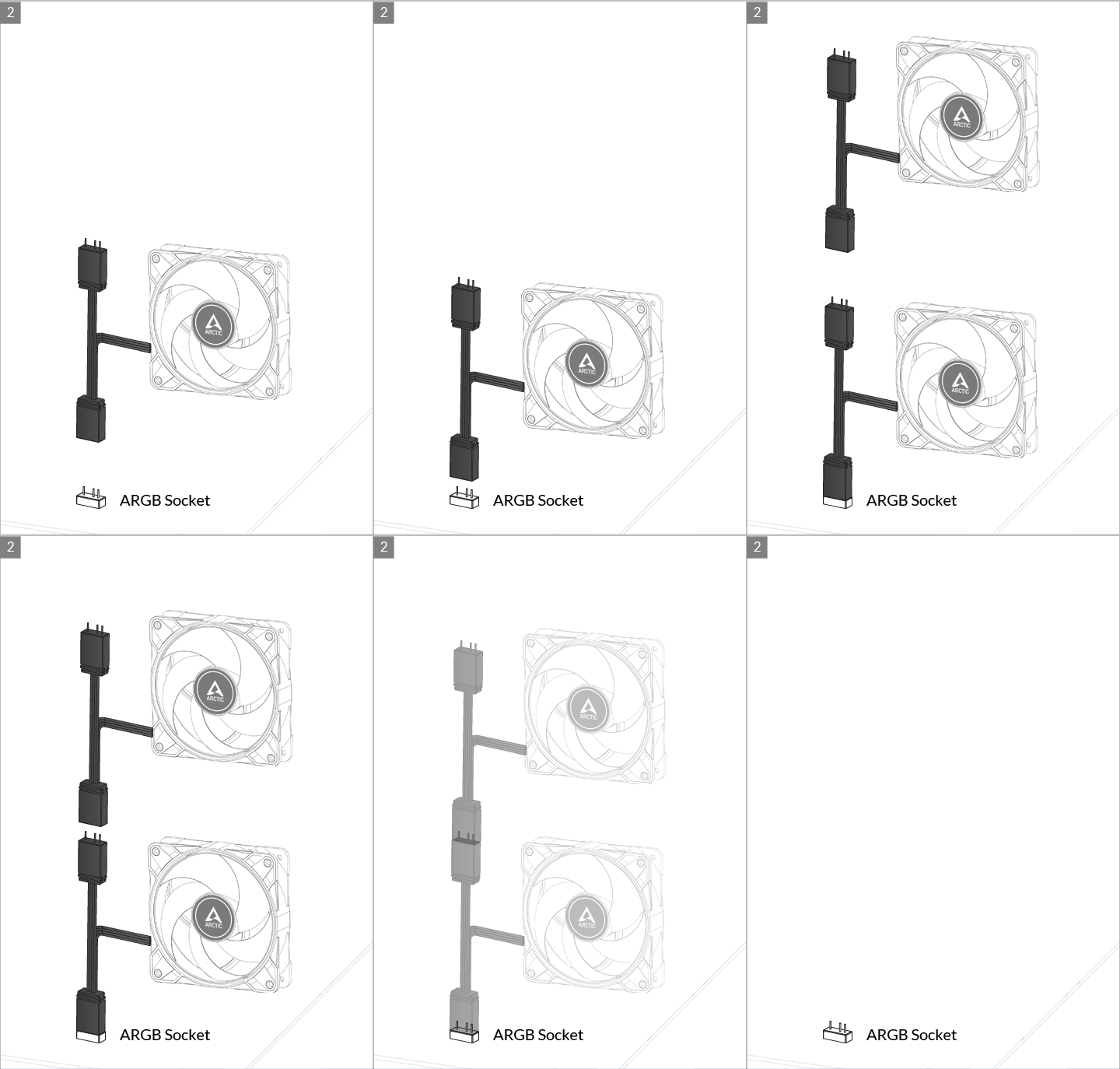
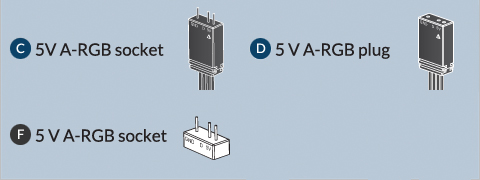
Connect to Motherboard 3pin A-RGB Socket
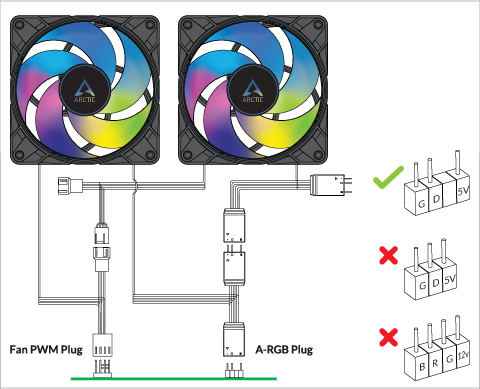
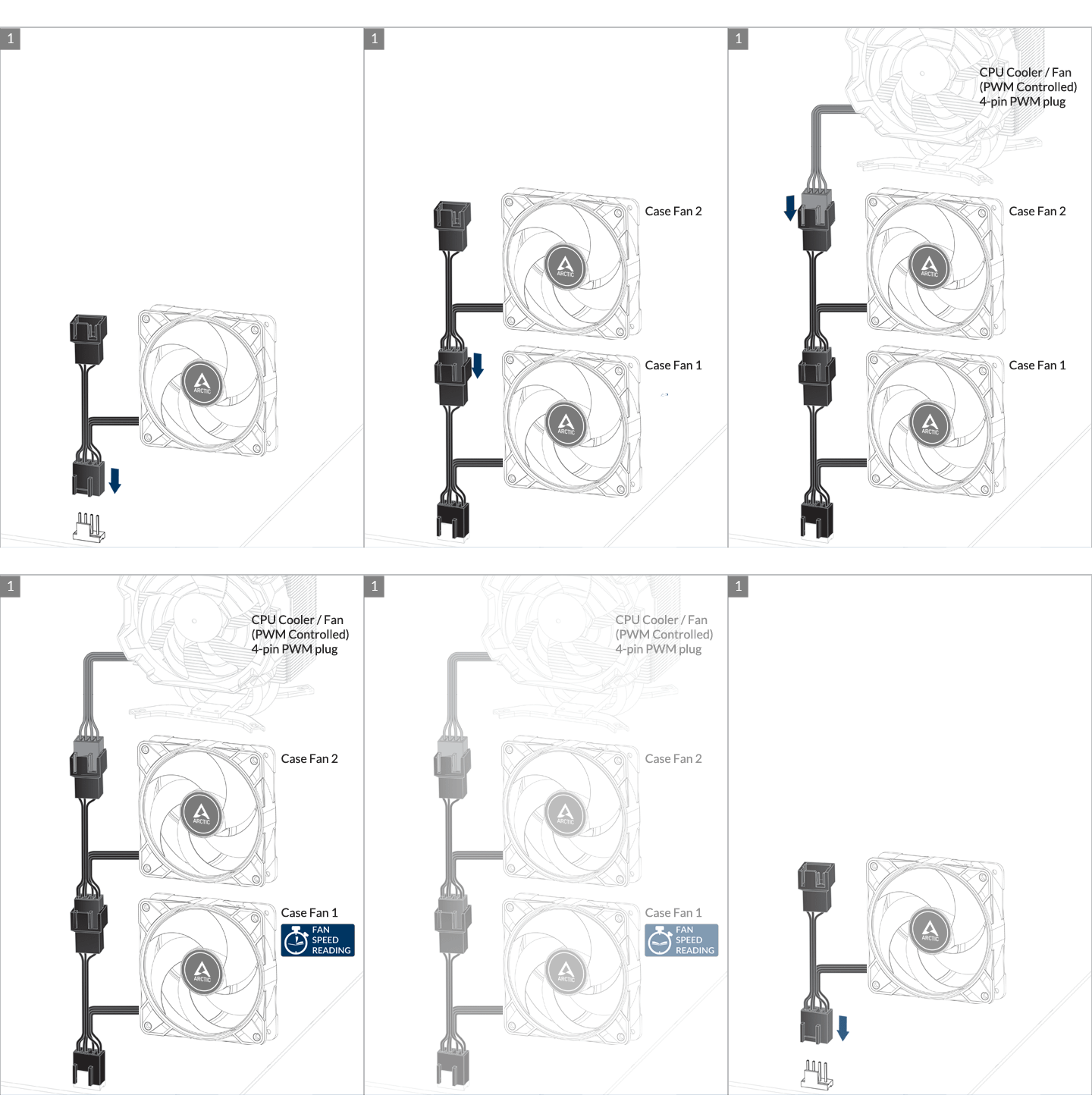
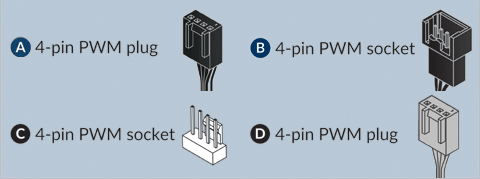
* We recommend not to more than 5 fans as some motherboards may only deliver 1.0A per fan header. Please consult your motherboard specification.
The speed of P12 PWM PST 0db ARGB can be adjusted using PWM signal from the motherboard. Please follow this procedure to adjust the settings on your motherboard.
You can control several fans from one unique header using the integrated PST extension however, we recommend to limit the number of fans per header to 5 as the current may be limited to 1.0 A per header (please refer to your motherboard manual). The speed monitoring will be done on the first fan in the daisy-chain.
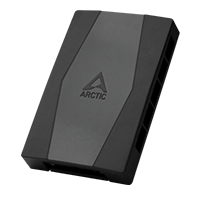
To control more than 5 fans from one unique header, we recommend you to use the ARCTIC Case Fan Hub. Its external SATA power will circumvent the header current limitation.
추천 상품