
죄송하지만 이 문서는 한국어로 제공되지 않습니다. 아래는 영어 버전입니다.
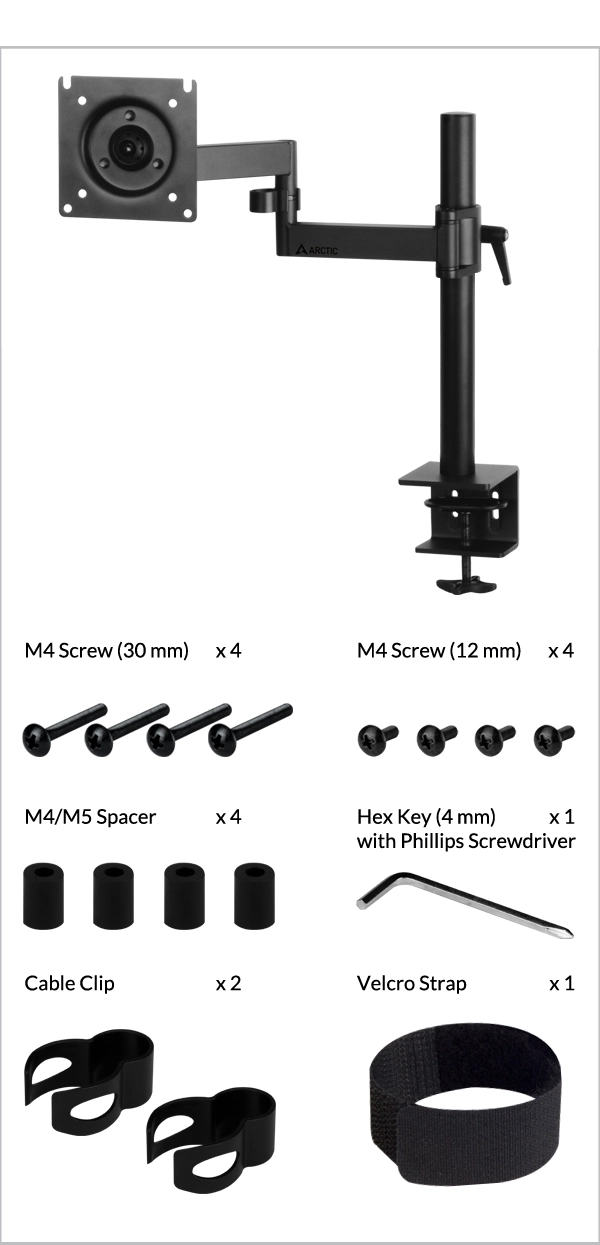
If M5 Screws are needed, please contact our customer support to obtain them free of charge.
Recommendation based on table top thickness greater than 20mm. Thinner table tops may need to be reinforced prior to installation.
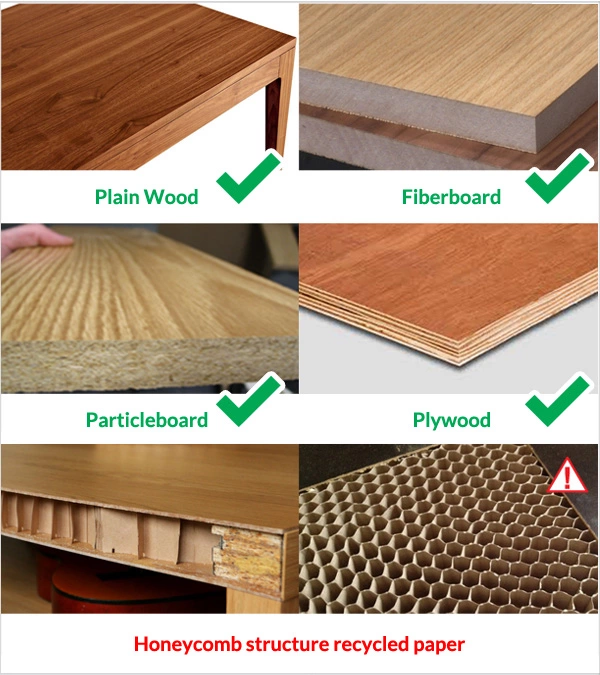
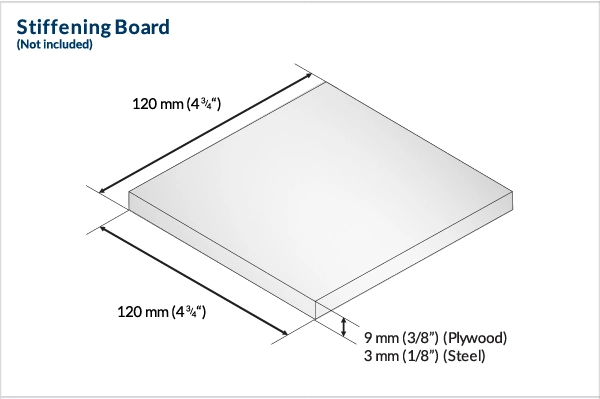
For desks using a honeycomb-structure or sandwich-structure with hollow pockets, we recommend adding a stiffening board to prevent clamp damage on the tabletop.

Lower the monitor arm onto the pole and adjust to desired height.
Secure the arm position on the pole by tightening the screw handle until firmly held on.
It is recommended to carry out this step with 2 people.
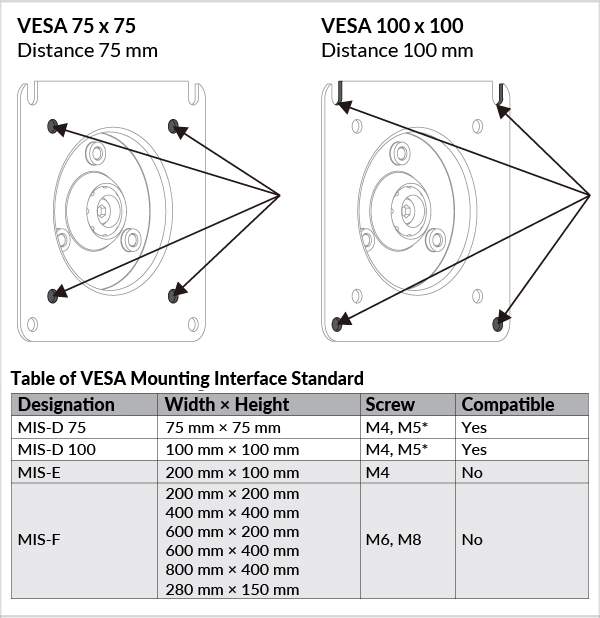
If M5 Screws are needed, please contact our customer support to obtain them free of charge.
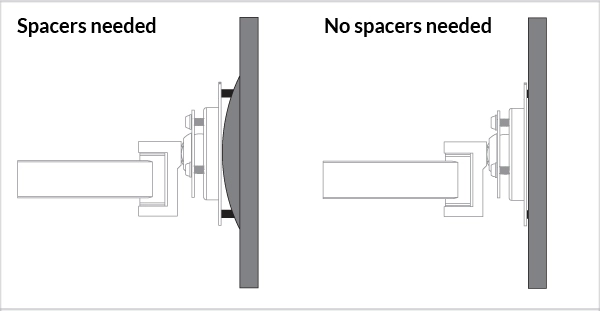
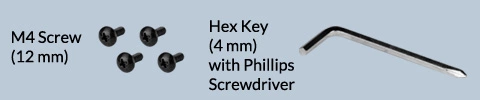
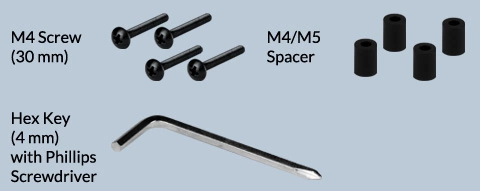
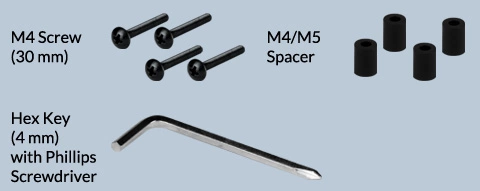
Spacers are used to fill the gap between the mounting bracket and the holes (if any).
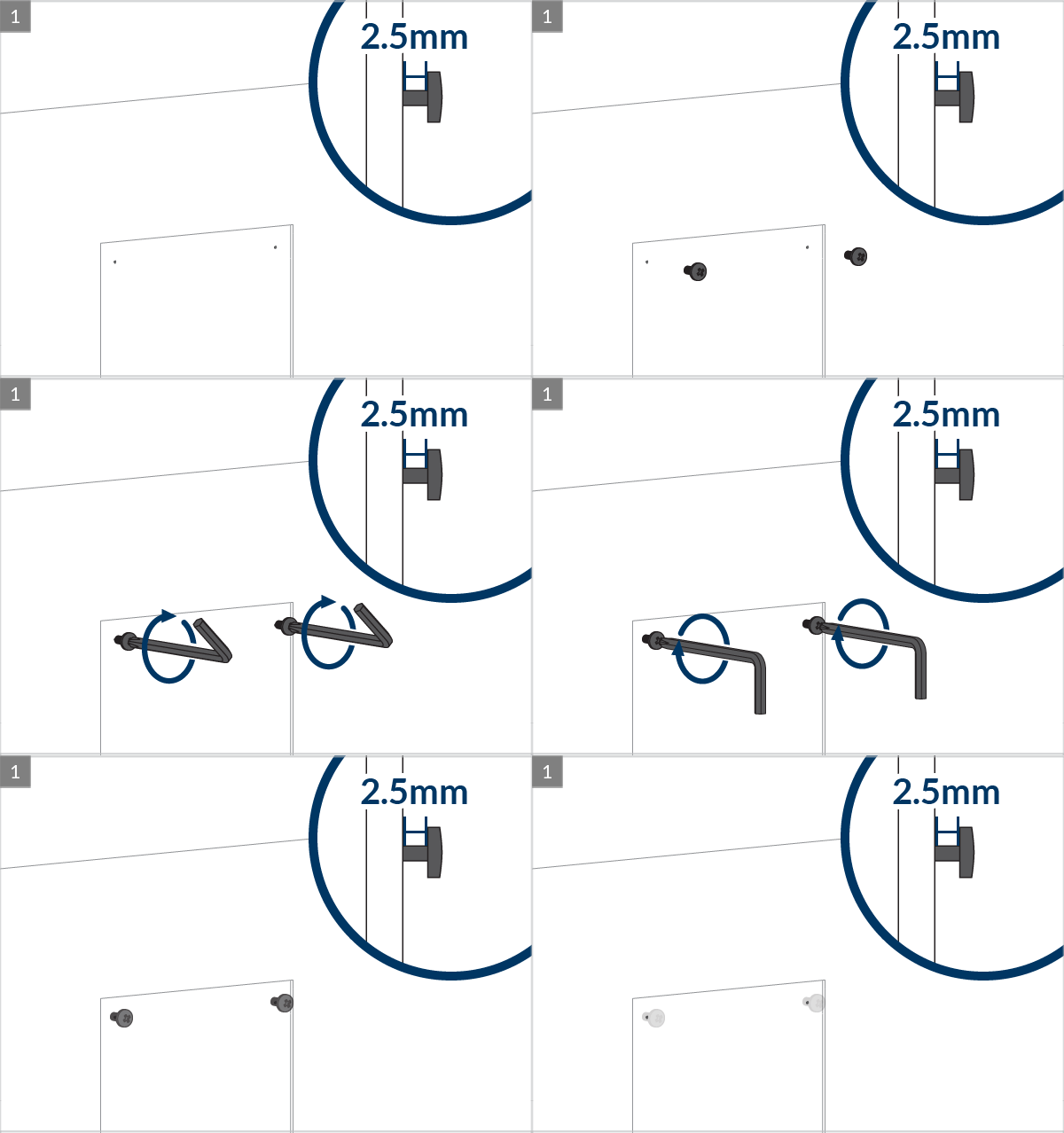
Warning
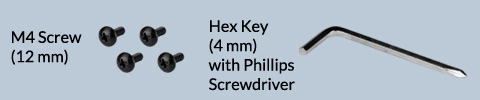
Do not use 30mm screws without spacers
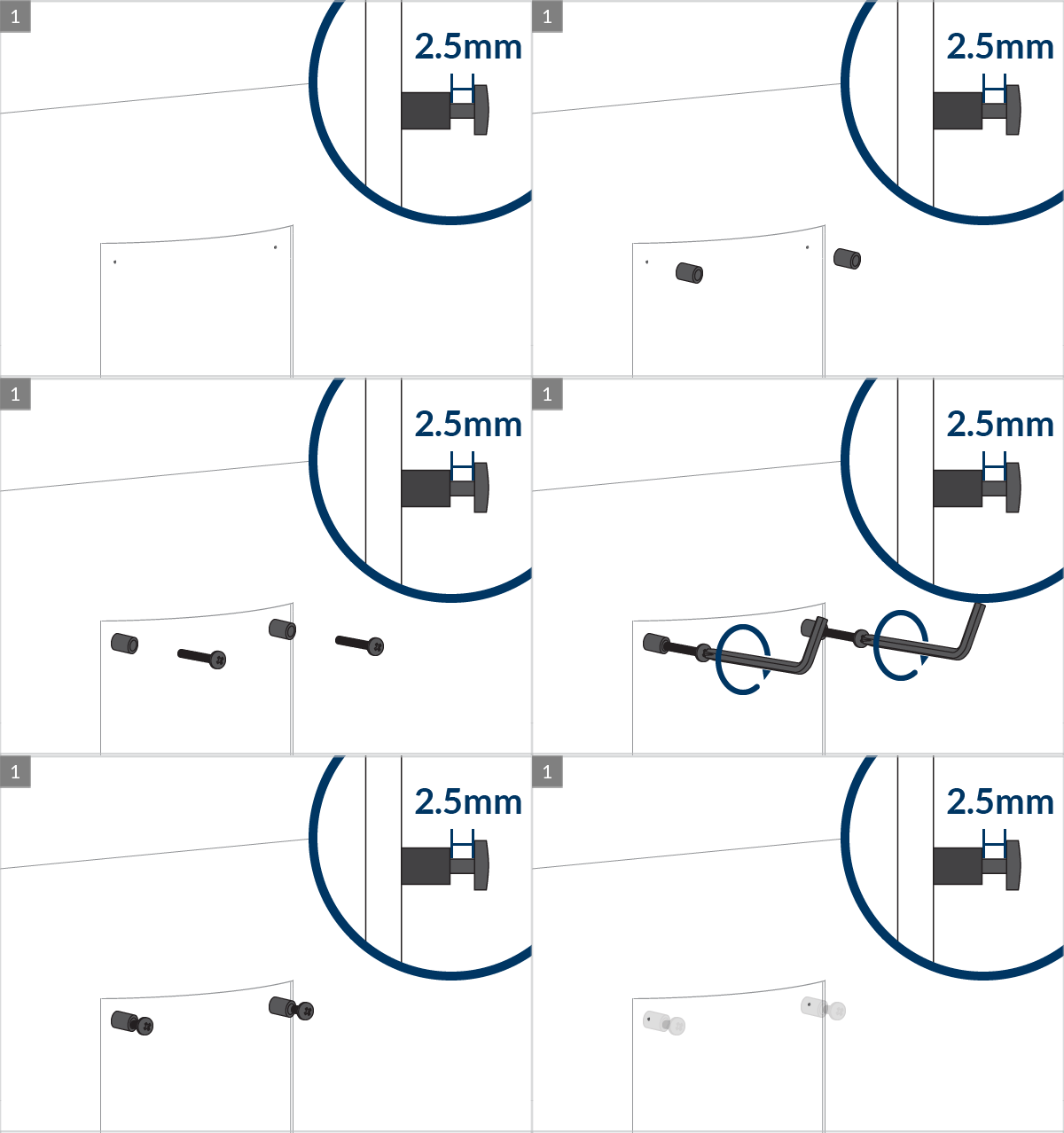
Warning
Do not use 30mm screws without spacers
Adjust the flexibility of the hinge with the hex key and screw for desired swivel and reach.
Adjust the tightness of the monitor for desired tilt and rotation
 Attention
While doing the following adjustment, please ensure the monitor is well supported in position to avoid any damage.
For heavy monitors (above 8kg), the tilt/rotation adjustment has to be tightened to ensure stability. As a result, the adjustment cannot be done freely.
For any tilt/rotation adjustment, it is necessary to slightly loosen the 3 screws at the back, adjust the monitor to the desired position and then secure its position by fastening the screws again.