Infelizmente, este documento não está disponível em português. Abaixo está a versão em inglês.
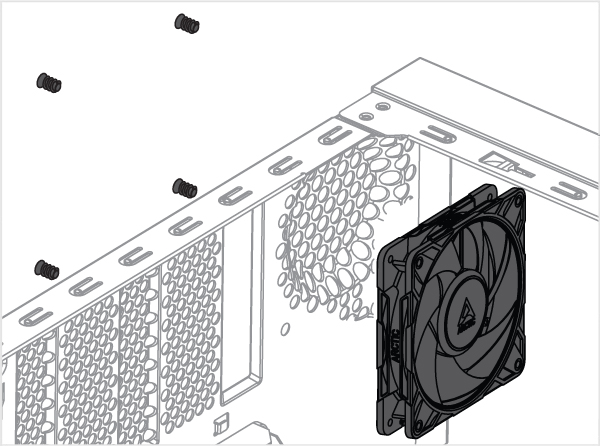
- In a PC Case
- In a DIY Project
How do you use your fan?
Choose Airflow direction
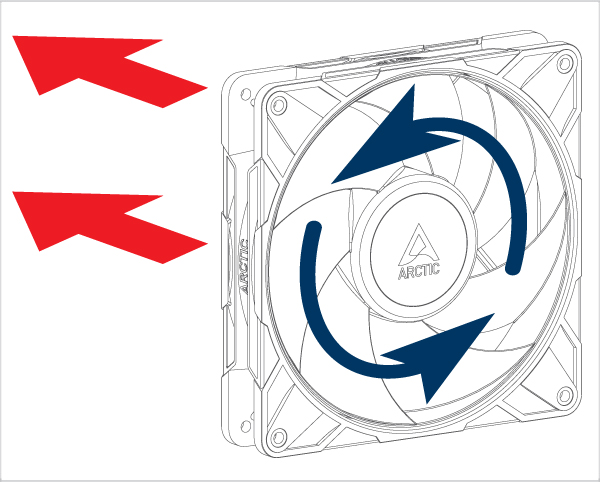
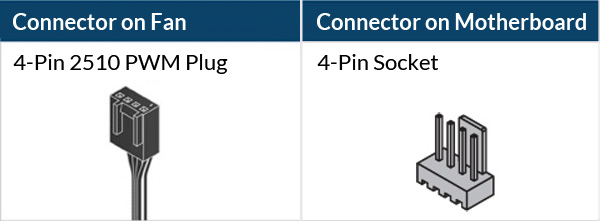

 Attention
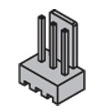
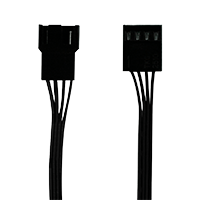
3-pin socket is compatible with 4-pin plug but Fan PWM control will not be available.

Ensure your motherboard's fan header can supply enough power for multiple fans. Connect no more thatn 3 fans to a 1A header, 6 fans to a 2A header, and 9 fans to a 3A header. Check your motherboard specifications for details.
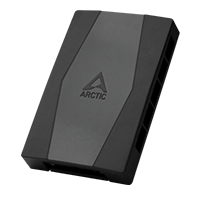
To connect up to 10 fans, use ARCTIC Case Fan Hub.
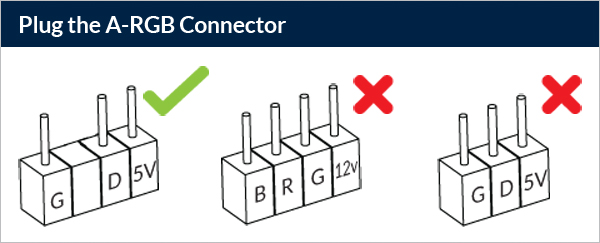
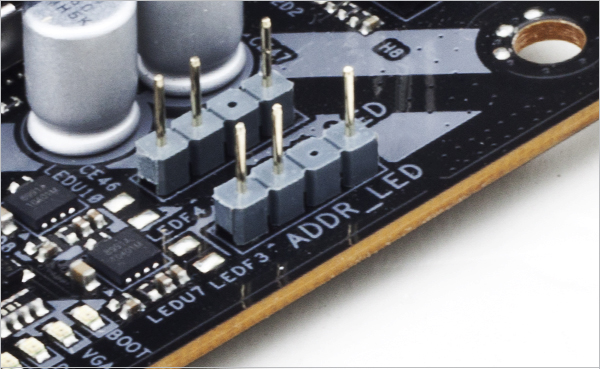
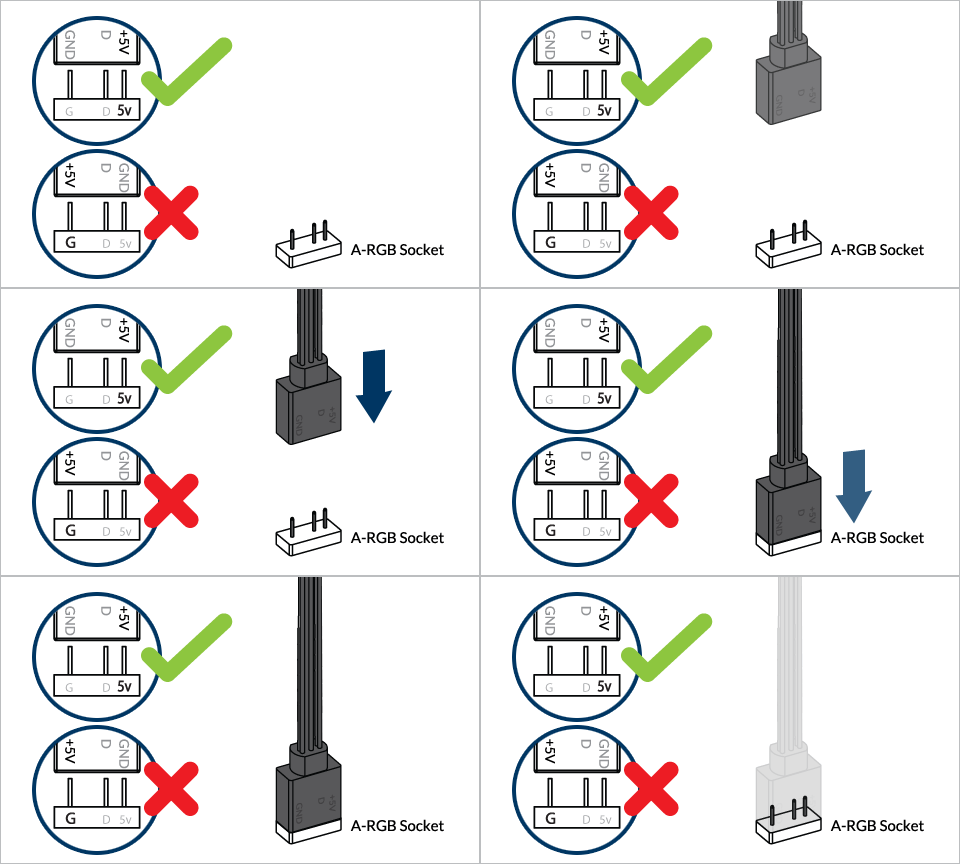

To take full advantage of your A-RGB products, check out the A-RGB Setup Guide.
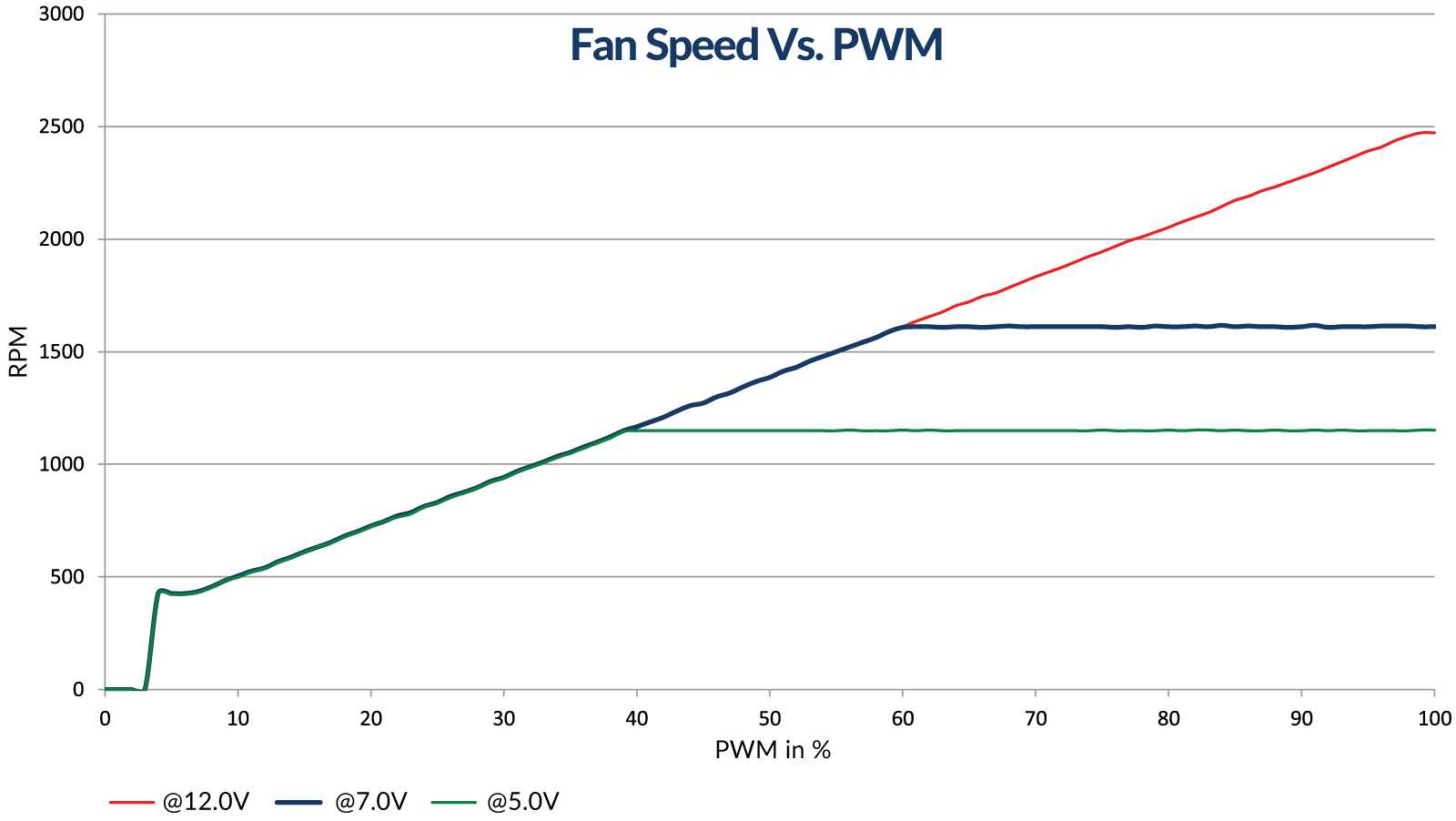
The speed of P14 Pro A-RGB can be adjusted using PWM signal from the motherboard. Please follow this procedure to adjust the settings on your motherboard.
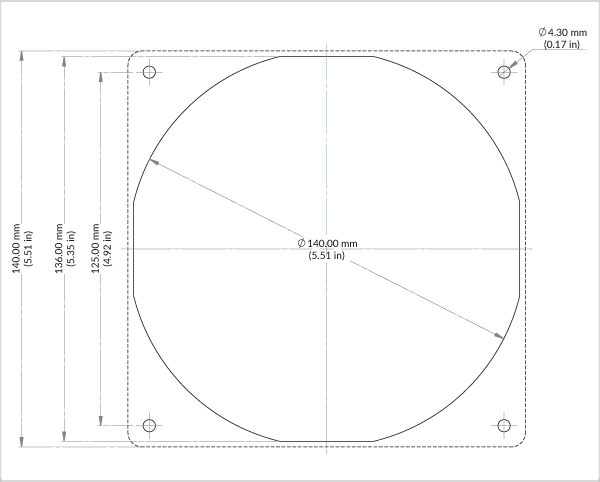
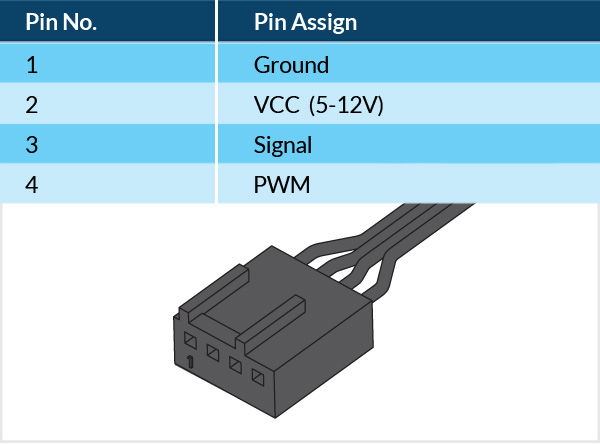
PWM Frequency: Target frequency 25 kHz, acceptable operational range 21 kHz to 28 kHz
Maximum voltage for logic low: VIL = 0.8 V
Absolute maximum current sourced: Imax = 5 mA (short circuit current)
Absolute maximum voltage level: Vmax = 5.25 V (open circuit voltage)
Produtos recomendados