- I ett PC-fodral
- I ett gör-det-själv-projekt
Hur använder du din fläkt
Välj Luftflödesriktning


 Uppmärksamhet

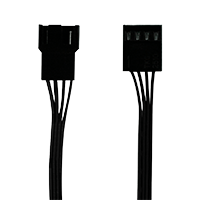
3-stiftsuttaget är kompatibelt med 4-stiftskontakten men fläktens PWM-kontroll kommer inte att vara tillgänglig.

Se till att moderkortets fläkthuvud kan ge tillräckligt med ström för flera fläktar. Anslut högst 3 fläktar till ett 1A-huvud, 6 fläktar till ett 2A-huvud och 9 fläktar till ett 3A-huvud. Kontrollera moderkortsspecifikationen för detaljer
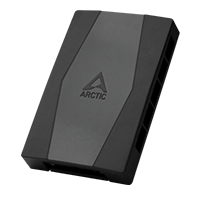
För att ansluta upp till 10 fläktar, använd ARCTIC Case Fan Hub.

Hastigheten på P12 Pro PST kan justeras med PWM-signal från moderkortet. Följ denna procedur för att justera inställningarna på ditt moderkort.

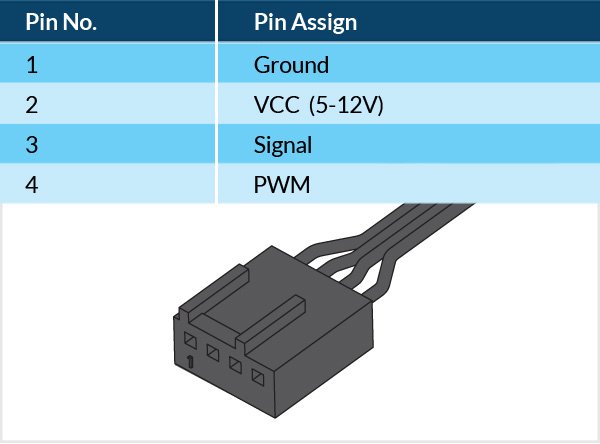
PWM-frekvens: Målfrekvens 25 kHz, acceptabelt driftsområde 21 kHz till 28 kHz
Maximal spänning för logisk låg: VIL = 0,8 V
Absolut maximal strömkälla: lmax = 5 mA (kortslutningsström)
Absolut maximal spänningsnivå: Vmax = 5,25 V (öppen kretsspänning)
Recommended Products