Infelizmente, este documento não está disponível em português. Abaixo está a versão em inglês.
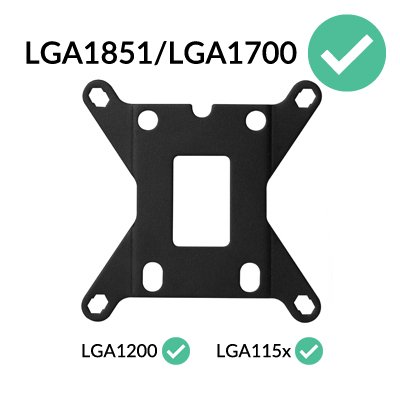
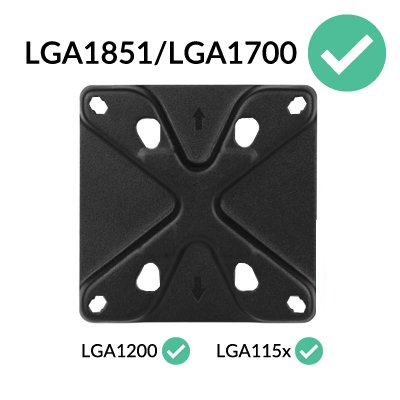
All coolers shipped by ARCTIC are already compatible with LGA1851/LGA1700 processors. Coolers purchased from resellers may have been delivered without the corresponding accessories. In this case, please contact our customer support.
Warning!
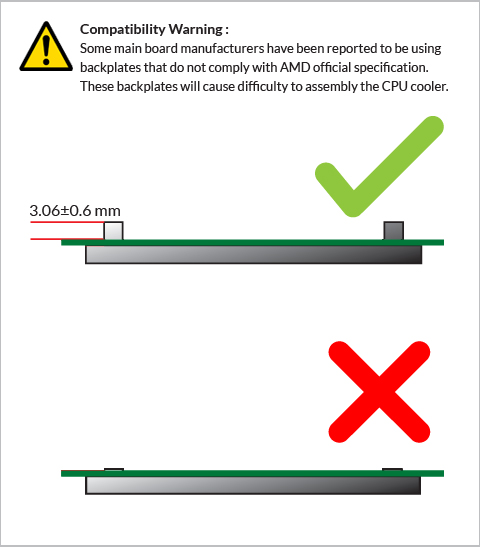
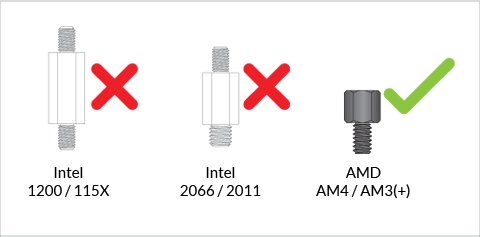
Some products have been shipped with wrong screws making the assembly impossible on AMD AM4.
The incriminated screws are
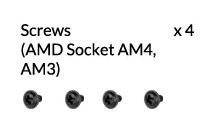
You can replace them using M3x5 screws, commonly used for mounting 2.5" SSD or HDD.
Please contact us through the contact form to get free replacement screws shipped to you.
Preparation
How (not) to mount your water cooling AIO?
(by GamersNexus)
Steve from GamersNexus explains you the mistakes to avoid while assembling your water cooling AIO in your PC case.
The featured video is independently produced by GamersNexus, ARCTIC has been authorized to use by GamersNexus.
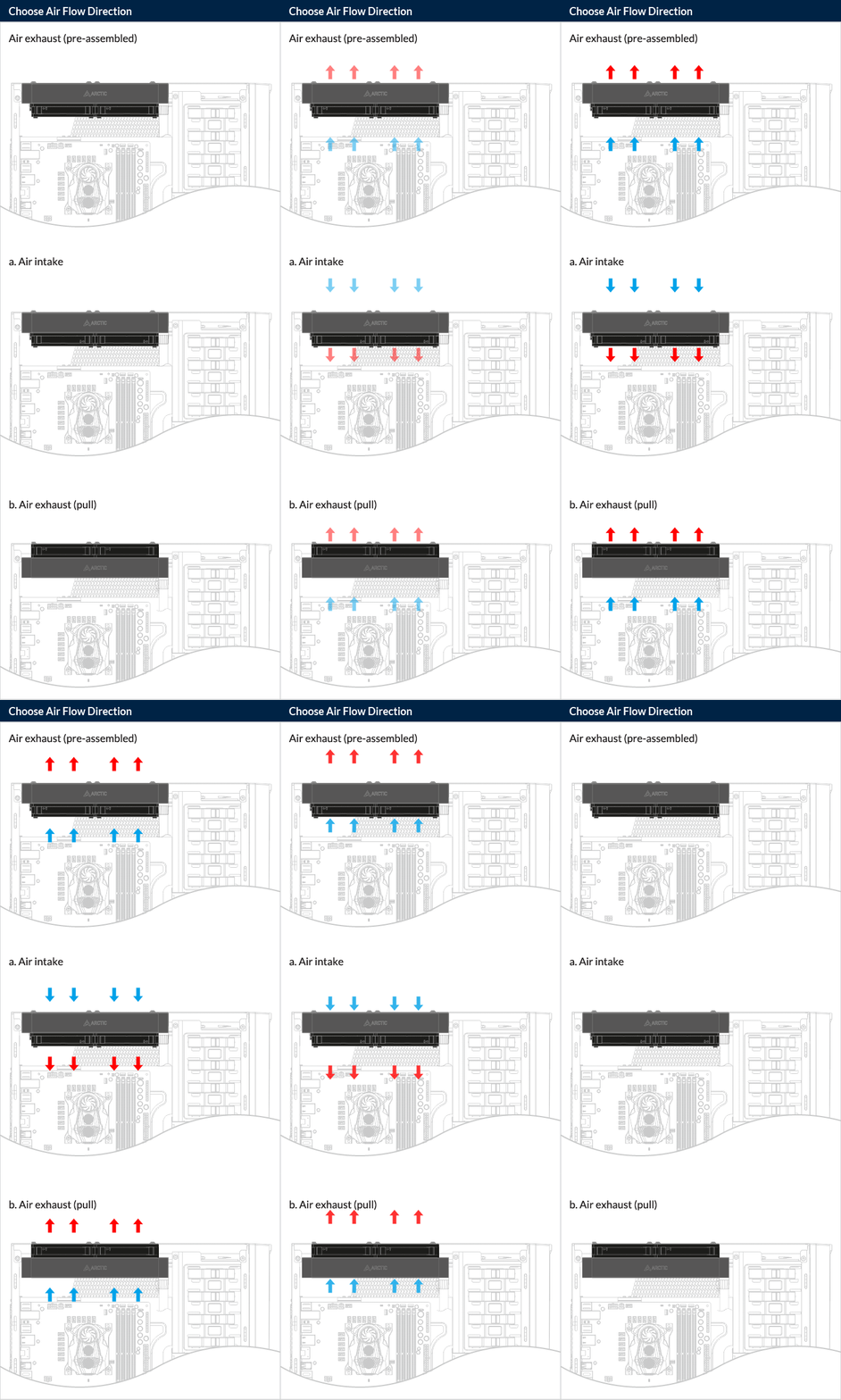
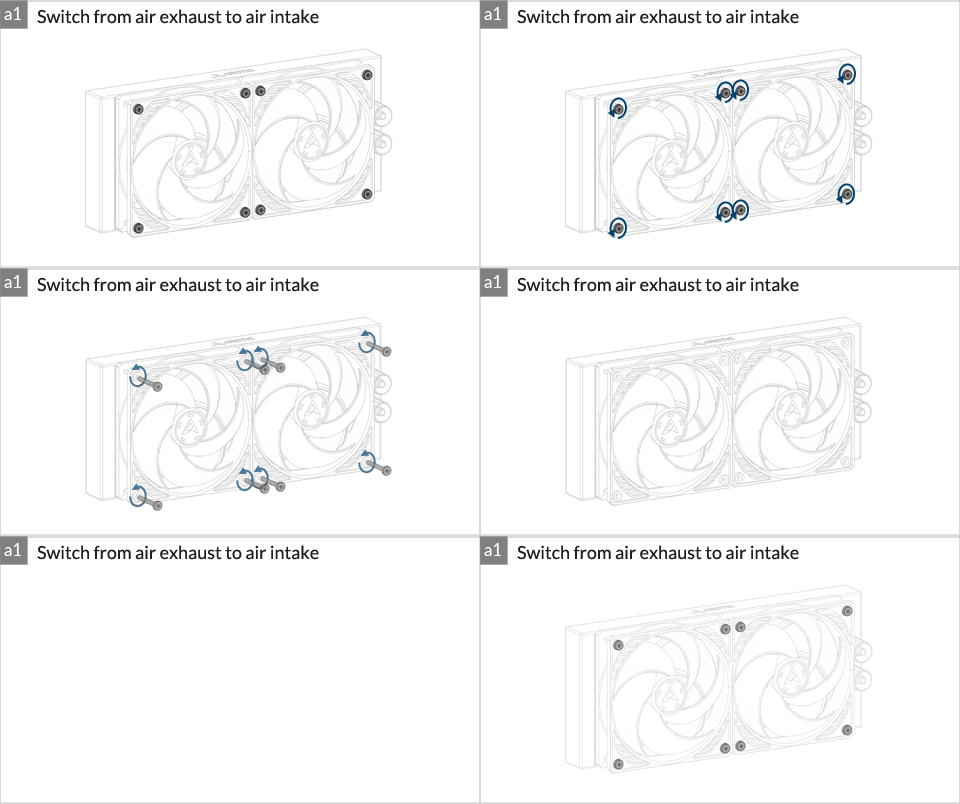
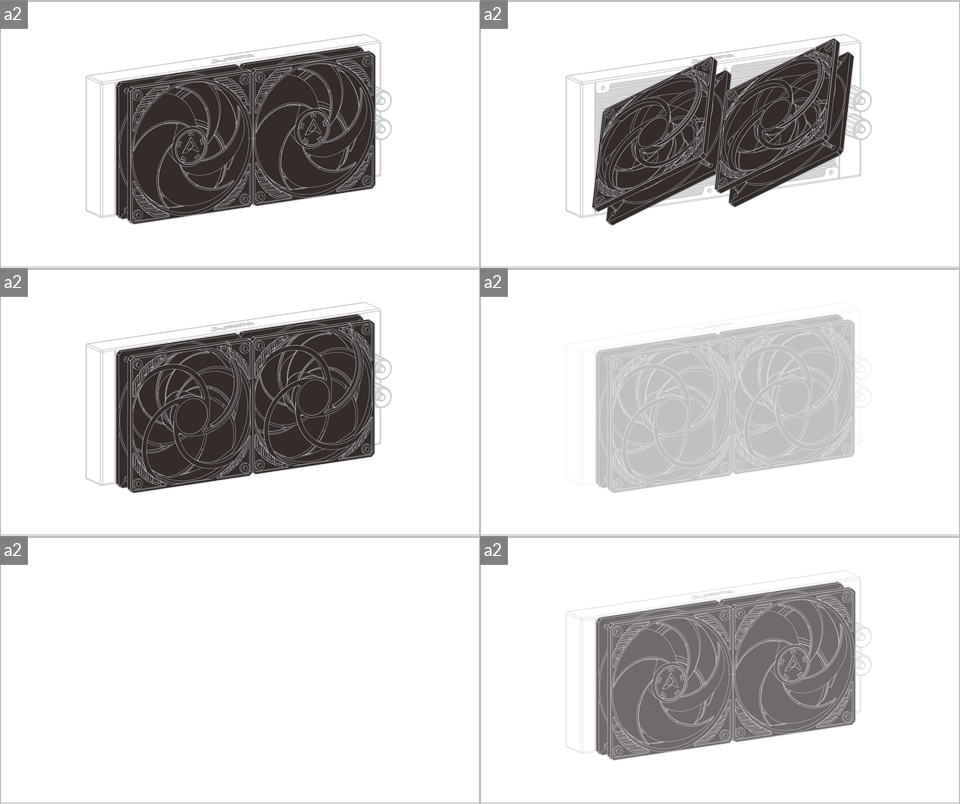
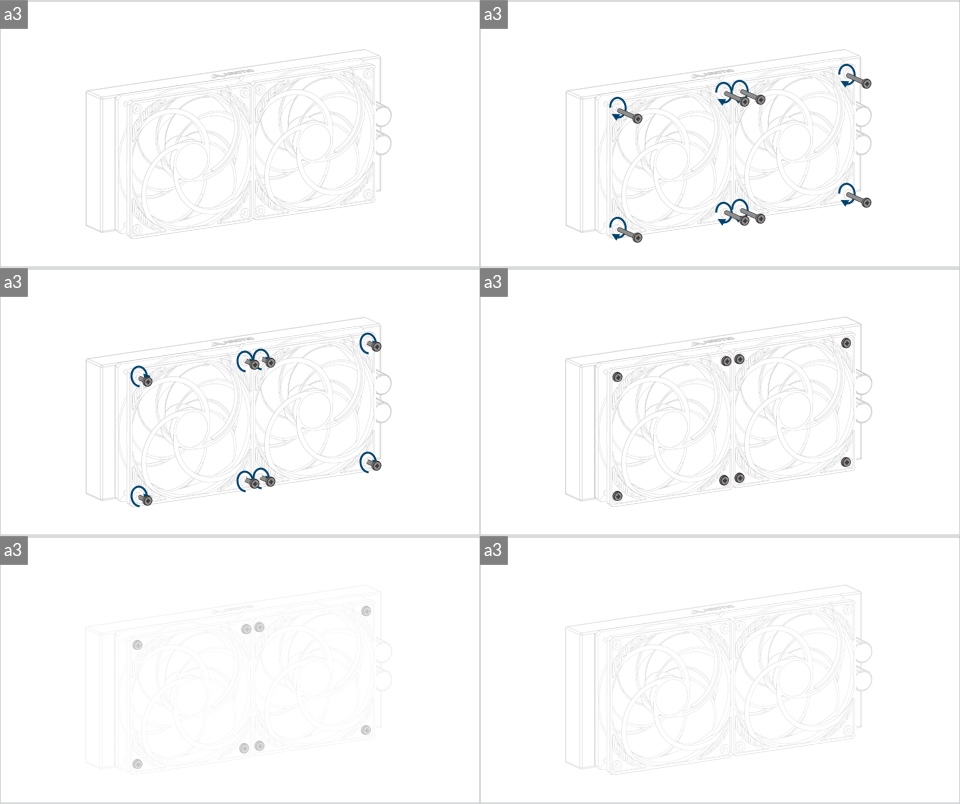
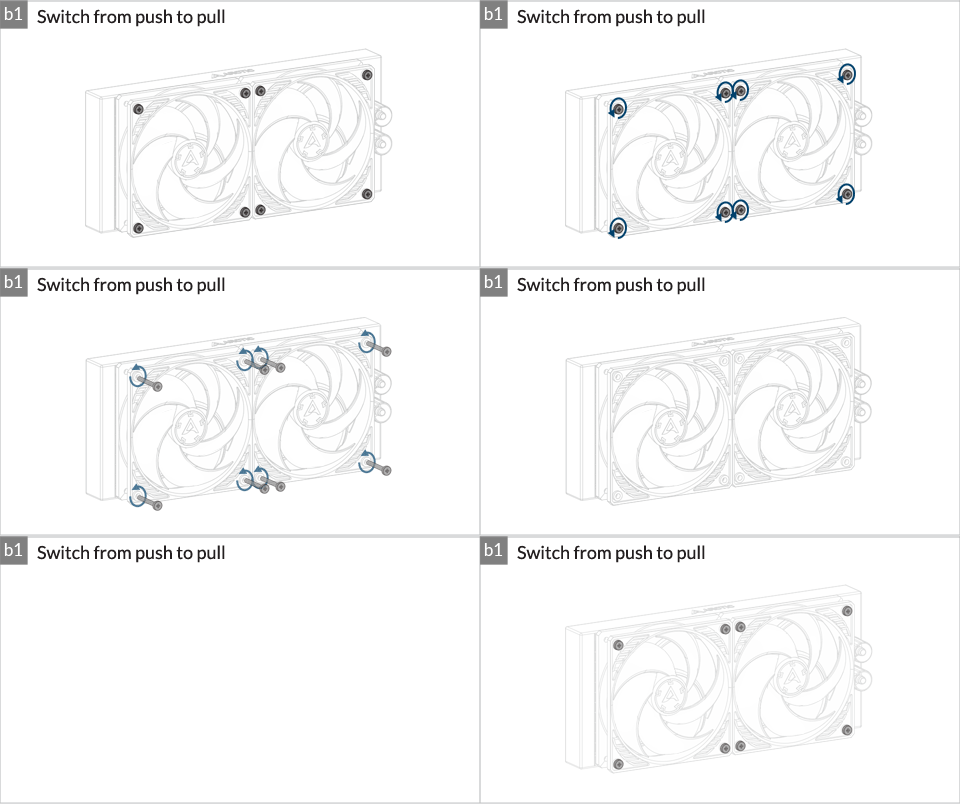
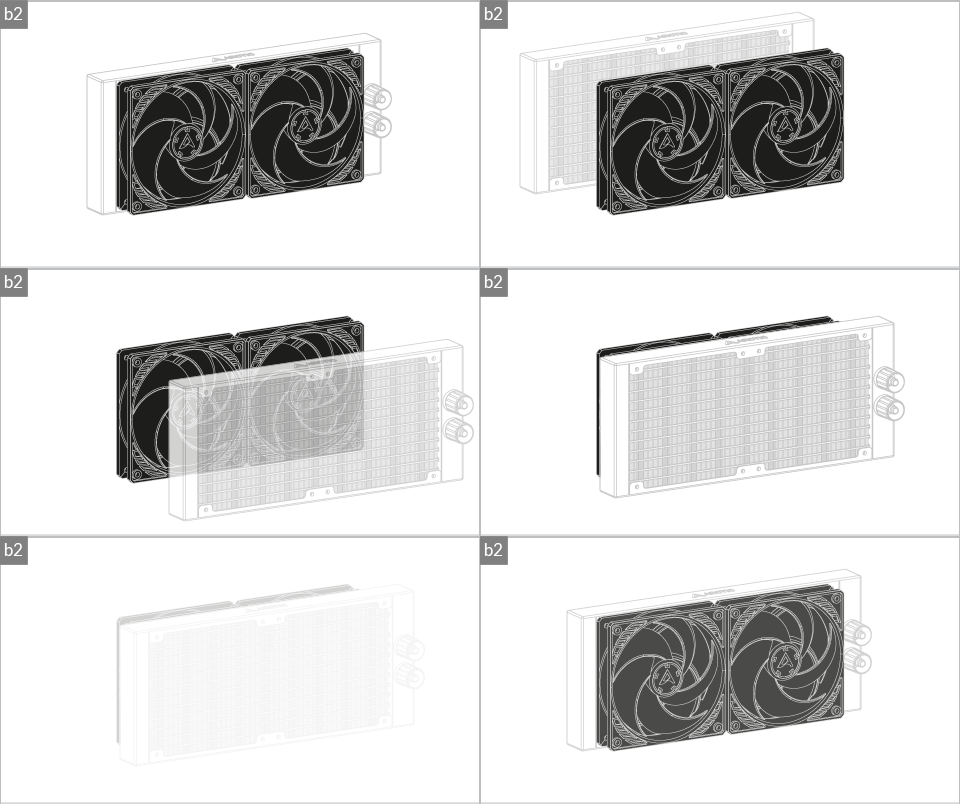
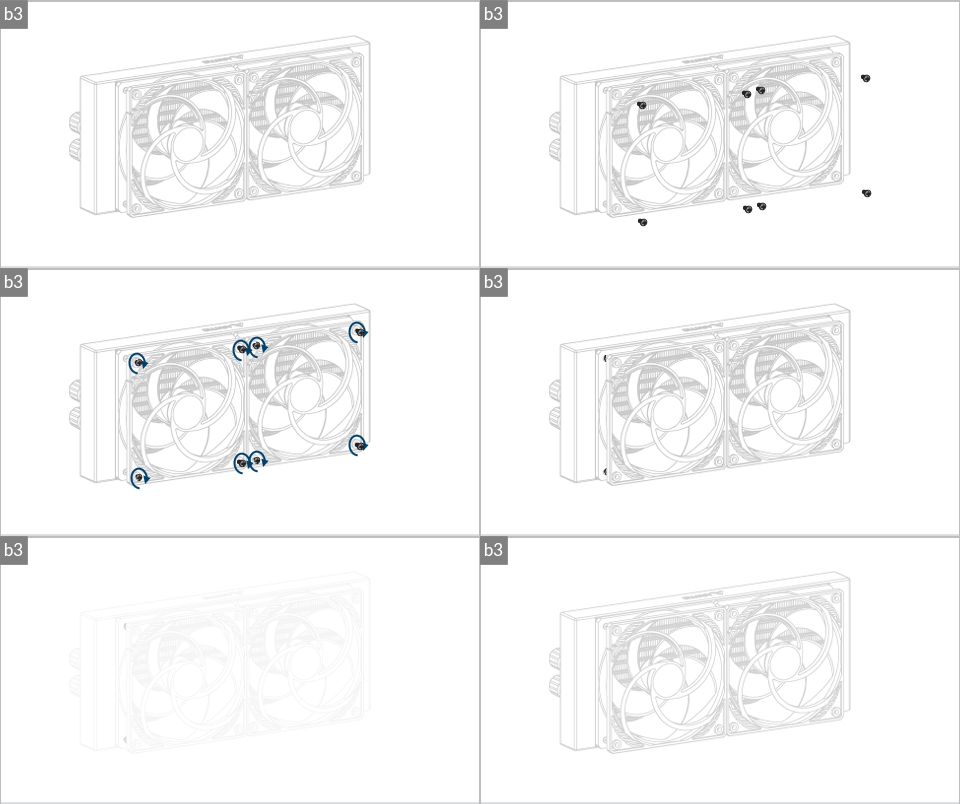

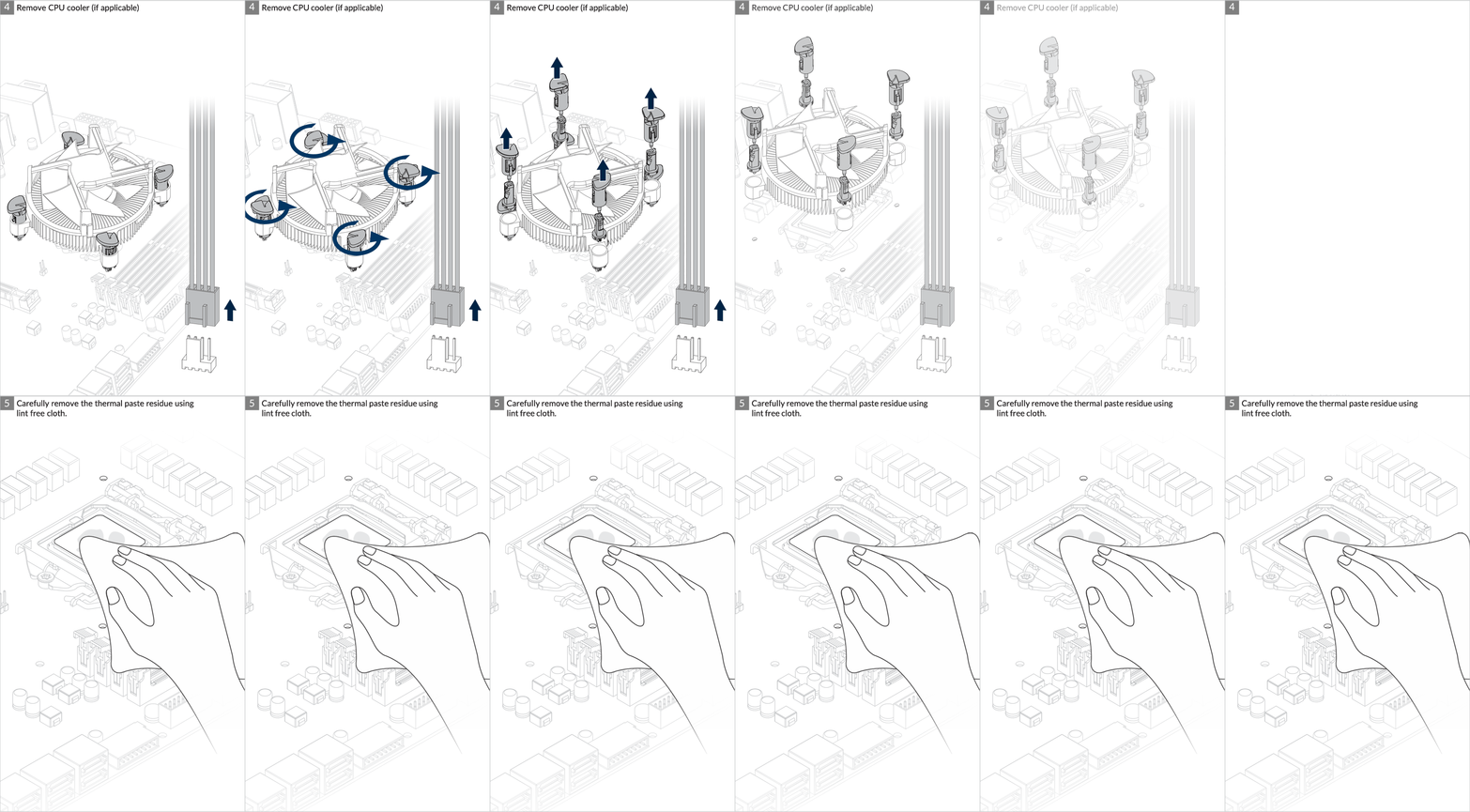
Installation
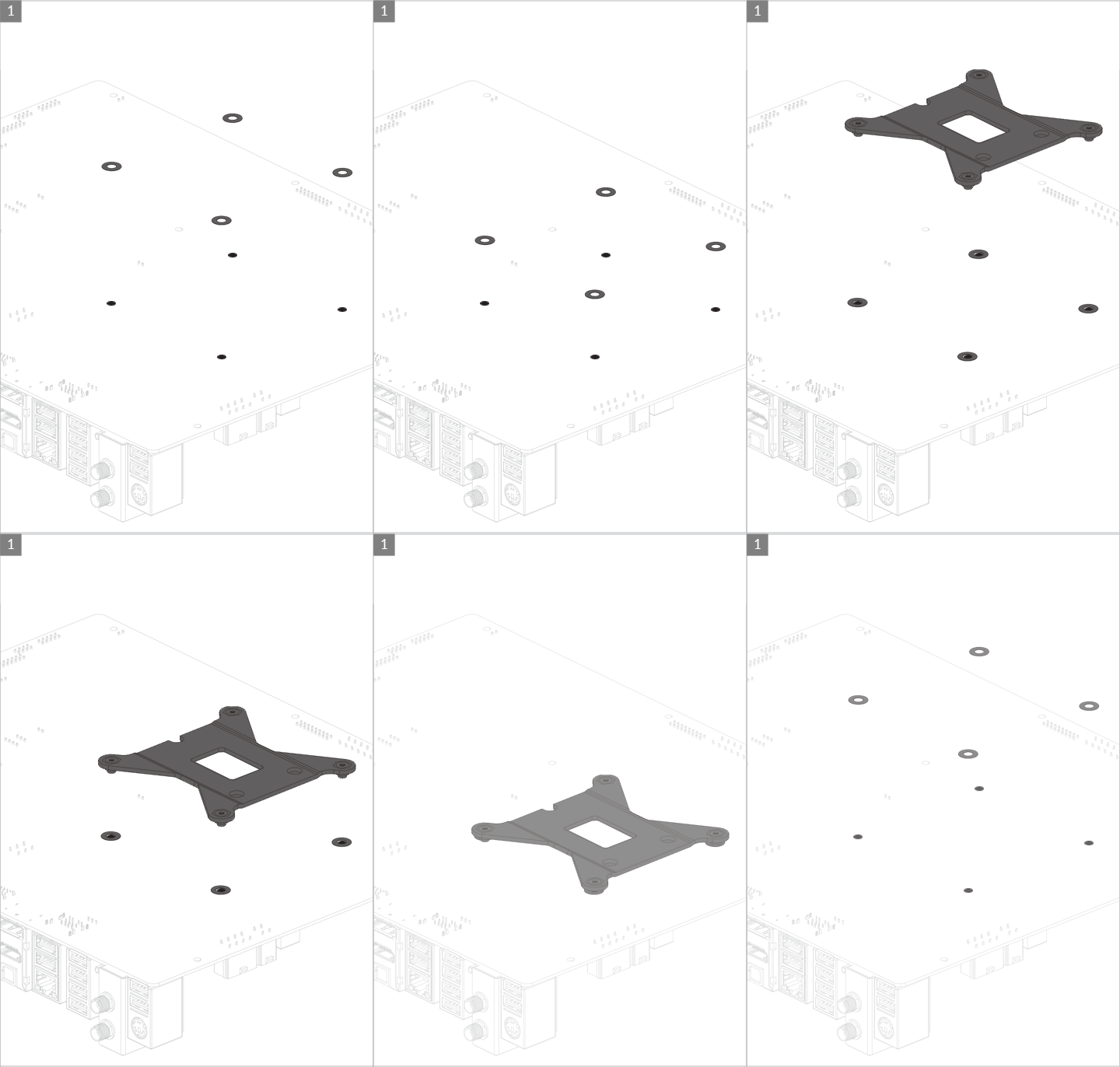
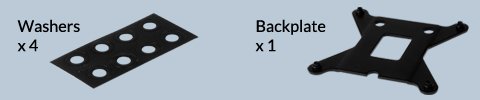
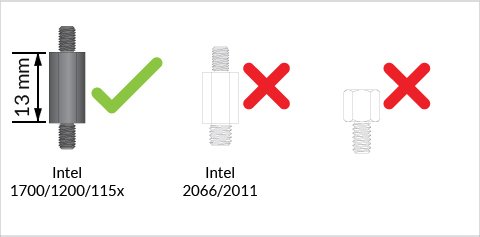
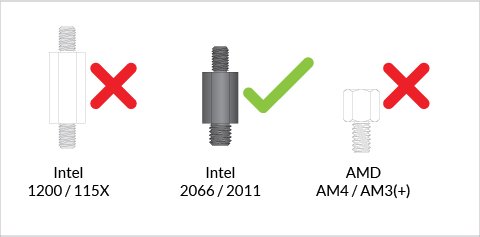
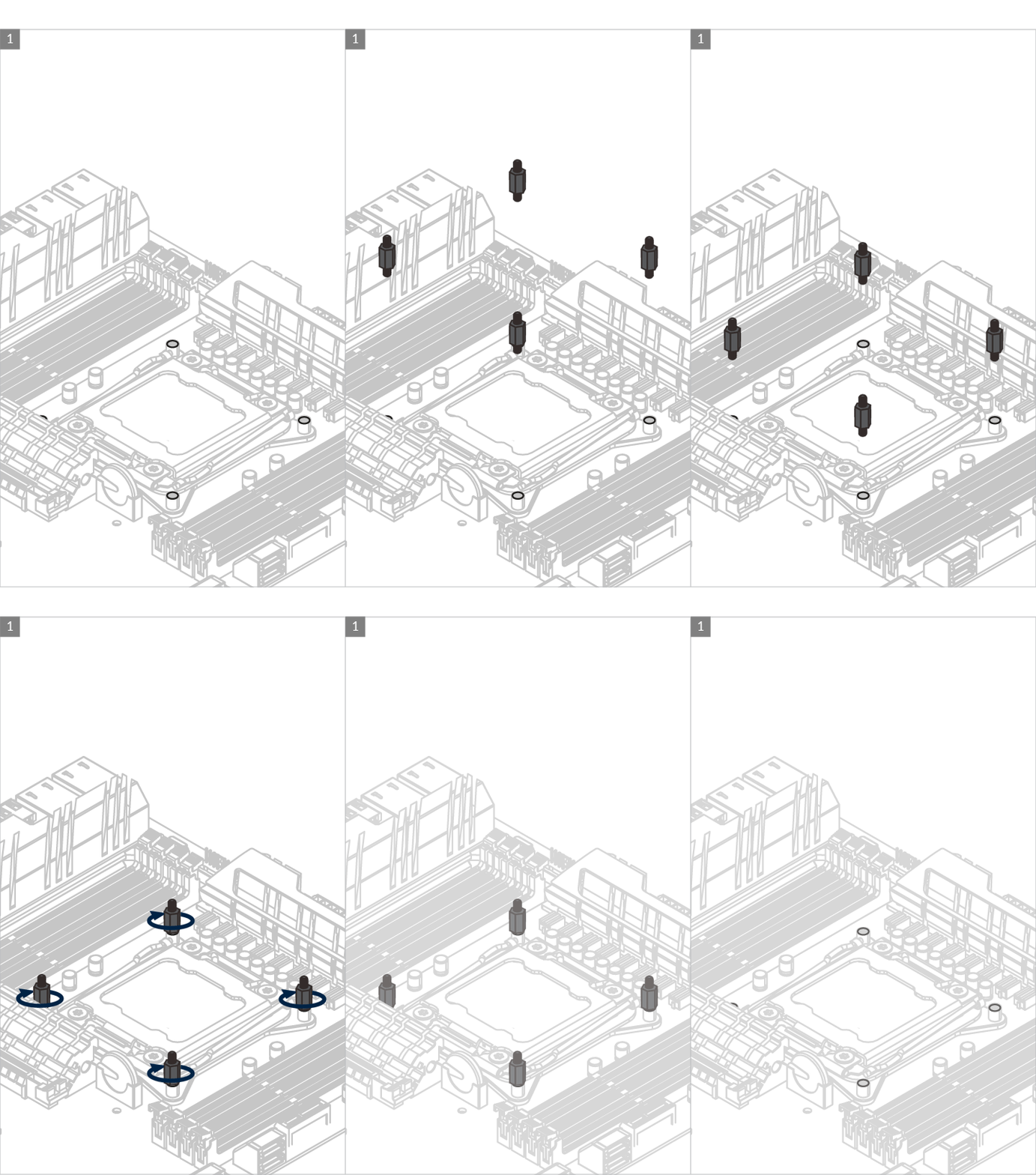
If you have received a product including the LGA1851/LGA1700 upgrade kit. Be careful to use correct standoffs with the correct backplate. Using wrong standoff may lead to malfunction or even damage motherboard.
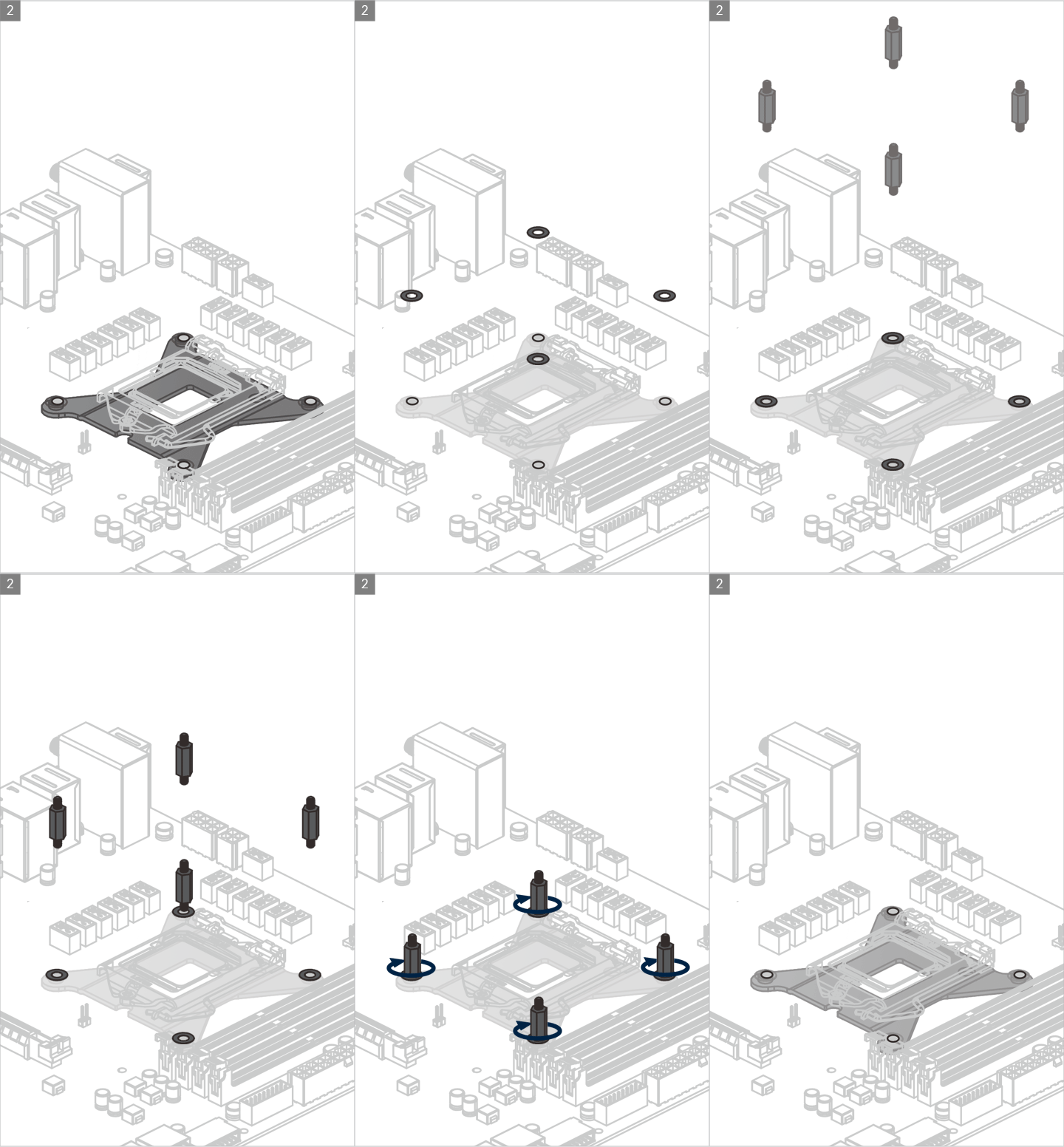
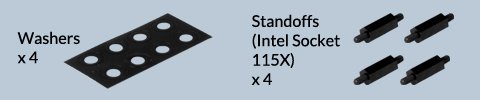
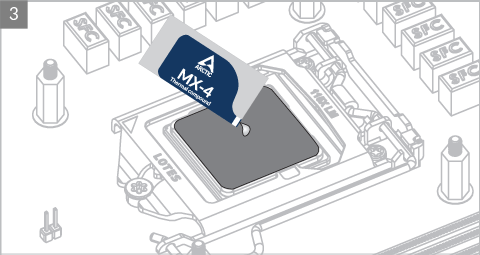

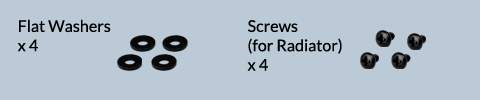
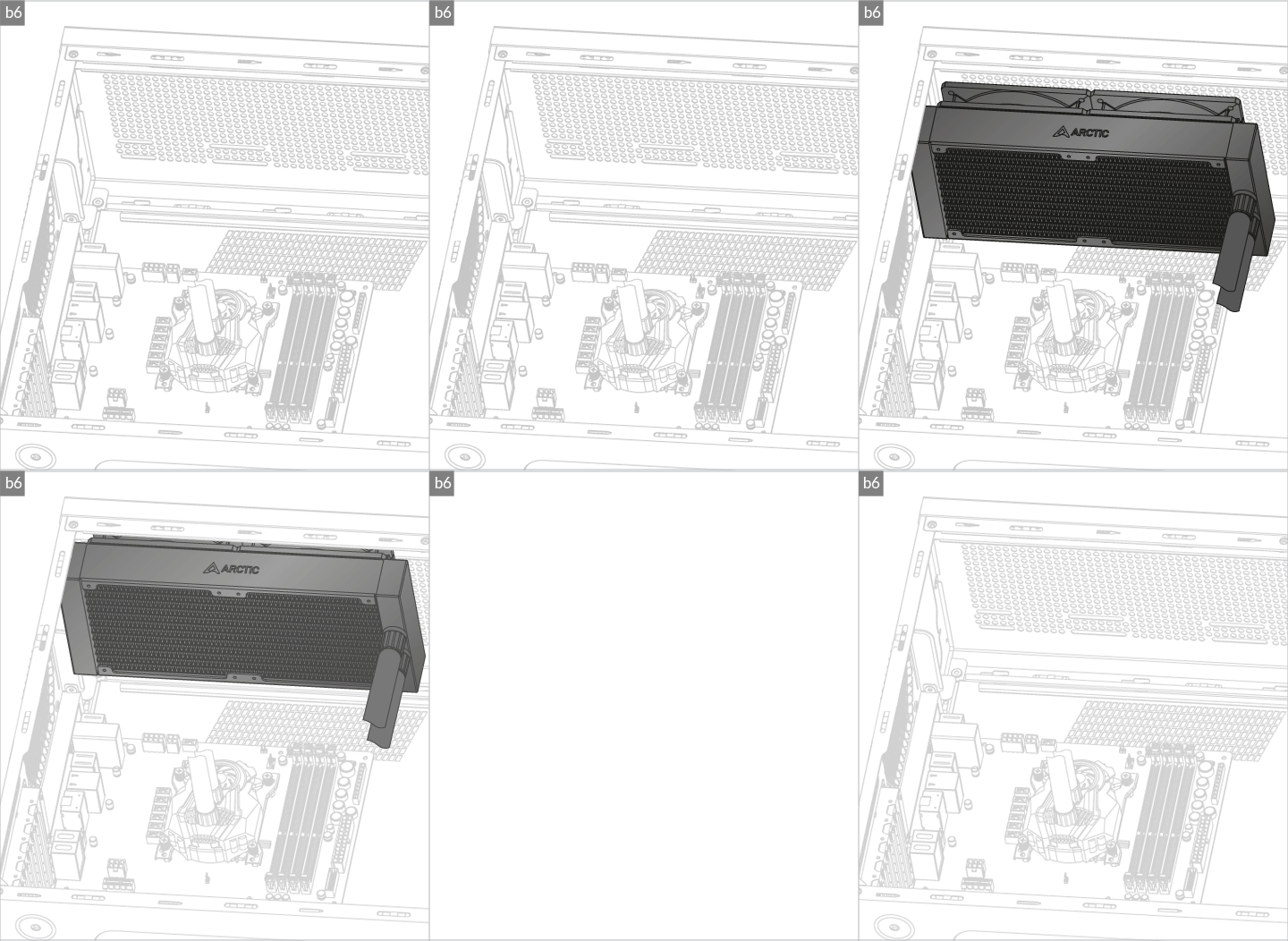
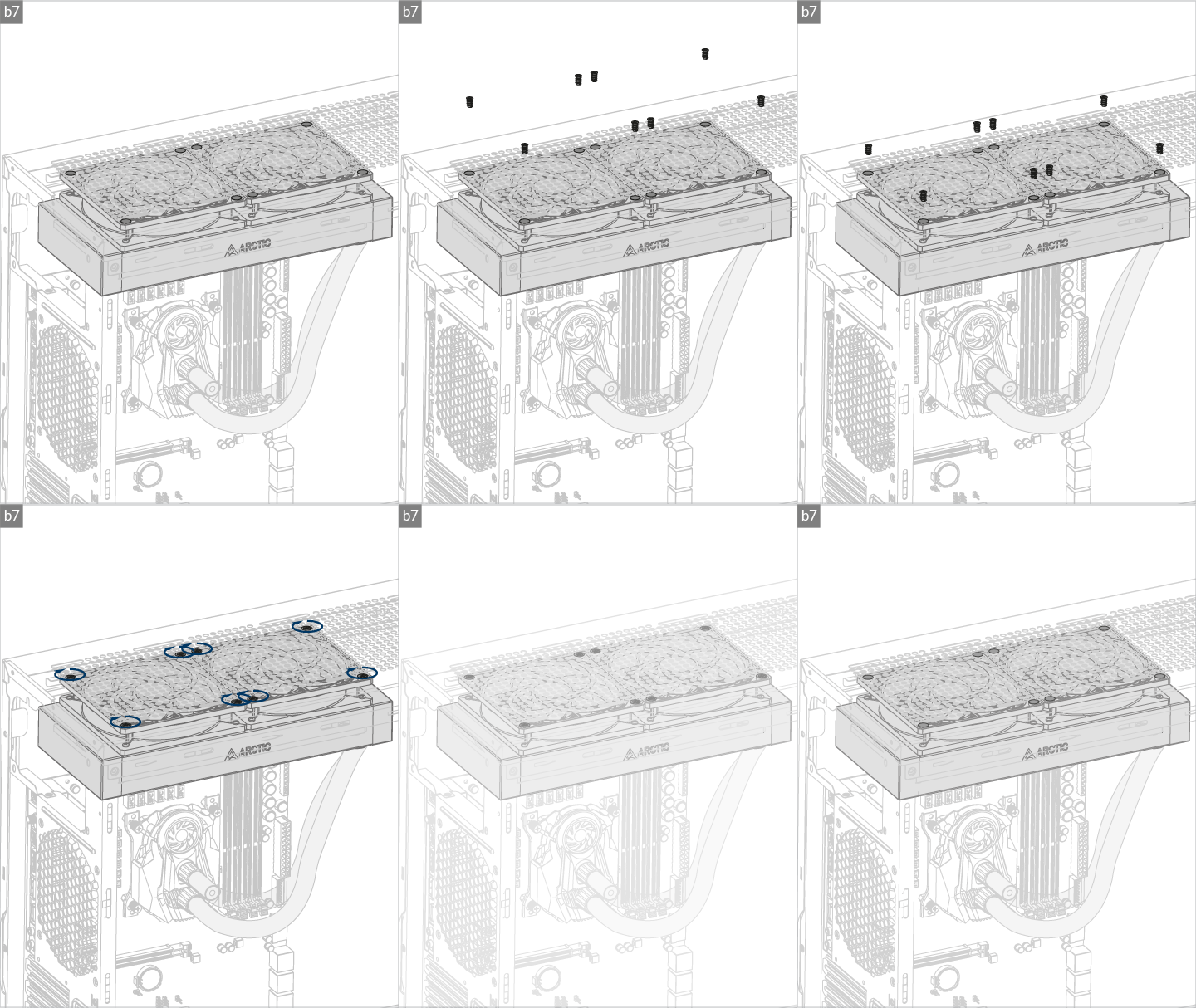

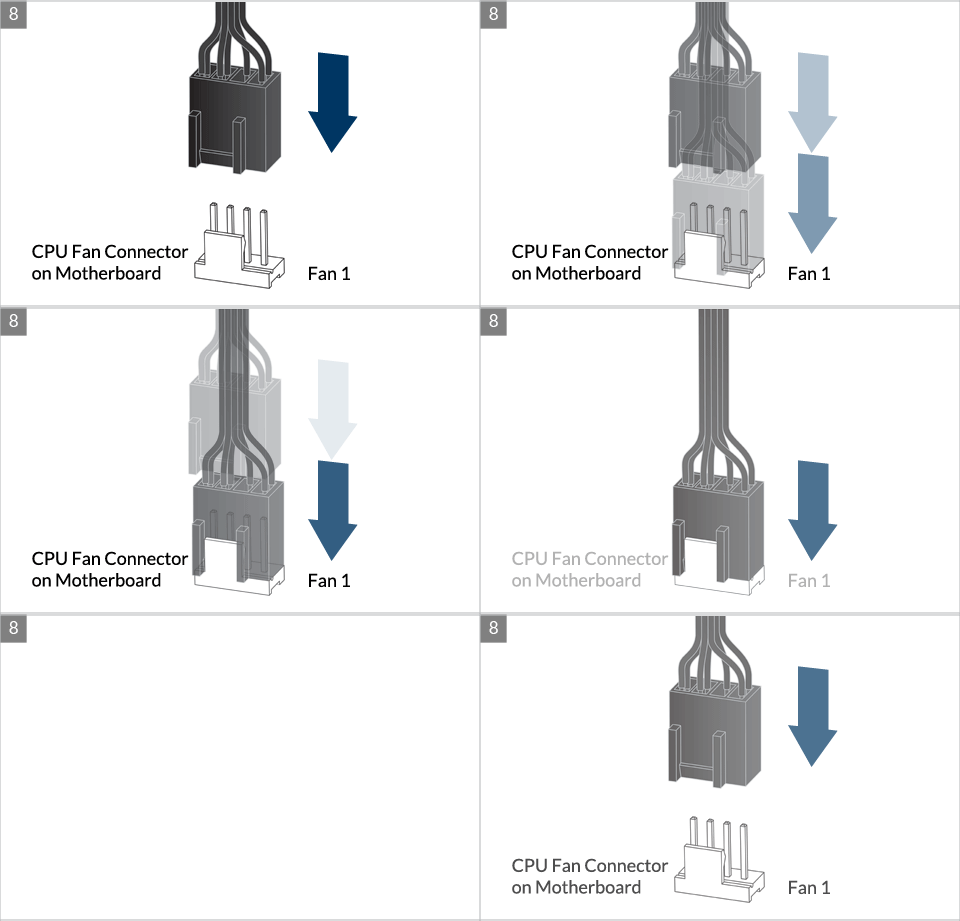
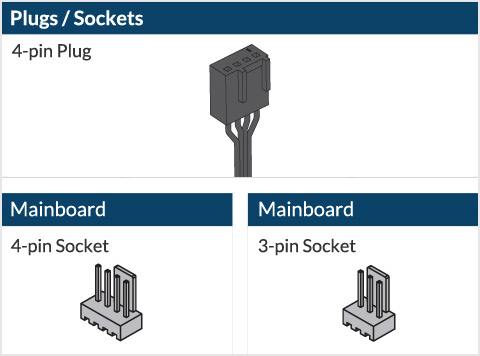
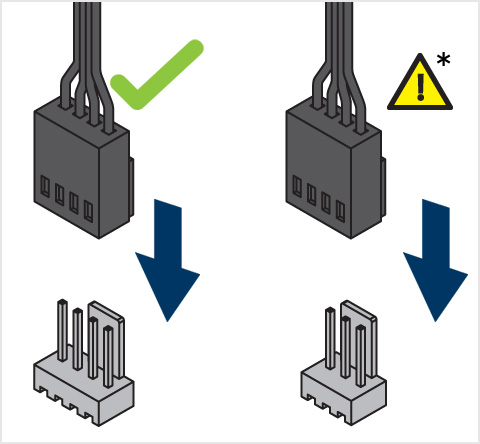
* Some mechanical interference with surrounding components may appear. The fan will not be controllable by PWM.

To get the best out of your cooler, it is recommended to adjust the fan speed control in the BIOS, follow this guide to adjust your PWM.
Watch Video
** If your Liquid Freezer II does not come with the LGA1851/LGA1700 upgrade kit, please contact us through the contact form to get upgrade kit shipped to you. Tap to go to the installation.
Preparation
How (not) to mount your water cooling AIO?
(by GamersNexus)
Steve from GamersNexus explains you the mistakes to avoid while assembling your water cooling AIO in your PC case.
The featured video is independently produced by GamersNexus, ARCTIC has been authorized to use by GamersNexus.
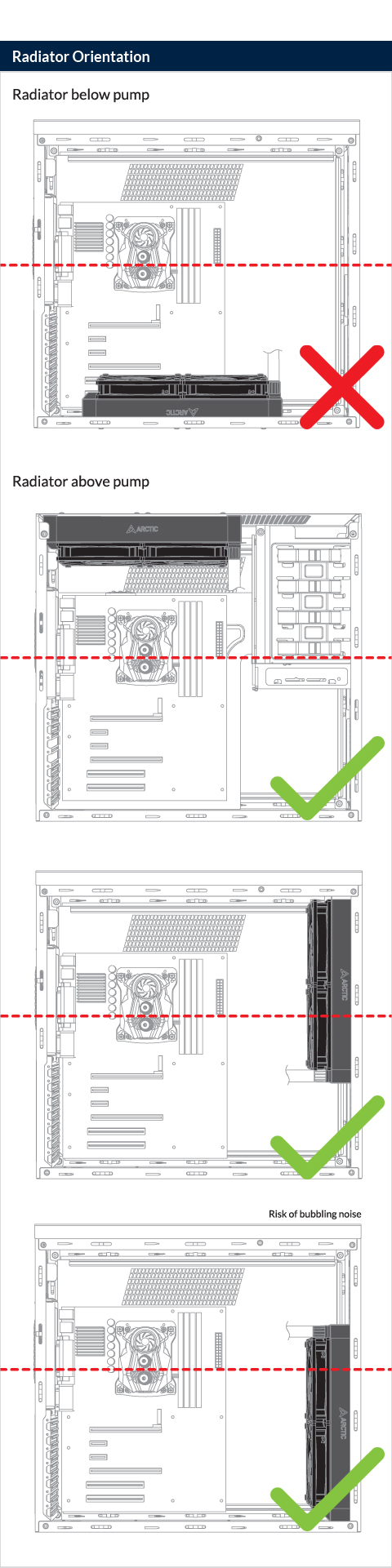
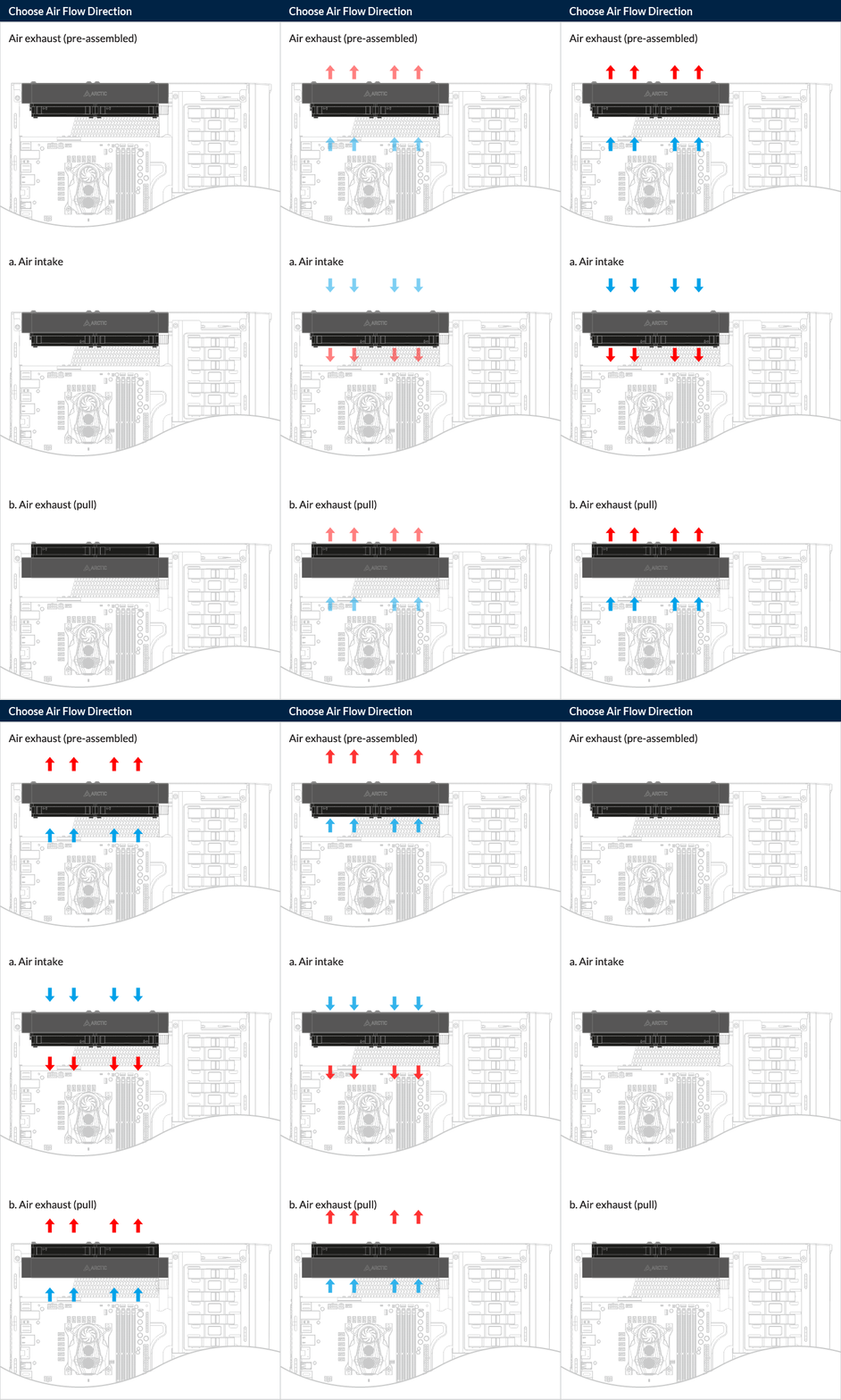
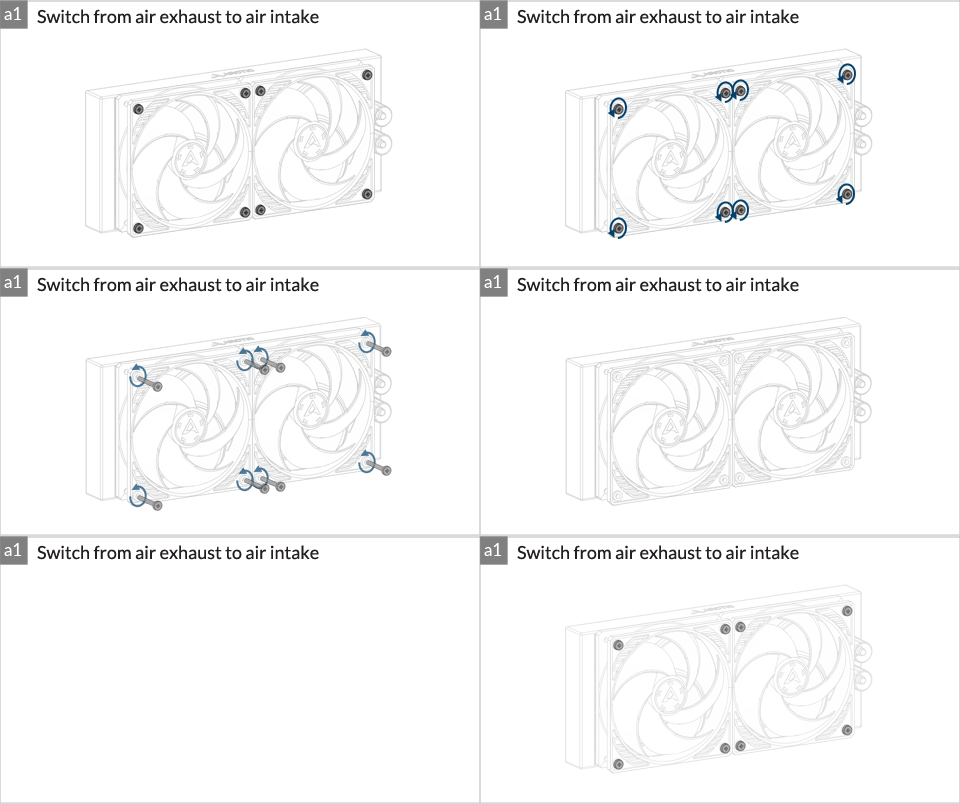
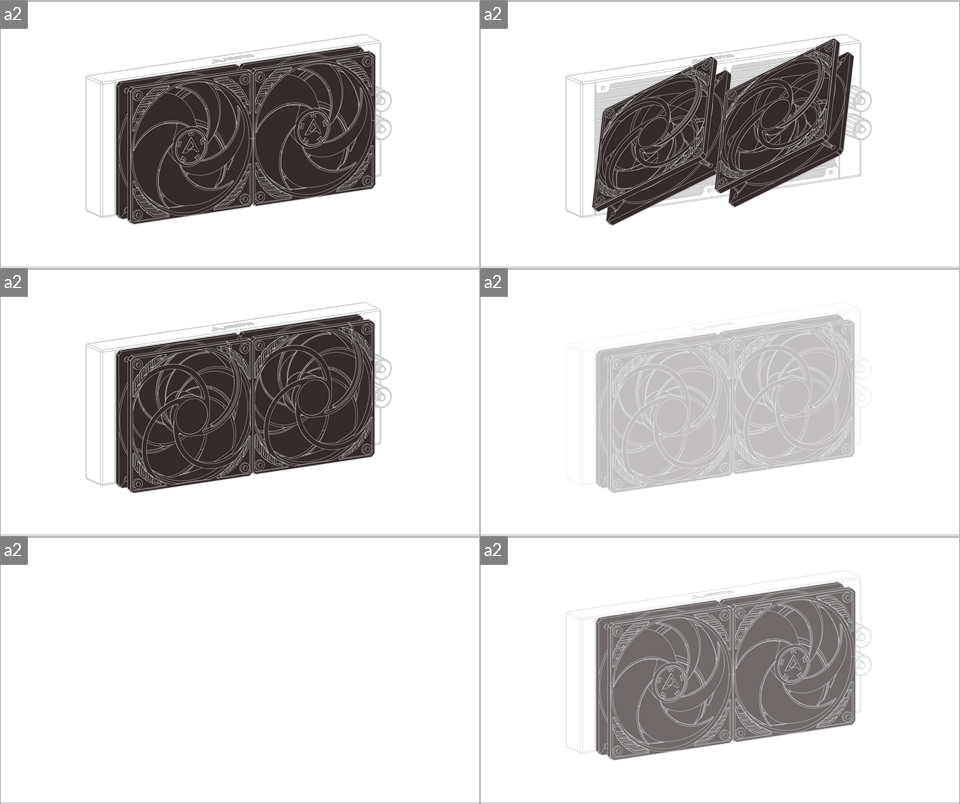
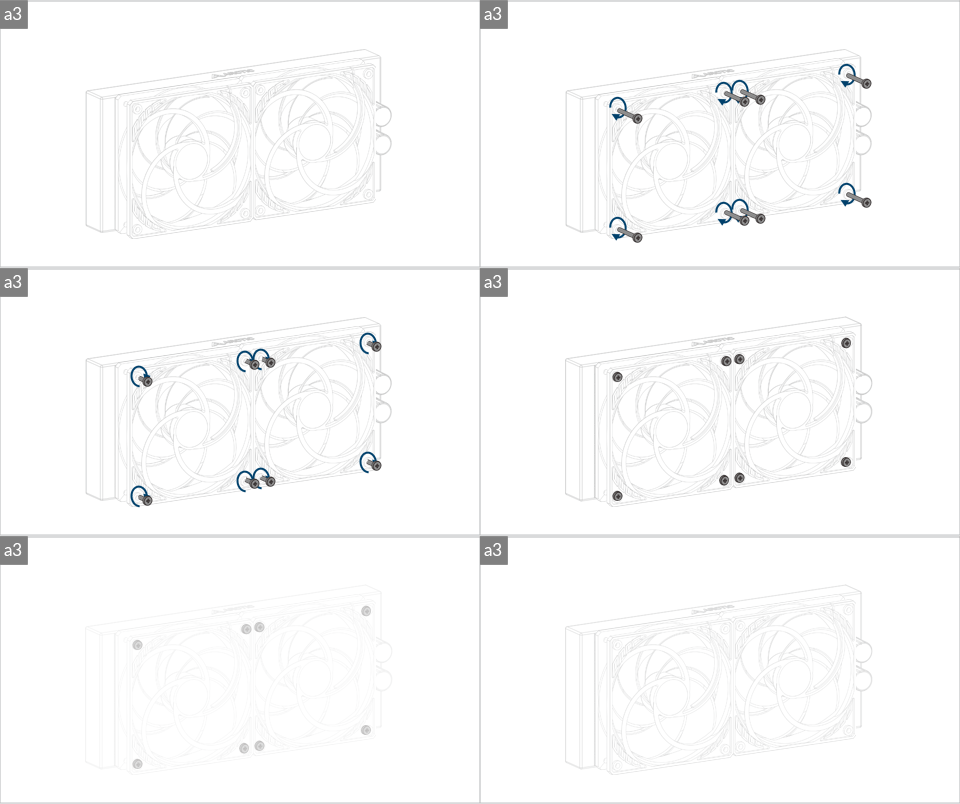
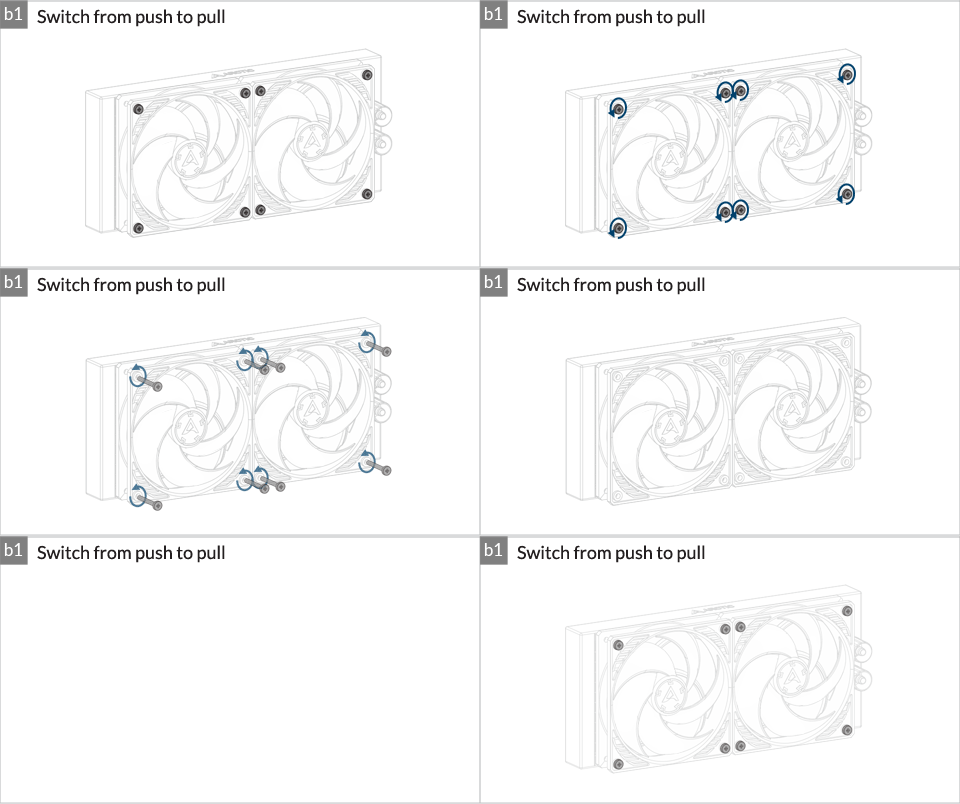
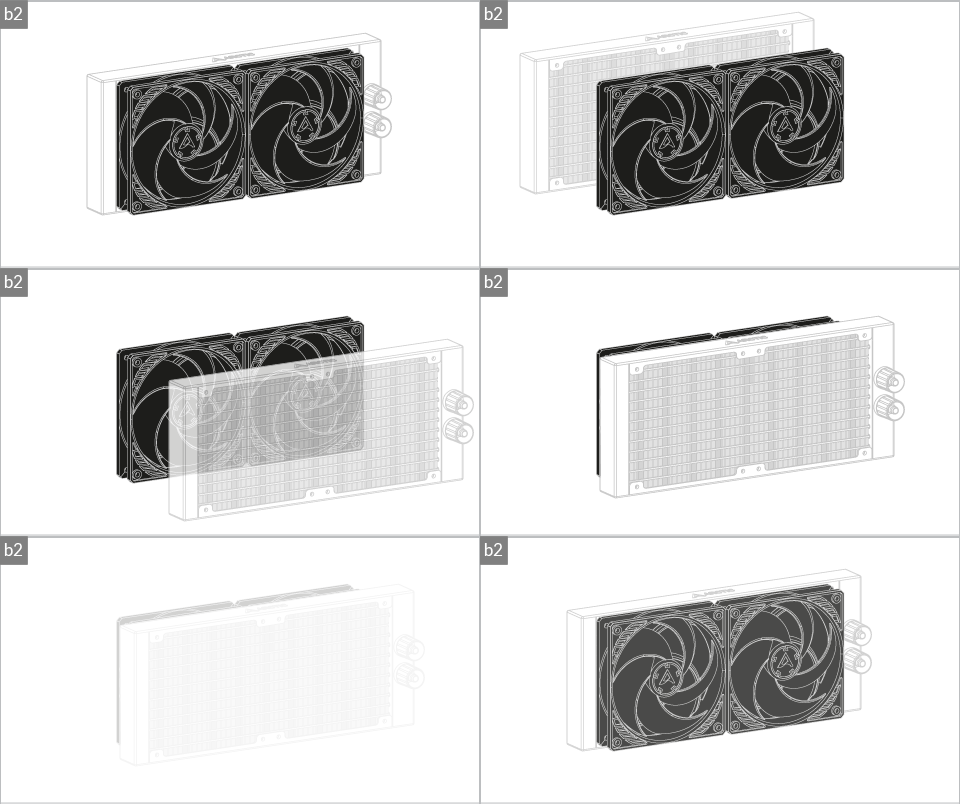
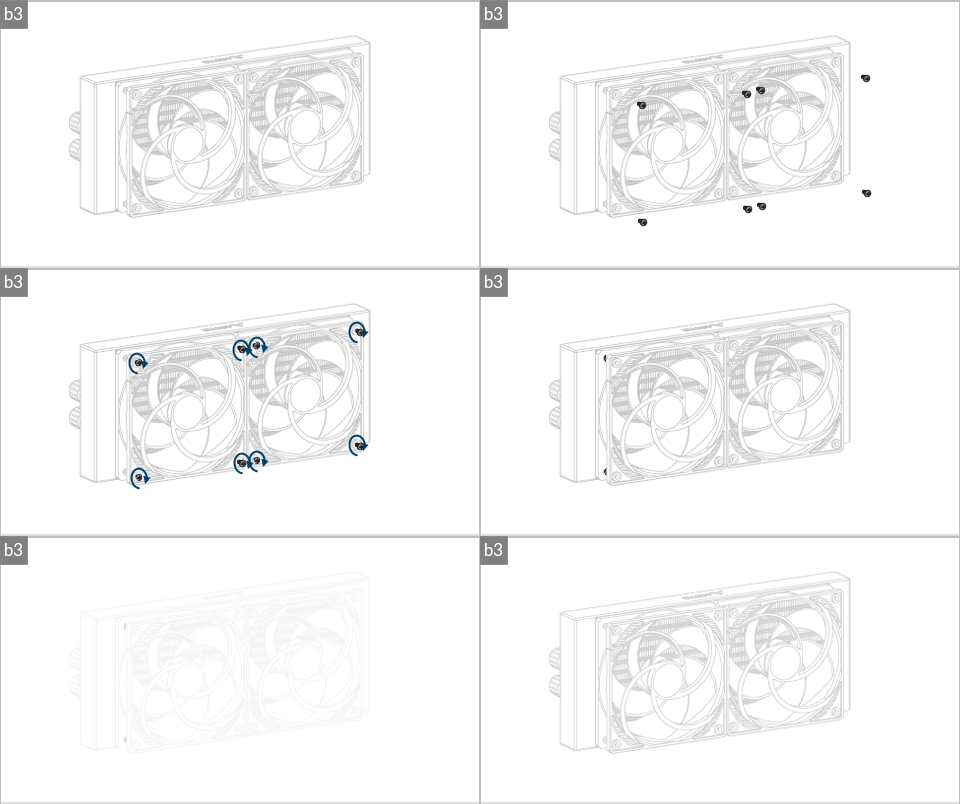

Installation

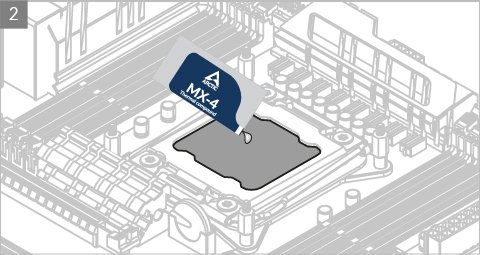
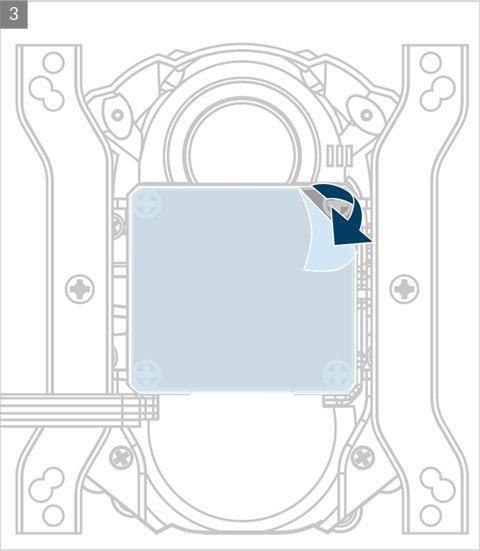
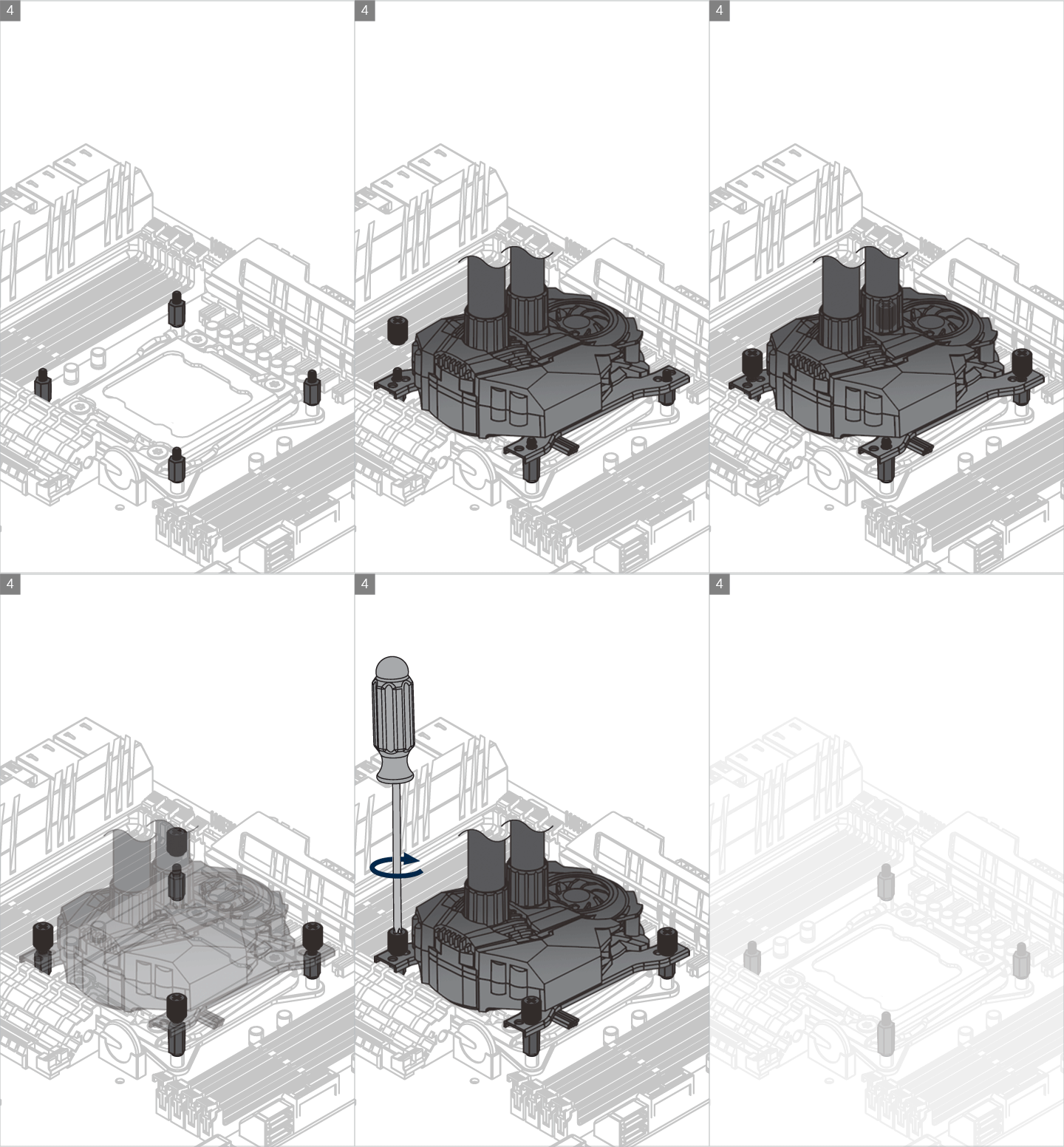
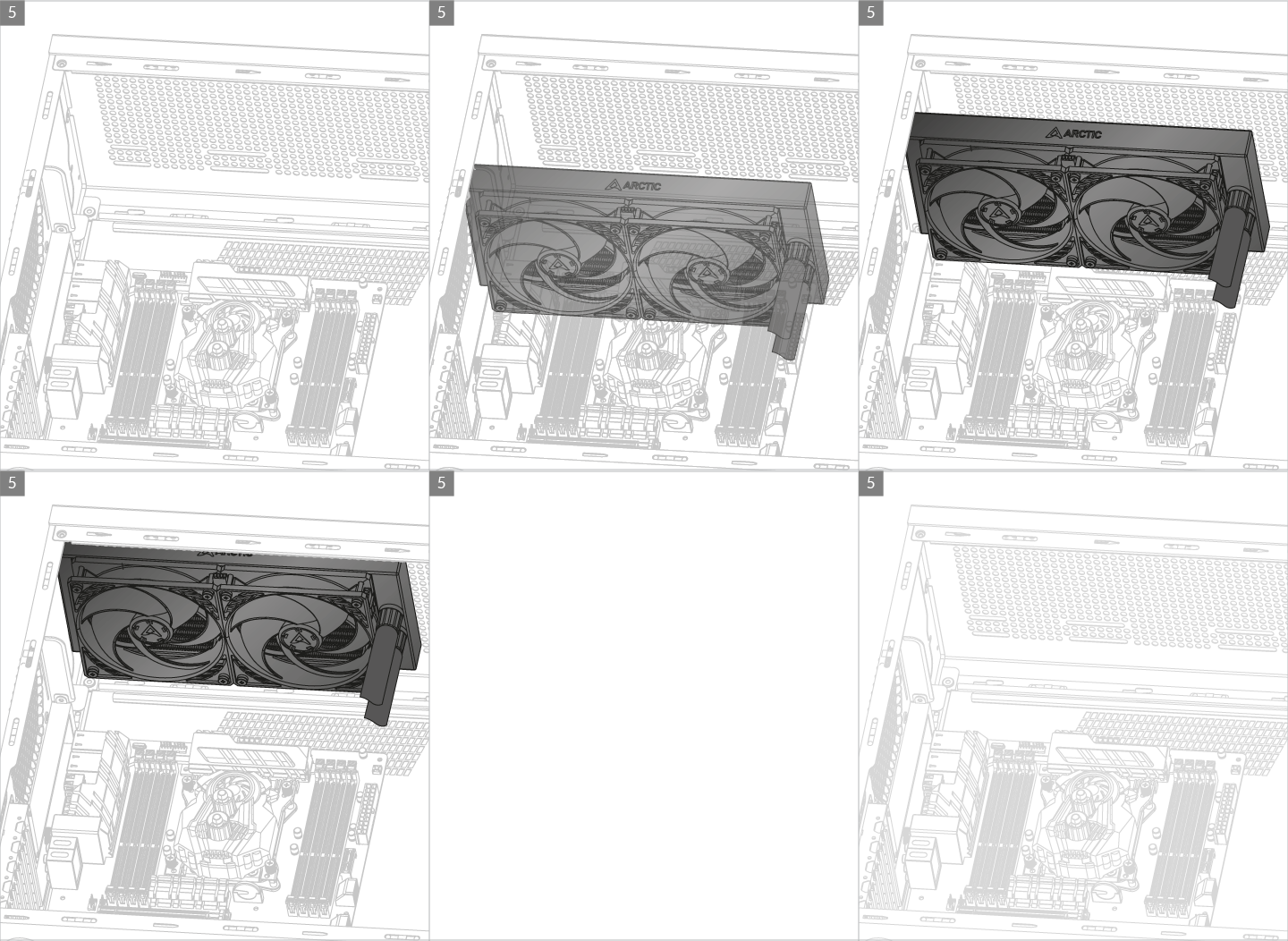
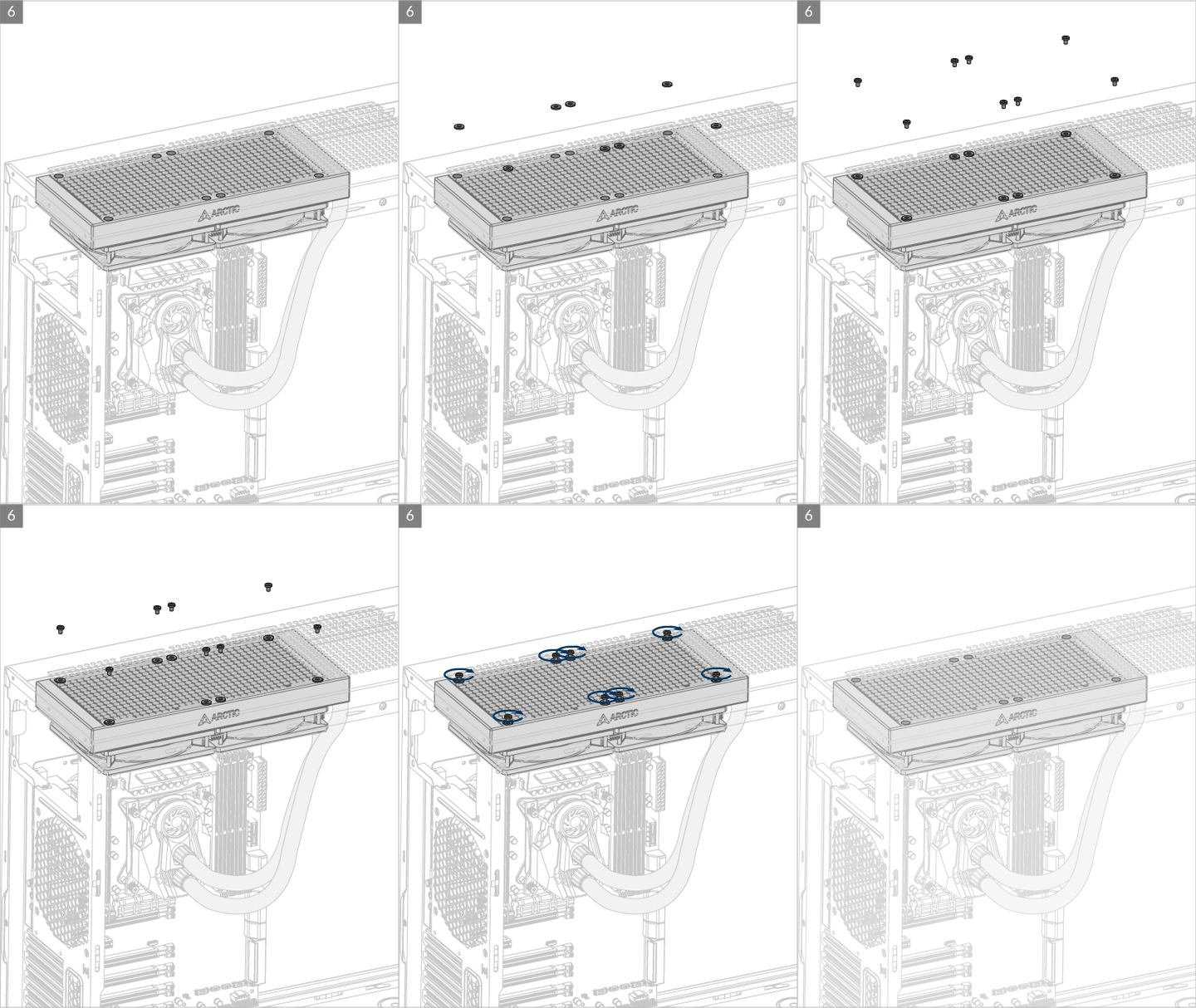
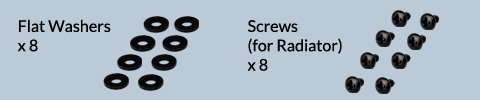
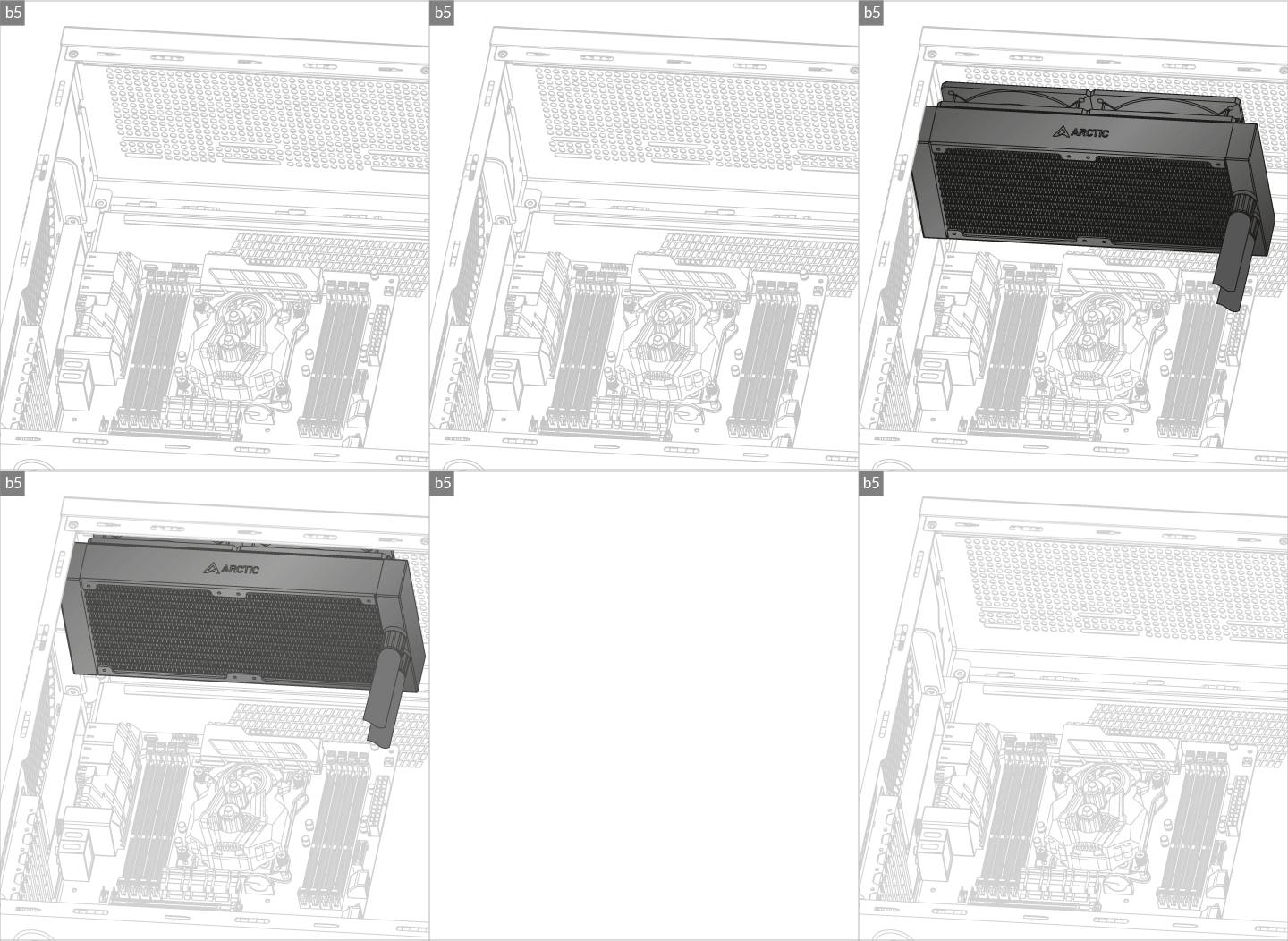
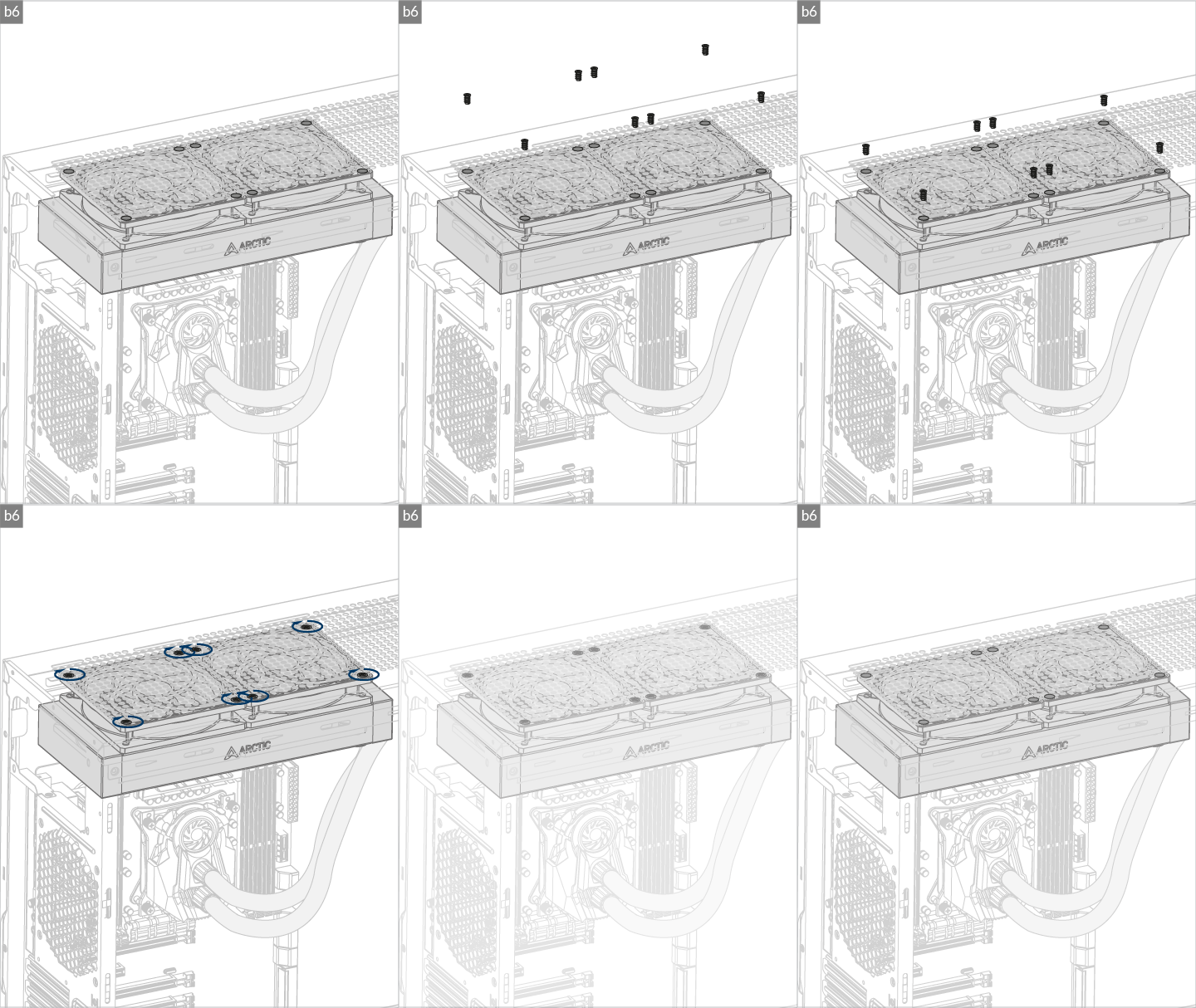

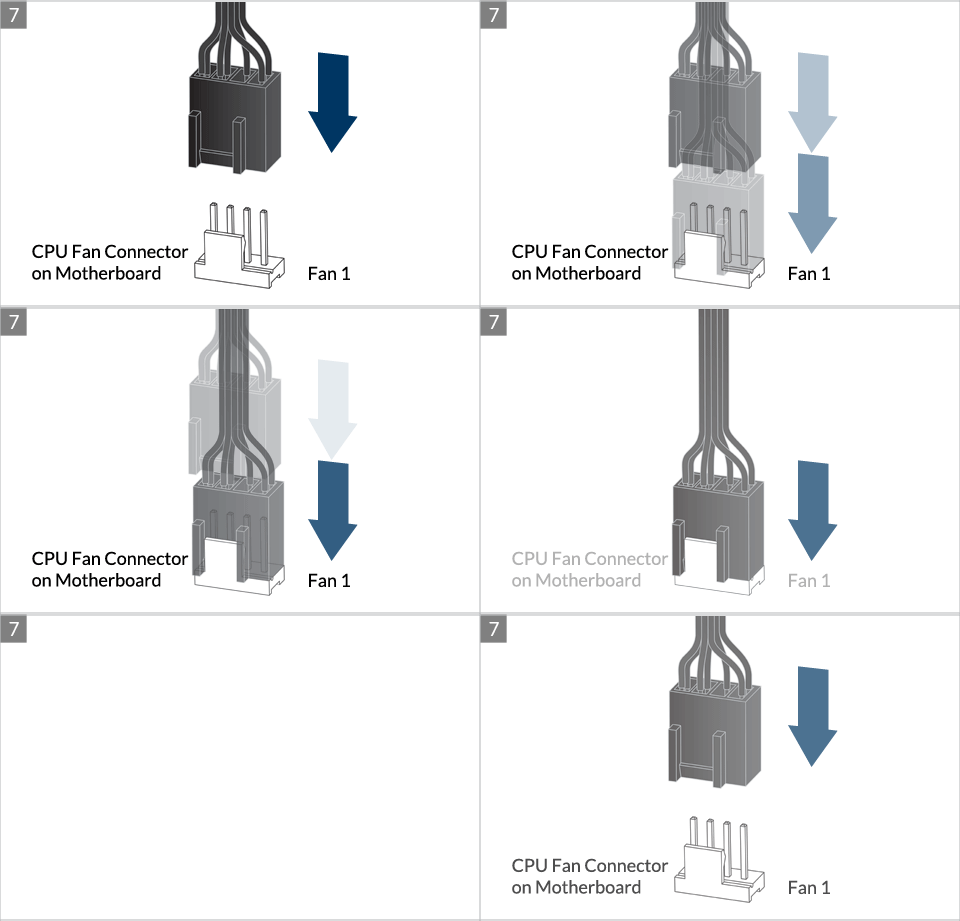
* Some mechanical interference with surrounding components may appear. The fan will not be controllable by PWM.
To get the best out of your cooler, it is recommended to adjust the fan speed control in the BIOS, follow this guide to adjust your PWM.
Preparation
How (not) to mount your water cooling AIO?
(by GamersNexus)
Steve from GamersNexus explains you the mistakes to avoid while assembling your water cooling AIO in your PC case.
The featured video is independently produced by GamersNexus, ARCTIC has been authorized to use by GamersNexus.
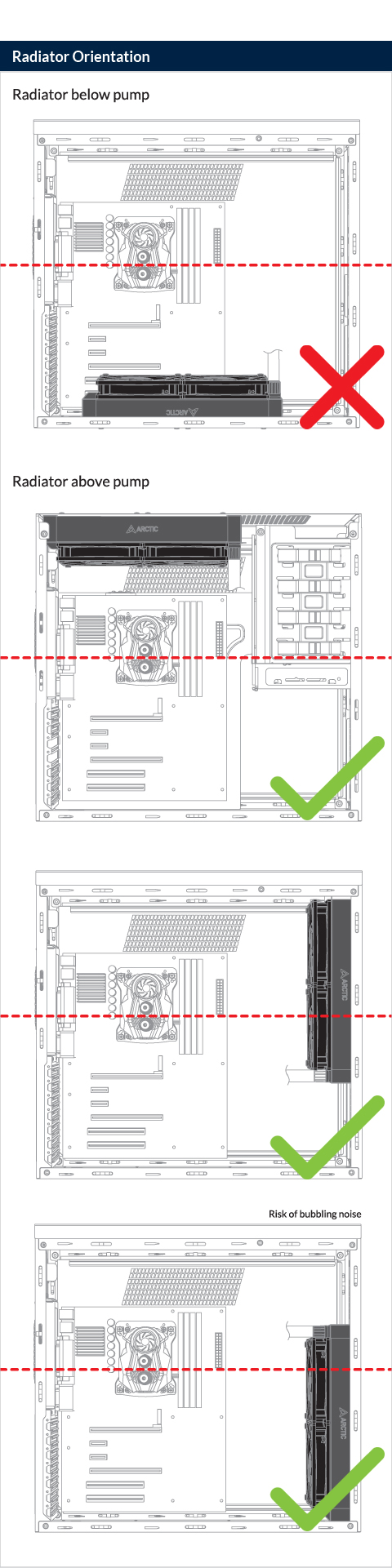
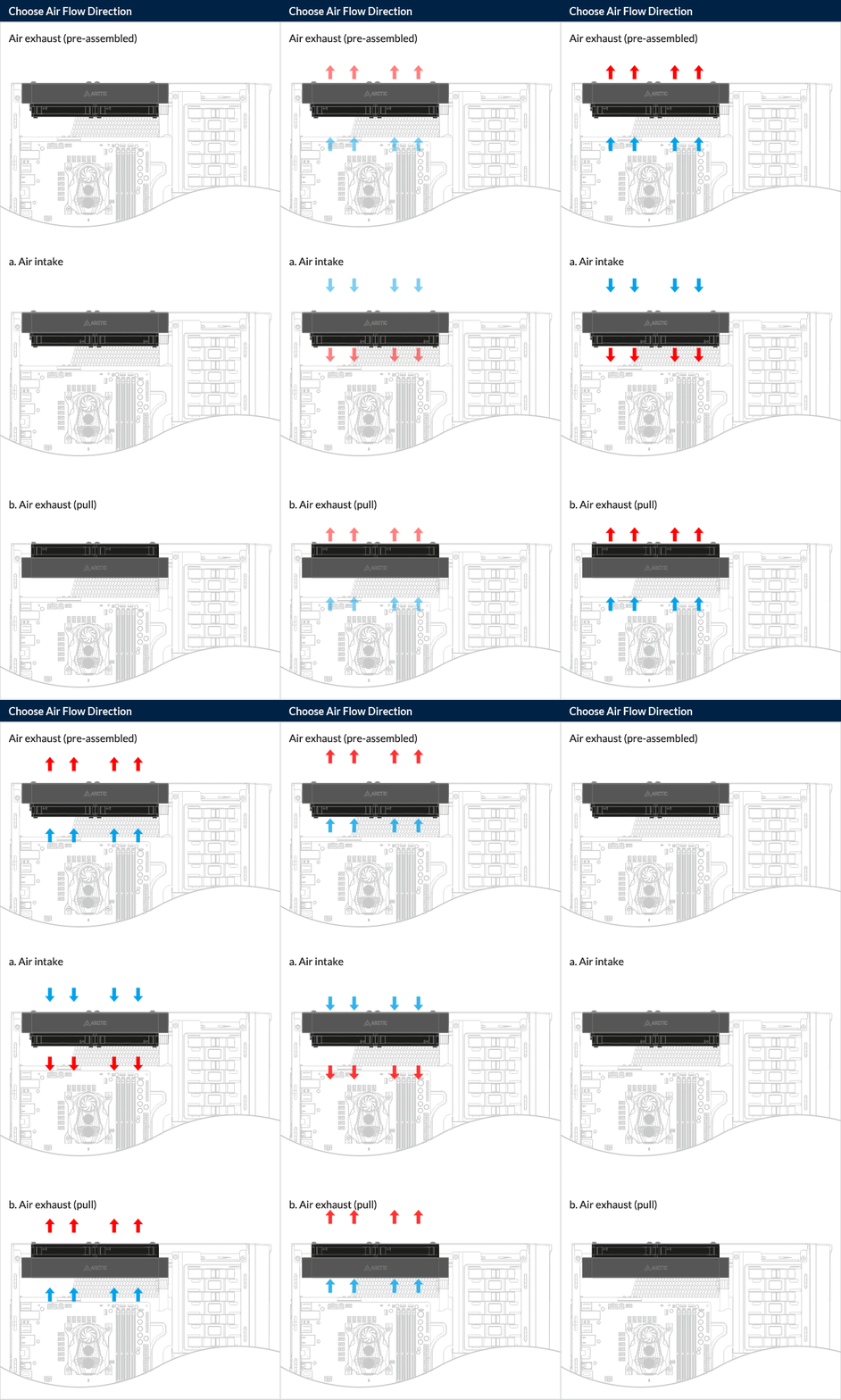
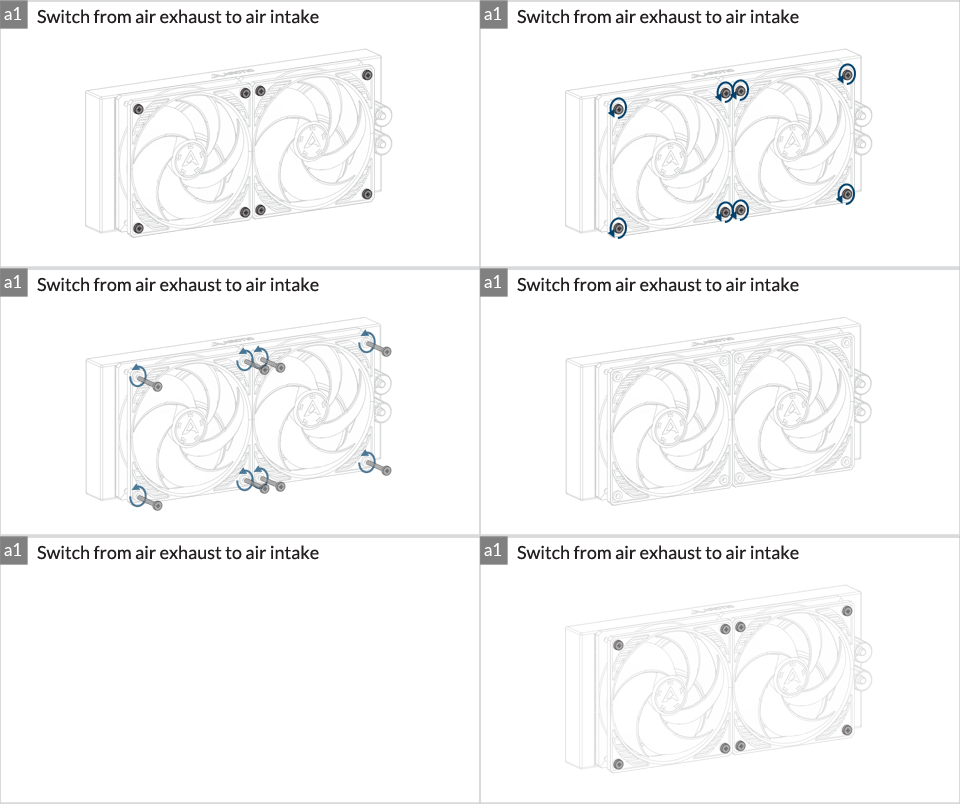
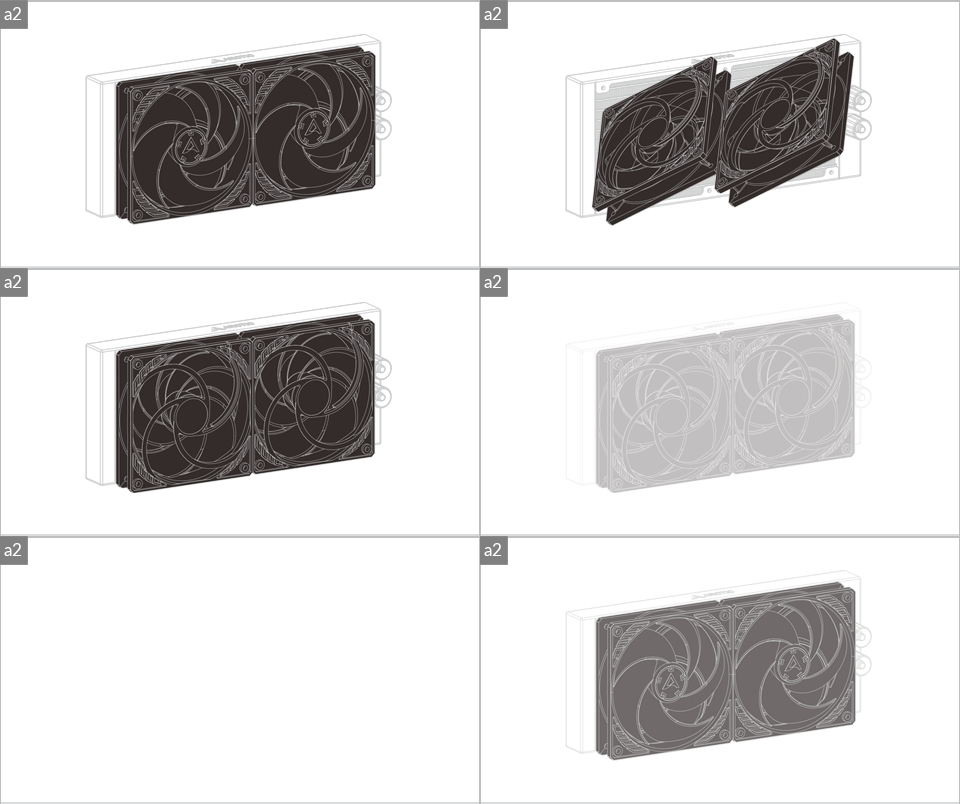
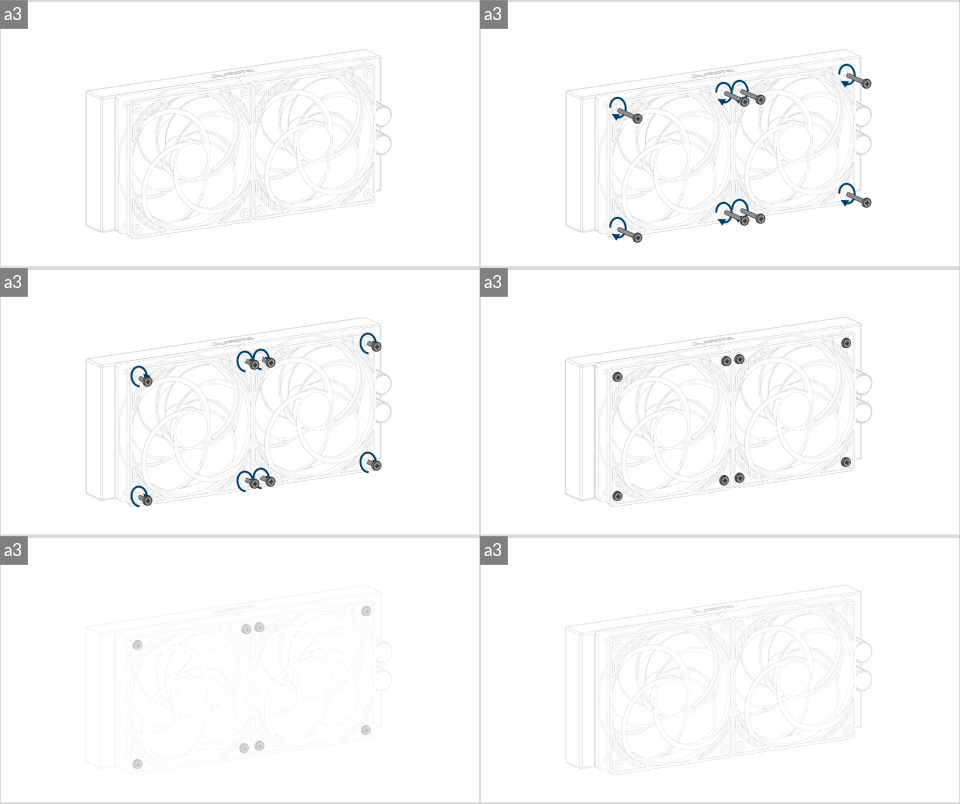
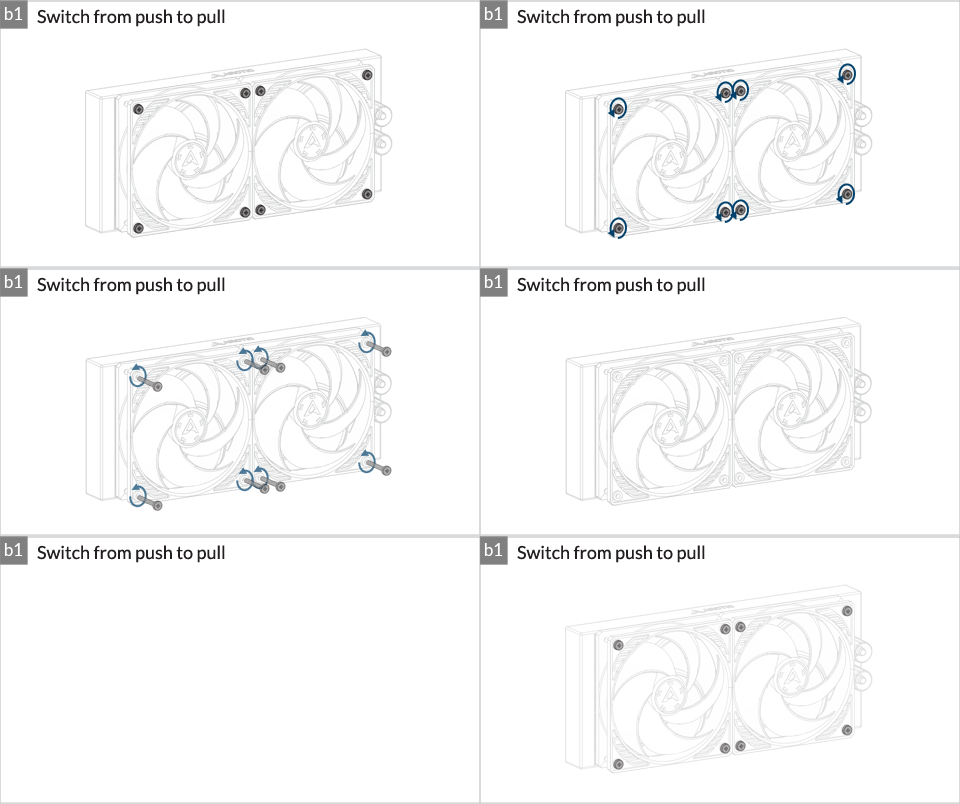
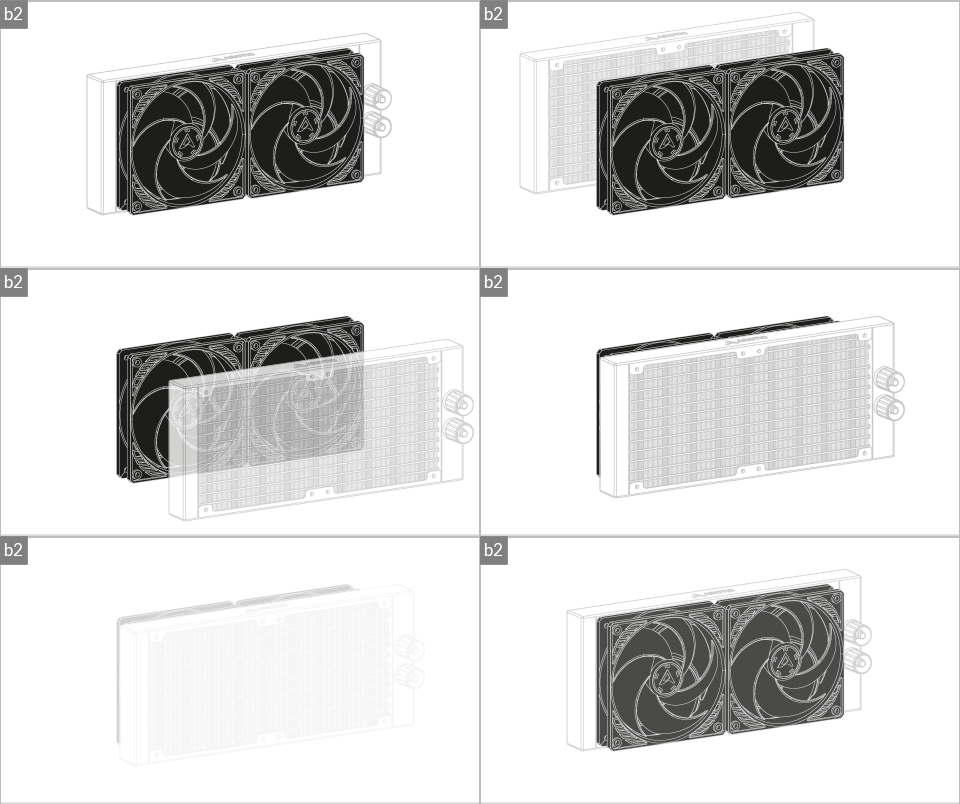
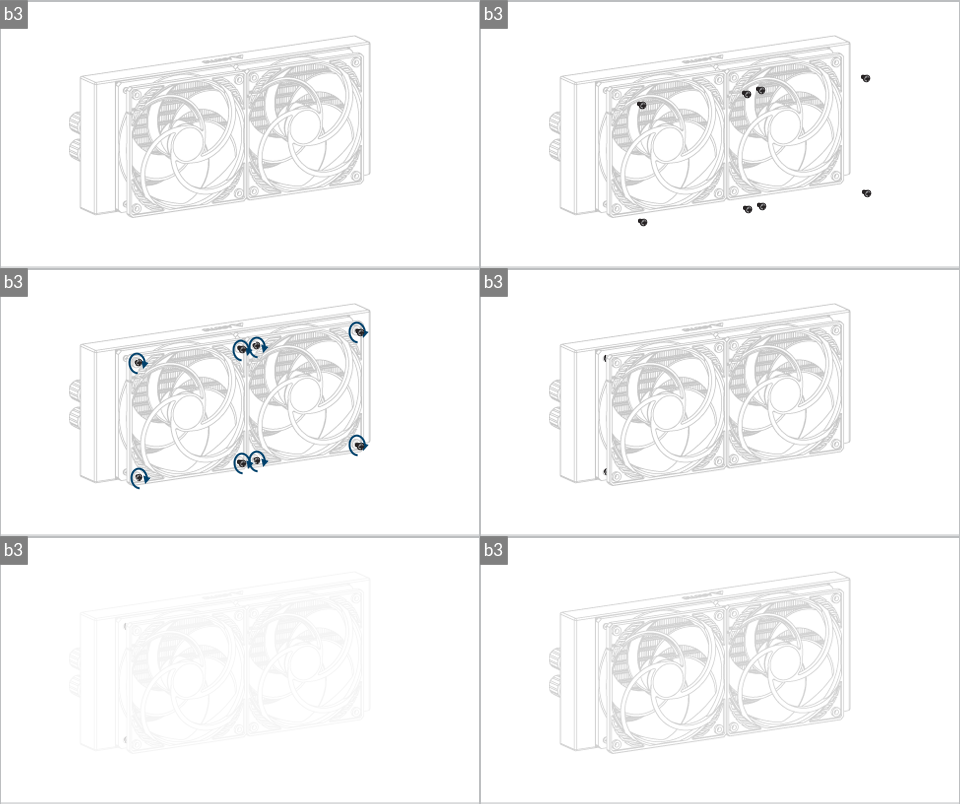
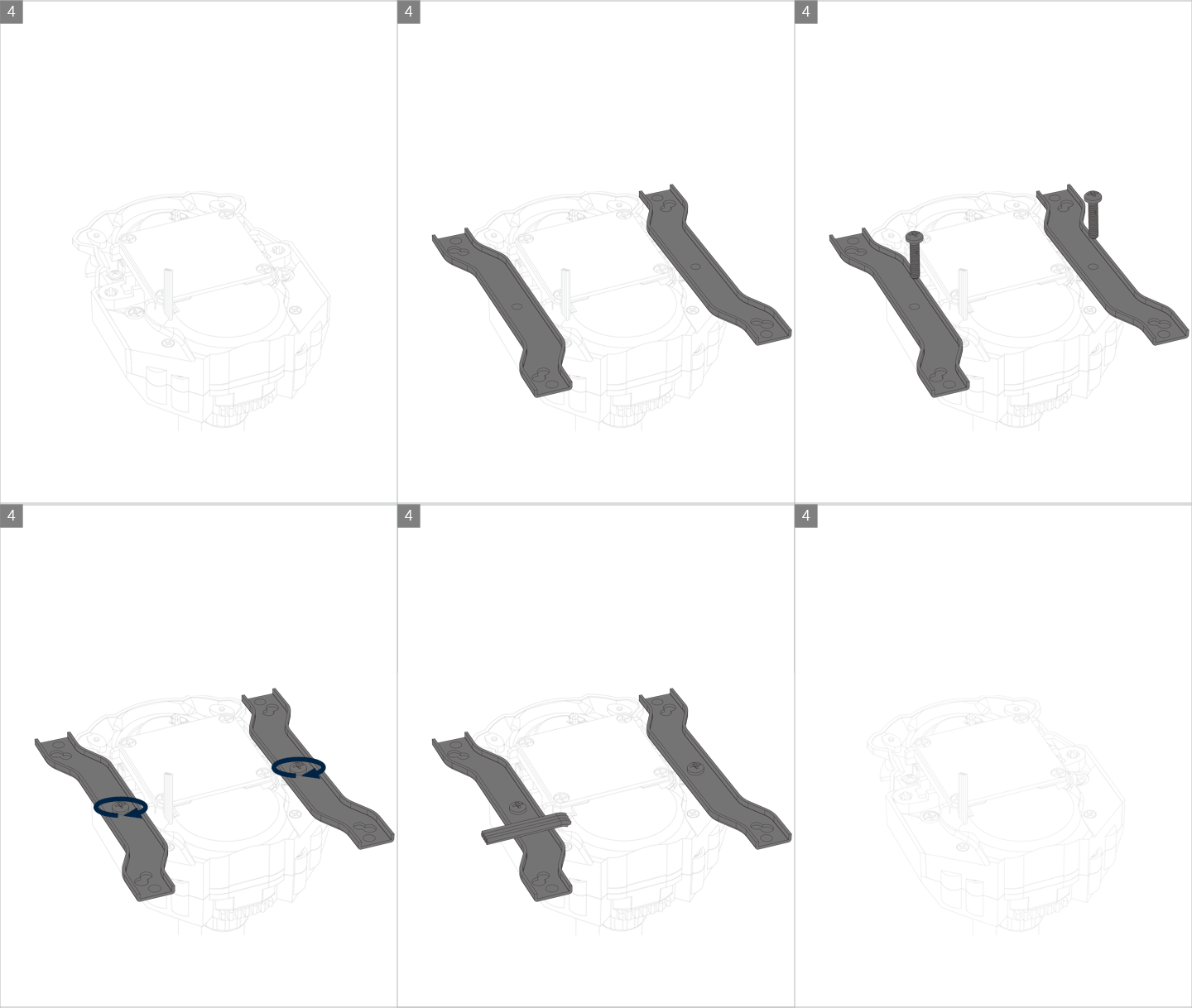
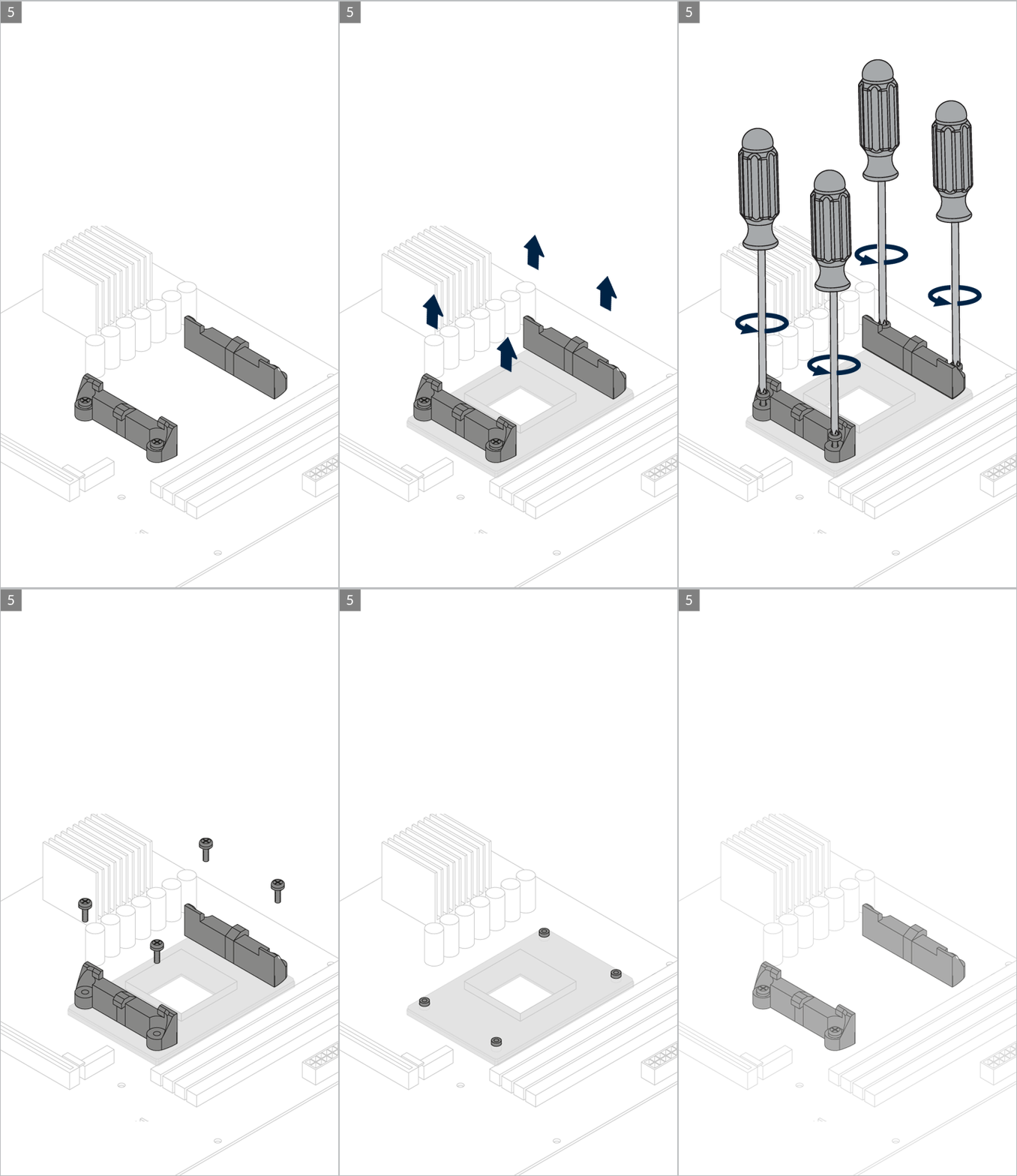
Installation
Motherboard Compatibility
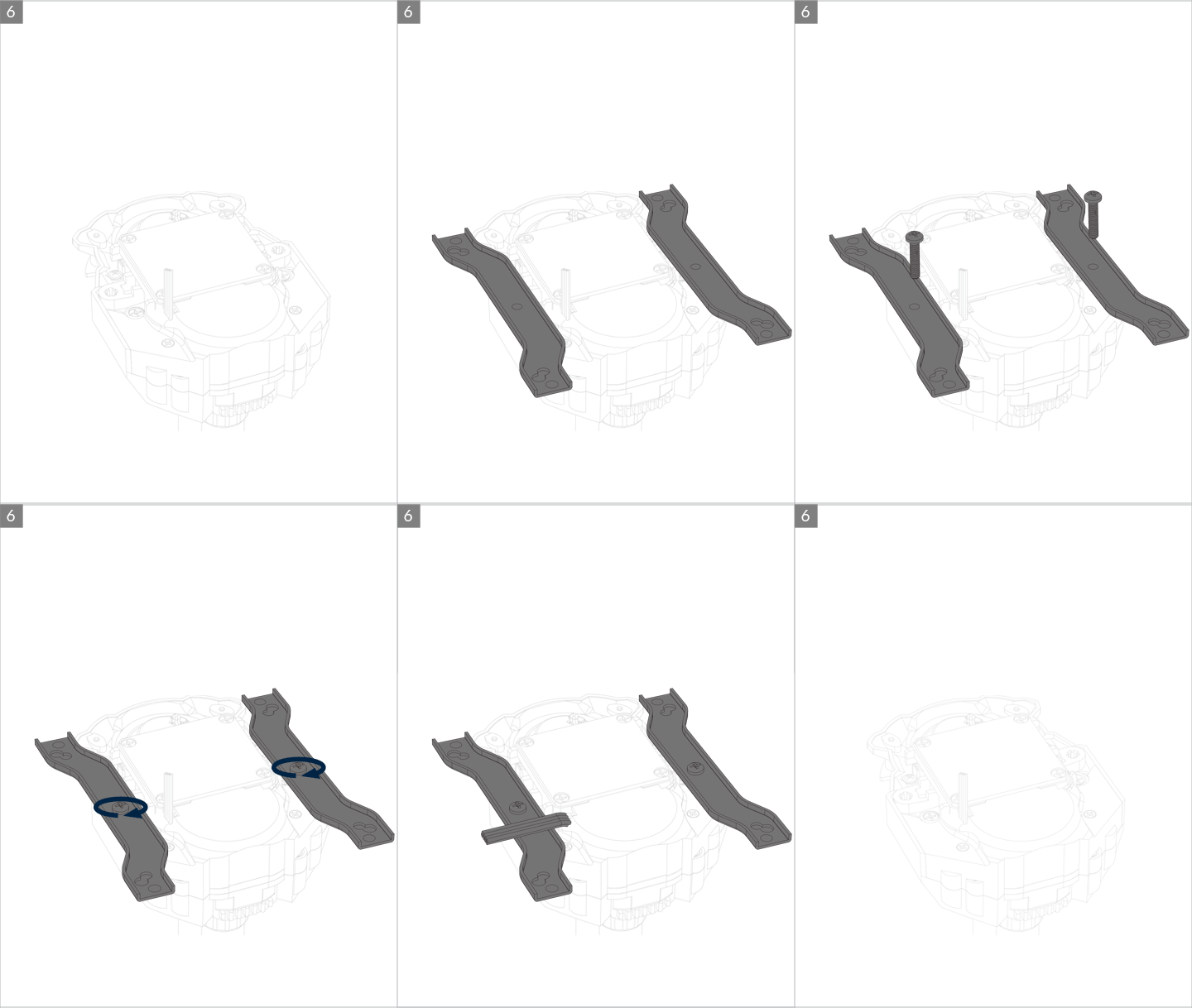
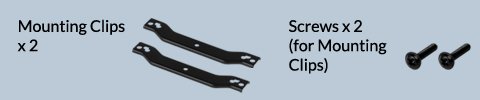
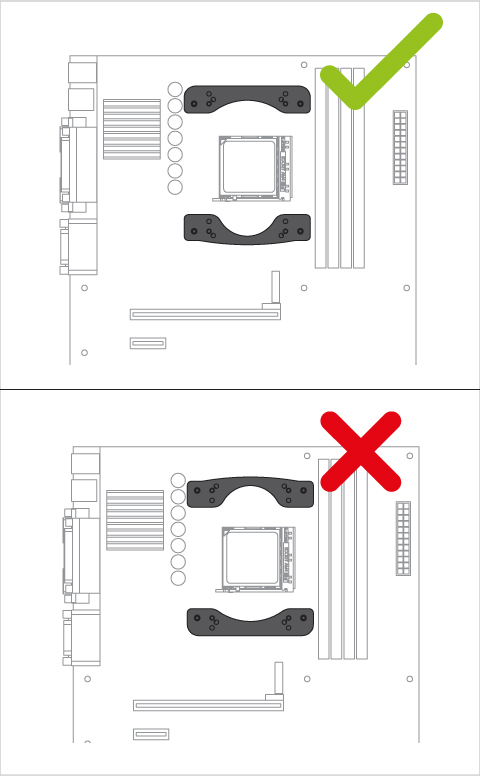
Some AMD AM4 motherboards are unfortunately not compatible with the offset mount for Ryzen 3000/5000 series. If the mounting clips collide with components surrounding the socket area, you need to assembly the cooler using the standard mounting without offset.
You can request adjusted mounting clips to ARCTIC using this request form.
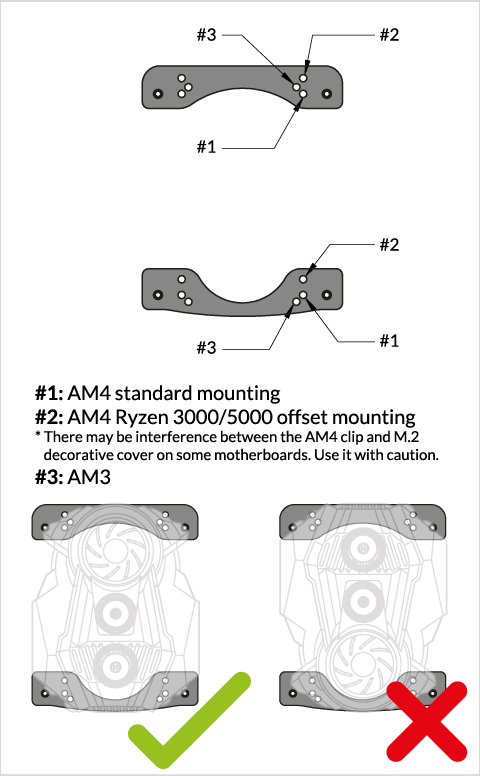
Contact ARCTIC Support if the AMD clips are not available on your product version.

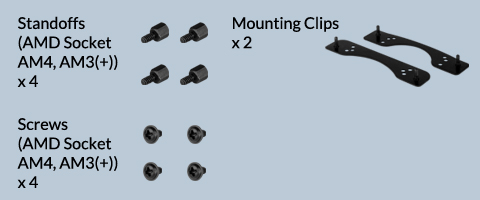
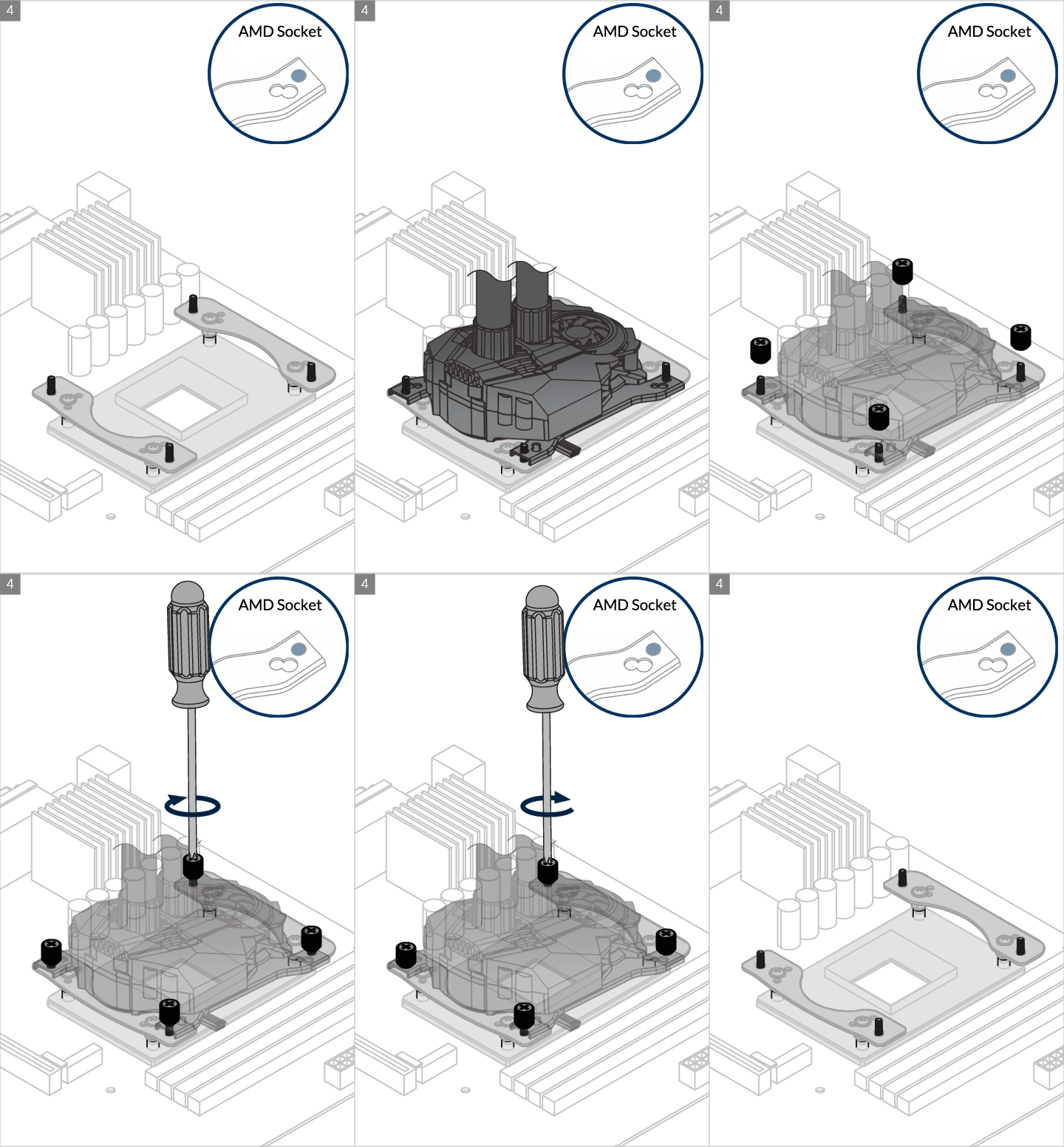
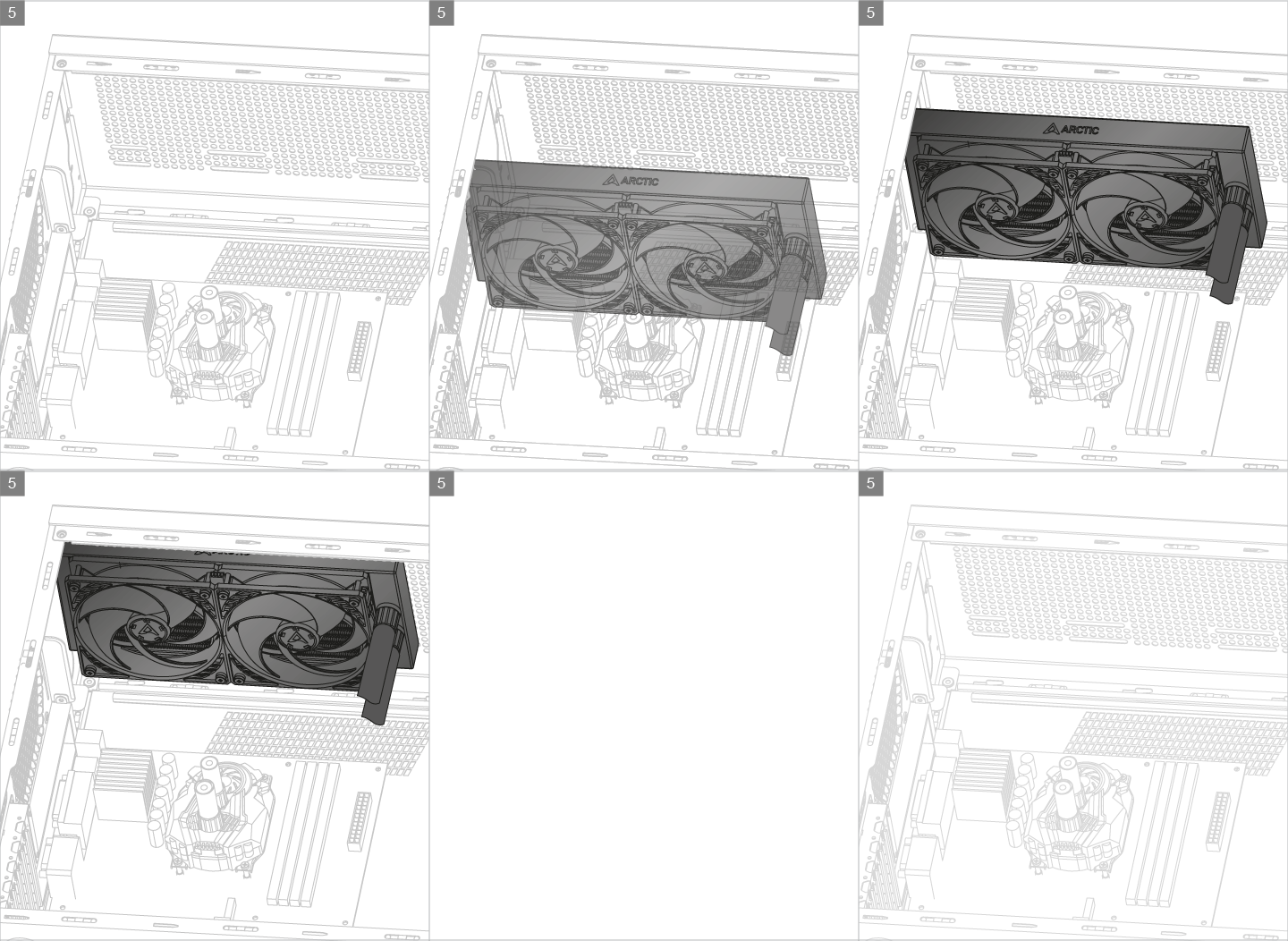
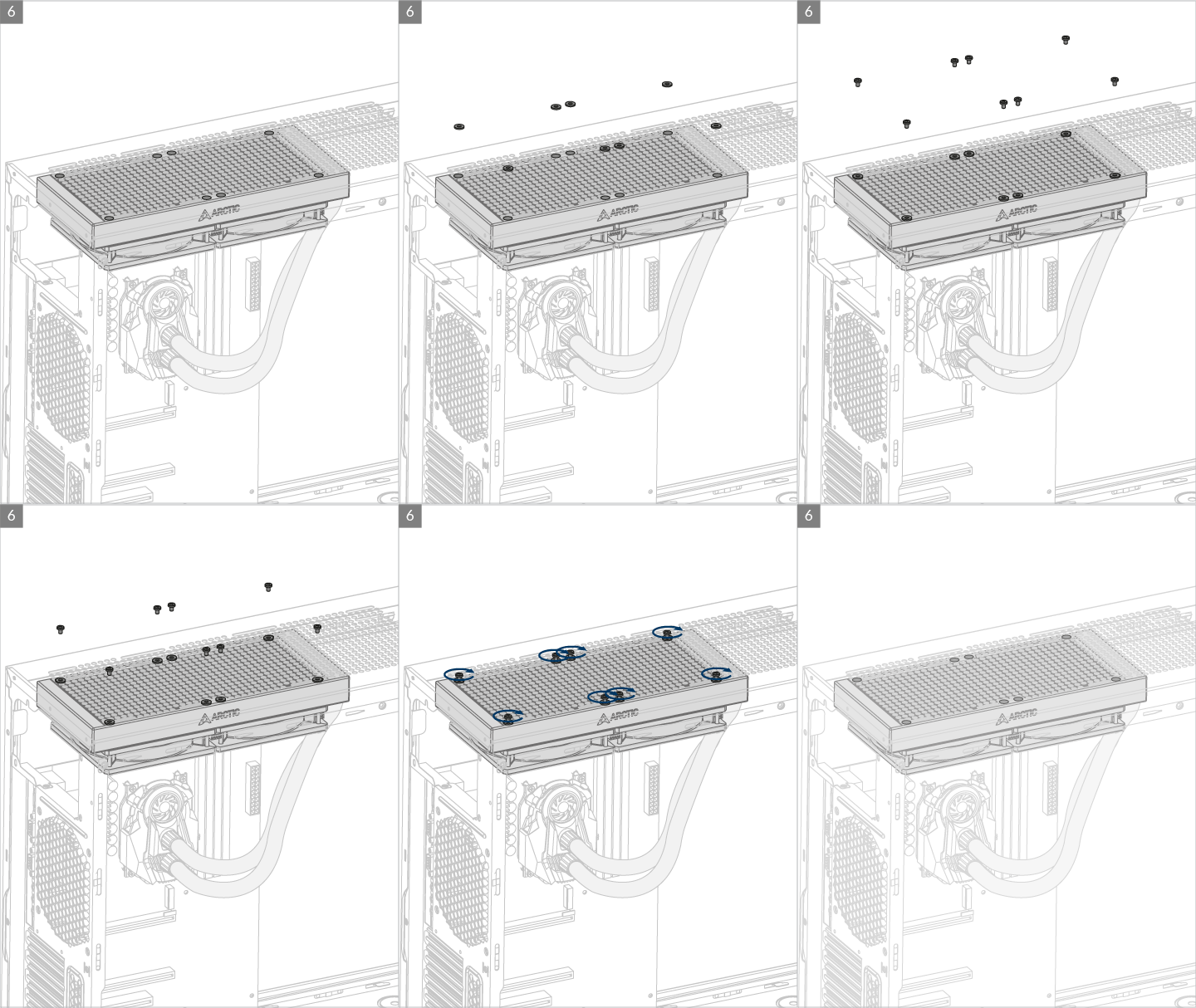
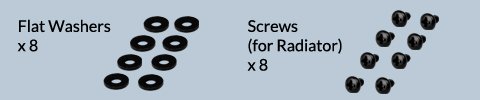
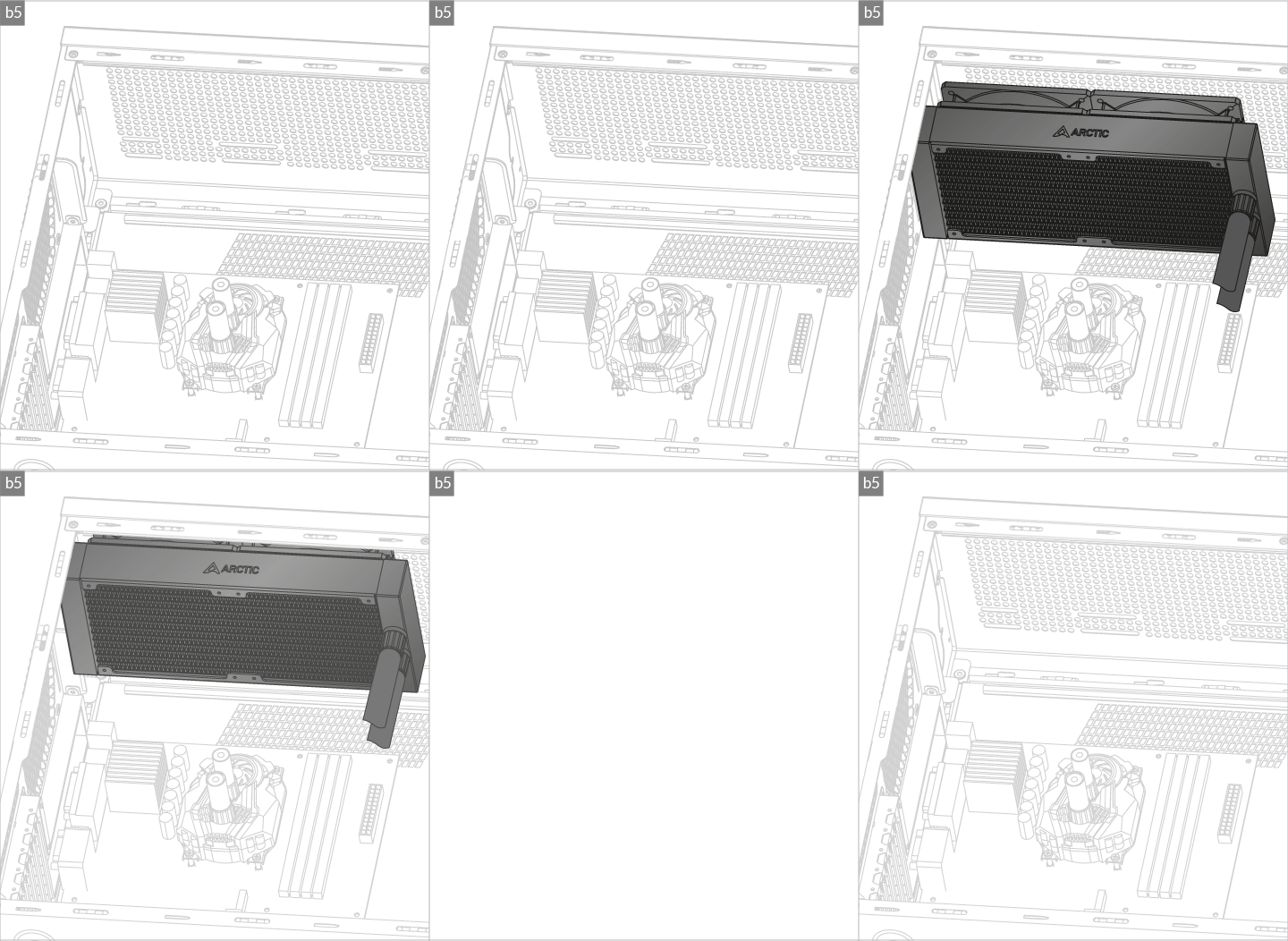
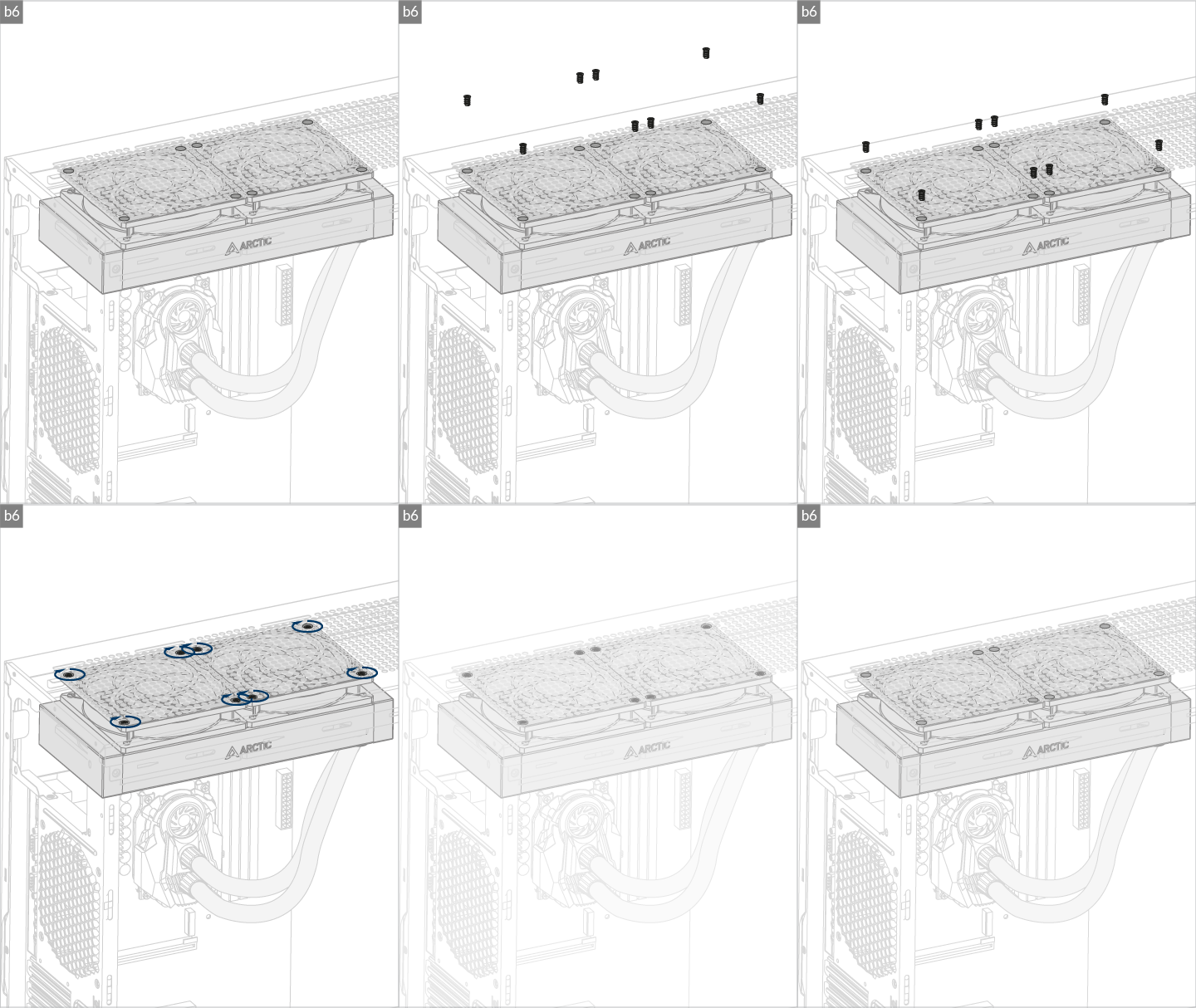
* Some mechanical interference with surrounding components may appear. The fan will not be controllable by PWM.
To get the best out of your cooler, it is recommended to adjust the fan speed control in the BIOS, follow this guide to adjust your PWM.
Watch Video
Produtos recomendados